
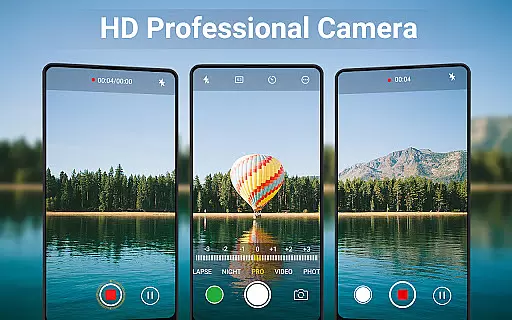
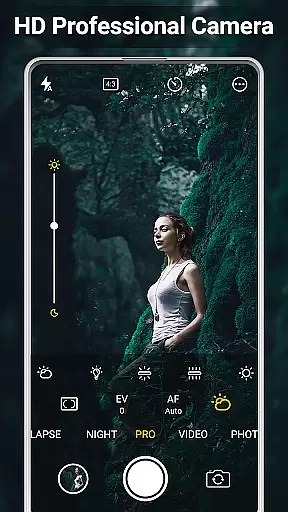
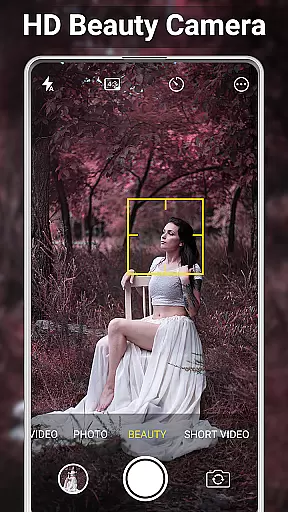
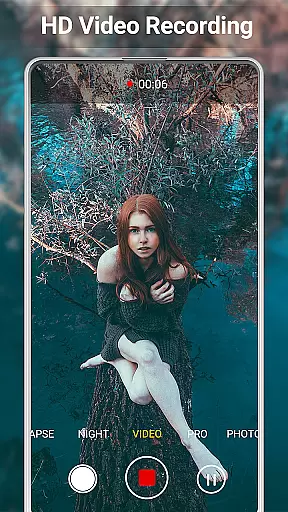
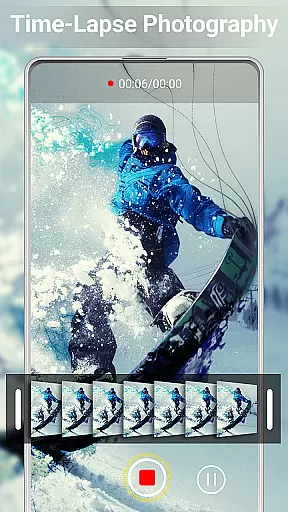
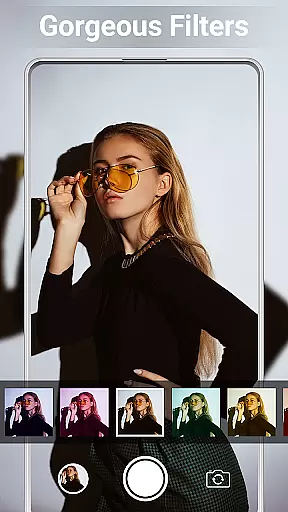
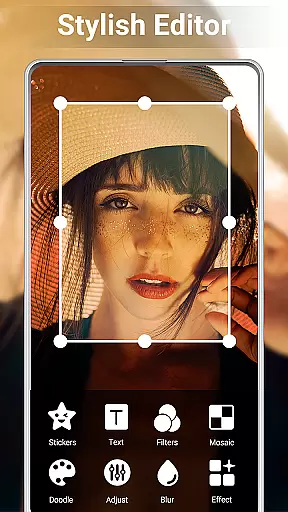
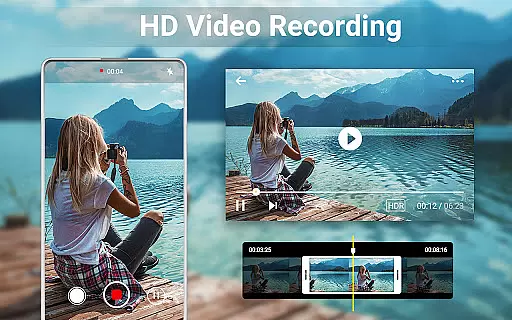
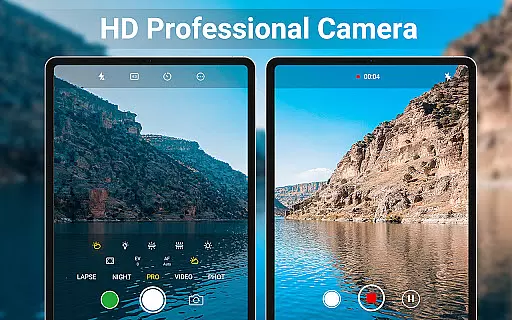
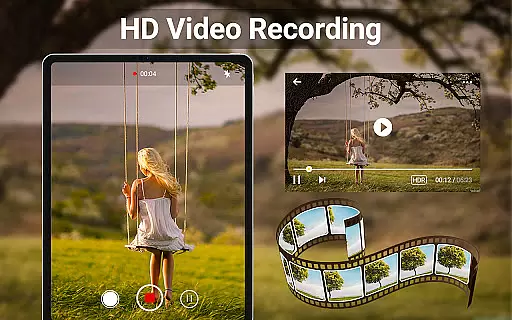
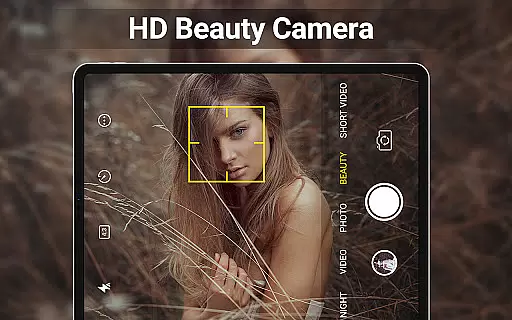
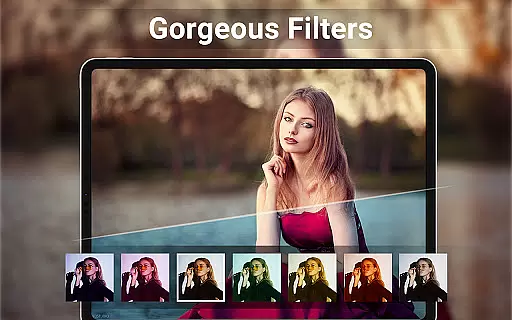
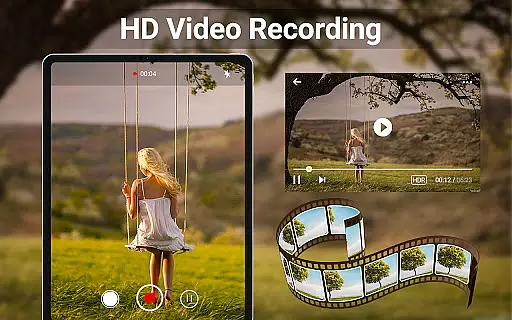
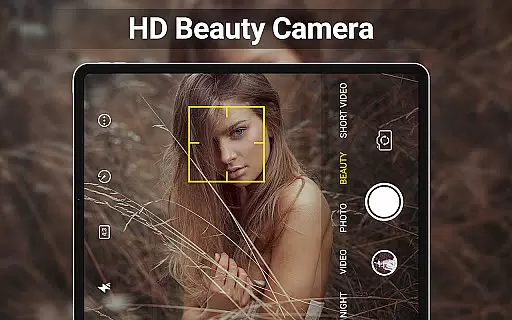
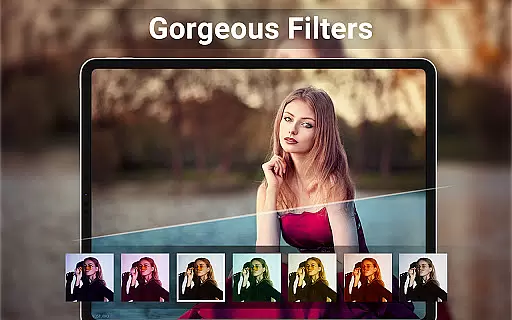
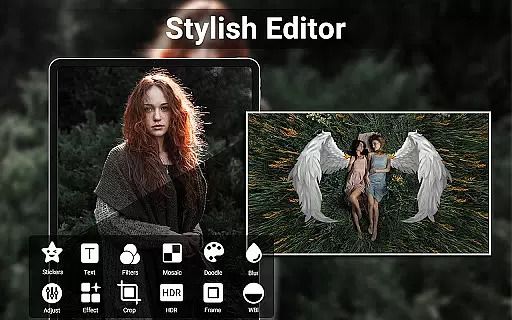
HD Camera for Android is a feature-rich beauty camera app designed to help users capture stunning 4K quality photos and videos. The app offers professional-grade functionalities including advanced face detection, real-time filters, and precise manual controls for exposure, ISO, and white balance. Whether you're taking selfies or recording short videos, this app ensures exceptional image quality through its intelligent stabilization and scene optimization features.
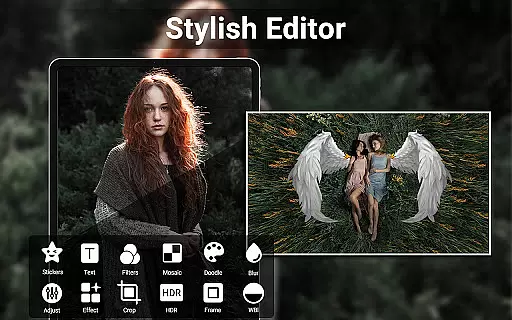
Beyond just capturing moments, HD Camera provides powerful editing tools that allow users to enhance their photos with adjustments like brightness, contrast, and vignette effects. It also includes creative options such as photo collages and video trimming, making it easy to produce content ready for social media sharing. With additional features like HDR support, geotagging, and timestamping, this app caters to both casual photographers and more demanding users who need detailed control over their photography experience.
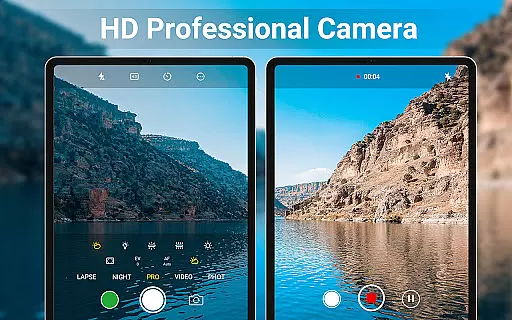
One of the standout aspects of HD Camera is its comprehensive set of professional capture modes. Users can access scene modes, color effects, and advanced settings like exposure compensation and white balance adjustment. These features ensure that every photo taken meets high-quality standards regardless of lighting conditions or environment.
The app also excels in providing creative tools for post-processing. Its built-in photo editor allows users to fine-tune images by adjusting parameters such as brightness, fade, and temperature. Additionally, the collage maker lets users combine multiple pictures into visually appealing layouts. For video enthusiasts, the ability to trim clips directly within the app streamlines the editing process significantly.
Other notable features include intelligent face detection, auto-stabilization, and real-time filter previews. The inclusion of practical utilities like an optional shutter sound toggle, save path customization, and GPS tagging further enhances the overall user experience. This combination of robust functionality and creative freedom makes HD Camera an excellent choice for anyone looking to elevate their mobile photography game.
When it comes to beauty and photography applications, having a comprehensive product database is essential for user satisfaction. HD Camera for Android offers an extensive array of features that cater to both amateur and professional photographers alike. The app includes advanced functionalities such as 4K video recording, professional capture modes, and real-time filters that allow users to preview effects before capturing their photos or videos.
The depth of the product database within HD Camera ensures that every feature is accompanied by detailed information and settings. Users can explore various scene modes, color effects, white balance adjustments, ISO settings, and exposure compensation options. This level of detail empowers users to understand how each setting can impact their final image or video output, providing them with the tools needed to create high-quality content.
Moreover, the application goes beyond just capturing images by offering editing capabilities. With its built-in photo editor, users can adjust brightness, contrast, vignette, fade, and temperature levels. Additionally, the collage maker and video trimming features add another layer of versatility to the app's offerings. These in-depth options ensure that users have everything they need at their fingertips to produce stunning visuals without requiring additional software.
Personalization is key in todayu2019s digital age where users expect tailored experiences from their apps. HD Camera for Android excels in delivering precise personalization options that enhance user engagement and satisfaction. By leveraging intelligent face detection and auto-stabilization technologies, this app ensures that every selfie or video taken is optimized for quality and clarity.
In addition to smart technology integration, HD Camera provides customizable settings that allow users to fine-tune their experience according to their preferences. From adjusting camera parameters like ISO, exposure compensation, and white balance to selecting from a variety of real-time filters, users have complete control over how their photos and videos look. This precision in personalization enables users to express their creativity while maintaining professional-grade results.
Furthermore, the app supports advanced features such as HDR, quick snap, continuous shooting, and geotagging, which further enhance the personalized experience. Users can also apply timestamps, location coordinates, and custom text to their photos, making each piece uniquely theirs. With these robust personalization capabilities, HD Camera stands out as a top choice for those seeking a versatile and adaptable photography tool on their Android devices.
User-friendly interface
Advanced manual controls
Real-time filter effects
Powerful editing tools
Supports 4K video
No RAW format support
Limited free features
Occasional ads
Heavy on storage
Drains battery fast

Blushify is a beauty camera for makeup, face editing, and glowing selfies!
 4.70
4.70
Professional HD Camera App: Capture Bright HD Selfie & Record Stunning Moments
4.40
Your future self face age old or young from camera selfie into beautify videos
4.5
Create, design and dress up your own beautiful characters in cute fashion styles
3.50
AI Stylist, Try On Millions Of Clothes In Any Brand & Style, AI Clothes Changer
4.70
Beauty Camera & Selfie Camera snap Beauty selfie with filter, makeup, stickers
4.80
Mirror app that shows your image with photo editor, zoom and light!
4.70
Book your appointments
4.90
Top brand haircare & fragrance
4.60
Enhance your selfies with face beauty makeup tool and an easy background remover
4.70
Beauty camera & Selfie camera for perfect selfie with filter, sticker, makeup
4.70
Selfiechat Filters for amazing photos with Funny face filters
4.60
Unleash your (Pro)tential with the hottest hair, nails and beauty brands!
4.60
Beauty Camera AI Photo Editor with effect, filter, makeup tools for photo editor
4.30
Shop Smarter, Dress Better, and Shine Brighter!
4.10
Try on different hairstyles and hair colors, glasses and jackets | Cartoon face
4.10
Snap stunning selfies with AI from the Sweet Beauty Camera editor
4.10
Enhance Your Look with Face Analysis, Hair Style Changer, Beauty Score, Rating
3.90
Your Personal Stylist for Smart Shopping, Beauty & Styling Outfits.
4.4


User Reviews