
This application is for the Luvme Hair official website: shop.luvmehair.com .
 4.30
4.30
Glow up with science: cosmetics, ingredients scanner, tracking & face analysis
4.10
Winter picture editor: Christmas stickers, frames for photos & Christmas cards.
4.40
Shop Smarter, Dress Better, and Shine Brighter!
4.10
Seasonal color palettes for shopping clothes and makeup products with confidence
4.20
Edit Your Photos and Videos with Beauty Filters & Get Makeup Artist Tutorials
3.60
The all new Cosmo Prof app offers exclusive pro products, deals, and training.
4.00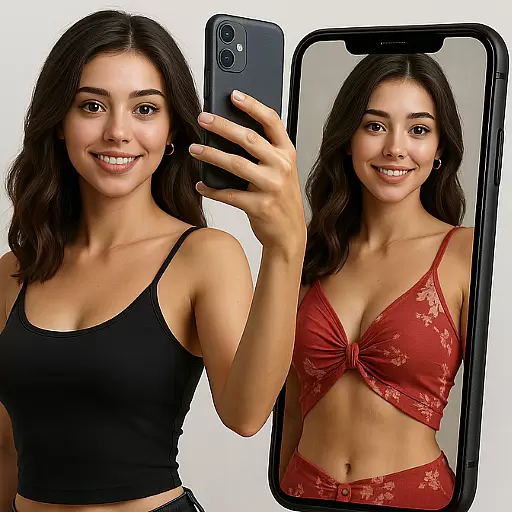
Try On Style with AI: Virtual Dressing Room & Personal Fashion Stylist App
4.00
Beauty Camera & Selfie Camera snap Beauty selfie with filter, makeup, stickers
4.80
Book your appointments
4.90
Get Smart About Your Skin with Fully Personalized Beauty Tech!
4.80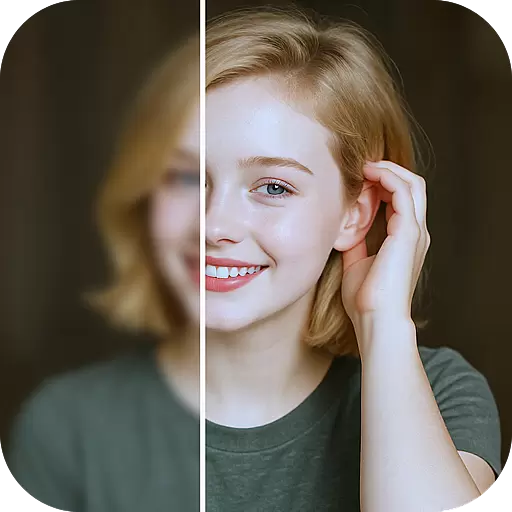
Photo enhancer 360, image enhancement, restore old photos, colorize photo ai
4.70
Enhance your selfies with face beauty makeup tool and an easy background remover
4.70
Manage your daily skin care beauty regimen & track your skin's progress.
4.70
AI Stylist, Try On Millions Of Clothes In Any Brand & Style, AI Clothes Changer
4.70
The ultimate beauty membership
4.70
Hair style app, Face shape finder, Face shape, Hair style, Face shape detector
4.30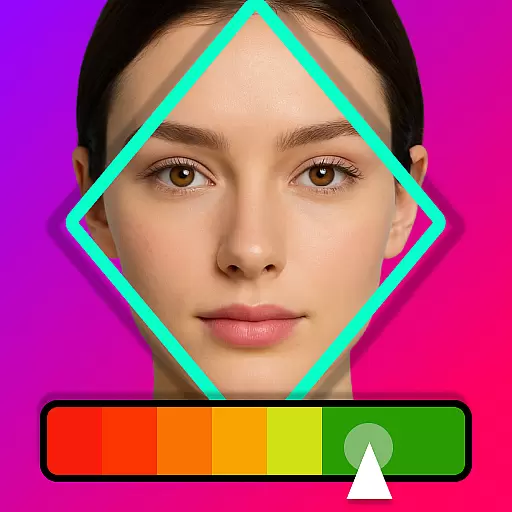
Enhance Your Look with Face Analysis, Hair Style Changer, Beauty Score, Rating
3.90
Change your hairstyle and color instantly with AI-powered virtual makeovers.
3.90


