

Easy telehealth appointments + urgent care
 4.70
4.70
Enables quick access to medical data and contacts in case of emergency (ICE)
4.70
Take your aphasia therapy to the next level with 4 evidence-based advanced apps
4.70
Coaches you through labour using hypnobirthing techniques & tracks contractions
4.70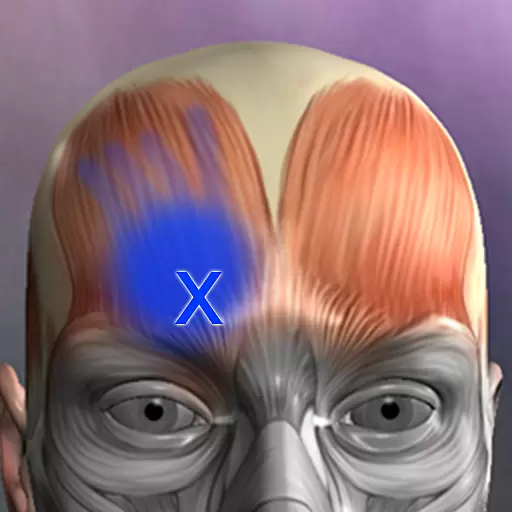
Discover the source of pain with Muscle Trigger Point Anatomy.
4.70
Pelvic Floor Muscle Exercises
4.80
Secure video appointments
4.50
The Client Portal app empowers you to manage care from one secure place
4.10
Online Doctors & Condition Management
4.40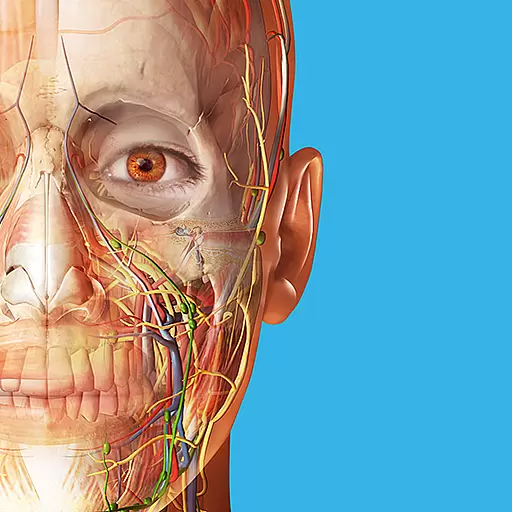
A comprehensive 3D atlas of the human body
4.80
Be more confident prescribing homeopathy at home for your family.
4.80
Leafly is a weed app for finding dispensaries, cannabis strains, & more.
4.70
Amplify surrounding sounds, conversations, TV or lectures for louder hearing.
4.70
Save up to 80% on your pharmacy prescriptions & medications with free Rx coupons
4.70
Health Care at Your Fingertips
4.60
Get your lab results on your smartphone with MyQuest.
4.40
Donating plasma just got easier with the BioLife Plasma Services mobile app.
3.90
Easy access to benefits and rewards
3.70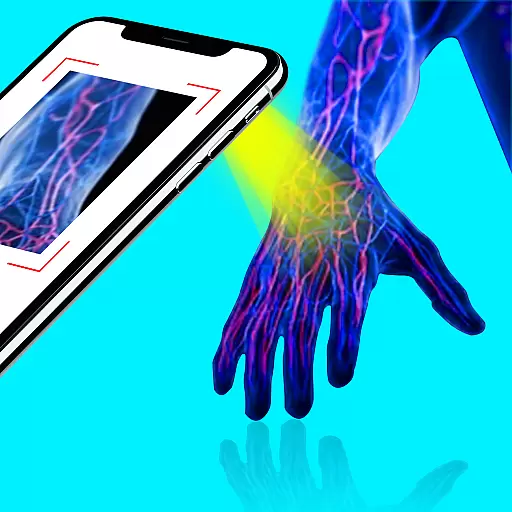
X-Vein: Advanced vein detection for medical practice
3.10


