
Paranormal EVP, Ghost Box, Spirit box, ITC, Haunted, Spirit communication device
 3.70
3.70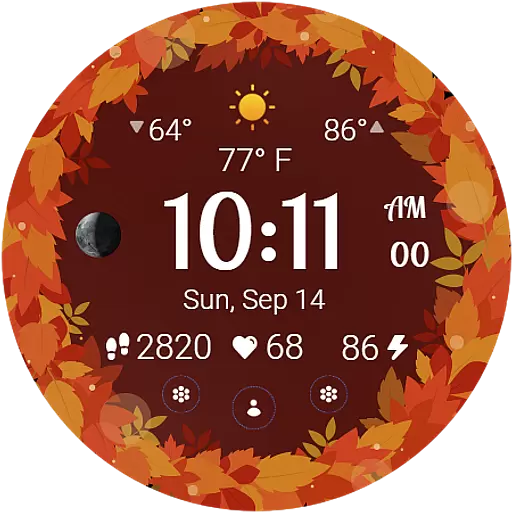
Bring the warm colors of fall directly to your wrist with Autumn Leaves!
4.1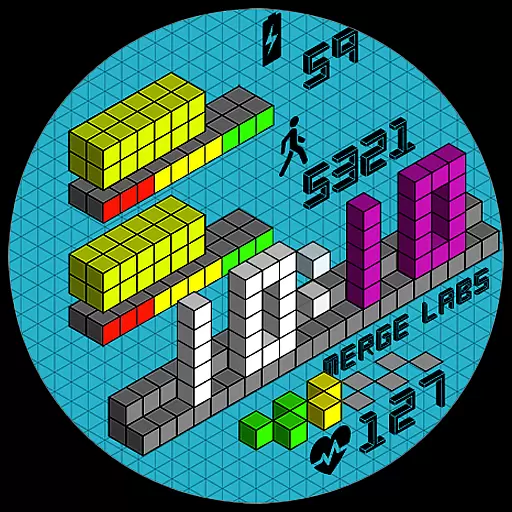
Unique "Isometric" style digital watch face for Wear OS
4.50
Paranormal Spirit Bell Trigger Device
4.30
Smart home security protection
3.20
My Diary - Daily Journal with lock: Diary journal app and secret diary with lock
4.80
Falling Fruit is a massive collaborative map of food in our cities.
3.20
PARAVOX 4 is a professional ITC paranormal research application.
4.50
Your store’s deals, where you are.
4.80
Get roadside help, discounts, travel tools & more — AAA is with you everywhere.
4.80
Countdown to Christmas 2025 with festive games & activities in a virtual village
4.80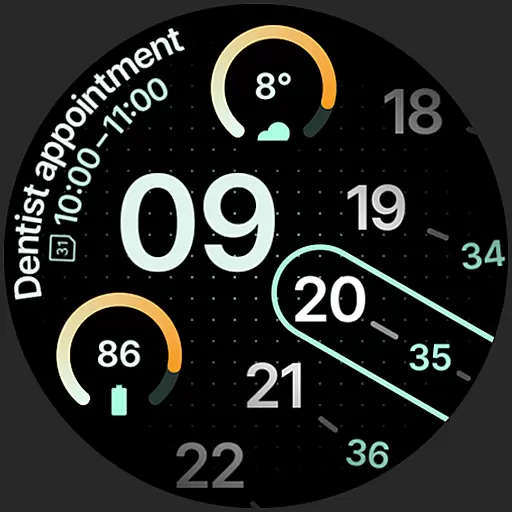
A unique and customizable watch face which rotates its layout every minute.
4.80
Made To Order Faves
4.70
Kasa Smart is your portal to your TP-LINK Smart Home.
4.70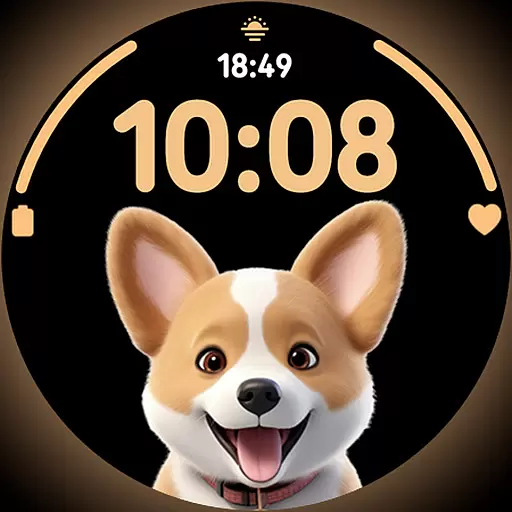
Cute Adorable Animals now on your wrist with our Wear OS watch face!
4.40
SmartHQ: Your Connected Home Command Center
4.10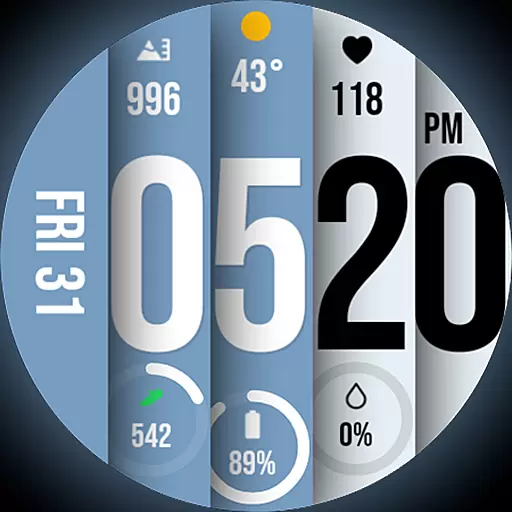
Unique BIG BOLD TIME with amazing colors and customisations.
3.70
Design and brew great homebrewing beer, mead, cider and wine recipes on the go!
3.60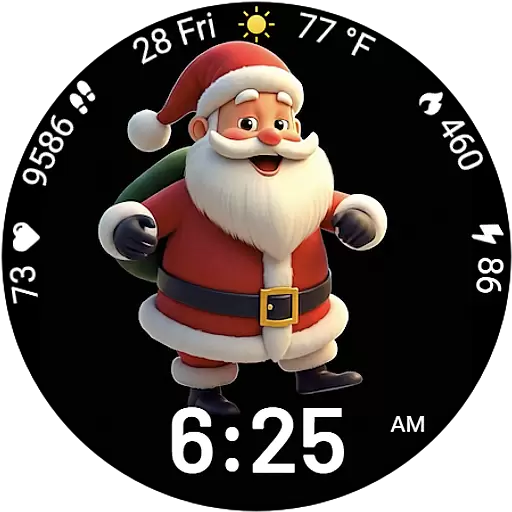
Designed to delight, impress and energize your festive spirit every single day
4.5


