
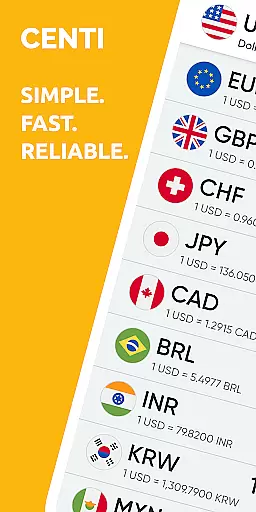
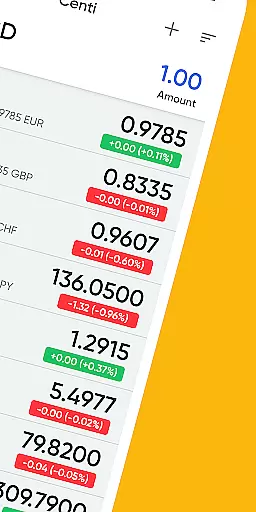
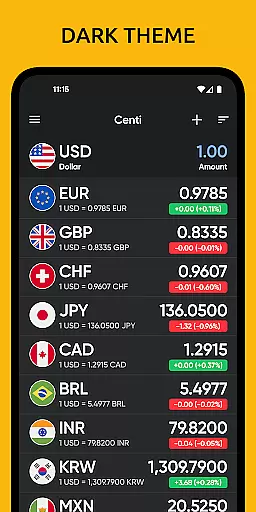
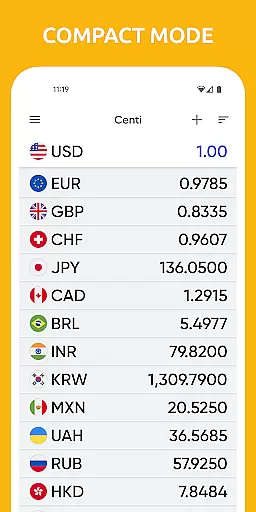
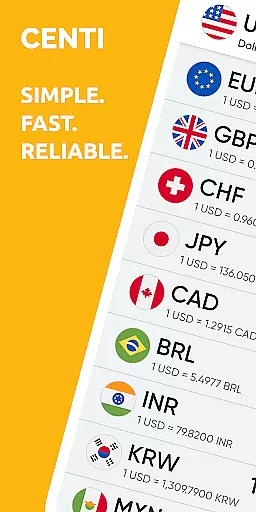
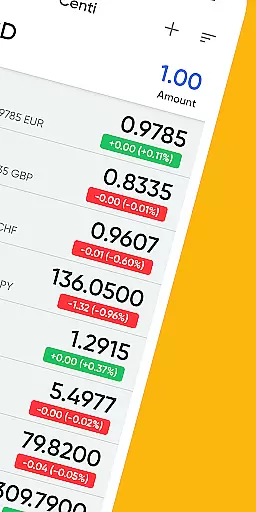
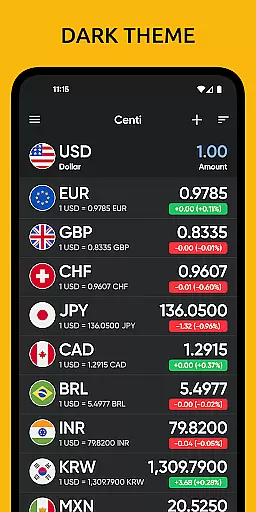
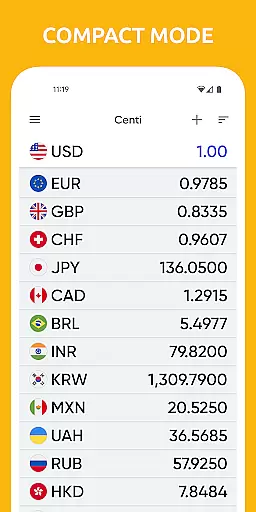
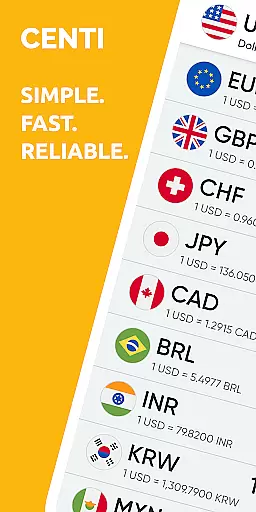
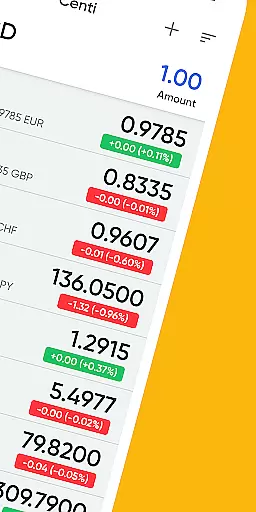
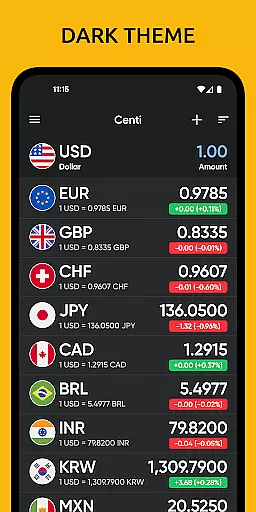
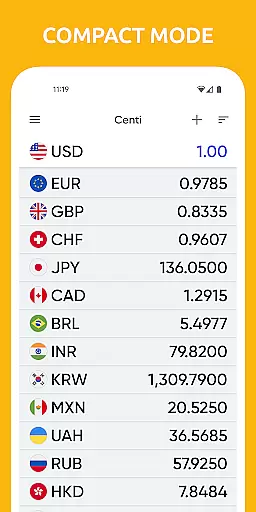
Centi PRO is a premium currency converter app that offers real-time exchange rate information for over 170 currencies and precious metals. Its ad-free interface provides travelers and forex traders with quick access to accurate conversion data, making it an essential tool for international trips or market monitoring.
The application stands out with its customizable features such as personalized currency creation, offline functionality, and historical charts ranging from 1-day to 5-year views. With Yahoo! Finance API integration, Centi ensures reliable rates trusted by millions worldwide while optimizing battery use through on-demand data downloads.
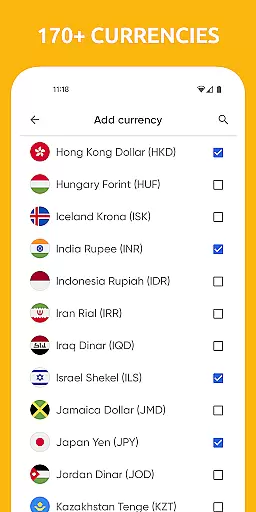
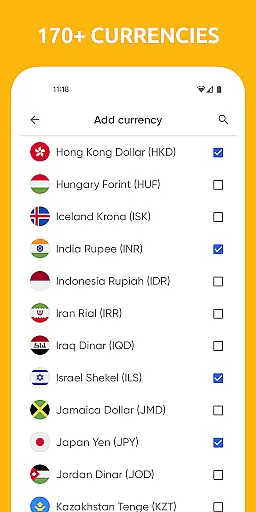
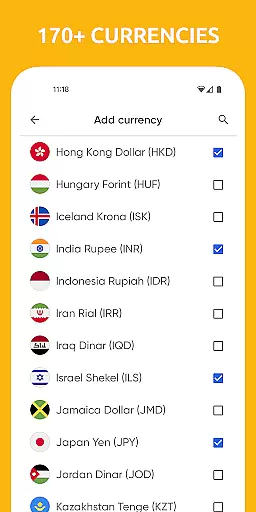
Centi PRO boasts an impressive array of features including the ability to convert over 170+ currencies with up-to-date exchange rates. Users can personalize their experience by creating custom currencies and setting preferences like Wi-Fi only updates or adjusting decimal displays.
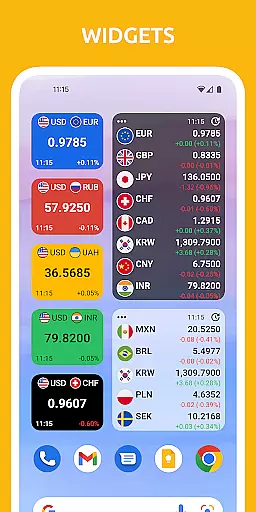
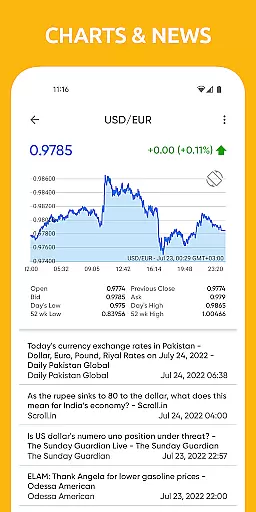
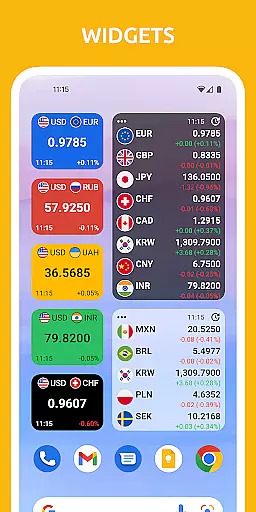
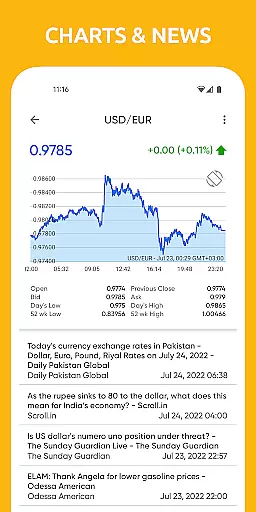
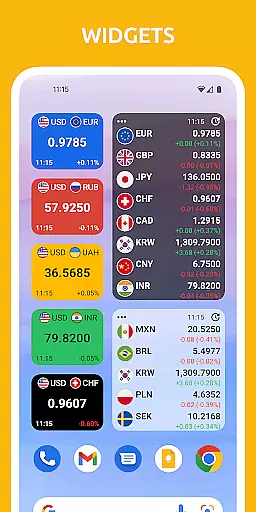
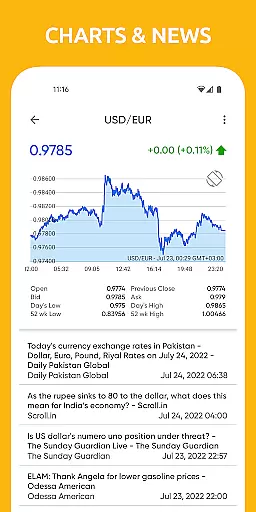
One of the standout functionalities is its offline capability which stores the last updated rates for use without an internet connection. Additionally, users can view detailed historical currency charts and add unlimited currencies to their list. The app also provides widgets and a simple copy function for calculation results, enhancing usability.
When it comes to financial applications, security is paramount. Centi PRO - Currency Converter ensures account and fund security through various measures designed to protect user data and privacy. The app provides a secure environment for managing currency conversions without compromising personal information.
The application employs optimal security protocols by avoiding background data downloads and services, which not only conserves battery life but also minimizes the risk of unauthorized access. With no background services running, the chances of data breaches are significantly reduced, offering users peace of mind when using the app for their currency conversion needs.
Furthermore, Centi PRO supports offline functionality, storing the last updated exchange rates locally on the device. This means that sensitive financial data isn't transmitted over the internet unnecessarily, enhancing user privacy. Users can be confident that their financial transactions and queries remain confidential and secure, even when accessing the app without an internet connection.
A seamless transaction experience is crucial for any finance-related app, and Centi PRO - Currency Converter excels in providing users with efficient and reliable service. The app's ability to convert over 170+ currencies with up-to-date exchange rate information ensures that users have access to accurate conversions whenever they need them.
One of the key features enhancing the transaction experience is the app's customizable settings. Users can personalize their preferences, such as setting Wi-Fi only data download or adjusting the frequency of rate updates. These options allow for a tailored experience that meets individual needs, whether it's for traveling abroad or monitoring foreign markets.
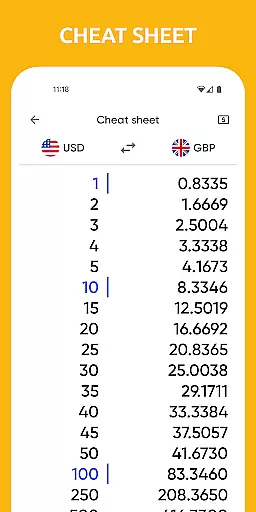
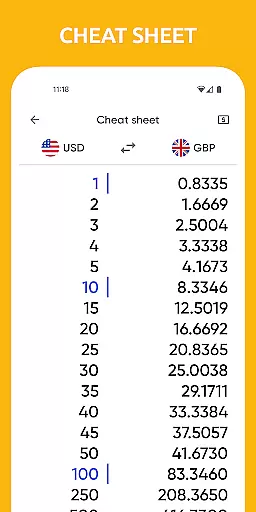
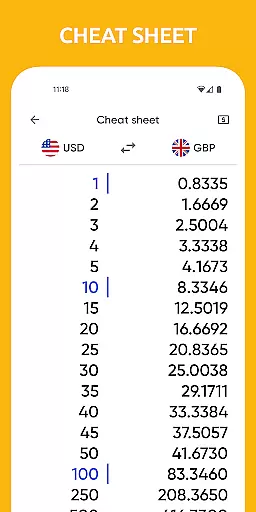
In addition, Centi PRO offers practical tools like widgets and historical currency charts, which contribute to a comprehensive transaction experience. The availability of these features means users can quickly access conversion data and view trends over time, making informed decisions about their financial transactions. With its user-friendly interface and robust functionality, Centi PRO delivers a top-notch transaction experience for all users.
Fast and accurate conversions
Offline mode available
Customizable settings
No ads or background services
Trusted exchange rates
Paid version only
Limited design options
No voice command support
Requires manual updates
Occasional data delays

BA Financial Calculator PRO – Perfect for CFA/FRM/CPA and finance professionals
 4.90
4.90
Early payday cash advance up to $150 a day with a max of $1,000 per pay period
4.70
Money transfer made easy. Send money to friends and family with great rates.
4.70
Managing your money just got easier. Get the new Mobile app.
4.70
Manage and cancel subscriptions, lower bills, track expenses, create budgets.
4.60
Manage your credit card account with the Credit One Bank mobile app.
4.70
“Money Manager” is an optimized application for personal asset management.
4.70
Cash Advance, Credit Cards, Credit Lines, Score Monitoring, Saving, Budgeting
4.70
Trade NFL, NBA, Crypto, Tech
4.50
Manage your Discover account conveniently from anywhere.
4.80
All expenses at a glance.
4.80
Join 12M+ users. Instant cash advances, personal loans, build credit, save money
4.80
Wells Fargo Mobile allows you to access your investment and bank accounts.
4.80
Pay rent on your schedule.
4.70
Get 250$ Cash Advance to solve emergencies instantly in loan app called LendMe
4.70
Navigate your unique financial path confidently with help from Credit Karma.
4.70
Download the MySynchrony App to manage your accounts securely and conveniently!
4.60
Real-time tracking: Stocks, Indices, Futures, Commodities, ETF, & Funds prices.
4.60
StockTiles lets you view prices & charts of your favorite stock assets
2.30


User Reviews