
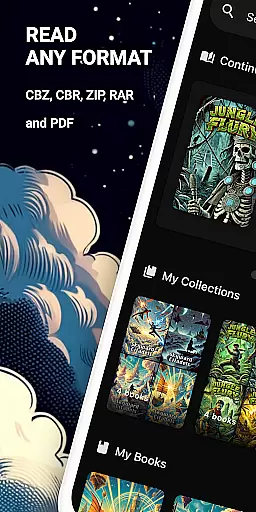
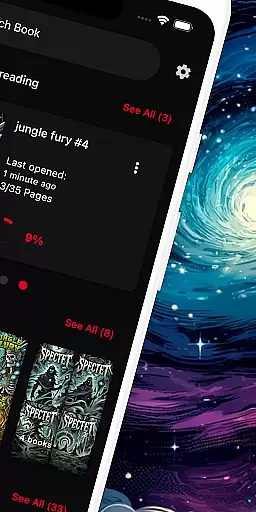
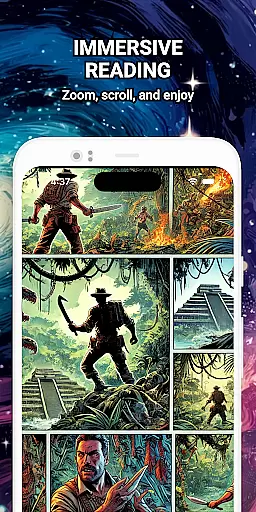
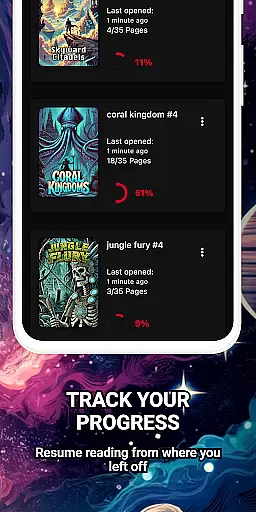
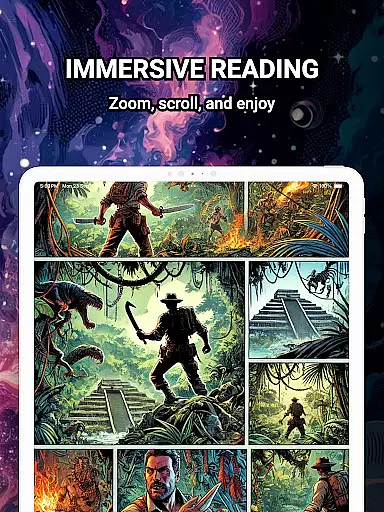
ComiQuest is a versatile comic reader app tailored for fans of CBR, CBZ, and PDF formats. It offers seamless navigation and smart library features, making it easy to manage and enjoy your entire comic collection in one place.
The app supports direct file imports from local storage or USB drives, ensuring effortless access to your comics. With automatic reading progress tracking and customizable collections, ComiQuest provides an organized and distraction-free reading experience.
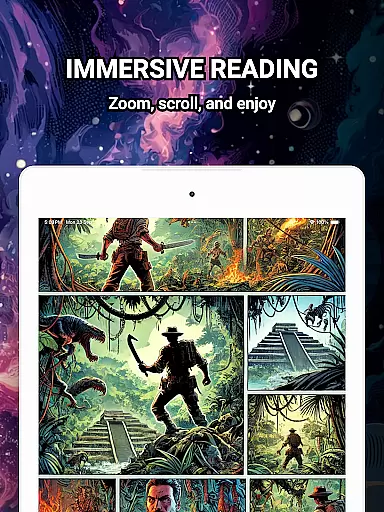
Whether you're into graphic novels, manga, or webtoons, ComiQuest's elegant design and practical features like the experimental blue light filter enhance your reading sessions while reducing eye strain.
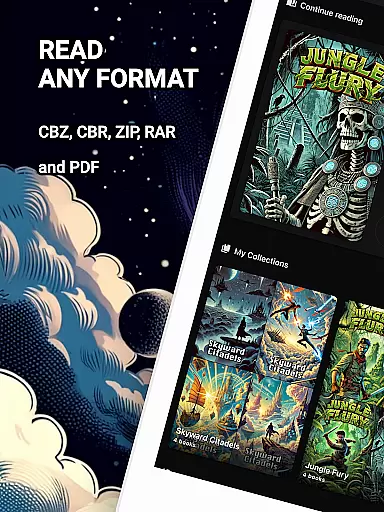
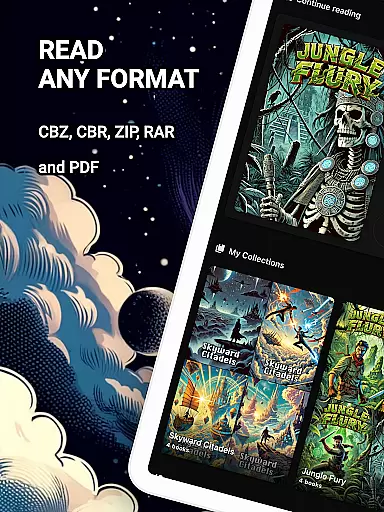
ComiQuest stands out with its comprehensive format support for CBR, CBZ, and PDF files, eliminating the need for conversion or additional apps. Its intuitive interface allows users to import comics directly from their storage devices, simplifying the reading process.
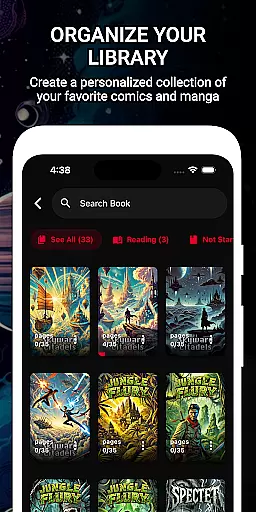
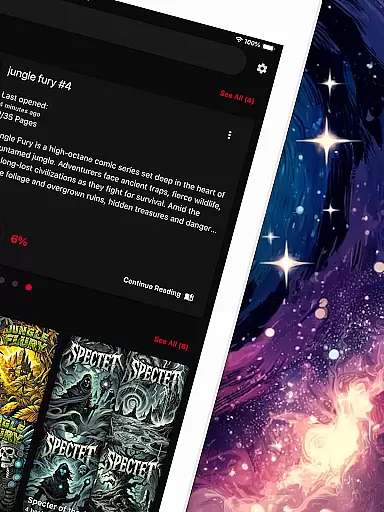
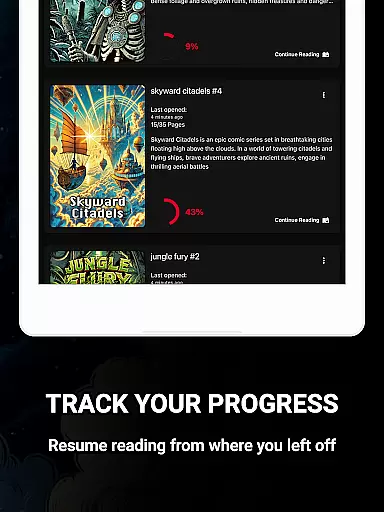
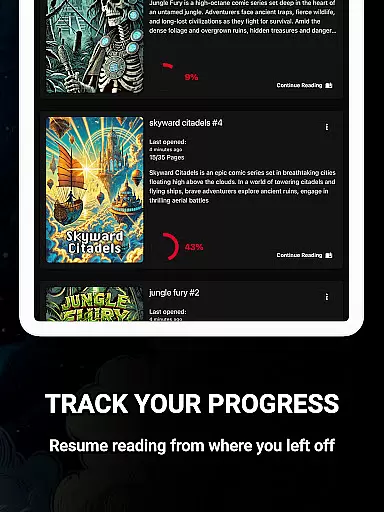
One of the app's key strengths is its ability to automatically save reading progress across all formats, allowing readers to pick up where they left off effortlessly. Additionally, the customizable collections feature helps users organize their libraries by genre, series, or any preferred category.
ComiQuest also prioritizes user comfort with its ad-free environment and experimental eye comfort mode, which reduces blue light exposure during extended reading sessions. For those seeking premium features, unlimited imports and continuous updates are available through a subscription plan.
ComiQuest offers an extensive comic library that supports multiple formats including CBR, CBZ, and PDF. This ensures that users can access a wide variety of comic books without the need for conversion or switching apps.
The app allows easy file access from local storage or USB drives, making it simple to import and manage your entire collection. Whether you're reading graphic novels, manga, or webtoons, ComiQuest recognizes and opens your files effortlessly.
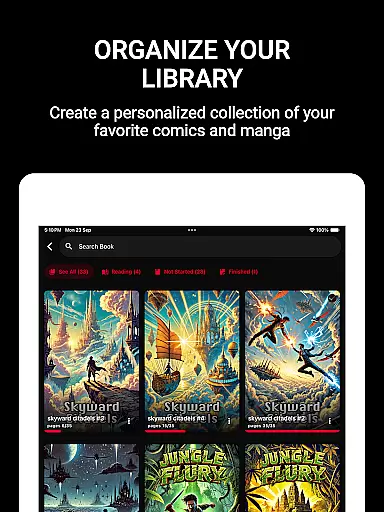
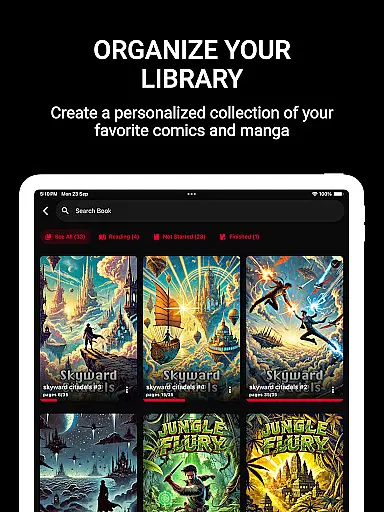
With the ability to sort comics into custom collections, users can organize their library to suit their preferences. This feature not only keeps your collection tidy but also enhances navigation, allowing you to dive into your favorite stories with ease.
ComiQuest places a strong emphasis on content authenticity and licensing by providing tools that ensure the comics you read are genuine and properly sourced. The app supports direct imports from your personal storage, ensuring that your collection remains authentic and unaltered.
While offering a powerful platform for comic enthusiasts, ComiQuest maintains a 100% ad-free reading experience, which underscores its commitment to delivering content in a clean and distraction-free environment. This approach respects both the creators and readers by focusing on legitimate access.
For users seeking additional features, a premium option is available that unlocks unlimited imports and custom collections, further supporting the developers and ensuring continuous updates and improvements to the app's functionality.
User-friendly interface
Automatic progress tracking
Customizable collections
Ad-free experience
Blue light filter
Premium features locked
Limited file formats
No cloud sync
Experimental filters
USB setup required

Follow your favorite manga and get notifications for new chapters!
 4.50
4.50
Anime TV App: Watch all anime online,anime tv subtitles online with big anime tv
3.80
Read manga, comics, and manhwa
4.2
Official digital-manga store. Quality translations that support artists.
3.10
The most powerful and fast image/comics viewer.
4.10
The pure application on the Manga SWAT website
4.80
Artists wanting to use decent hand reference on the go, this app is for you!
4.70
SQUARE ENIX's official Manga app!
4.40
The largest manga, comics, and manhwa community with millions of fans!
4.50
File management and show images, comics and pictures in compressed cbr, pdf file
4.70
See the newest comic book releases and manage your comic collection or pull list
4.70
Manga reader for manga, manhua, manhwa & webtoon, online & offline, update daily
4.50
Comic Book Identifier Value - Scan comics & prices. Your comic book price guide!
4.50
from HipComic: Value Your Comic Book Collection with Just the Snap of a Photo.
3.80
More fun from BOM! Hurry up and do the following self-test, if you meet more than one item, come and experience the brand new world of comics!
3.40
Create your personalized cartoon comic strips & comic books.
3.20
Hot-blooded / Romance / Science Fiction All themes, Smart Recommendation + HD Reading
3.10
You can create comics, manga and manwha using AI with Arcstory comic book maker
2.70
Goat sound simulator. This app makes for fun.
4.0


User Reviews