
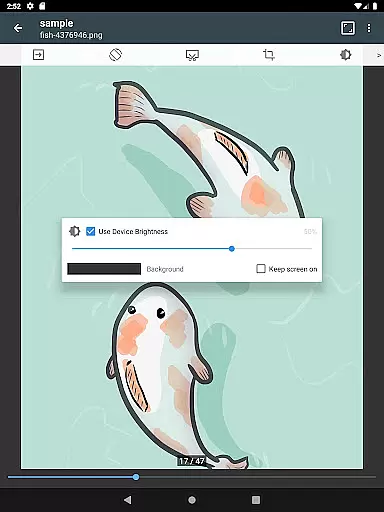
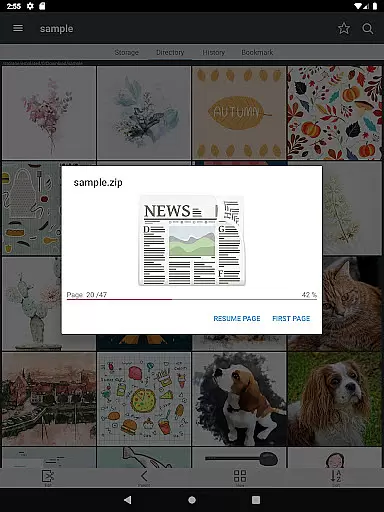
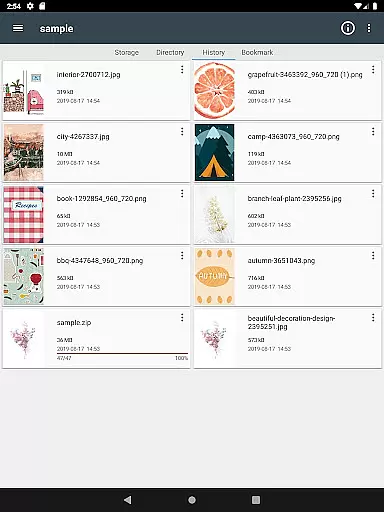
ComicScreen is a versatile comic reader and manager designed for comic enthusiasts. This application supports various compressed file formats including zip, rar, cbz, cbr, and pdf, making it easy to access your favorite comics in one place. With support for multiple image formats such as jpg, png, gif, bmp, tiff, webp, and avif, users can enjoy high-quality visuals without compatibility issues.
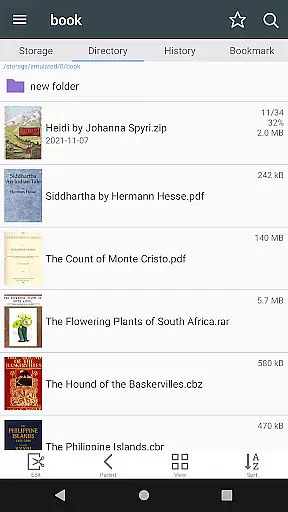
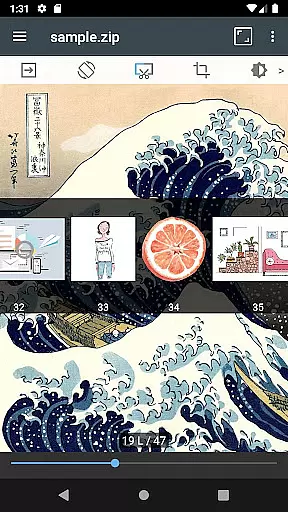
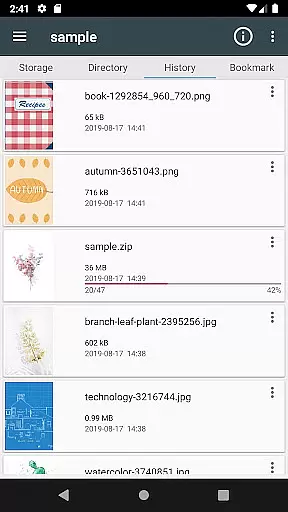
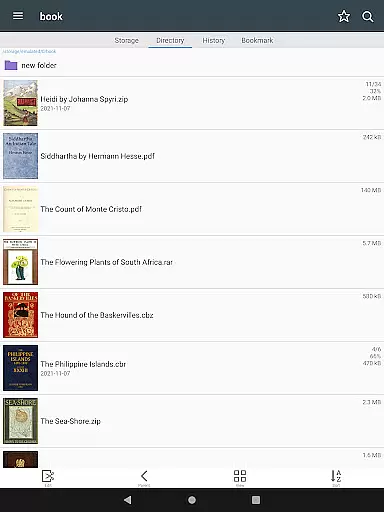
The app features an intuitive folder and file explorer that allows users to search, rename, and delete files effortlessly. Its advanced functionality extends to USB-OTG drive support, SMB, and FTP network capabilities, ensuring seamless access to your comic library across devices. ComicScreen's user-friendly interface offers smooth image scrolling, bookmark previews, and page move previews, enhancing the overall reading experience.
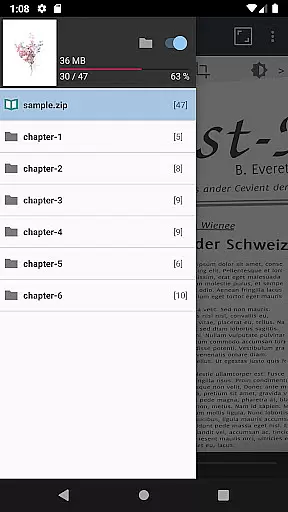
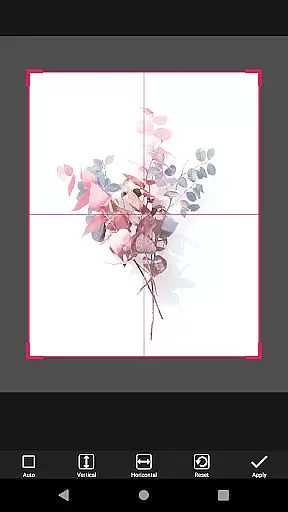
Whether you're at home or on the go, ComicScreen provides a comprehensive solution for managing and viewing your digital comic collection. The app's innovative features like automatic page resort, chapter drawer, and margin cutting ensure an optimal reading experience tailored to individual preferences.
ComicScreen stands out with its extensive feature set tailored for comic readers. One of its key strengths is the ability to handle various file types with ease. Users can open compressed files such as zip, rar, cbz, cbr, and pdf directly within the app, eliminating the need for external extraction tools. The support for diverse image formats including jpg, png, gif, bmp, tiff, webp, and avif ensures that all your comic files will display correctly.
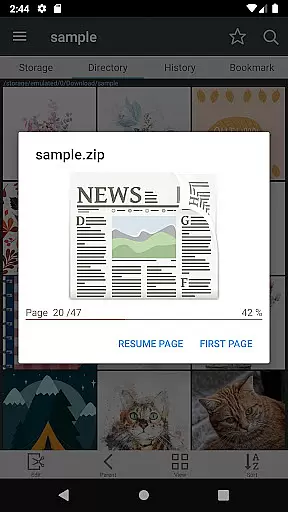
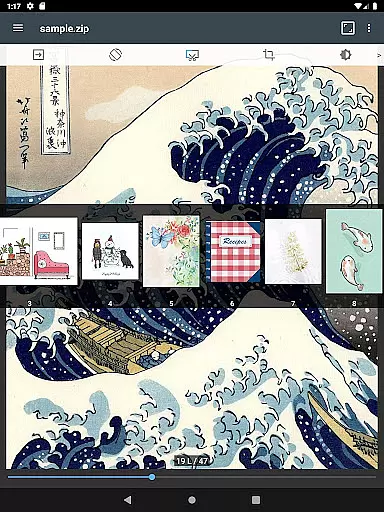
The app's file management capabilities are equally impressive. ComicScreen includes a robust folder and file explorer that enables users to organize their collections efficiently. Features like drag & drop functionality, USB-OTG drive support, and network connectivity through SMB and FTP protocols make it simple to manage large libraries. The app's quick view options for zip files and page move previews help readers navigate through their comics with minimal effort.
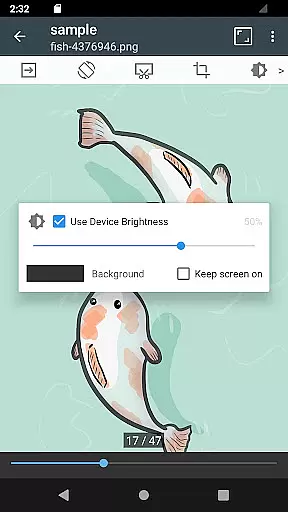
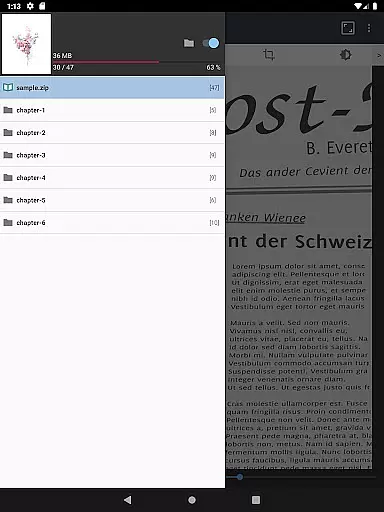
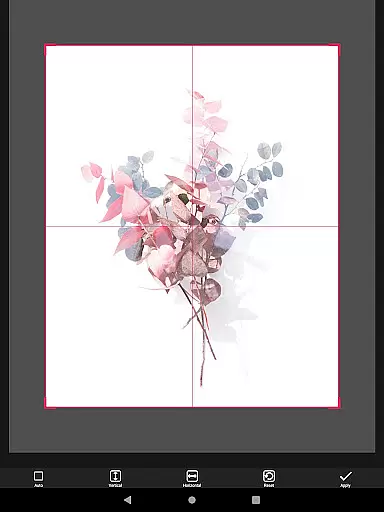
For an enhanced reading experience, ComicScreen offers multiple viewing modes. Users can choose between horizontal view mode (displaying two pages at once) or vertical view mode (showing one page at a time). The automatic page resort function intelligently organizes pages, while the chapter drawer feature helps manage complex comic structures. Additional conveniences like hardware key navigation and margin cutting demonstrate the app's attention to detail in creating a comfortable reading environment.
ComicScreen offers an extensive and versatile comic library that caters to a wide array of preferences. The app supports multiple compressed file types such as zip, rar, cbz, cbr, and pdf, allowing users to access their favorite comics in various formats.
In addition to supporting numerous file types, ComicScreen is compatible with a plethora of image formats including jpg, png, gif, bmp, tiff, webp, and avif. This ensures that no matter the source or type of your comic files, you can enjoy them without any compatibility issues.
The application's strength lies in its comprehensive features for comic enthusiasts. With support for chapter drawers within zip files, automatic page resorting, and both horizontal and vertical view modes, users can tailor their reading experience to their liking. These features collectively enhance user engagement by providing seamless navigation through vast collections of comics.
When it comes to content authenticity and licensing, ComicScreen prioritizes the integrity and legality of the comics it displays. While the app itself does not host any images or compressed files, it provides robust tools for users to manage and display their legally acquired content.
ComicScreen includes functions like folder and file explorers which allow users to search, rename, and delete their files. This level of control ensures that users are managing their own authentic collections while adhering to copyright laws. Additionally, features such as USB-OTG drive support and SMB, FTP network capabilities enable users to easily import and manage their licensed comic files from various sources.
By focusing on user-provided content and offering advanced management features, ComicScreen empowers users to maintain a personalized yet fully compliant digital comic library. This approach not only respects intellectual property rights but also enhances the overall value proposition for discerning readers who prioritize legal acquisition and proper attribution.
User-friendly interface
Wide format support
Advanced file management
Multiple viewing modes
Network connectivity
No cloud sync option
Limited social features
Occasional loading delays
Complex settings
Heavy storage use

Follow your favorite manga and get notifications for new chapters!
 4.50
4.50
Dive into creative online comics, short video, graphic novels and web novels!
4.60
Comic reader app: open ZIP, RAR, CBZ, CBR, and PDF files
3.00
Find free mangas in Spanish
4.70
The anime tv for fans Sud and Dub
4.20
매일 매일 새로운 네이버 웹툰
4.50
This application will enable donated users only function in Perfect Viewer.
4.90
Browse and read all your comics and mangas from YACReaderLibrary
4.20
SQUARE ENIX's official Manga app!
4.40
Official from Japan
4.80
Catalog your collection. Just scan covers with your device camera. (US $20/yr)
4.80
TMOLector is an app to read all kinds of manga and stories!
4.50
Crunchyroll Manga—unlimited, uninterrupted reading with offline access & more!
4.50
Instantly create comic-style art with AI.
3.90
More fun from BOM! Hurry up and do the following self-test, if you meet more than one item, come and experience the brand new world of comics!
3.40
Experience the largest selection of DC comics anywhere with DC UNIVERSE INFINITE
3.40
The best app for digital comics - Welcome to Lezhin!
3.10
Hot-blooded / Romance / Science Fiction All themes, Smart Recommendation + HD Reading
3.10
Goat sound simulator. This app makes for fun.
4.3


User Reviews