
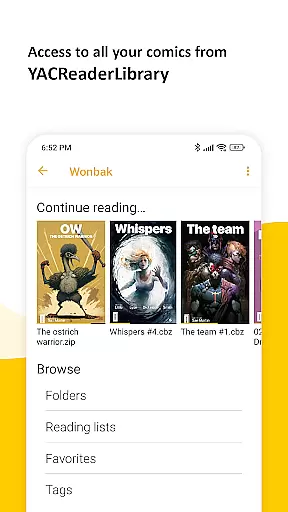
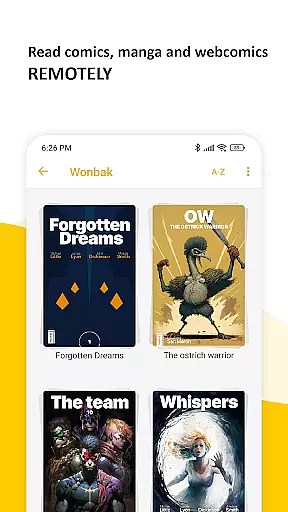
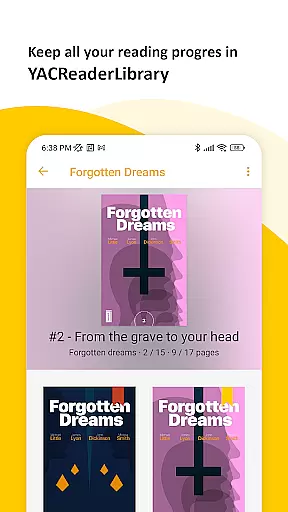
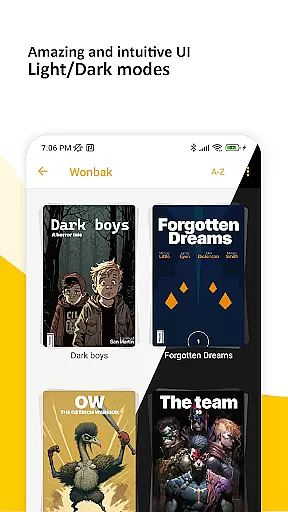
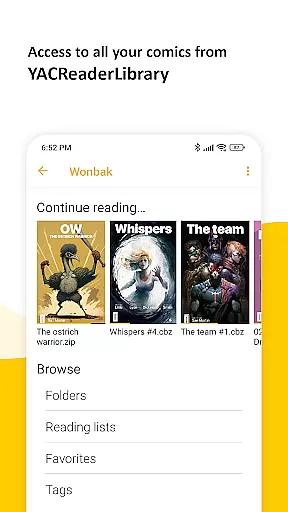
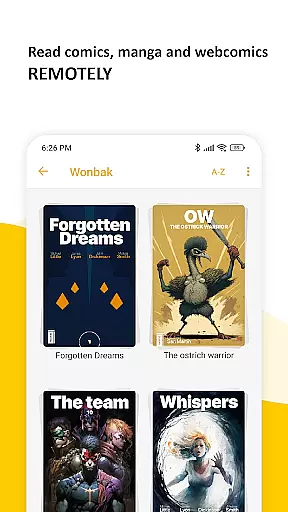
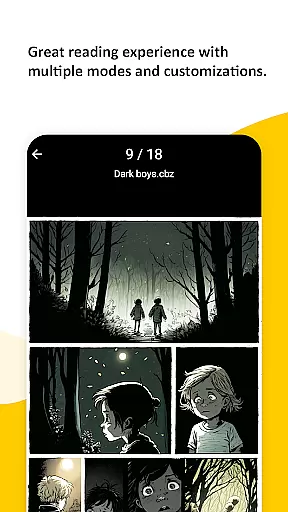
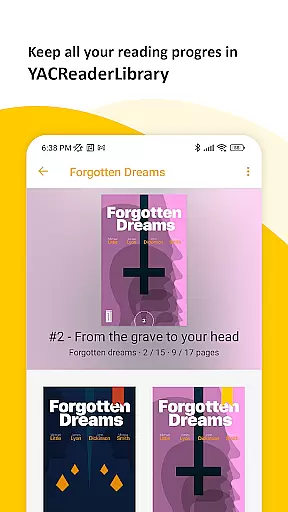
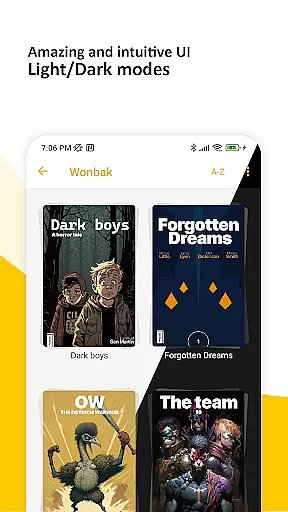
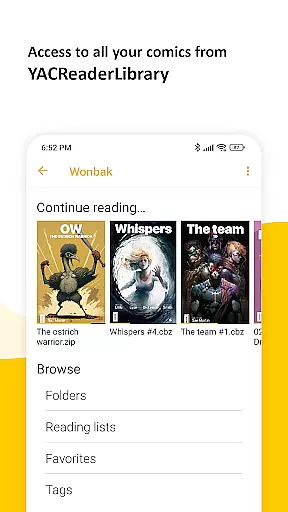
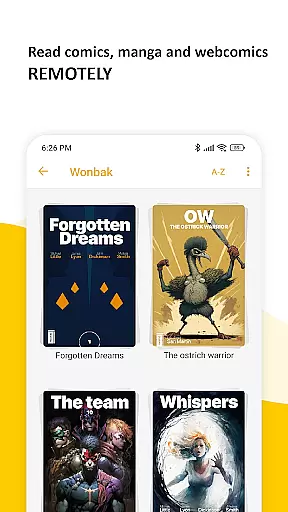
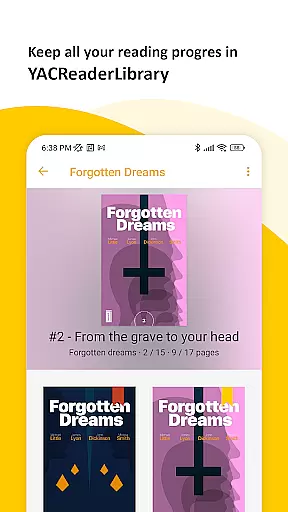
YACReader Remote is a feature-rich comic and manga reader app designed for Android users. This application allows you to browse and read all your comics and mangas from YACReaderLibrary remotely, ensuring that your entire collection is accessible at your fingertips. With the ability to import library content into a local library, it supports offline reading while keeping your progress synchronized across multiple devices.
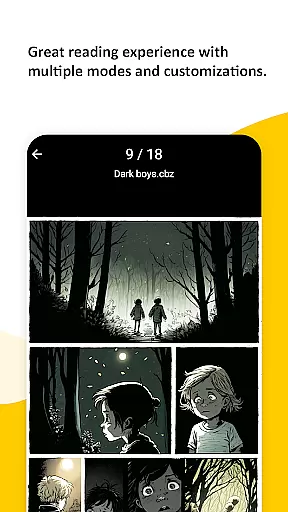
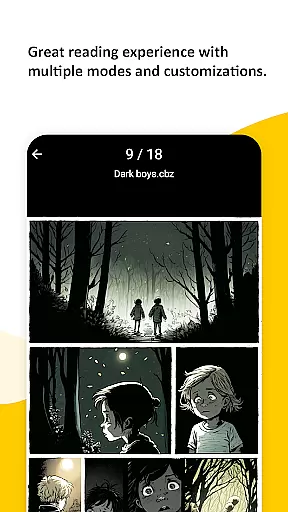
The app offers an advanced reading experience with features like multiple fitting modes, specialized manga reading options, continuous vertical scroll for web-based content, double-page mode, and auto-scroll functionality through tapping. Whether you're a long-time fan of YACReader on other platforms or new to the YACReader family, this app brings over a decade of expertise in providing the best comic reading experience to Android.
YACReader Remote stands out with its comprehensive set of features tailored for comic enthusiasts. The app provides multiple fitting modes, allowing readers to customize their viewing experience to suit different types of content. For manga lovers, the specialized manga reading mode ensures an authentic and enjoyable experience. Additionally, the continuous vertical scroll feature is perfect for web-based comics, offering a seamless reading flow.
Other notable features include the double-page mode, which is ideal for spreads and larger illustrations, and the convenient auto-scroll function activated by tapping. These functionalities not only enhance user convenience but also elevate the overall reading experience. By supporting offline reading and cross-device synchronization, YACReader Remote ensures that users can enjoy their favorite comics anytime, anywhere, without losing their place.
YACReader Remote offers an extensive comic library that caters to a wide array of tastes. With the ability to browse and read comics and mangas directly from YACReaderLibrary, users have access to a vast repository of content. This ensures that whether you're a fan of superhero tales or intricate manga storylines, there's something for everyone.
The app allows importing your entire library for offline reading, which means you can enjoy your favorite comics without needing an internet connection. The sheer volume and diversity of content available make it a paradise for comic enthusiasts who want to explore different genres and titles at their leisure.
Furthermore, YACReader supports multiple formats, ensuring that no matter how your comics are stored, they can be accessed through the app. This versatility in format compatibility enhances the user experience by providing seamless integration with personal collections.
Authenticity and proper licensing are crucial when it comes to digital content consumption, and YACReader Remote takes these aspects seriously. By allowing users to connect remotely to their YACReaderLibrary, the app ensures that all comics and mangas are legally obtained and owned by the user. This approach respects copyright laws while offering a rich selection of reading material.
In addition to supporting legitimate content acquisition, YACReader also provides features like synchronized reading progress across devices. This not only enhances convenience but also reinforces the importance of maintaining legal copies of your collection. Users can rest assured knowing that their library adheres to proper licensing agreements.
Lastly, as part of the broader YACReader ecosystem, which has been trusted on various platforms for over a decade, YACReader Remote continues this legacy of respecting intellectual property rights while delivering an exceptional reading experience.
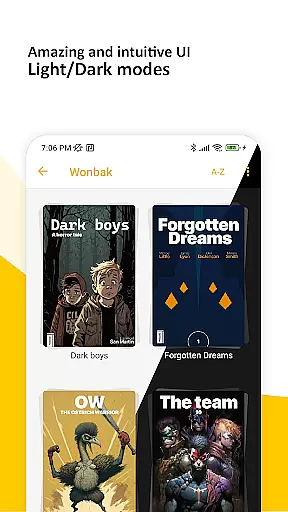
User-friendly interface
Advanced reading modes
Cross-device sync
Offline reading support
Active community and updates
Limited to comic formats
No native iOS version
Occasional bugs
Heavy on storage
Complex setup

Become a real PKM Card Maker, create or custom any Poke TCG cards and share them
 4.10
4.10
The best app for digital comics - Welcome to Lezhin!
3.10
More fun from BOM! Hurry up and do the following self-test, if you meet more than one item, come and experience the brand new world of comics!
3.40
Find free mangas in Spanish
4.70
The most popular comic book reader.
4.40
The anime tv for fans Sud and Dub
4.20
Read your favorite mangas for free
4.50
Instant access to over 30,000 Marvel comics with new issues added every week.
4.70
Read comics & manga
4.70
Read and track manga across the web with ease
4.90
Artists wanting to use decent hand reference on the go, this app is for you!
4.70
100k comics, manga & webcomics, including Batman, Invincible, Hellboy & more
4.60
TMOLector is an app to read all kinds of manga and stories!
4.50
The ultimate app for comic lovers
4.50
매일 매일 새로운 네이버 웹툰
4.50
A gathering place for a massive collection of genuine comics.
4.50
Pocket Toons: Free Webtoons, Comics, & Manga - New Chapter Drops Everyday
4.30
Experience the largest selection of DC comics anywhere with DC UNIVERSE INFINITE
3.40
Official digital-manga store. Quality translations that support artists.
3.10


User Reviews