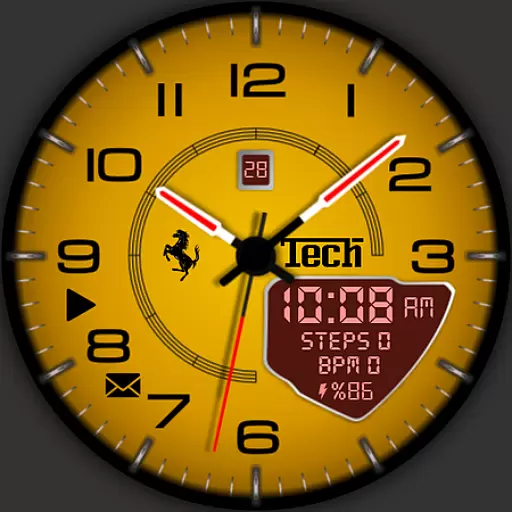
Ferrari inspired analog & digital watch face with quick access and premium style
 4.3
4.3
DIY Vehicle Wheel Alignment
4.5
App Mirroring for Tesla Car's Browser
2.80
CVT diagnostics with ELM327 for Nissan-based vehicles
4.40
Instant diesel savings. No credit checks or fees. Nationwide growing network.
4.40
Take state-specific DMV permit tests and ace the exam.
3.90
Your car is talking. Start listening.
4.30
PayByPhone: A quick and easy way to pay for parking.
3.80
Get price alerts, vehicle history details and more for cars near you!
4.50
The ExtraMile App allows you to pay for fuel from the comfort of your car!
4.70
Trip computer+car diagnostic tool with widest variety of features and dashboard!
4.70
Browse millions of cars, track vehicle listings or sell your car today
4.70
Automotive Electrical Wiring Diagrams
4.40
A smarter way to park and reserve your spot ahead of time.
4.40
Ultimate OBD2 Car Scanner: Diagnostics, Service and Modification Tool
4.30
AI Powered - Automotive Mechanic Assistant
4.30
Monitor your behind-the-wheel behavior to become a safer driver and save.
4.10
Read and delete OBD codes with any ELM327 OBD scanner. Coding functions included
3.40
The Smarter Way Forward
3.30


