
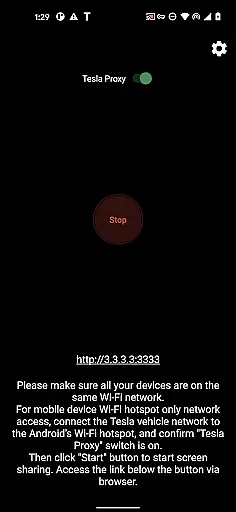
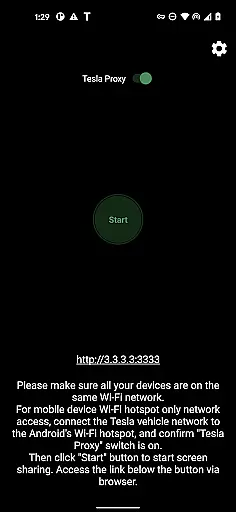
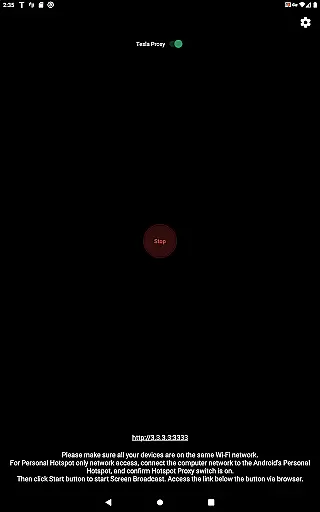
Detailed vehicle information is crucial for TeslaMirror users who want to ensure compatibility and optimal performance. The app provides comprehensive details about the required Tesla hardware, including MCU2/3 systems available on Model 3, Model Y, Model X (built after March 2018), Model S (built after March 2018), or vehicles upgraded from MCU1 to MCU2/3.
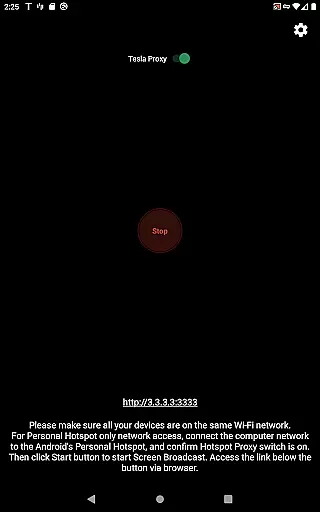
TeslaMirror specifies the technical requirements clearly, such as the recommendation to use a 5 GHz hotspot and the incompatibility with Wi-Fi 6 access points. This ensures users can set up their devices correctly, whether they are connecting through H.264/H.265 modes or MJPEG mode.
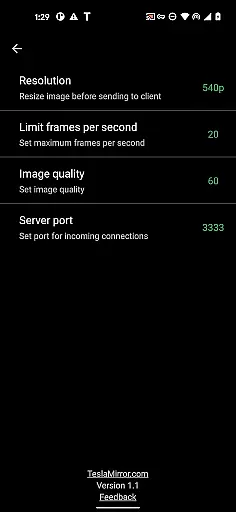
By detailing specifications like H.265 playback support only on MCU3 or newer hardware, TeslaMirror empowers users to make informed decisions about their streaming quality. Users can choose between 720p@60fps for H.265 or 540p@30fps for H.264 based on their vehicle's system.
This level of detail extends to audio features too, where Android 10+ users are informed about lossless audio quality up to Hi-Res (96 kHz, stereo, 32-bit). Such precise information allows users to fully leverage TeslaMirror's capabilities while staying aware of any limitations, ensuring a tailored and optimized experience.
Price transparency is an essential aspect of TeslaMirror, ensuring users are well-informed about the costs associated with using the app. Upon purchasing TeslaMirror for Android on Google Play, users automatically receive a 144-hour (6-day) trial period, allowing them to test the service before committing financially.
The app provides clear instructions on how to request a refund if users are not satisfied within the trial period. By emailing TeslaMirror@hustmobile.com with either the full order email address or the Google Play order number, users can easily seek reimbursement, thus promoting trust and satisfaction.
TeslaMirror does not hide any costs; it explicitly outlines what users should expect when they decide to purchase. There are no hidden fees or surprise charges, which enhances user confidence in their decision to buy and use the app.
Furthermore, TeslaMirror's pricing model aligns with its feature offerings, providing value for money. Users understand exactly what they are paying for, whether it's the advanced H.265 video support for MCU3 hardware or the high-quality lossless audio feature. This transparency helps build long-term relationships with users who feel secure and respected in their transactions.

Taximeter; the professional's choice
 4.30
4.30
* This app needs an adapter cable and a certain OBD2 adapter to work *
4.20
DMV Test Pro offers all the updated FREE DMV tests online.
4.60
Car Values, Research and More
4.80
Your car is talking. Start listening.
4.30
Trip computer+car diagnostic tool with widest variety of features and dashboard!
4.70
Quick and easy car diagnostics to get you the right fix.
4.70
Earn and save with Fuel Rewards®
3.20
Get price alerts, vehicle history details and more for cars near you!
4.50
7-Day Returns on All Cars
4.80
Shop cars & see your financing
4.60
CVT diagnostics with ELM327 for Nissan-based vehicles
4.40
Get your personalized financing options and shop for used cars today!
4.20
PayByPhone: A quick and easy way to pay for parking.
3.80
Read and delete OBD codes with any ELM327 OBD scanner. Coding functions included
3.40
The Smarter Way Forward
3.30
Easily notify car owners in urgent situations, safe, fast, multilingual.
4.4
Theme for Car Launcher
4.2
DIY Vehicle Wheel Alignment
4.2


User Reviews