
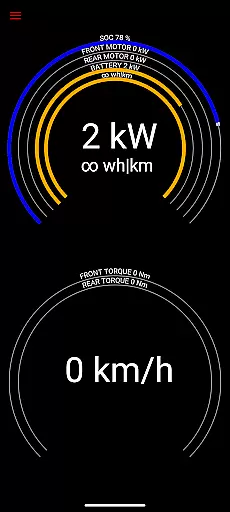
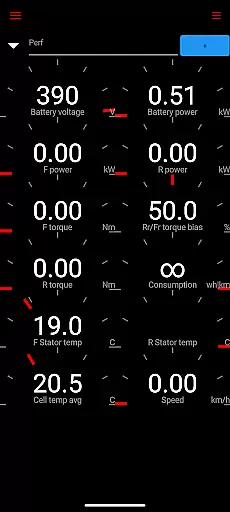
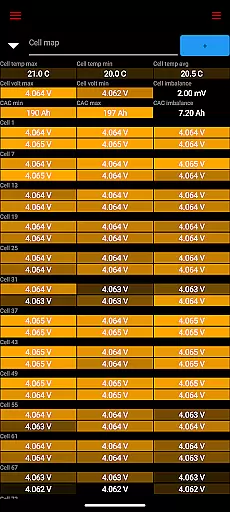
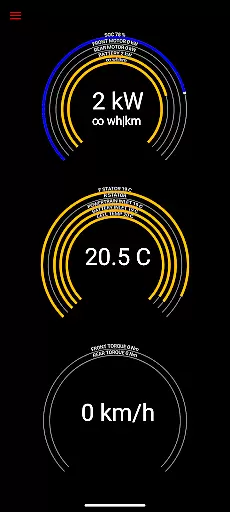
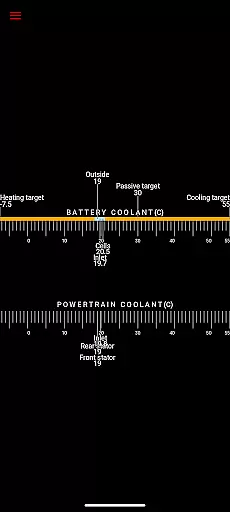
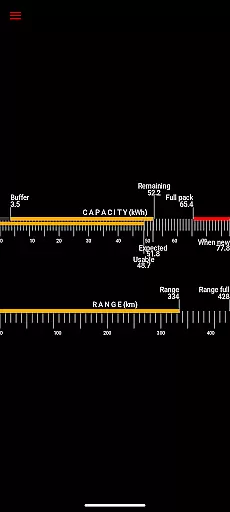
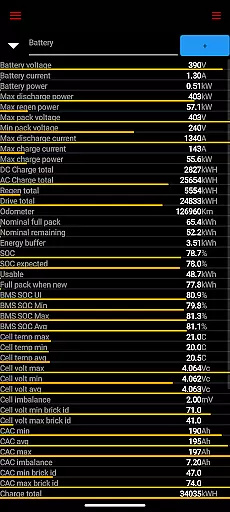
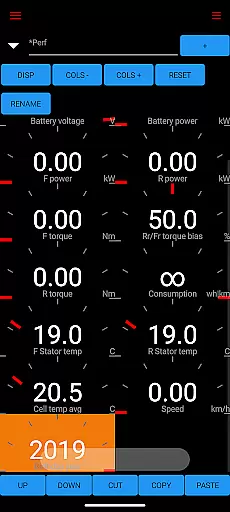
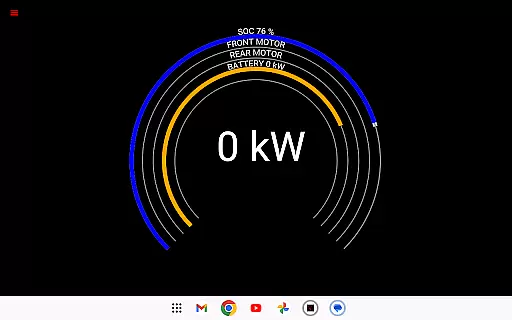
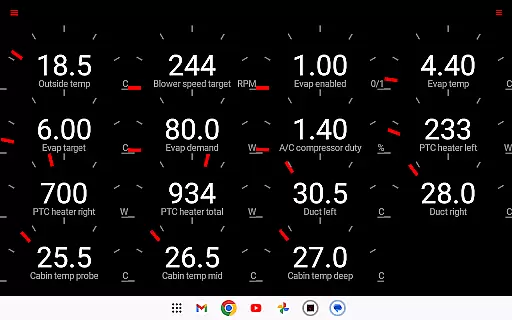
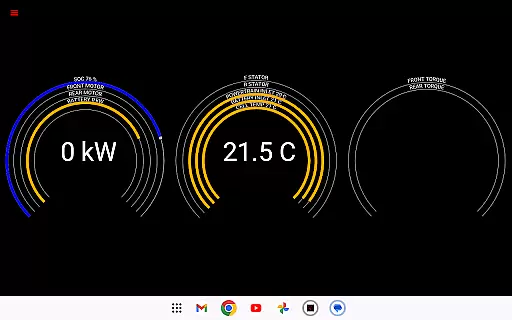
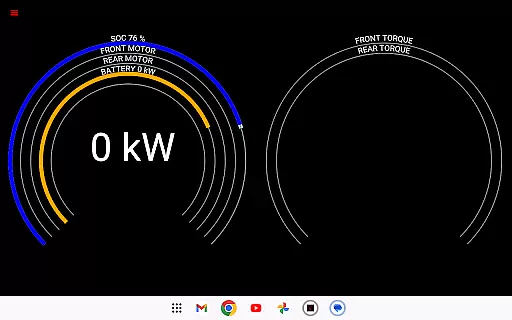
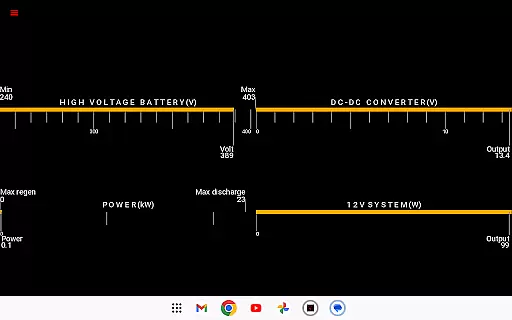
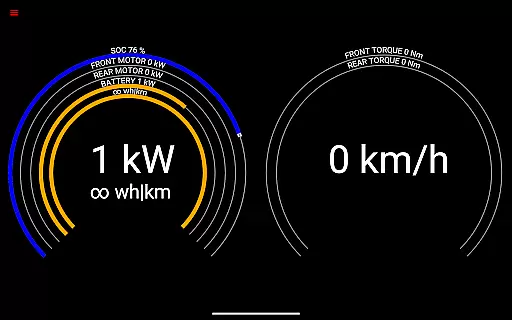
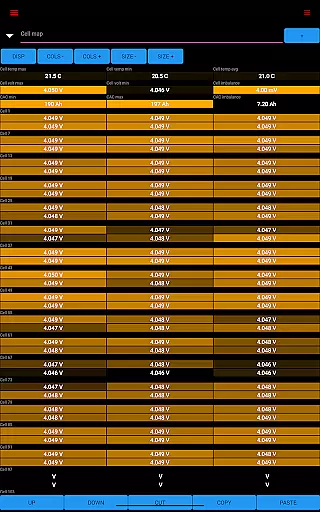
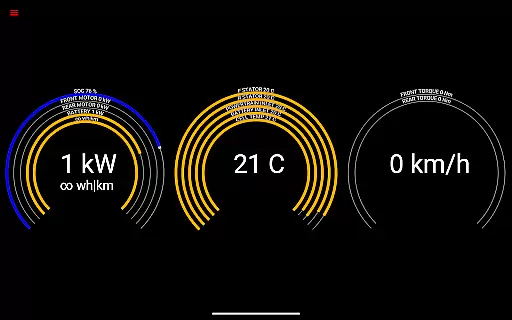
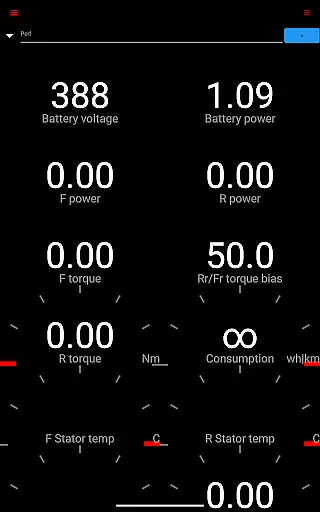
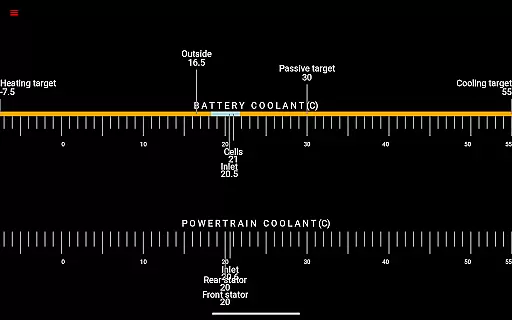
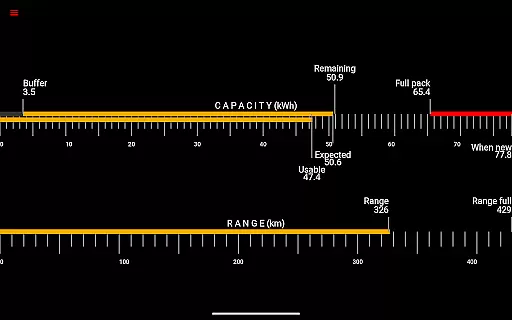
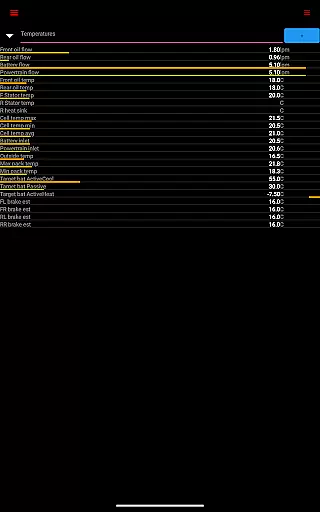
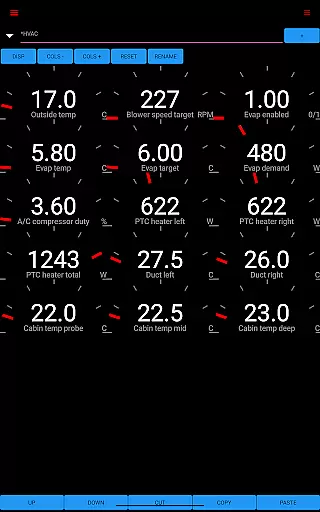
Scan My Tesla is a specialized diagnostic application designed for Tesla Model S, 3, X, and Y owners. This app provides real-time readings from the vehicle's diagnostics port, offering users detailed insights into their car's performance metrics. With the help of an adapter cable and OBD2 adapter, it delivers crucial data such as battery power, voltage, current, temperatures, and more.
The app's core value lies in its ability to present live statistics visually or log them for later analysis. It empowers Tesla owners with information like drive unit electric power, torque, horsepower, RPM, battery lifetime stats, capacity estimates, and even HVAC controls. These features make it an essential tool for those who want to monitor their vehicle's health and optimize its performance.
Scan My Tesla stands out with its comprehensive feature set tailored specifically for Tesla vehicles. The app decodes numerous CANBUS packets, providing users with critical data points such as battery cell information, DC/AC charge counters, and HVAC controls. These features are made possible through contributions from notable developers and the Tesla owner community.
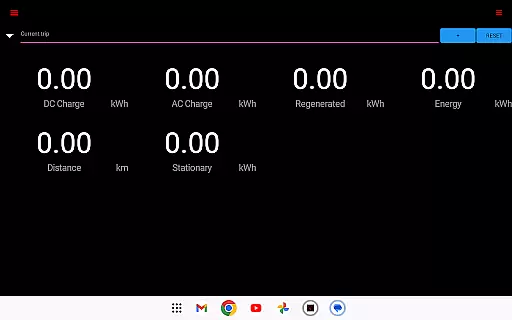
One of the key highlights is the trip recording system that tracks regenerated and charged energy, giving users valuable insights into their driving patterns. The app also includes decoded information from experts like Jason Hughes and Jack Rickard, ensuring accuracy and reliability. With its continuous updates and active community support, Scan My Tesla remains at the forefront of Tesla diagnostic tools.
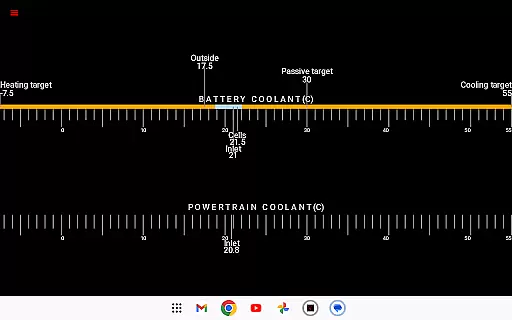
Scan My Tesla provides comprehensive real-time data directly from your Tesla Model S, 3, X, or Y diagnostics port. This includes crucial battery metrics such as power, voltage, current, and temperature readings.
The app also delivers detailed drive unit statistics, presenting electric power output, torque, RPM, and temperature measurements. These insights allow users to monitor their vehicle's performance with precision.
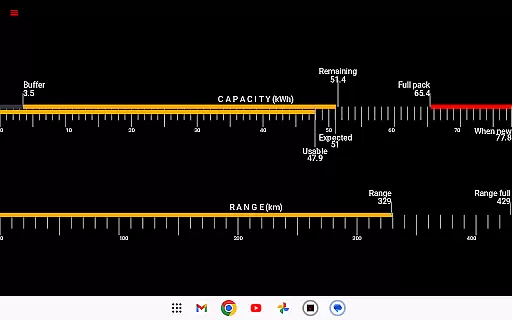
Additional features include battery lifetime statistics, capacity estimates, mileage tracking, and a complete overview of the 12V system's current, voltage, and temperature. Such detailed reporting empowers Tesla owners to maintain optimal vehicle health.
By logging trip data and providing statistics on regenerated and charged energy, Scan My Tesla equips users with valuable information for analyzing driving patterns and energy efficiency over time.
While Scan My Tesla itself offers its advanced diagnostic features, it's important to note that the app requires specific adapter cables and an OBD2 adapter to function correctly. Users can find more information about compatible adapters at https://www.scanmytesla.com/adapters.
This requirement ensures that users are fully aware of any additional costs associated with utilizing the app's full capabilities. The need for specific hardware creates transparency around the overall investment required.
Furthermore, the app contains disclaimers regarding its non-affiliation with Tesla Motors and warns that the information provided may change with vehicle software updates. This openness about potential limitations adds another layer of price-related transparency.
Users are encouraged to consider these factors when evaluating the total cost of ownership for monitoring their Tesla vehicles with Scan My Tesla.
User-friendly interface
Comprehensive diagnostic data
Active community support
Regular updates
Compatibility with multiple Tesla models
Requires additional hardware
Limited Model 3 support
Potential compatibility issues
No official Tesla affiliation
Information may be inaccurate

OBD2 car scanner and diagnostics: read Check Engine, DTC, economy....
 4.30
4.30
Monitor specific TOYOTA parameters by adding this plugin to Torque Pro.
2.00
Car Values, Research and More
4.80
The ExtraMile App allows you to pay for fuel from the comfort of your car!
4.70
Secure mobile payments & fuel savings at Phillips 66®, Conoco® and 76® stations
4.40
DMV practice test 2025: Driver License permit test & written test for all states
4.70
Your car is talking. Start listening.
4.30
Earn and save with Fuel Rewards®
3.20
Easy connect & control your cars from afar. Remote Lock & unlock car and carplay
4.60
Buy and sell your boat
4.70
View your car’s service records and find out when maintenance is due.
4.70
1M+ high-quality auto parts at your fingertips. Fitment guaranteed.
4.70
Your go-to app for car, truck & SUV parts, DIY tools, and expert repair help.
4.70
OBD1 ECMs application. Data log or tune directly from your phone or tablet!
4.60
Autolist - The Largest Selection of Local Used Cars and Trucks
4.50
Realtime Charts is a plugin for the Torque Pro App (OBD 2 & Car)
4.20
Control maps, media and messaging, with the Google Assistant while you drive
4.10
By enthusiasts, for enthusiasts
4.00
Theme for Car Launcher
4.4


User Reviews