
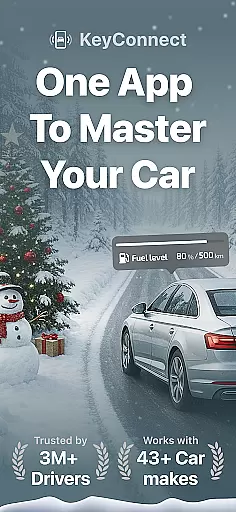
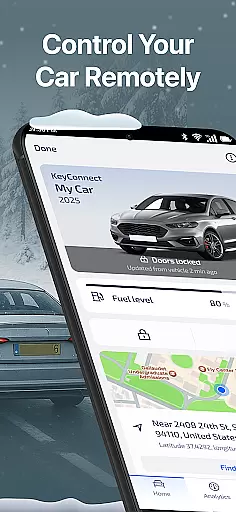
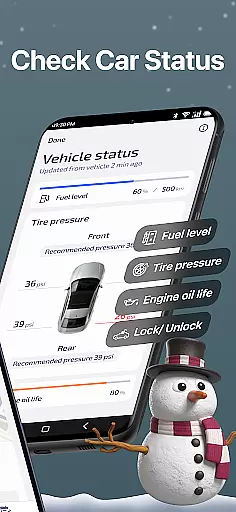
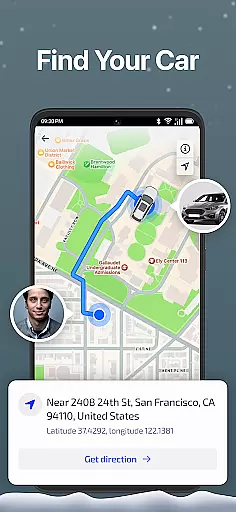
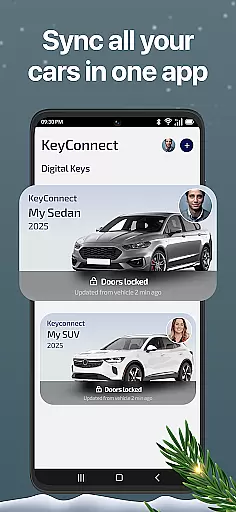
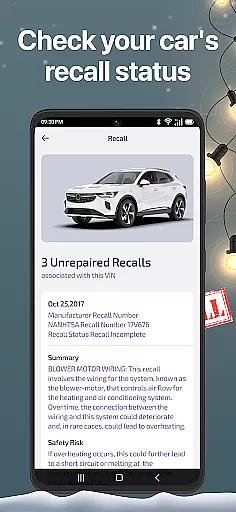
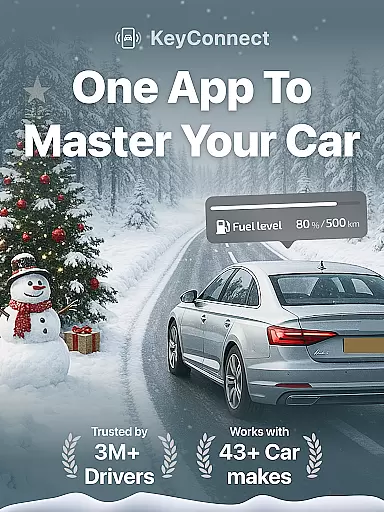
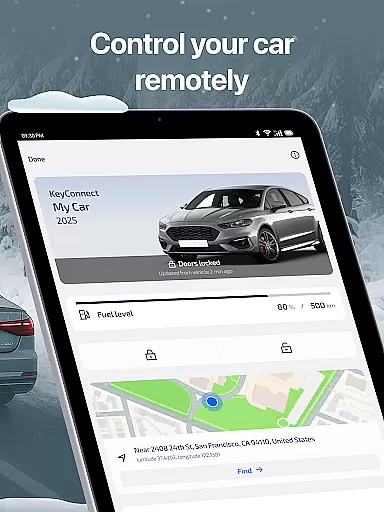
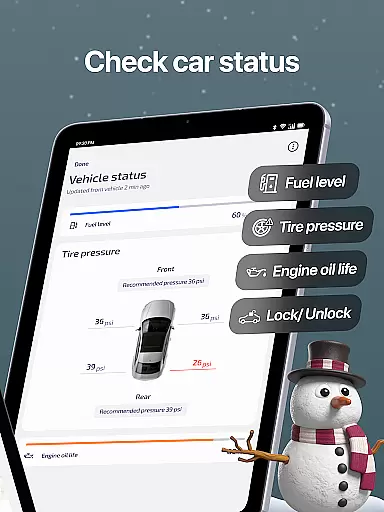
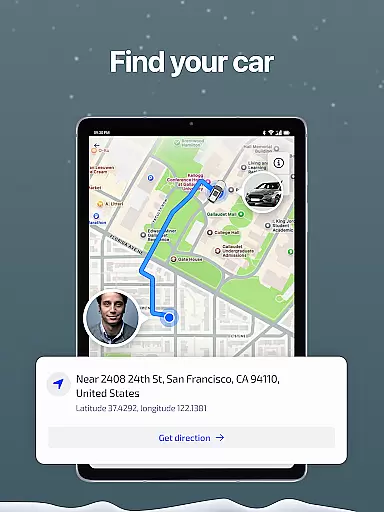
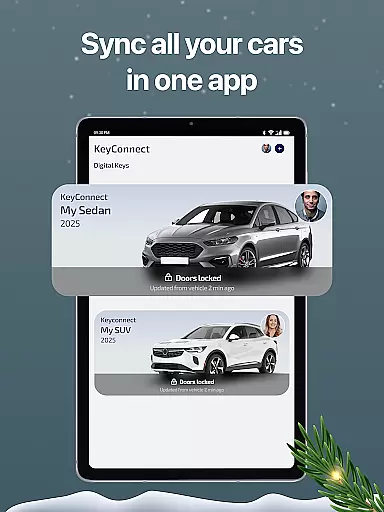
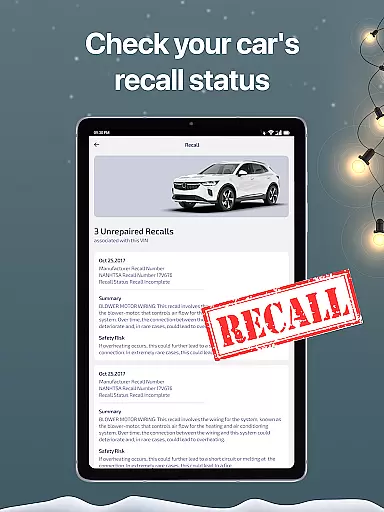
Access to detailed vehicle information is crucial for modern car owners, and KeyConnect excels in this area. The app provides comprehensive data about your vehicle's status, including engine health, tire pressure, oil levels, and fuel or EV battery condition. This real-time monitoring ensures you're always aware of your car's readiness for the road.
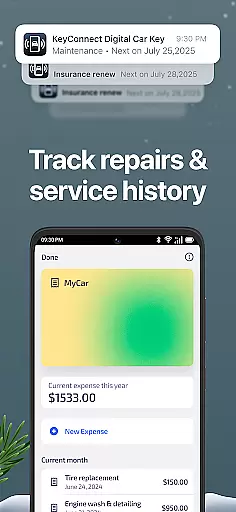
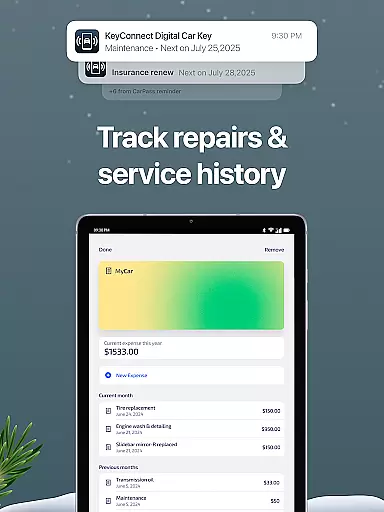
KeyConnect goes beyond basic diagnostics by offering maintenance tracking and history reports. Users can log repair costs, service dates, and other essential details, creating a complete vehicle management system. This functionality is particularly valuable for owners of multiple vehicles, as it consolidates all information in one accessible place.
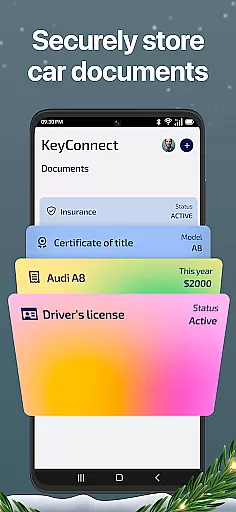
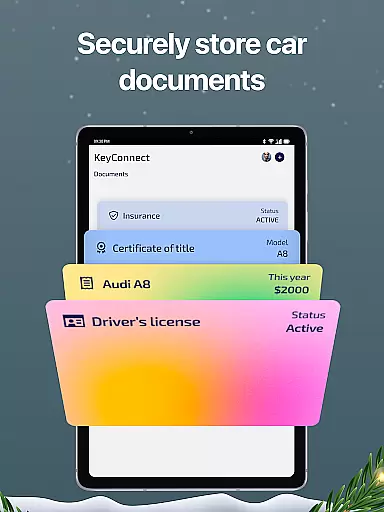
The application's smart features extend to document management, allowing users to store important vehicle documents digitally. From insurance papers to maintenance records, everything is securely stored and easily accessible. This digital transformation of traditional paperwork simplifies vehicle ownership and eliminates the risk of losing critical documents.
Furthermore, KeyConnect supports over 40 car brands, making it a versatile tool for diverse vehicle portfolios. Whether managing a personal collection or a rental business, the app's detailed vehicle information system helps users make informed decisions about maintenance, repairs, and potential resale value.
While primarily focused on vehicle management, KeyConnect also addresses price transparency through its comprehensive expense tracking system. The app allows users to maintain detailed records of all car-related expenses, from routine maintenance to unexpected repairs. This financial visibility helps car owners understand the true cost of vehicle ownership.
The application's expense management feature provides clear insights into spending patterns across multiple vehicles. Users can track service costs, parts replacements, and other expenditures, creating a transparent picture of their automotive investments. This information proves invaluable when budgeting for future expenses or evaluating the economic efficiency of different vehicles.
For those considering vehicle upgrades or purchases, KeyConnect's historical data offers valuable market insights. By analyzing maintenance costs and frequency across various makes and models, users can make more informed decisions about their next vehicle investment. The app effectively transforms raw data into actionable financial intelligence.
Additionally, the app's support for multiple vehicles enables comparative analysis of operating costs. This feature is particularly beneficial for fleet managers or multi-car owners who need to optimize their vehicle portfolio based on actual expenditure data rather than estimated costs.

Easily notify car owners in urgent situations, safe, fast, multilingual.
 4.4
4.4
OBD diagnostics, Live Data, DPF regeneration for BMW
4.00
Ferrari inspired analog & digital watch face with quick access and premium style
4.1
A full featured, real-time transit locator system
4.30
Control maps, media and messaging, with the Google Assistant while you drive
4.10
Find Your Local Store or Shop Online for the Car, Truck, or SUV Parts You Need
4.70
Quick and easy car diagnostics to get you the right fix.
4.70
Marathon ARCO Rewards members earn rewards & apply the rewards for fuel savings!
4.80
A smarter way to park and reserve your spot ahead of time.
4.40
Practice the drills within MotoJitsu Master Riding Program Volume 1 & 2!
4.80
Shop cars & see your financing
4.60
Get price alerts, vehicle history details and more for cars near you!
4.50
Automotive Electrical Wiring Diagrams
4.40
AI Powered - Automotive Mechanic Assistant
4.30
Realtime Charts is a plugin for the Torque Pro App (OBD 2 & Car)
4.20
Available in select states.
4.00
Simplify your drive
3.90
Discover new and used cars in Syria easily! Browse ads and connect with sellers.
3.70
The Smarter Way Forward
3.30


User Reviews