
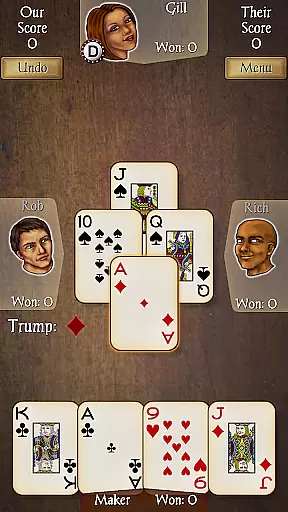
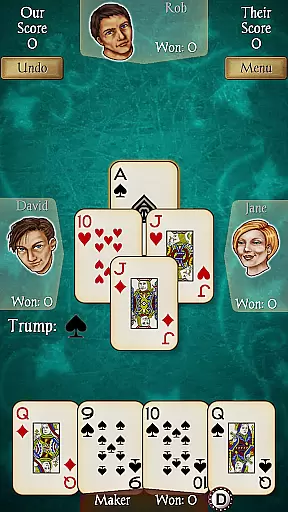
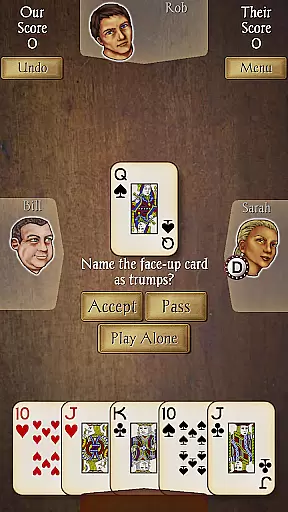
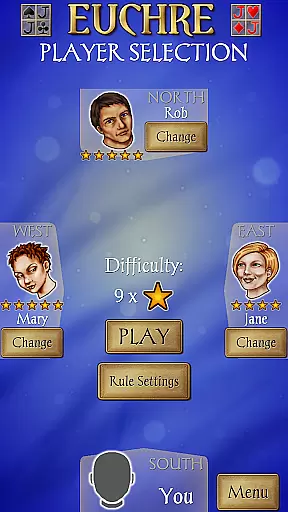
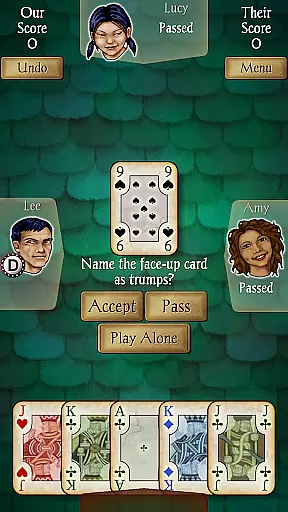
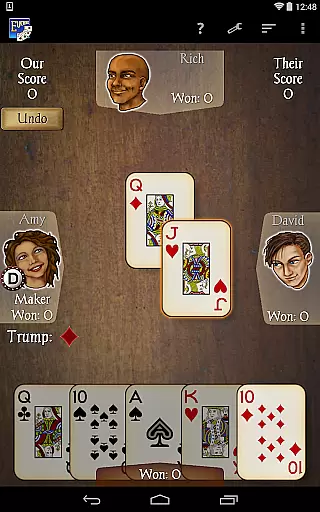
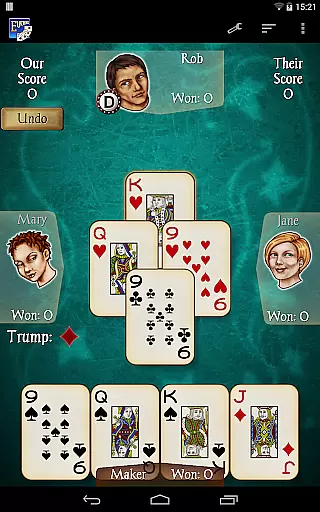
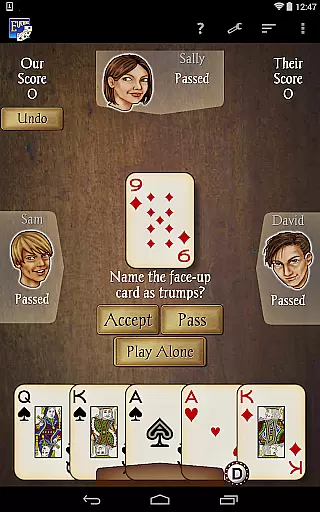
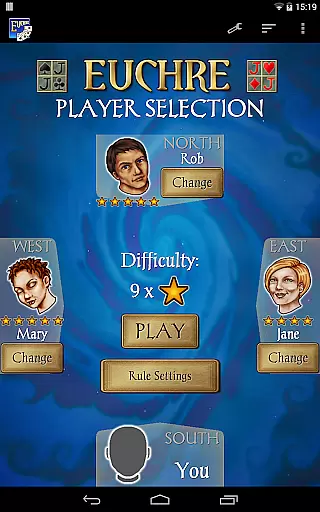
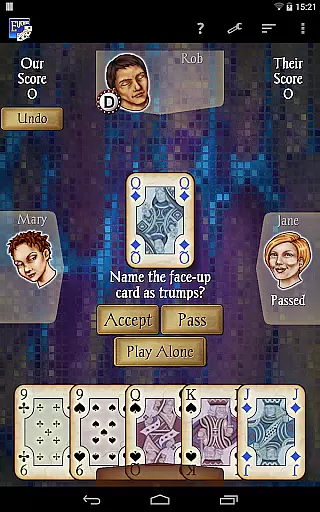
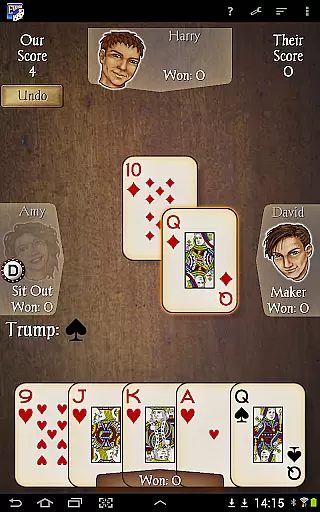
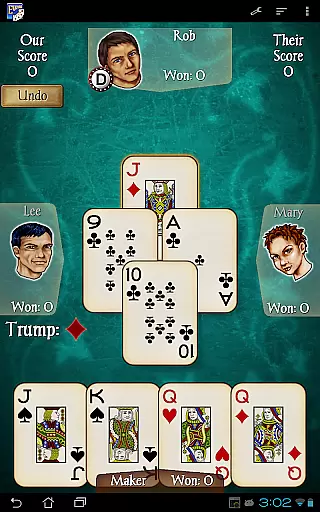
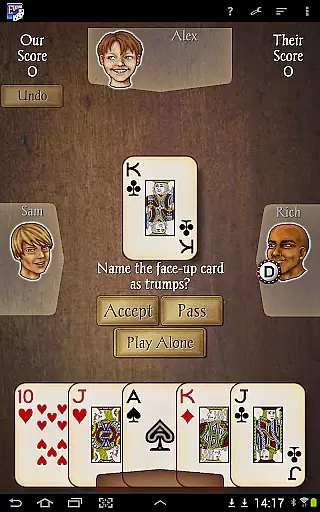
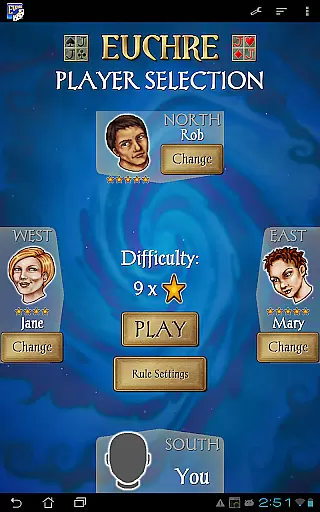
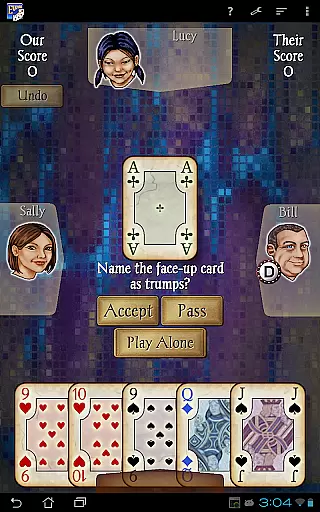
Euchre Pro is a premium card game app designed for Android users who enjoy classic trick-taking gameplay. Developed by AI Factory, this app offers an authentic Euchre experience with advanced features and polished design. The game supports four-player matches and includes 18 unique CPU opponents with varying skill levels, from beginner to expert.
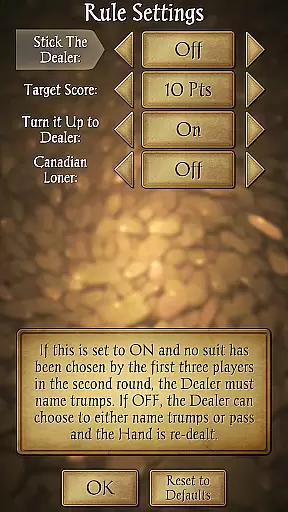
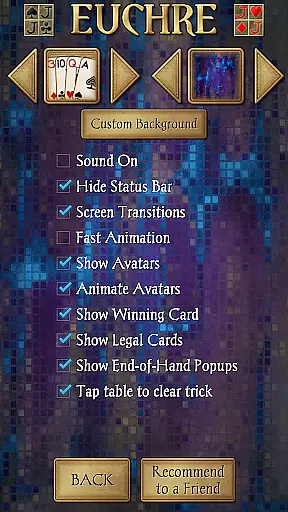
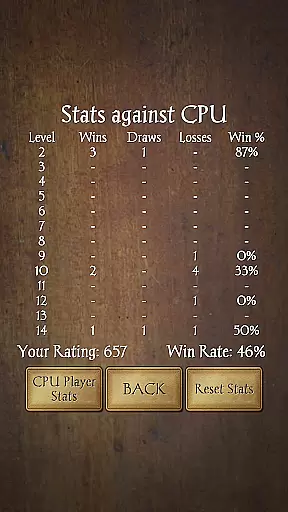
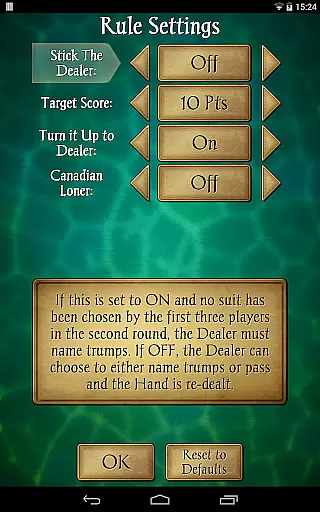
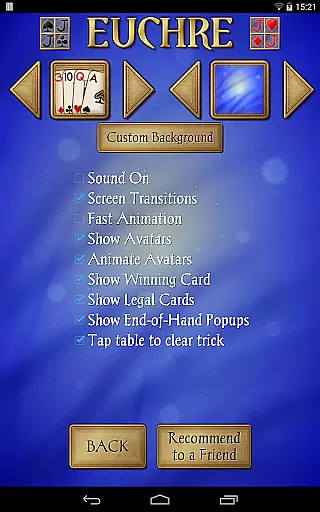
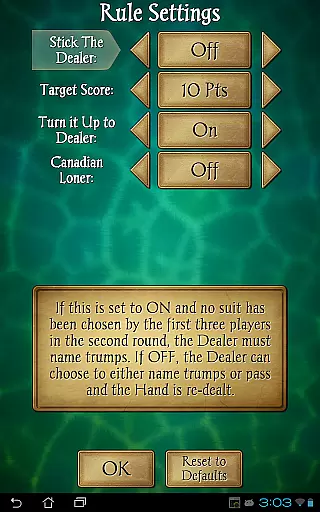
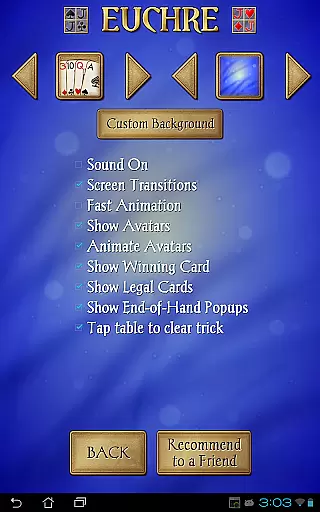
Players can customize their experience by choosing partners, selecting from three different card decks, and even using personal photos as backgrounds. With options like Stick the Dealer, Turn it Up to Dealer, and Canadian Loner, along with comprehensive statistics tracking and helpful tools like Undo and Hints, Euchre Pro delivers everything needed for both casual and serious players.
Euchre Pro stands out with its sophisticated AI system that powers 18 distinct CPU players, each with their own playing style and skill level. This allows users to experience varied challenges and develop their skills progressively. The app's interface is optimized for both tablets and phones, ensuring smooth gameplay across all devices.
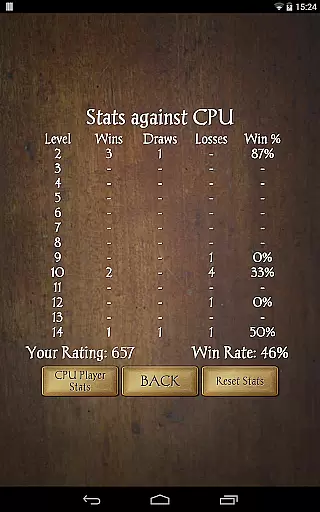
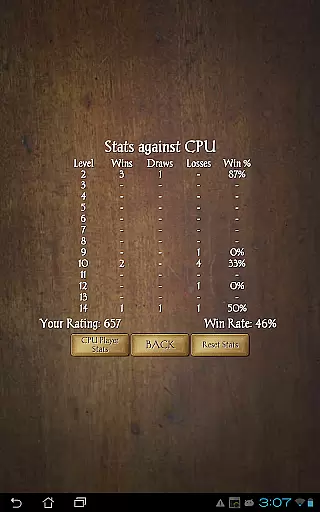
The game includes several rule variations such as Stick the Dealer and Canadian Loner, catering to different play styles. Players can track detailed statistics for each CPU opponent, helping them analyze their performance. Additional features like Undo, Hints, and customizable backgrounds enhance the user experience, while clear graphics and intuitive controls make every match enjoyable.
Random Number Generation (RNG) is crucial in card games like Euchre Pro to ensure fair play and unpredictability. The app employs certified RNG algorithms that meet industry standards, guaranteeing that every shuffle and deal is genuinely random.
This commitment to fairness ensures that each player's success depends solely on their skill and strategy, rather than any predictability or bias in the card dealing process. Players can focus on honing their tactics without worrying about unfair advantages.
The certification of RNG processes also adds a layer of trust for competitive players who demand transparency and integrity in their gaming experience. With Euchre Pro, users are assured of an authentic and equitable environment where they can challenge themselves against others.
In Euchre Pro, control fluidity and minimal input latency are prioritized to provide a seamless user experience. The developers have optimized touch responses so that interactions with the game interface feel immediate and natural, allowing players to focus on their strategy rather than fighting with sluggish controls.
The app's smooth performance across different devices ensures that whether you're playing on a high-end tablet or an older smartphone, your actions will be registered swiftly and accurately. This consistency enhances the overall enjoyment by maintaining immersion during gameplay sessions.
Additionally, features such as undo options further improve control precision, giving players more confidence when making strategic decisions. These thoughtful design choices make Euchre Pro not just enjoyable but also reliable for both casual gamers and serious competitors alike.
User-friendly interface
Advanced AI opponents
Customizable gameplay
Smooth performance
Comprehensive stats
Limited to four players
No online multiplayer
Paid app
Few deck choices
Complex for beginners

The classic Solitaire card game, with intuitive game-play and stunning graphics.
 3.10
3.10
Play Solitaire, win real cash prizes, and enjoy endless fun anytime, anywhere!
4.70
The Conquian made with 100% Mexican talent.
4.40
Collect sets and runs but don't give away a card your opponent needs!
4.60
Play anywhere anytime the most popular card game
4.70
Swipe and be the Queen!
4.60
An indie roguelike card game
4.20
Classic Solitaire. The most famous card game in the world!
4.50
Classic spider solitaire card game! Play to train your brain & sort the cards
4.80
The world’s largest Spades game! Enjoy the classic card game with 52 card deck
4.70
Restore and customize the truck exclusively to your own through Solitaire!
4.60
Beautiful customisable Klondike challenge - 3 levels, 1 or 3 card draw!
4.60
Play Solitaire card game and experience pure brain training.
4.50
Train your brain and kill time
4.40
Krumit's Tale is a solo card-based dungeon crawler - a follow-up to ‘Meteorfall’
4.30
Build a dice pool to purify Astrea's corruption and save the Star System.
4.10
The official Android version of the card game Wizard
3.00
Sinister solitaire. Four cards, one fate.
4.3
Solitaire pro is a premium classic card game that you can enjoy all day.
4.0


User Reviews