
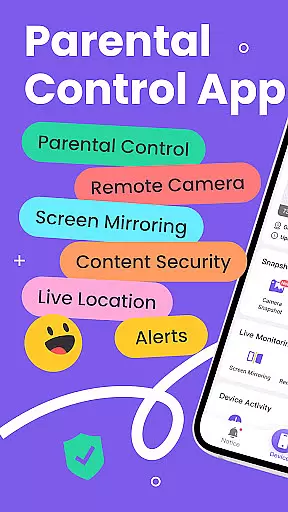
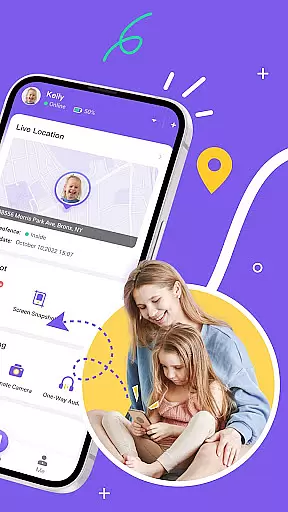
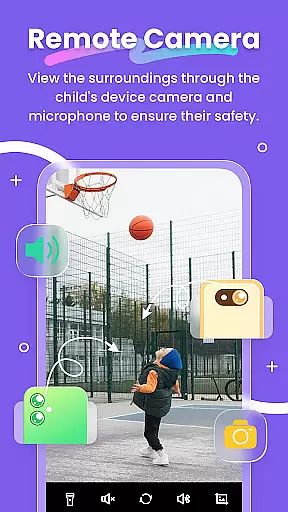
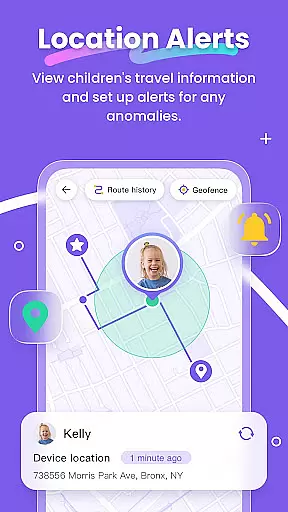
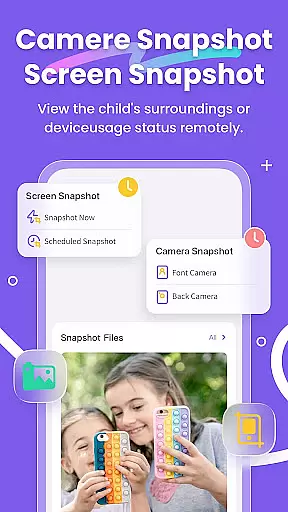
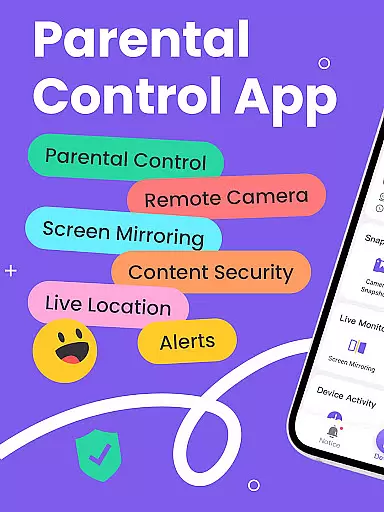
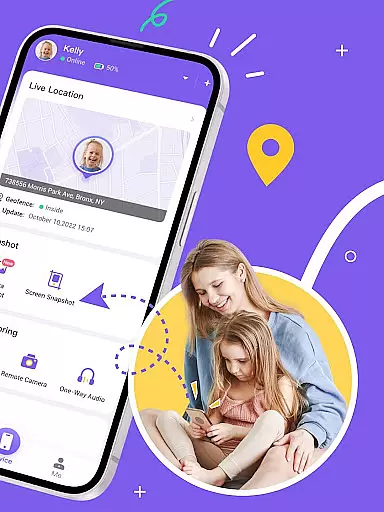
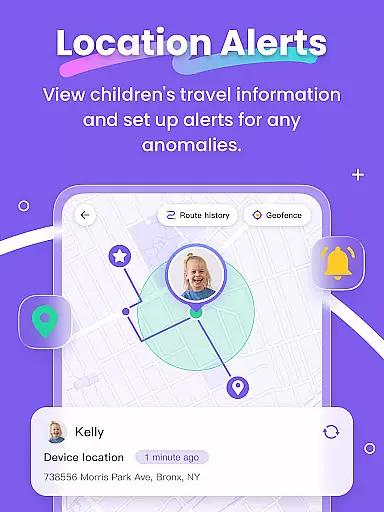
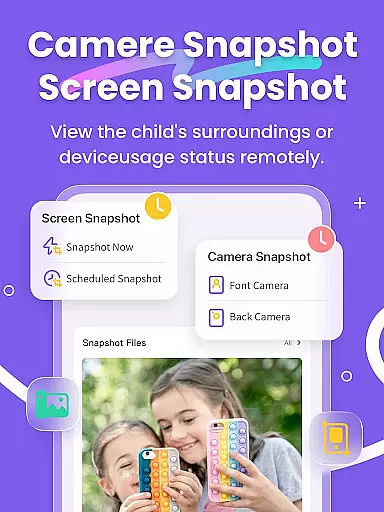
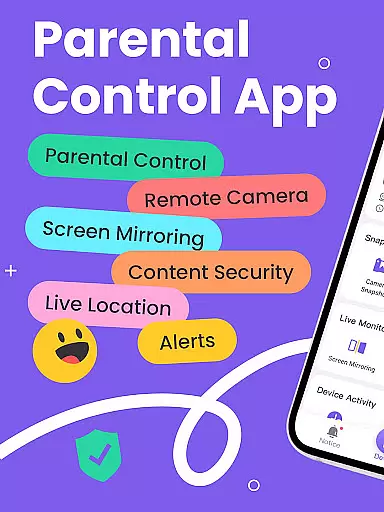
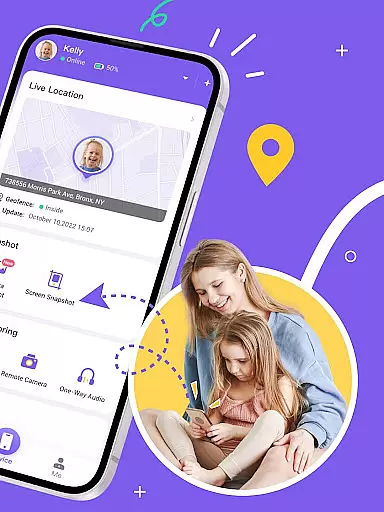
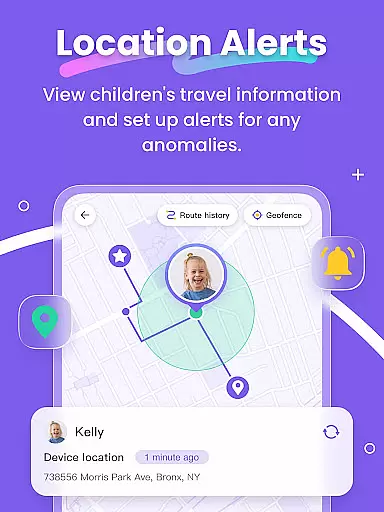
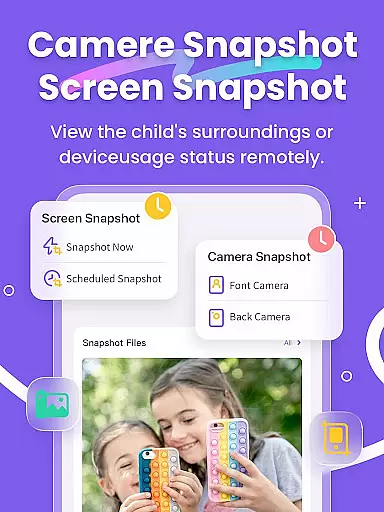
FlashGet Kids is a comprehensive parental control application designed to help parents ensure their children's safety and develop healthy digital habits. The app offers real-time location tracking, allowing parents to monitor their child's whereabouts with high-precision GPS. It also includes features like Live Monitoring, which enables remote camera access and one-way audio communication, providing parents with immediate insights into their child's environment.
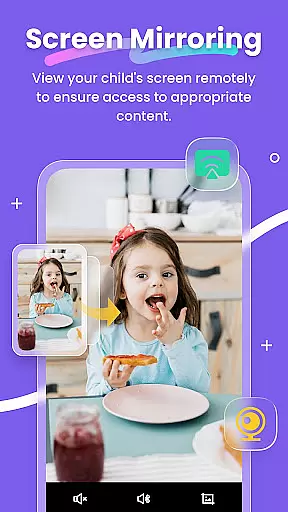
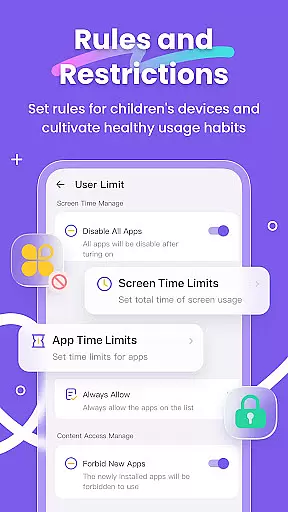
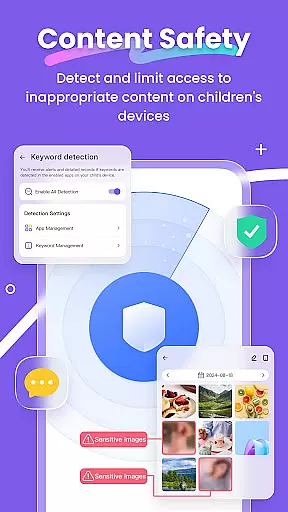
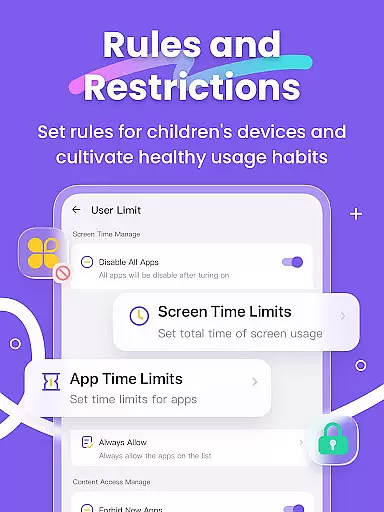
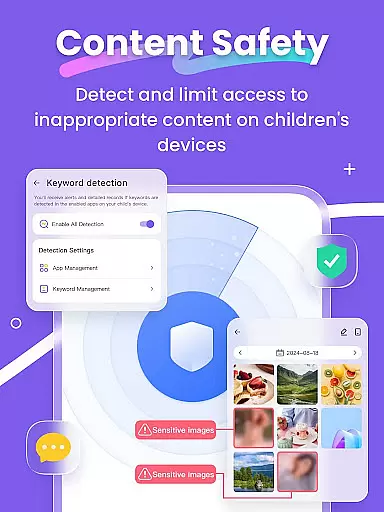
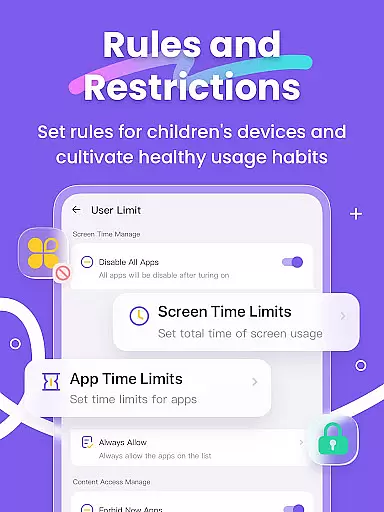
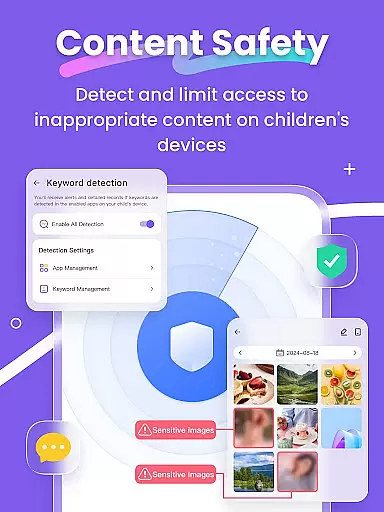
In addition to location tracking, FlashGet Kids provides tools for monitoring digital activities. Parents can mirror their child's device screen, take screen snapshots, and schedule recordings to review their child's app usage and content exposure. The app supports setting time limits on phone and app usage, blocking specific applications, and detecting sensitive content across various social media platforms. These features collectively help parents guide their children towards age-appropriate content while protecting them from potential online threats.
The app serves as a digital guardian, offering functionalities such as geofencing alerts, social app notifications synchronization, and website filtering. By using FlashGet Kids, parents can actively participate in their child's digital life, fostering open communication and trust. This makes the application not just a monitoring tool but a means to strengthen family bonds through informed guidance and protection.
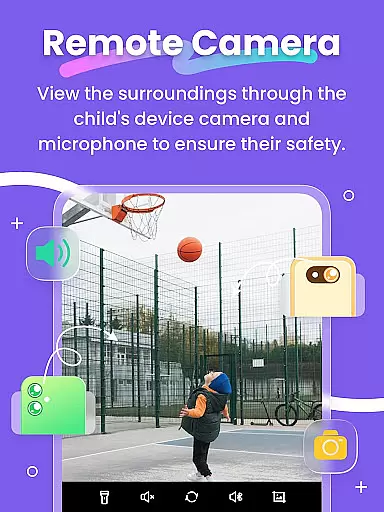
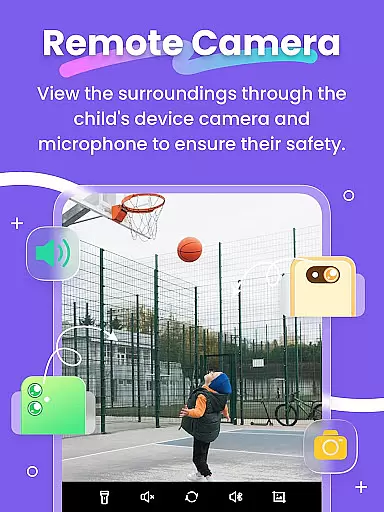
FlashGet Kids stands out with its robust set of features tailored for parental control. One of the key functionalities is Live Monitoring, which allows parents to remotely activate the camera and microphone on their child's device. This feature provides real-time insights into the child's surroundings, helping parents respond promptly to any emergencies or concerns.
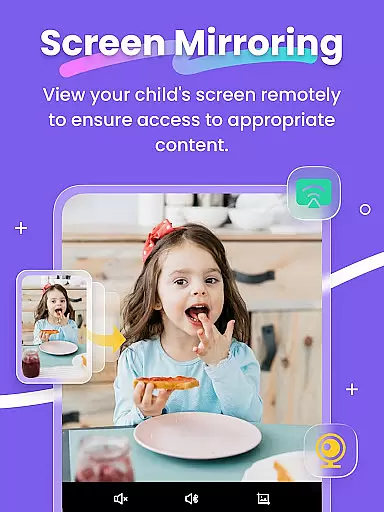
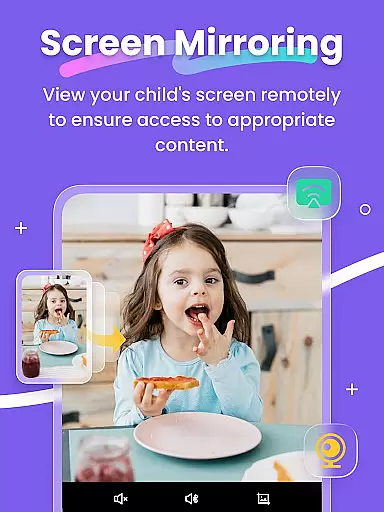
Another significant feature is Screen Mirroring, which projects the child's device screen onto the parent's phone. This enables parents to observe app usage patterns and frequency, ensuring that children are not engaging with potentially harmful applications. Additionally, the app offers Scheduled Recordings and Screen Snapshots, allowing parents to review their child's digital activities at convenient times and detect any inappropriate content consumption.
The app also includes powerful tools like geofencing, app blocking, and sensitive content detection. Parents can set precise location boundaries and receive alerts when these are crossed. They can manage access to specific apps and websites, filter out inappropriate content, and establish healthy screen time habits. These features collectively empower parents to create a safer digital environment for their children while promoting responsible device usage.
FlashGet Kids provides a comprehensive suite of parental control features that are designed and validated by experts in child safety and digital wellness. The app's functionalities, such as Live Monitoring, App Block, and Sensitive Content Detection, are crafted based on thorough research to ensure they meet the needs of modern parents.
The credibility of FlashGet Kids' content is reinforced by its alignment with recognized safety standards. For instance, the Social App and Sensitive Content Detection feature allows parents to manage their children's access to potentially harmful content across popular platforms like TikTok, YouTube, and Instagram. This ensures that children are only exposed to age-appropriate material, which is crucial for their healthy development.
Furthermore, the app offers tools like Screen Time Limits and App Rules, which are developed with insights from child psychologists and education specialists. These features help parents set boundaries without being overly restrictive, promoting balanced device usage while fostering good habits among children.
One of the standout features of FlashGet Kids is its ability to accurately track a child's growth in terms of digital habits and safety. Through high-precision GPS location tracking, parents can monitor their child's real-time location and historical routes. This not only helps in ensuring physical safety but also aids in understanding their daily routines and behavioral patterns.
In addition to location tracking, the app provides detailed insights into a child's digital activities. Features like Screen Mirroring and Scheduled Record allow parents to observe the apps their child uses and detect any inappropriate content they might encounter. This level of detail supports accurate tracking of a childu2019s online behavior, enabling timely interventions when necessary.
Moreover, Sync App Notifications and Live Painting enhance communication between parents and children. While Sync App Notifications keep parents informed about their child's social media interactions, Live Painting lets them send personalized messages or signals. These features collectively contribute to a more nuanced understanding of a child's growth trajectory, both offline and online.
Real-time location tracking
Comprehensive app monitoring
Remote camera access
Screen time management
Sensitive content filtering
Premium features require subscription
Initial setup can be complex
Limited free version functionality
Device compatibility issues
Privacy concerns with extensive monitoring

Free symptom & med tracker with expert-reviewed tips.
 4.30
4.30
Block apps, set screen time limits, and customize usage schedules
4.50
All-in-one pregnancy app, contraction timer, kick counter & due date calculator
4.40
Track Pregnancy, Baby Feeding, Sleep, Diaper Changes, Postpartum Health & More!
4.80
Pregnancy and baby formula tips for moms, plus Enfamil coupons & cash back
4.10
Play activities, milestones, expert-led classes, baby tracker, and more!
3.00
Live Location, Alerts & 2-Way Voice for Kids and Adults with Special Needs
4.60
Babysitting video camera - Turn your two phones or tablets into a single nanny.
4.40
Monitor screen time and build healthy habits with Family Safety
3.90
SENSORYSOOTHE and SENSORSAFE: Making car seats smarter and families safer.
4.70
All-In-One Pregnancy Tracker, Your Baby's Milestones, Growth Stages & Parenting
4.70
Sleep better with white noise app! Discover rain sounds, fan noise and more.
4.70
GPS phone tracker: find kids on map. Location tracking and parental control.
4.50
App/Game blocker & GPS tracker
4.50
Keep track of your stored breastmilk
4.40
Parental control: child monitoring app, screen time control, GPS child tracker
4.40
Fake call application designed for parents and adults to discipline their children through the children's police.
4.20
Findnumber: Real-time location tracker for ultimate family security
4.20
Keep Your Family Safe with Pollog Family Assistants
4.10


User Reviews