
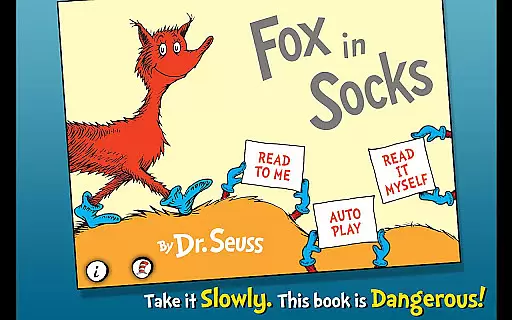
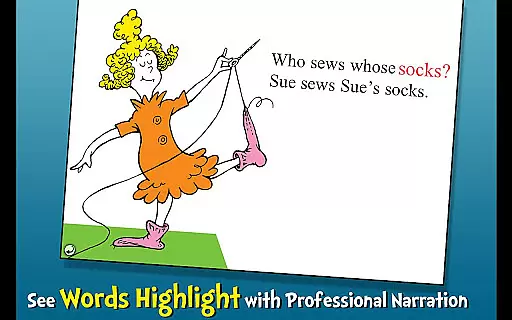
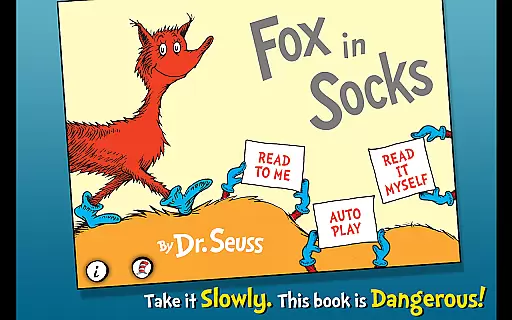
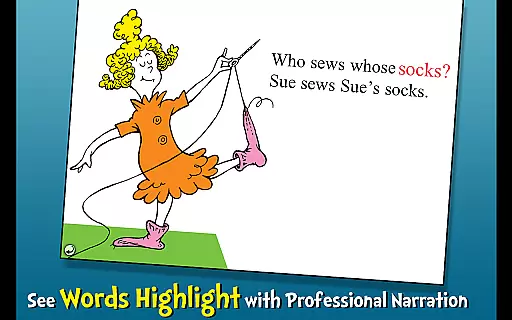
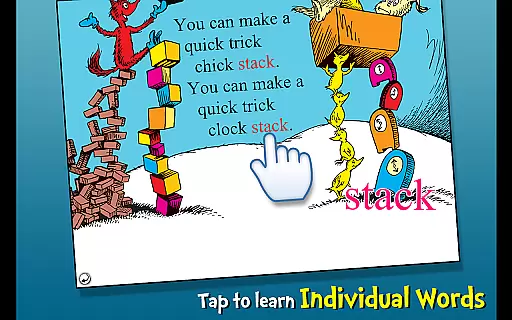
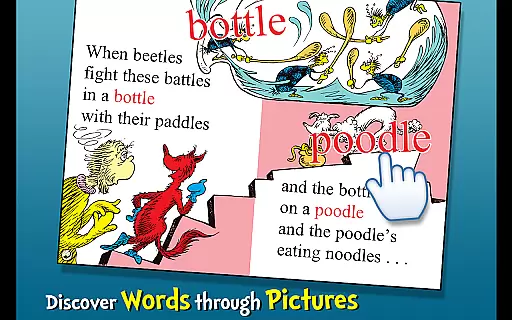
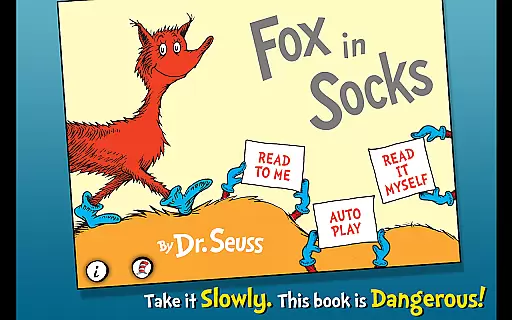
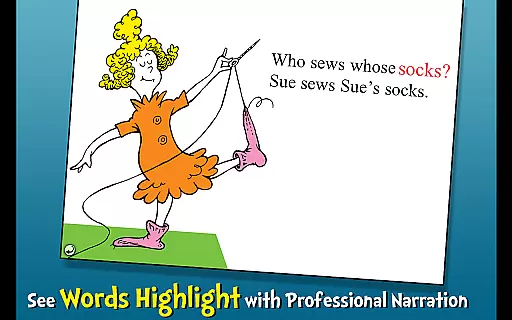
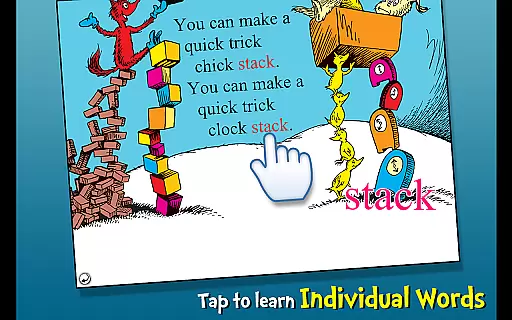
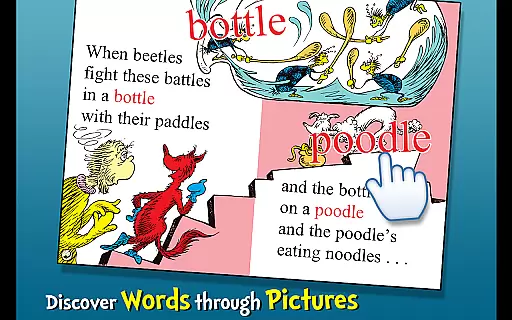
Fox in Socks is an interactive book app that brings Dr. Seuss's classic story to life for young readers. The app features three reading modes, including highlighted narration that helps build literacy skills. With tappable words and objects, children can learn new vocabulary while engaging with Fox's tongue-twisting antics.
Designed for ages 2-6, this educational app provides a playful introduction to reading through Dr. Seuss's whimsical rhymes and characters. The combination of visual exploration, audio narration, and interactive elements creates an immersive learning experience that encourages language development and reading comprehension.
The app offers multiple ways to engage with the story, including Read to Me, Read It Myself, and Auto Play modes. Each mode supports different levels of reader independence while maintaining the fun and challenge of Dr. Seuss's unique language play. The professional narration and sound effects bring extra depth to the storytelling experience.
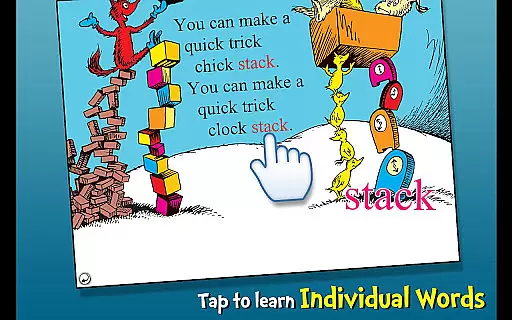
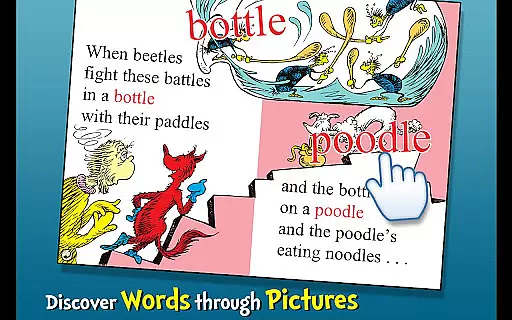
Interactive features include tap-to-hear functionality for words and objects, helping children expand their vocabulary in an intuitive way. The app also maintains the original artwork from the book, providing an authentic Dr. Seuss experience while incorporating modern educational techniques to enhance learning outcomes.
Fox in Socks by Dr. Seuss is a delightful addition to any digital library, offering not just an entertaining story but also ensuring that the content is fully licensed and authentic. The app provides a rich e-book experience with professional narration, interactive elements, and faithful digital reproduction of Dr. Seuss's iconic illustrations.
Parents can be confident in the legitimacy of this e-book, as it is an official Dr. Seuss licensed app. This means that every page, image, and rhyme is presented as intended by the original creators, preserving the integrity and magic of the beloved classic.
The app goes beyond simply digitizing the book; it enhances the reading experience through various interactive features. With highlighted narration that encourages literacy skills, children can follow along and learn new vocabulary with tappable words that come alive at their touch.
This interactive book app offers multiple ways to engage with the story, catering to different reading styles and preferences. Whether it's reading aloud yourself, having the book read to you with professional narration, or autoplaying the story, Fox in Socks adapts to provide a fulfilling experience.
Compatibility is extended to various devices, allowing seamless transitions between smartphones and tablets without losing any functionality or charm. This ensures that no matter where or how you choose to enjoy Fox in Socks, the format remains consistently engaging and educational.
Additionally, the app supports accessibility features such as tap-to-hear object names, making it more inclusive for young readers who may benefit from auditory learning cues. By prioritizing both entertainment and education, this app sets a high standard for format compatibility within children's literature apps.
Engaging interactive elements
Multiple reading options
Educational value for young learners
Authentic Dr. Seuss content
High-quality narration
Limited to Dr. Seuss fans
Some features locked behind paywall
No offline functionality
Simple graphics may not appeal to all
Interface not intuitive for youngest users

The Original Tropical Freshwater Aquarium Fish And Plant Care Guide
 4.80
4.80
Bible, Catechism, Study, Saints, Mass Readings, Rosary, Prayer, Bible in a Year
4.80
Offline translator from english to spanish, and from spanish to english.
4.50
Translate into 100+ languages with the world’s most accurate AI translator.
4.70
Provides location information of vehicle Shift Interlock releases.
4.30
My Bible offers a comprehensive app by providing offline access, daily verses.
4.80
Build family tree & discover DNA, family history heritage, origins and ancestors
4.60
Daily Bible app: King James Version with verses and audio for studying&prayer
4.40
ARC Raiders Companion: Map, Quests, ARC/Item Info. Track everything instantly!
4.00
What’s that bird? Just answer 5 questions, snap a photo, or record its song!
4.90
Daily thoughts, meditations, and prayers for living a sober life in recovery.
4.90
Bible Study App with Audio Book, Verse of the Day, and Devotionals.
4.80
Read books PDF, EPUB, WORD, KINDLE, MOBI! Your ebook reader among reading apps.
4.80
"Do you like green eggs and ham?"
4.70
Bible Spiritual Companion
4.40
Manage collectibles, survey and treasure maps in Elder Scrolls Online.
4.40
KJV Bible works offline with Audio, Hebrew & Greek lexicon (concordance) & more!
4.20
Knots 360 Pro ( 3D ) shows you animated 192 knots in 3D perspective
4.10
Unlock more features in Lithium and show your support. Expand for details.
4.00


User Reviews