Blushify is a beauty camera for makeup, face editing, and glowing selfies!
 4.70
4.70
Shop Smarter, Dress Better, and Shine Brighter!
4.10
Healthier, more beautiful with Medicube Digital Clinic AGE-R!
4.10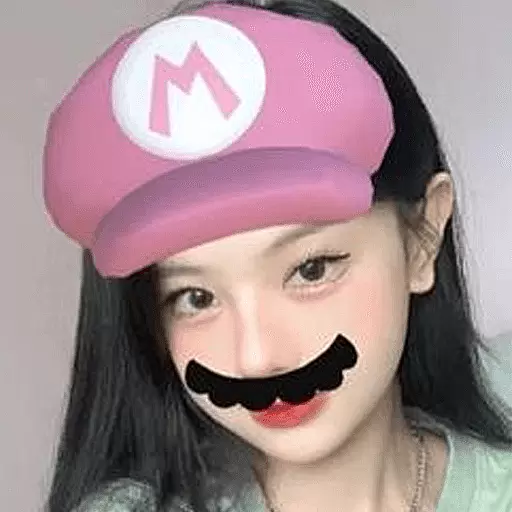
Try interesting trending filters allows you switch to a cute girl
4.70
Edit Your Photos and Videos with Beauty Filters & Get Makeup Artist Tutorials
3.60
Download Today
4.40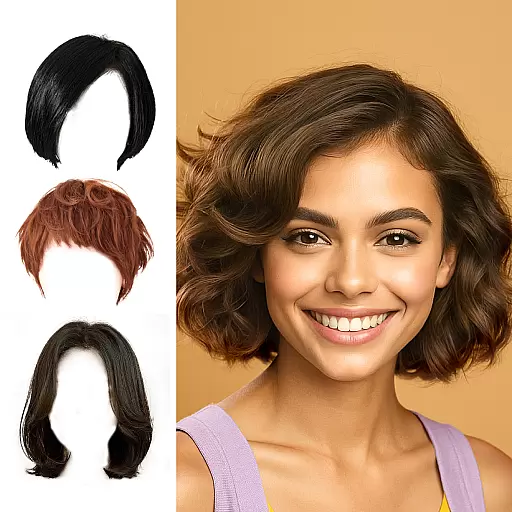
Try on different hairstyles and hair colors, glasses and jackets | Cartoon face
4.10
Beauty Mirror - True mirror app with light, shaving mirror, makeup mirror app
4.50
This barber game allows you to create and design hair styles on diverse people
3.80
Manage your daily skin care beauty regimen & track your skin's progress.
4.70
Beauty camera for perfect selfie with makeup, sticker and filter
4.50
Winter picture editor: Christmas stickers, frames for photos & Christmas cards.
4.40
Crown Heart Emoji Photo Editor has given you the chance to look cute girl
4.40
Your on-demand aesthetician
4.40
This application is for the Luvme Hair official website: shop.luvmehair.com .
4.30
True mirror app with zoom, LED light, for makeup & shaving anywhere!
4.20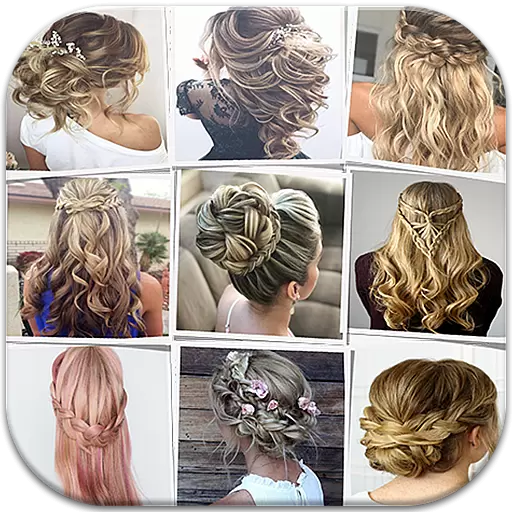
Make beautiful Hairstyles for girls with your own hands in little bit of time
4.00
Never run out of your go-to beauty & get 5% off with auto-replenish deliveries!
4.00
Enjoy convenience wherever you are with the Tune Up, The Manly Salon app.
3.20


