
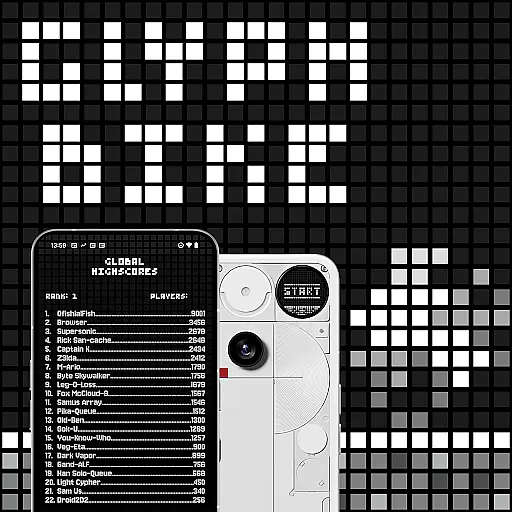
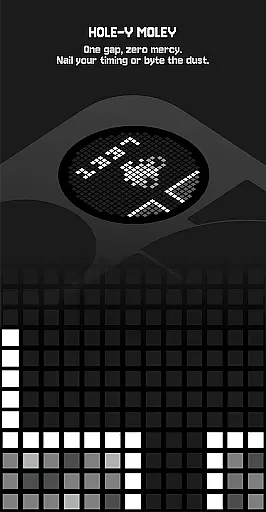
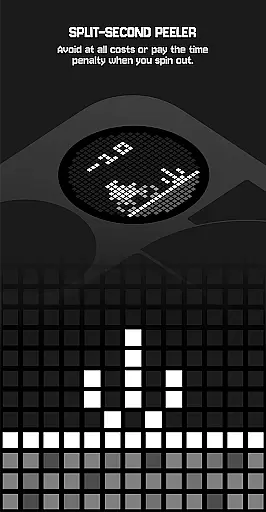
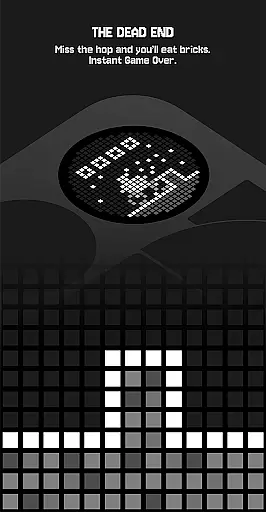
Glyph Toy - Glyph Bike is an innovative arcade game designed exclusively for the Nothing Phone (3), featuring a retro-inspired infinite scroller that challenges players with its Glyph Matrix technology. The game combines clean aesthetics with engaging gameplay, where players must navigate hazards, execute perfect jumps, and collect time boosts to maintain their speed. With a focus on precision and timing, this arcade experience offers various game modes and unlockable content, enhancing replayability while pushing the limits of your skills.
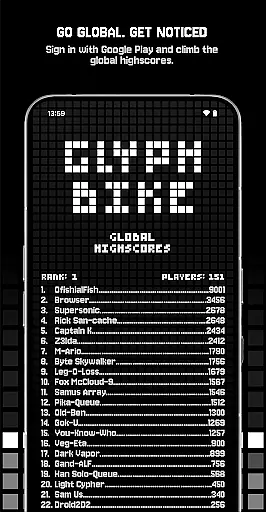
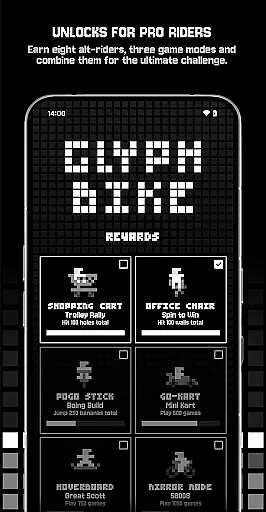
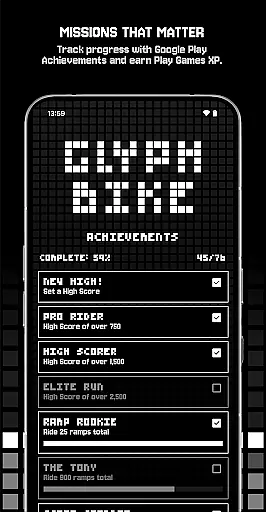
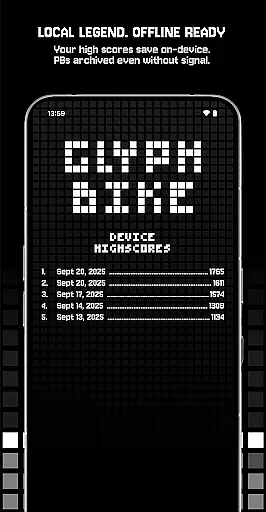
As you progress, you can unlock achievements, characters, and special game modes like Mirror Mode and The Upside Down, providing fresh challenges. Leaderboards allow you to compete globally via Google Play or locally on your device. Whether you're chasing high scores or simply enjoying the thrill of the ride, Glyph Bike delivers a dynamic gaming experience tailored for arcade enthusiasts who appreciate minimalist design and intricate mechanics.
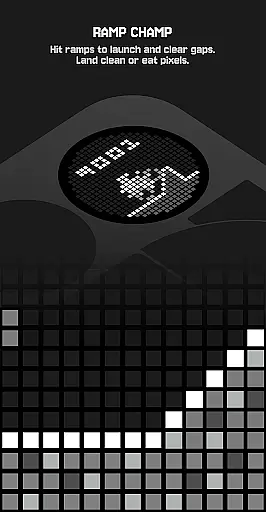
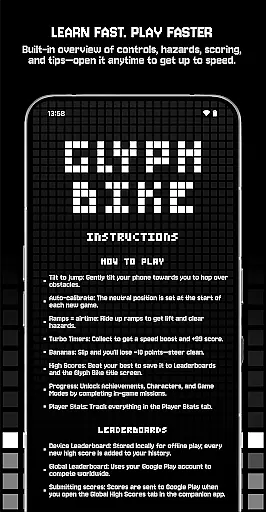
Glyph Toy - Glyph Bike stands out with its unique control scheme that uses the phone's tilt function for jumping over obstacles, offering a tactile and immersive experience. Auto-calibration ensures that every new game starts smoothly, adapting to your play style. The inclusion of ramps adds verticality to the gameplay, allowing players to gain airtime and clear larger hazards, which keeps the action varied and exciting.
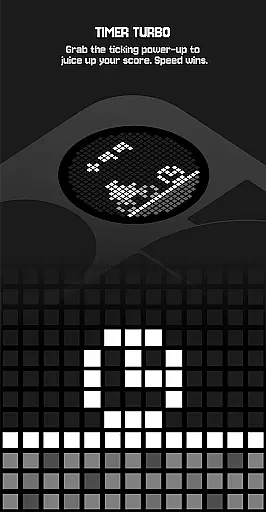
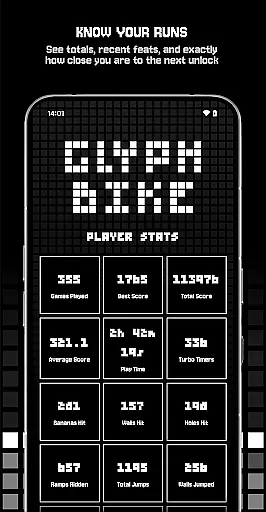
The game also features Turbo Timers and bananas as interactive elements; collecting Turbo Timers grants speed boosts and bonus points, while avoiding bananas prevents score penalties. Progress tracking through Player Stats provides insights into your performance, helping you strategize better. With eight unlockable characters and multiple game modes, including combinations for increased difficulty, Glyph Bike caters to both casual gamers and hardcore challenge seekers, ensuring there’s always something new to explore.
Arcade authenticity and nostalgia are at the heart of Glyph Bike's appeal, offering players a retro-flavored infinite scroller that captures the essence of classic arcade gaming. The game combines clean lines and engaging gameplay to create an immersive experience that harks back to the golden age of video games.
Glyph Bike achieves this nostalgic feel through its innovative use of the Nothing Phone (3)'s revolutionary Glyph Matrix, providing tactile feedback that enhances the connection between player actions and in-game responses. This feature not only revives the physical interaction synonymous with traditional arcade machines but also adds a modern twist that keeps the gameplay fresh and exciting.
Players can expect to thread hazards, hit perfect jumps, and snag time boosts, all while keeping the throttle steady as the game progressively becomes more challenging. These mechanics emulate the increasing difficulty curves found in classic arcade games, ensuring that each session is as thrilling as the last.
The inclusion of high-score screens and leaderboards further amplifies the competitive spirit reminiscent of arcade halls, motivating players to continually improve their skills and compete for the top spot. By tapping into these timeless elements, Glyph Bike successfully delivers an authentic arcade experience infused with a sense of nostalgia.
Control responsiveness is a critical aspect of Glyph Bike, directly impacting the player's ability to navigate through obstacles and achieve high scores. The game employs a tilt-to-jump mechanism, where players gently tilt their phone towards them to hop over hurdles, ensuring that every movement is accurately translated into in-game actions.
This precise control scheme is complemented by an auto-calibration feature that sets the neutral position at the start of each new game. Such attention to detail guarantees consistent performance and allows players to focus on honing their skills without worrying about inconsistent controls affecting their gameplay negatively.
Ramps provide additional opportunities for airtime, enabling riders to clear hazards effectively. The responsive nature of these controls means that timing jumps correctly results in satisfying lift-offs and smooth landings, rewarding players who master the nuances of Glyph Bikeu2019s mechanics with extended play sessions and higher scores.
Turbo Timers add another layer of interactivity, collecting which grants a speed boost and bonus points. The immediate response from the controls when activating these power-ups enhances the overall gaming experience, making it not just about survival but also about strategic acceleration. With such finely-tuned control responsiveness, Glyph Bike ensures that every action feels impactful and rewarding.
Unique tilt controls
Retro aesthetic design
Engaging gameplay mechanics
Multiple unlockables
Global leaderboards
Device-specific compatibility
Steep learning curve
Limited offline features
Repetitive long-term play
Occasional calibration issues

GBA Emulator
 4.40
4.40
BallStack is a vibrant match-3 game where you stack and match colorful balls!
4.4
Motorcycle racing games! Prove your paperboy can win in the bike race 3D!
4.50
PC Engine/TurboGrafx-16 Emulator
4.50
Divine powers at your fingertips! An innovative and frantic shoot-'em-up!
4.2
It's quite possibly the world's hardest game!
3.90
Protect the balloon! Only 1% of players can reach lvl 100 with all the balloons!
3.70
NEOGEO's masterpiece game is now available in the app!
4.10
A fast, full-featured GB/GBC emulator with link cable emulation.
3.80
Bomb the communists back to 1916!
4.70
Cool car builder & racing simulator: make a car to win the obstacle course race!
4.60
Hit as hard as you can and make the penguin learn to fly! Arcade jumping game
4.50
Fruit is waiting to be sliced, ninja. Play the hit mobile game !
4.50
Three awesome new levels for The Impossible Game.
4.30
Genesis/Mega Drive/CD & Master System/Mark III Emulator
4.30
Sit back and relax! Tap to move the black hole, and swallow weapons to win.
4.20
Epic offline war strategy game - build your city, train your army, conquer
4.20
John GBC is GB/GBC emulator. This emulator is easy to use.
3.80
Welcome back to Vice City. Welcome back to the 1980s.
3.30


User Reviews