
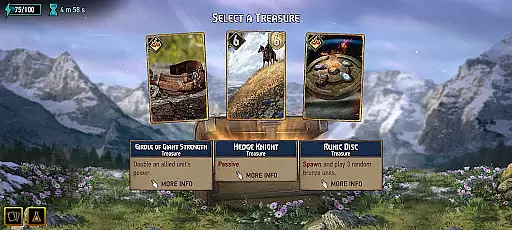
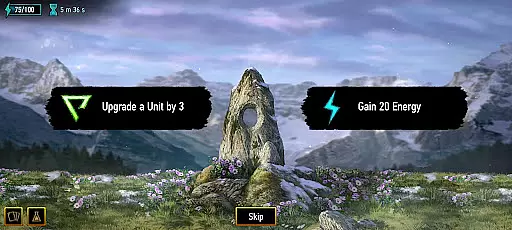
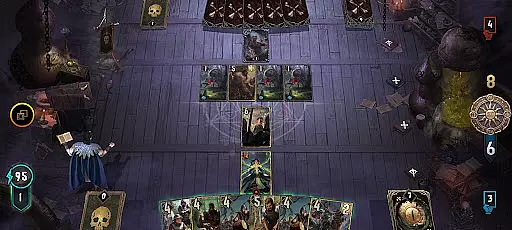
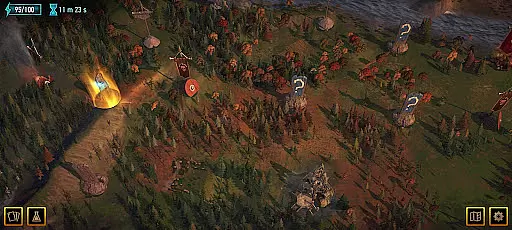
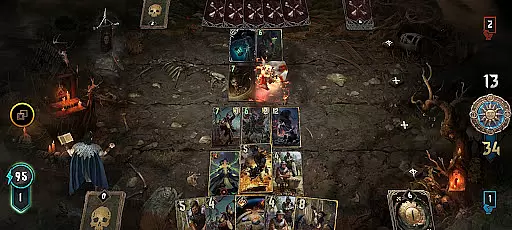
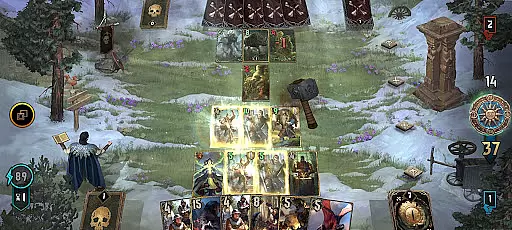
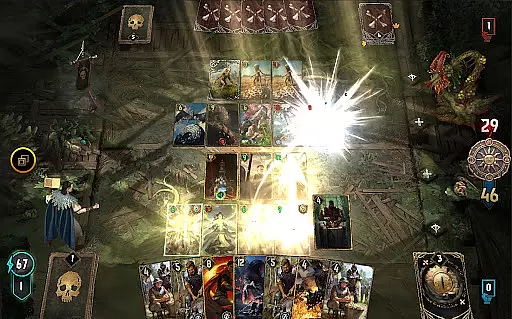
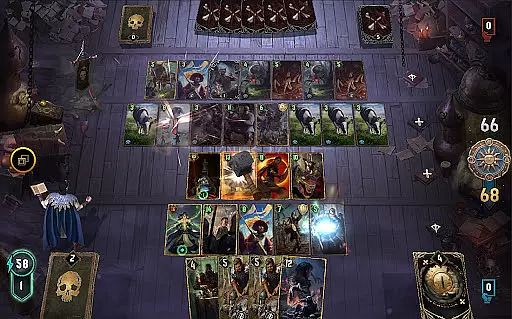
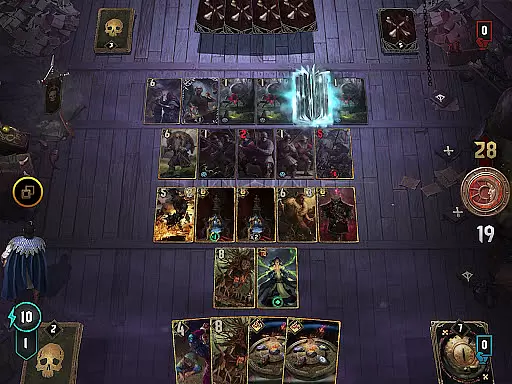
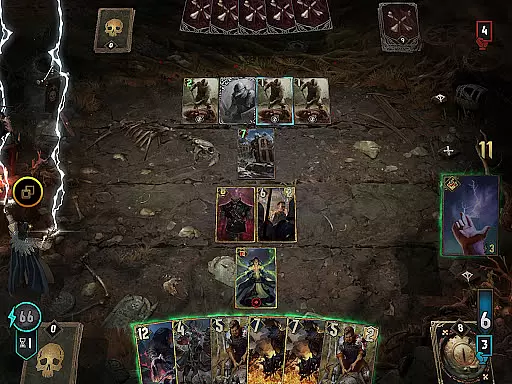
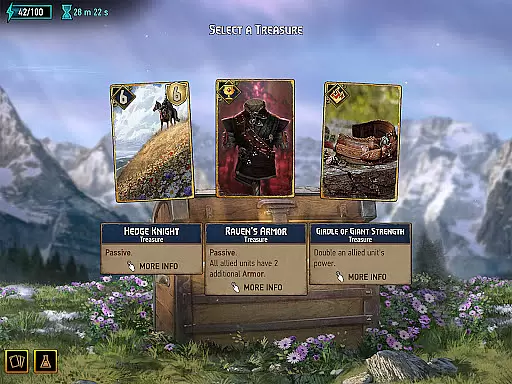
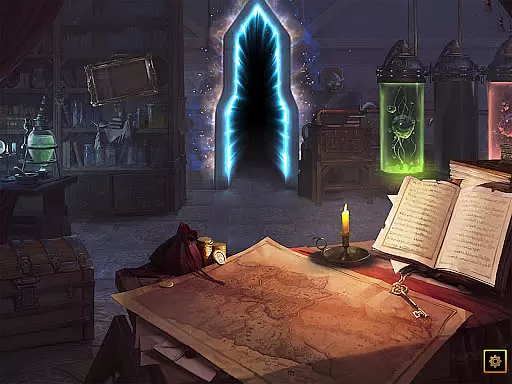
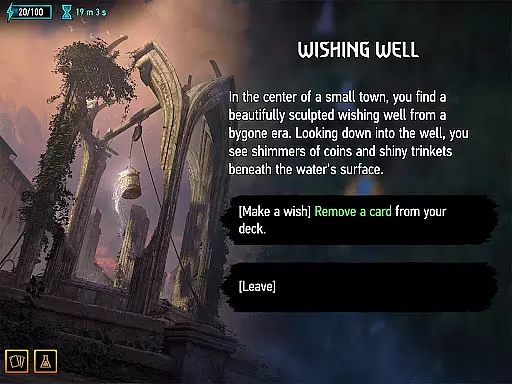
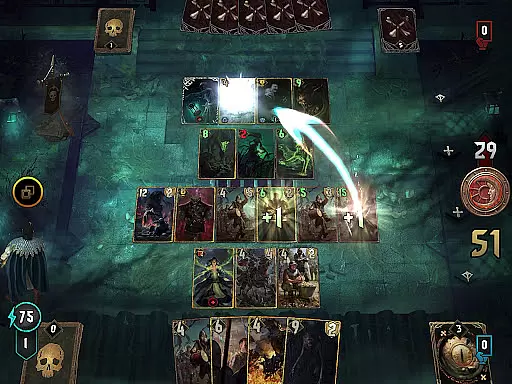
GWENT: Rogue Mage is a single-player expansion of GWENT: The Witcher Card Game, designed for Android devices running Android 7 to 13 with OpenGL 3.2 support. This game combines roguelike, deckbuilding, and strategic elements, offering players a unique card battle experience based on the Witcher universe.
Set hundreds of years before Geralt's time, the game follows Alzur, a young mage, and his companion Lily on their quest to create a weapon to eradicate monsters. Players will engage in tactical card battles while exploring this rich narrative, making it ideal for fans of strategy and story-driven games.
The app provides an immersive experience by blending deep strategic gameplay with roguelike progression, appealing to both casual and hardcore gamers looking for a challenging yet rewarding adventure.
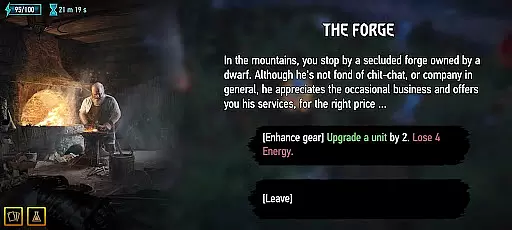
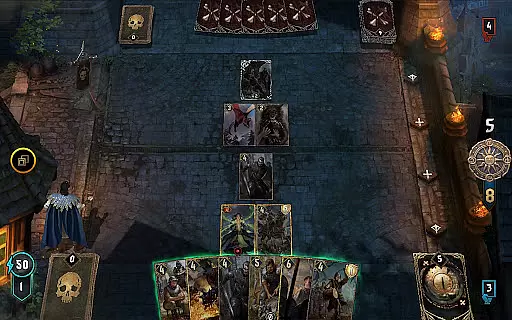
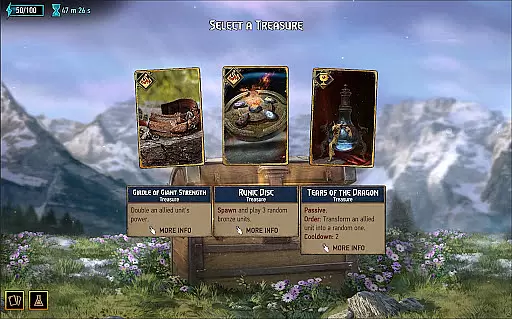
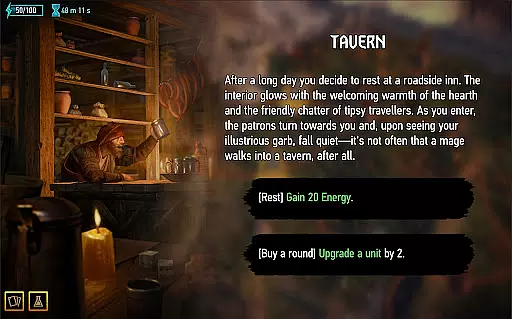
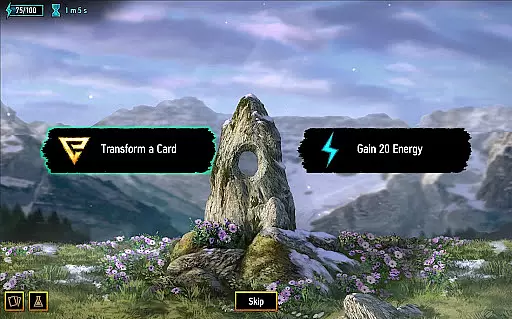
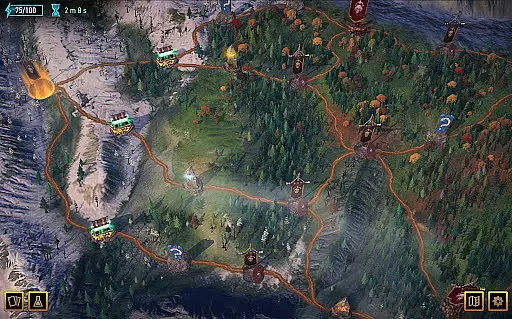
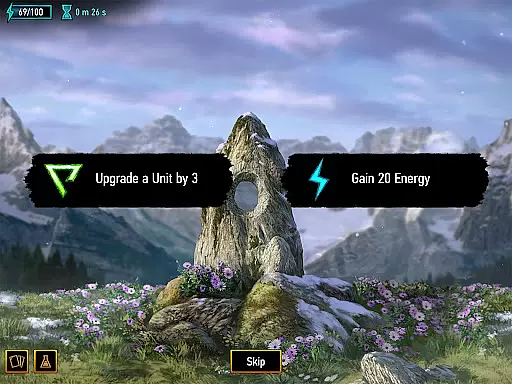
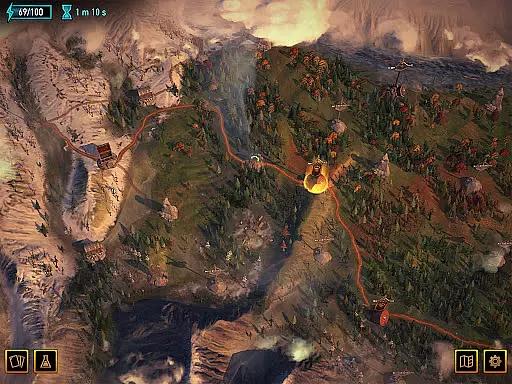
GWENT: Rogue Mage stands out with its innovative fusion of roguelike mechanics and strategic card gameplay. Players can build and customize their decks while progressing through procedurally generated levels, ensuring a unique experience every time.
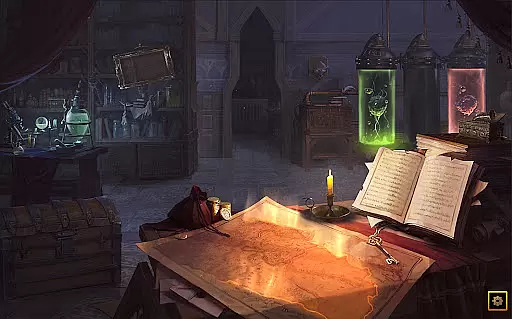
The game features stunning visuals and detailed card designs that reflect the dark fantasy setting of the Witcher universe. Each match requires careful planning and resource management, allowing players to utilize unique abilities and combos to defeat increasingly challenging enemies.
Additionally, the title offers a compelling storyline centered around Alzur's mission to save humanity from monsters. This narrative depth, combined with high replayability, makes GWENT: Rogue Mage a standout choice for fans of card-based strategy games.
In card games like GWENT: Rogue Mage, the fairness of Random Number Generation (RNG) is crucial for ensuring balanced and unpredictable gameplay. The game employs certified RNG mechanisms that undergo regular testing to maintain integrity.
This implementation ensures that every card draw and every battle outcome is statistically random, providing all players with an equal chance of success. Such a system prevents pattern exploitation and keeps the element of surprise constant.
Players benefit from this by experiencing a truly fair competitive environment where strategy and skill are the determining factors rather than pre-determined outcomes. This builds trust in the game's mechanics and enhances replayability.
For a card game, fluid controls and minimal input latency are essential for a seamless user experience. GWENT: Rogue Mage optimizes its interface to ensure that every tap and swipe on the screen translates instantly into actions within the game.
The developers have implemented a responsive touch system that accurately registers player inputs without delay. This allows for quick decision-making during intense card battles, keeping the flow of the game uninterrupted.
As a result, players can enjoy a smooth and engaging gaming session where their interactions are precise and timely. This level of responsiveness elevates the overall enjoyment and competitiveness of the gameplay experience.
Engaging storyline
Innovative gameplay
Stunning visuals
High replay value
Deep strategic elements
Device restrictions
Complex for beginners
Limited multiplayer
Requires OpenGL 3.2
Steep learning curve

Hardwood Hearts, where breaking hearts is just part of the game.
 4.50
4.50
Shards of Infinity is the follow up deckbuilder to Ascension.
3.40
Euchre Offline! Master strategy fun, install and play NOW!
4.70
Relax, strategize, and enjoy endless card fun with vintage solitaire.
4.70
90 games. Intuitive, simple, beautiful... just great. Try it and you'll love it!
4.20
Classic Solitaire: A smart mix of fun, relaxation, and brain training!
4.90
Build a dice pool to purify Astrea's corruption and save the Star System.
4.10
The most popular cribbage app available; all of the options, none of the fluff!
4.80
Swipe left, swipe right, be the King.
4.50
Classic Solitaire card games - Play Klondike Solitaire to unwind and feel good!
4.90
Play anywhere anytime the most popular card game
4.70
Play and Master the Fun Classic Card Game Online & Offline
4.70
Reiner Knizia's classic card game, Masters Gallery
4.60
Restore and customize the truck exclusively to your own through Solitaire!
4.60
A sleek, addictive Solitaire experience made for the modern player.
4.60
Play classic Spider Solitaire & Spiderette! Daily challenges, badges & events!
4.50
Lyric Party tests your knowledge of your favorite hit songs.
4.20
Compete against the computer in this classic trick-taking game.
4.20
Defeat the Uberlich in this challenging, deck-building roguelike adventure!
4.20


User Reviews