
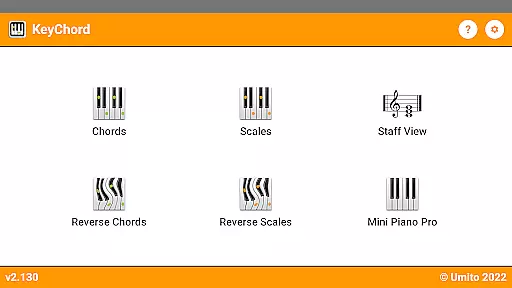
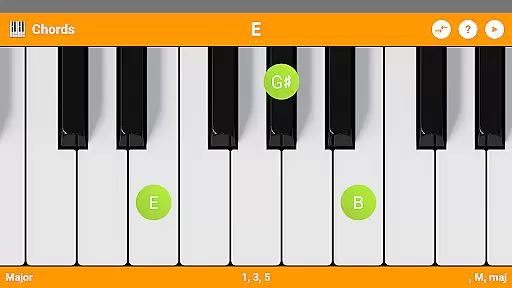
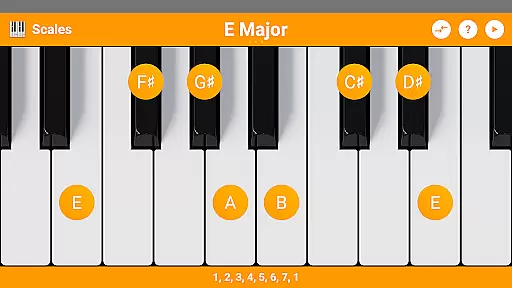
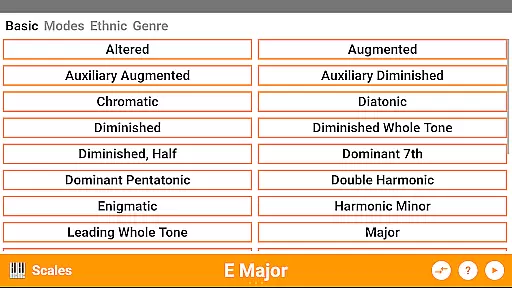
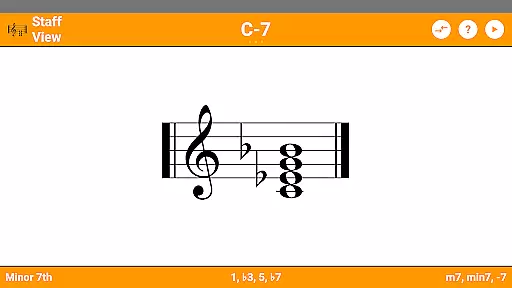
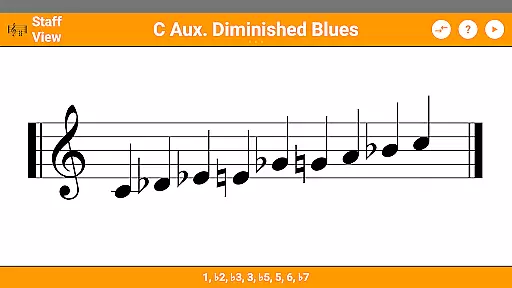
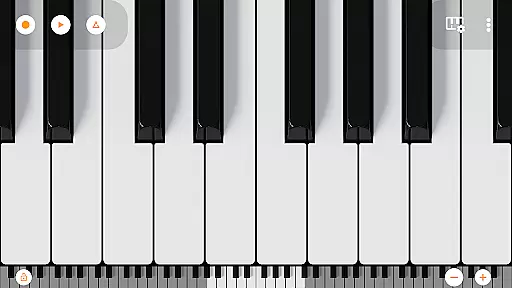
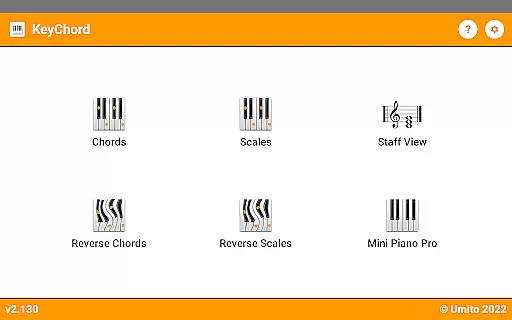
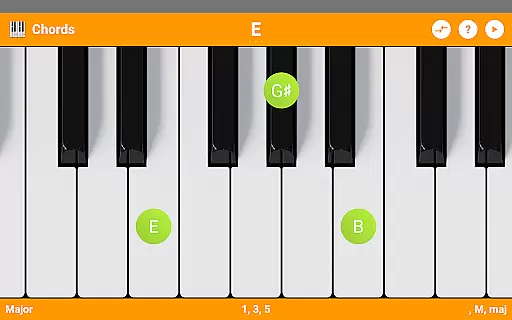
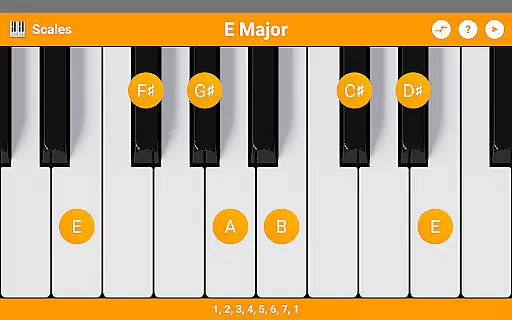
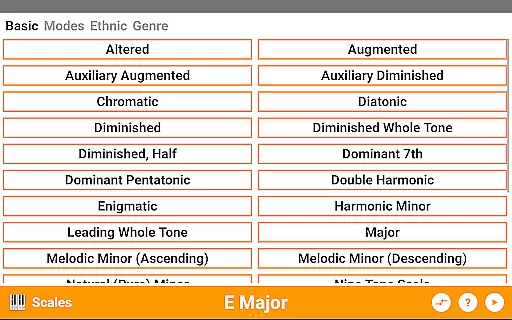
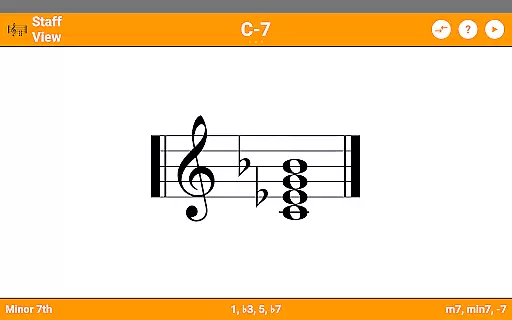
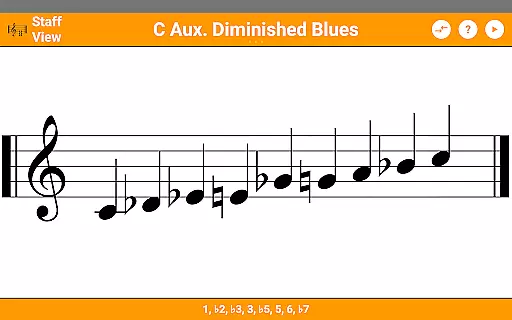
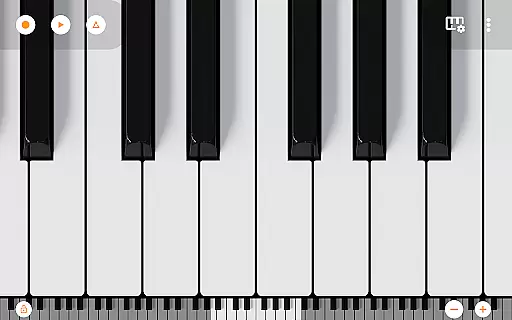
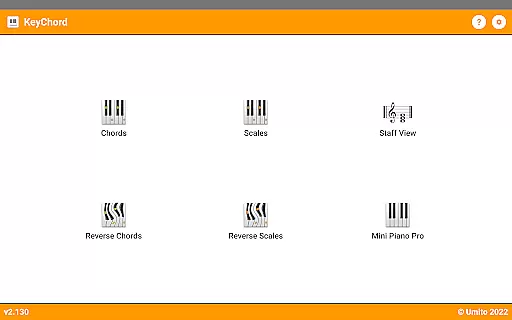
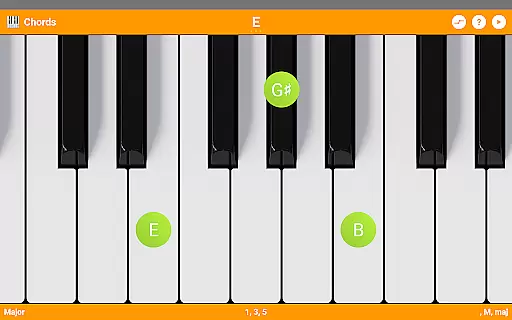
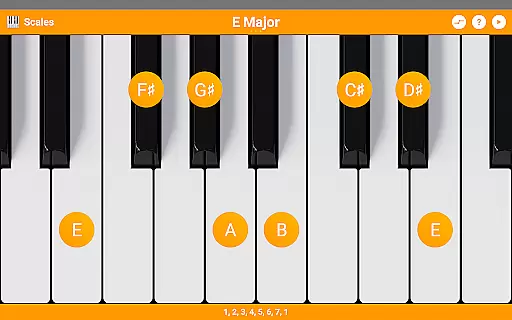
KeyChord is an innovative reference app designed for musicians and piano enthusiasts. This dynamic dictionary allows users to explore all scales and chords through an intuitive virtual keyboard interface. The app features a built-in 88-key multitouch piano, offering 128 different sounds for realistic playback. KeyChord stands out with its reverse lookup functionality for both chords and scales, making it an essential tool for music composition and learning.
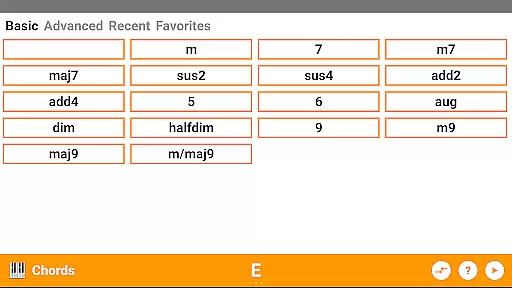
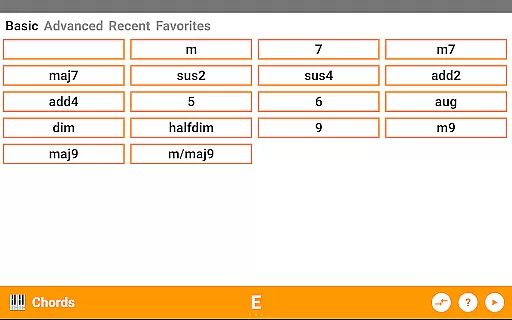
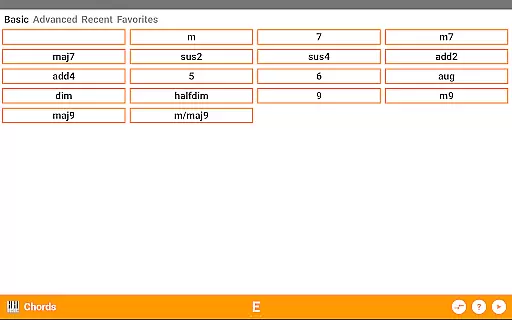
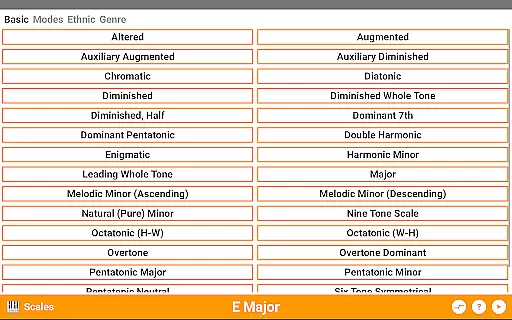
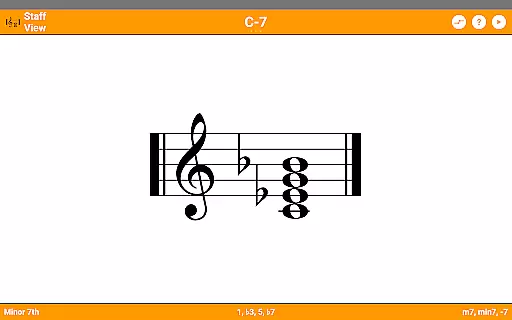
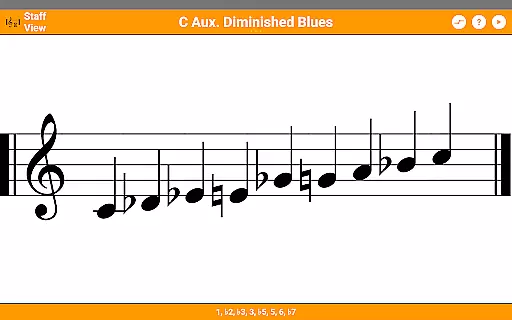
The app's versatility extends to its support for over 50 chord types and 100 scale types, complete with detailed information about note names and component intervals. Users can benefit from the staff view feature and create custom favorites for quick access to frequently used chords. Whether you're a beginner or professional musician, KeyChord provides valuable resources for understanding music theory and improving your playing skills.
KeyChord offers an impressive array of features that cater to various musical needs. The app includes more than 50 chord types and 100 scale types, providing comprehensive coverage of musical possibilities. Its unique reverse lookup function allows users to identify chords and scales by simply selecting notes, even supporting partial chords with missing notes.
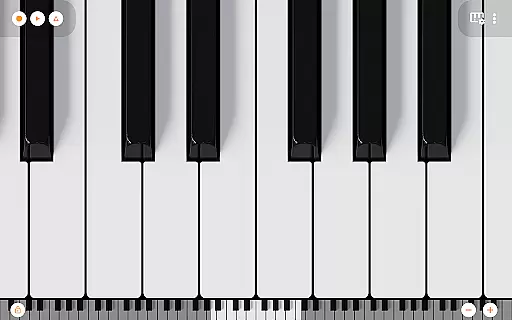
The integrated 7-octave multitouch piano supports full 88-key functionality, enabling users to practice and experiment with different sounds. Advanced features include inversion options, slashed chords, and interval displays. The app also supports dark mode and MIDI recording capabilities, allowing musicians to capture their compositions and set them as ringtones. These robust features make KeyChord an indispensable tool for music education and creation.
KeyChord offers an extensive virtual library of musical knowledge, featuring over 50 chord types and 100 scale types. This vast collection ensures that musicians of all levels have access to a comprehensive reference for their practice and performance needs.
The app's content is carefully curated and verified, ensuring the accuracy and authenticity of each chord and scale. By avoiding pre-defined entries and instead using dynamic calculations, KeyChord guarantees that every piece of information is both correct and reliable.
Users benefit from the assurance that all included chords and scales are derived from authoritative music theory principles. This makes KeyChord not just a reference tool, but a trustworthy learning companion for pianists and composers.
The inclusion of features like reverse lookup and staff view further enhances the value of this digital library, providing multiple ways to interact with and understand musical structures.
KeyChord demonstrates exceptional versatility in its compatibility with various musical formats and interfaces. The app supports standard music notation through its staff view feature, while also accommodating different input methods via its virtual keyboard.
With support for 128 different sounds from Mini Piano Pro, users can experience high-quality audio playback across multiple instrument voices. This broad sound palette ensures that musicians can accurately preview their compositions in various tonal colors.
The application maintains consistent performance across different modes, including dark mode support and multitouch functionality. These features guarantee smooth operation regardless of user preferences or device settings.
Furthermore, KeyChord's ability to record songs as MIDI files and set them as ringtones showcases its adaptability to various file formats and system functions, making it a comprehensive tool for both learning and creative expression.
Comprehensive chord library
Realistic piano simulation
Reverse lookup functionality
Staff view for visual learners
MIDI recording capability
Steep learning curve
Interface may feel cluttered
Advanced features require practice
Limited free content
Occasional performance issues

Novels, audiobooks, ebooks & fanfiction. Read anytime, anywhere!
 3.40
3.40
Essential Technical Rescue Field Operations Guide 6, the Industry Standard Guide
4.20
Words spoken by native English speakers and full definitions.
4.60
Master AKC Rally signs with in-depth hints, diagrams, and expert guidance.
4.50
Learn Thai with 195,000+ entries, crisp Thai sounds, big text; works offline.
4.80
Full text, sheet music, and recordings of the print edition
4.60
Unlock unlimited access to bestselling ebooks, novels, stories, and audiobooks
4.60
Daily thoughts, meditations, and prayers for living a sober life in recovery.
4.90
Follow complex state CCW permit laws and lawfully carry firearms in each state.
4.80
A KJV Bible with Apocrypha and precept-based study concordance
5.00
King James Bible read offline, AI Priest, Bible Quiz, Guiding Prayers & Plans
4.80
Bible Study App with Audio Book, Verse of the Day, and Devotionals.
4.80
Enjoy daily devotionals, Bible verses, audio courses, and more.
4.80
Contains the 365 daily readings and everything other thing needed for catholics
4.70
7 Languages, Google, Wiki, Vocabulary.com, Cambridge & Urban Dictionary!
4.50
Read the Quran in Arabic alongside its translation, with color coded Tajweed.
4.50
Manage collectibles, survey and treasure maps in Elder Scrolls Online.
4.40
Pretty Moon information App with Complications and Tile
4.30
A wonderful reader for good time spend.
4.20


User Reviews