

Design and brew great homebrewing beer, mead, cider and wine recipes on the go!
 3.60
3.60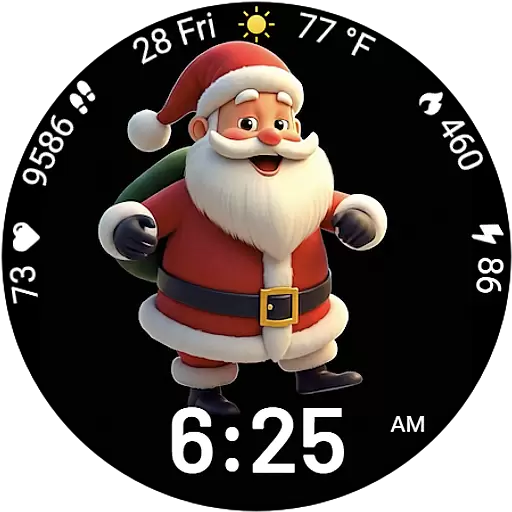
Designed to delight, impress and energize your festive spirit every single day
4.1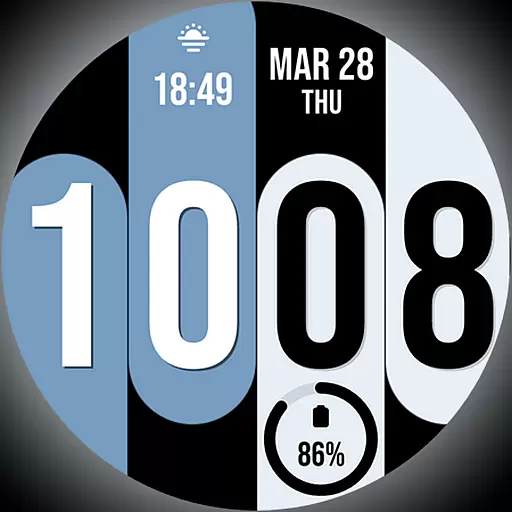
Unique Dual Colors with 6 Custom Complications for Wear OS watches!
3.40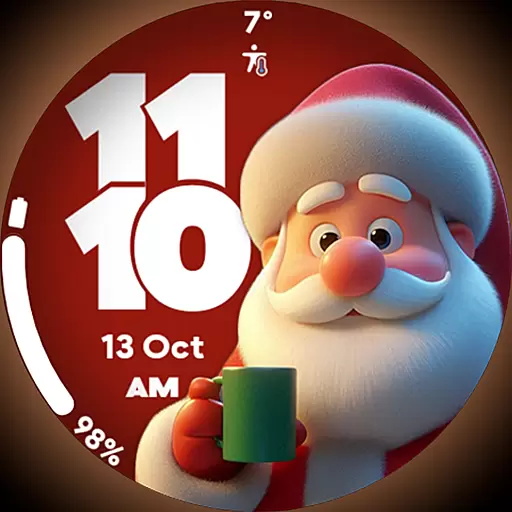
Customize your Wear OS watch with festive Christmas figures and colors!
4.3
Zodiac & Horoscope Launcher: Daily Sign Predictions & Astrology
4.40
Crochet made easy: step-by-step tutorials, beginner patterns & projects
4.60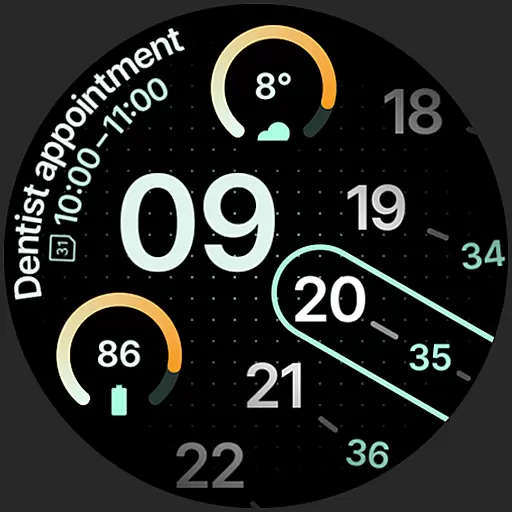
A unique and customizable watch face which rotates its layout every minute.
4.80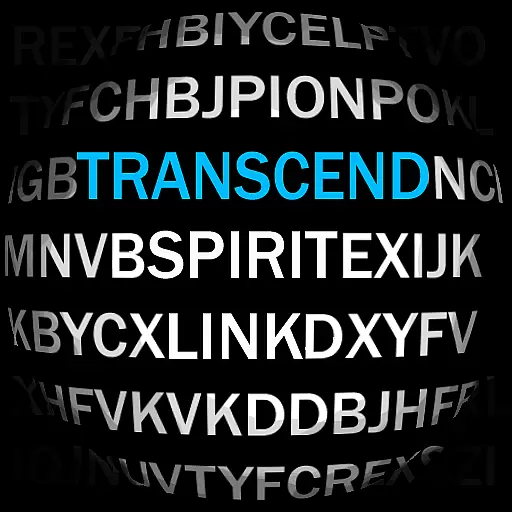
Going above and beyond known spirit communication
3.60
Share opinions, get paid cash
4.30
Countdown to Christmas 2025 with festive games & activities in a virtual village
4.80
See wait times and check into a hair salon ahead of time with Online Check-In.
4.80
Pay your rent, submit work orders and much more with the RentCafe Resident App.
4.70
The App can control Roborock vacuum cleaners from anywhere with rich features.
4.60
PARAVOX 4 is a professional ITC paranormal research application.
4.50
Discounts, savings, and rewards
4.20
Connect to your Shark ROBOT™ from anywhere using the SharkClean™ App.
3.60
View over 160,000 line dance stepsheets from the CopperKnob website.
3.30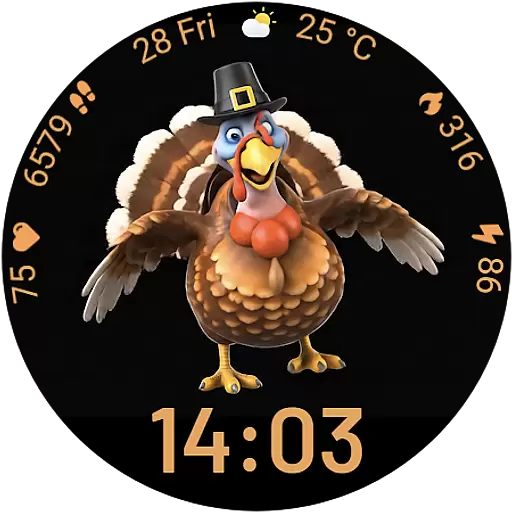
Cute animated Thanksgiving watchface for your WearOS smartwatch
4.2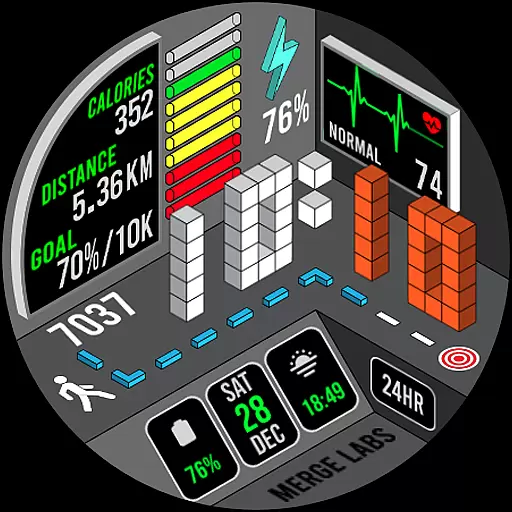
A uniquely designed isometric digital watch face made for Wear OS
4.2


