
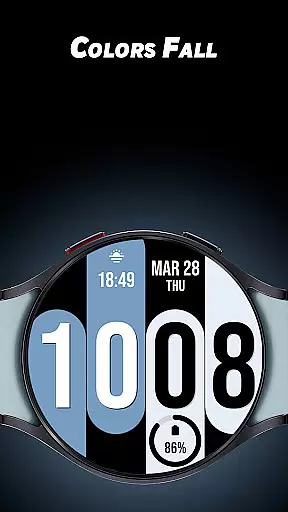
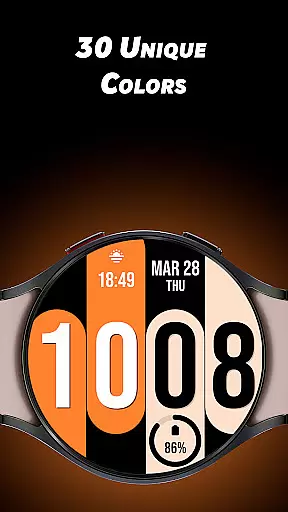
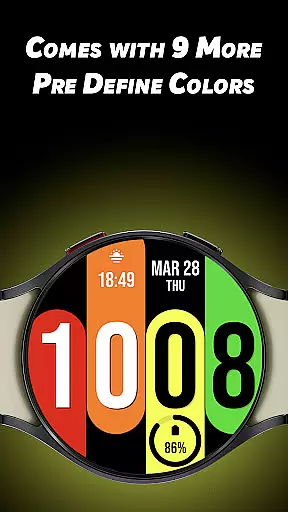
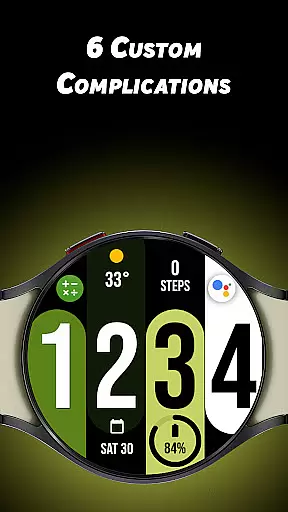
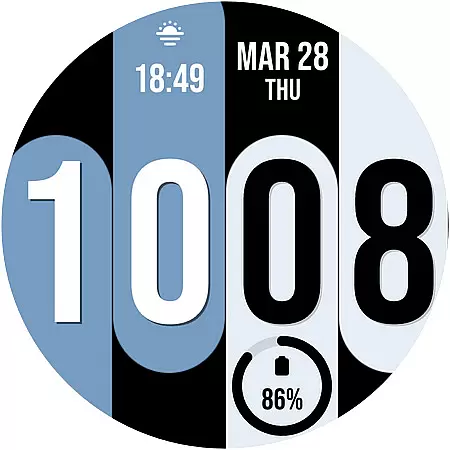
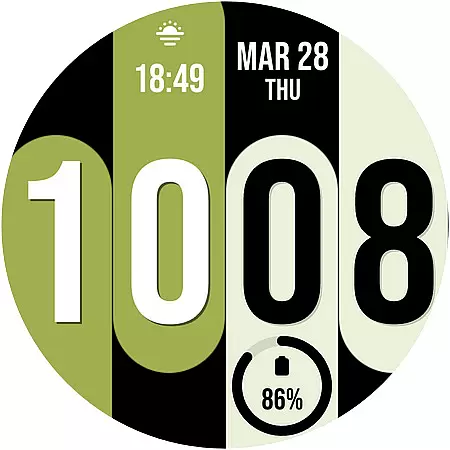
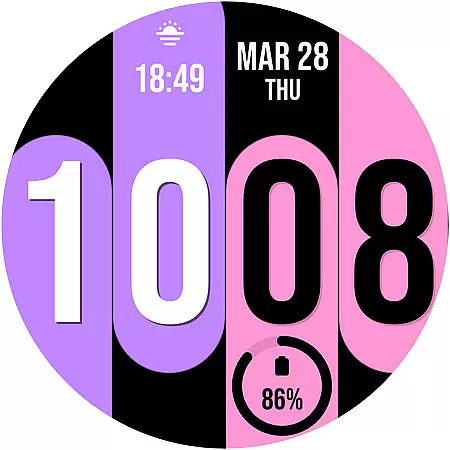
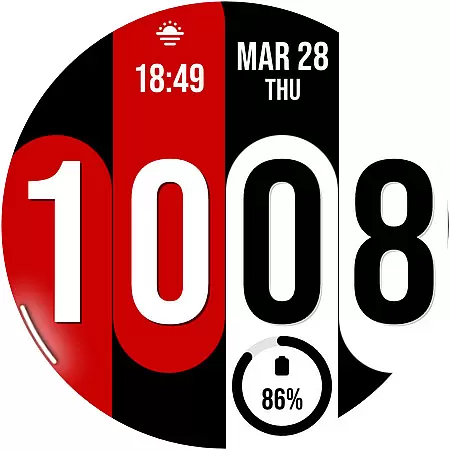
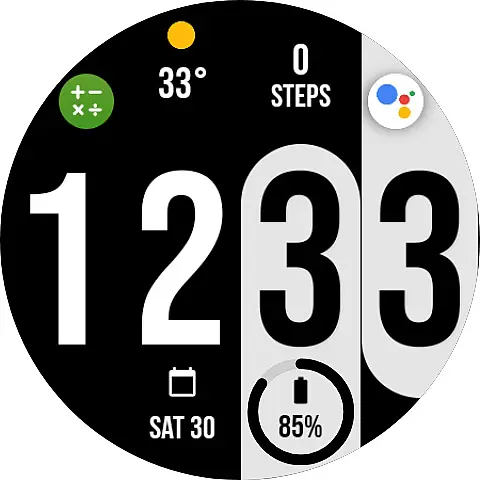
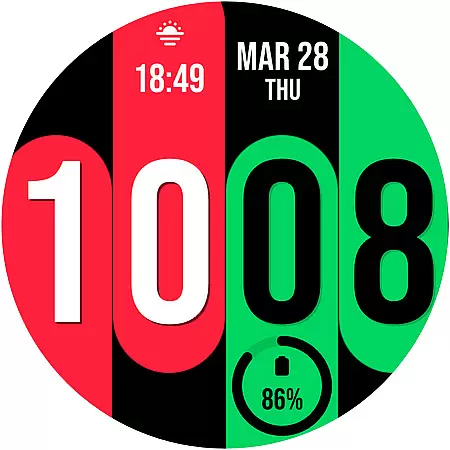
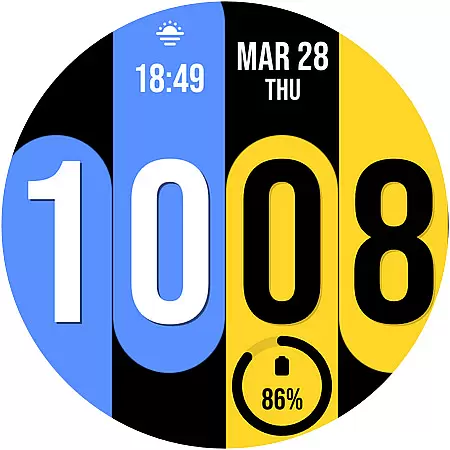
Colors Fall is a feature-rich customization app designed specifically for Wear OS devices. This application allows users to enhance their smartwatch experience by offering a wide range of unique color options and personalized settings. With 30 distinctive color choices and the ability to enable predefined colors, it ensures your watch face stands out.
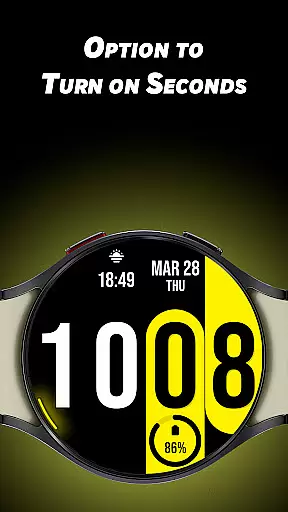
In addition to its impressive color palette, Colors Fall provides six custom complications and the option to display seconds with a unique rotating animation around the watch's edge. Whether you prefer a 12-hour or 24-hour display format, this app caters to various preferences, making it an ideal choice for those looking to personalize their wearable technology.
Colors Fall offers a comprehensive suite of features that cater to personalization enthusiasts. One of its standout characteristics is the extensive customization options available, including 30 unique colors and nine predefined color schemes. This flexibility empowers users to tailor their watch faces to match their style or mood.
Beyond color options, the app includes six custom complications, allowing for enhanced functionality and quick access to essential information. The innovative seconds display, which rotates uniquely on the watch's edge, adds a dynamic touch to the overall design. These features collectively ensure that Colors Fall not only enhances visual appeal but also improves usability for Wear OS users.
Colors Fall offers a comprehensive lifestyle experience by providing users with a wide array of customization options tailored for Wear OS devices.
The app features 30 unique colors and 9 predefined color choices, ensuring that users can find the perfect look to match their personal style. With additional options like 6 custom complications and the choice between a 12 or 24-hour display format, it covers various user preferences.
One of the standout features is the ability to turn on seconds with a unique rotating animation around the edge of the watch face, adding an element of dynamic design to your wearable device. This level of detail enhances its appeal across different lifestyles.
By focusing on these diverse aesthetic and functional elements, Colors Fall successfully caters to a broad spectrum of tastes and requirements within the lifestyle category, making it a versatile choice for Wear OS users seeking BIG BOLD looks.
When it comes to content authenticity, Colors Fall ensures that every feature has been thoughtfully designed and implemented. The app provides genuine customization options such as unique colors and rotating second hands, which are not just visually appealing but also highly functional.
Expertise is evident in the careful selection of features, including the 6 custom complications and the variety of color choices. These elements reflect a deep understanding of what users seek in a lifestyle app for their Wear OS devices.
Furthermore, the developers have paid attention to small yet significant details, like offering both 12/24-hour formats and ensuring smooth performance on all supported devices. Such meticulousness speaks volumes about the credibility behind the development process.
Users can trust that Colors Fall delivers an authentic experience crafted by experts who understand the nuances of wearable technology and lifestyle enhancement, setting it apart from generic offerings in the same space.
Wide color selection
Custom complications
Unique animations
User-friendly interface
Predefined color options
Limited to Wear OS
No iOS support
Advanced features locked
Occasional bugs
High battery usage

The Work of Byron Katie— the mobile app for inner peace.
 4.40
4.40
What is my face shape? Find out your face shape from picture, see fitting frames
3.90
Unique Dark Analog style for Wear OS watches.
4.5
The all-new Cync app. The simple, connected app for Cync and C by GE.
4.50
Easily manage your child's playtime, spending messaging and more.
3.50
This app is intended to support professional EMDR therapy.
4.50
Made To Order Faves
4.70
A smart Siddur with halachic times
4.50
Colorful minimal digital watch face for Wear OS
4.60
Countdown to Christmas 2025 with festive games & activities in a virtual village
4.80
Have your Tehillim with you at all times
4.70
The App can control Roborock vacuum cleaners from anywhere with rich features.
4.60
Premium floor cleaning robots
4.50
Redecor your home with Home AI interior design, room planner and home designer.
4.50
Earn points with every purchase with Moe Rewards.
4.20
Use your device sensors to detect energy and convert it into spoken words.
4.10
Do you want to communicate with spirits?
3.80
Turn your watch into a key fob for your Tesla
2.90
LineLearner, the quick way to learn lines.
2.90


User Reviews