
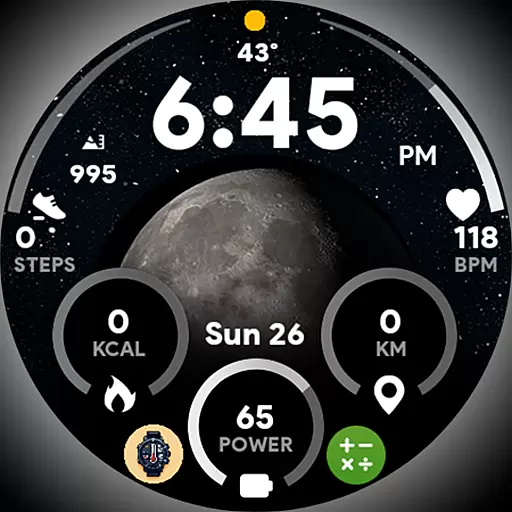
Unique informative Dial with Live Moon Phase at a glance!
 3.60
3.60
Take Hobby Lobby with you wherever you go!
3.40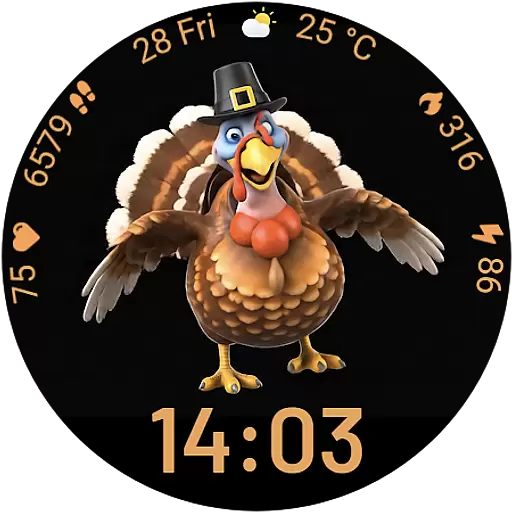
Cute animated Thanksgiving watchface for your WearOS smartwatch
4.4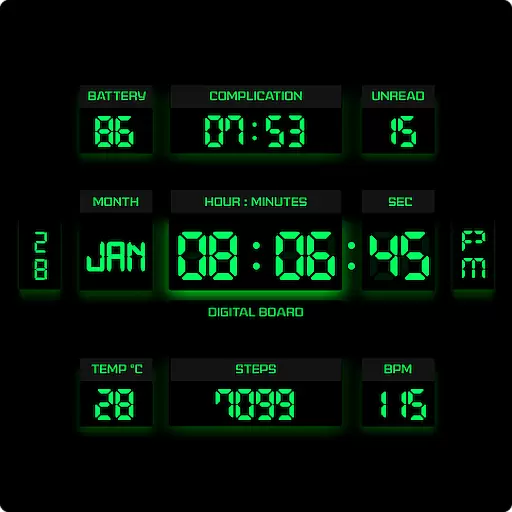
This minimalist yet classic board design brings a futuristic twist to your wrist
4.20
Play. Earn. Repeat. Get rewarded for playing mobile games. Welcome to Mobius!
4.80
Communicate with your vehicles and Powerwalls anytime, anywhere
3.60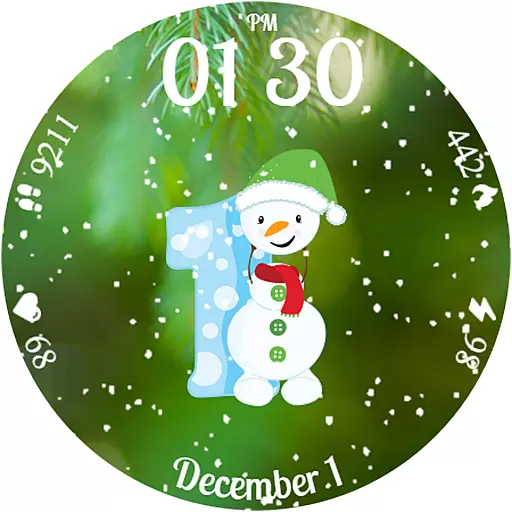
Celebrate the holidays with Advent Calendar: daily surprises and festive fun!
4.0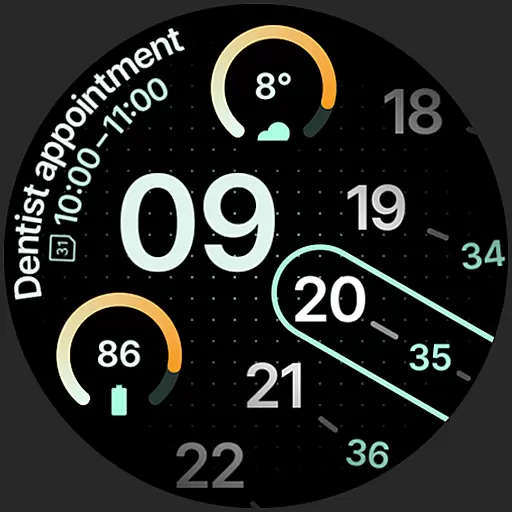
A unique and customizable watch face which rotates its layout every minute.
4.80
Remotely monitor the time and temperature of food cooking on your grill.
4.60
Good magnifier app to see tiny things bigger and more clearly!
4.80
Pay your rent, submit work orders and much more with the RentCafe Resident App.
4.70
Earn money & gift cards when you take surveys, play games, scan receipts & more.
4.50
This is a simple and highly functional alarm clock "Smart Alarm" paid version.
4.20
Discounts, savings, and rewards
4.20
Fly your Solo like a boss.
4.10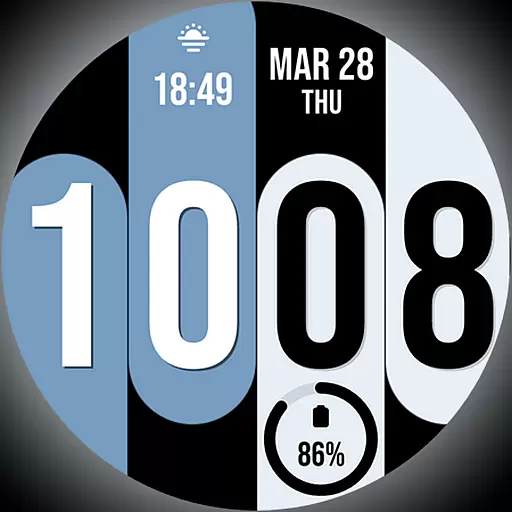
Unique Dual Colors with 6 Custom Complications for Wear OS watches!
3.40
View over 160,000 line dance stepsheets from the CopperKnob website.
3.30
Discover how to help puppies stay calm around noise with this helpful app.
4.4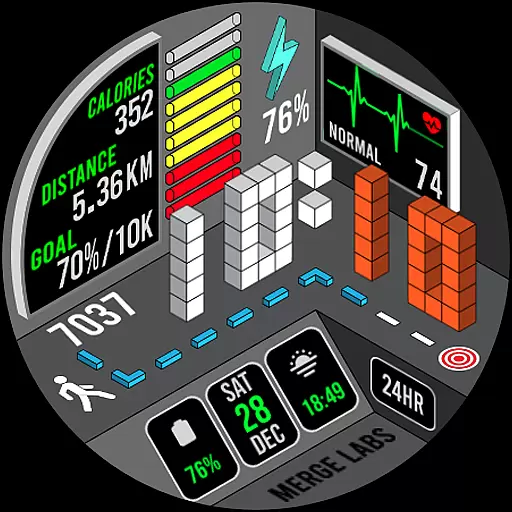
A uniquely designed isometric digital watch face made for Wear OS
4.4


