GPS phone tracker: find kids on map. Location tracking and parental control.
 4.50
4.50
Happiest Baby App replaces the SNOO App (the mobile companion to SNOO & SNOObie)
3.20
Discover fun videos, kids songs, bedtime stories and games
3.60
Protect kids online safety through GPS tracking,screen time control,app blocking
4.20
Limit screen time, Block Apps & Games, Monitor with Parental control app
4.20
SemLog aims to raise awareness among families and their children
3.40
Babysitting video camera - Turn your two phones or tablets into a single nanny.
4.40
Introduce real food to baby with First Foods® Database, baby led weaning BLW
4.80
Save money on diapers. Get the Pampers Rewards app.
3.90
Daily Routine & Timer for kids, ADHD, & Autism
4.80
It is a screen time management tool for games and mobile applications
4.50
Real-time family location with consent, check-ins & SOS—private by default.
4.40
Join over 1MM parents & professionals who've used OFW to navigate co-parenting
4.40
GeoLog - Real-Time Location Tracker
4.40
Free symptom & med tracker with expert-reviewed tips.
4.30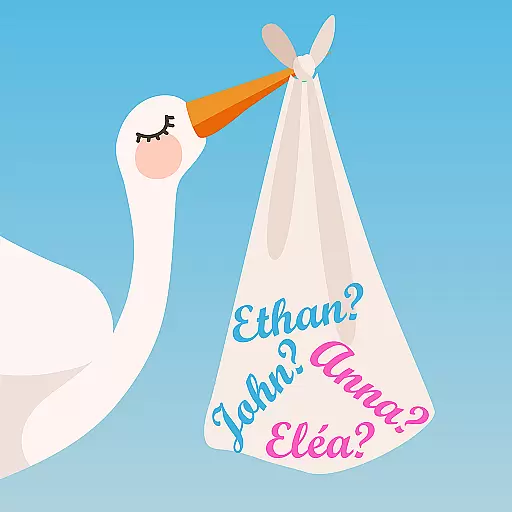
Find unique + popular baby names for your little peanut.
4.30
FamilyMode helps you manage your family’s digital lives—at home or on the go.
4.30
Affirmations | Stories | Bible
4.10
Screen Time, App and Web Block & Monitoring, Location Tracker
3.60


