
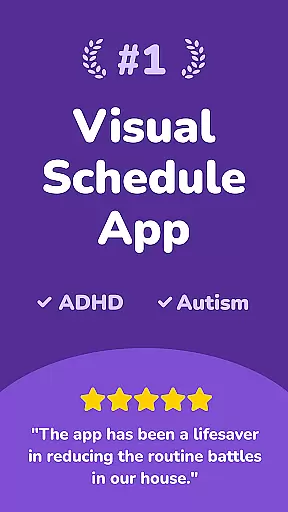
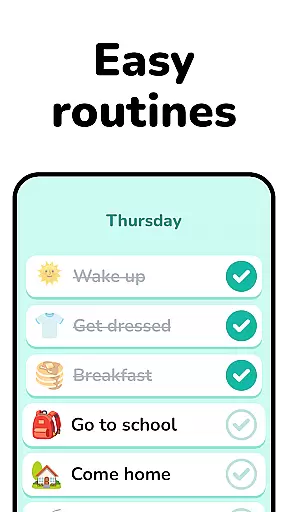
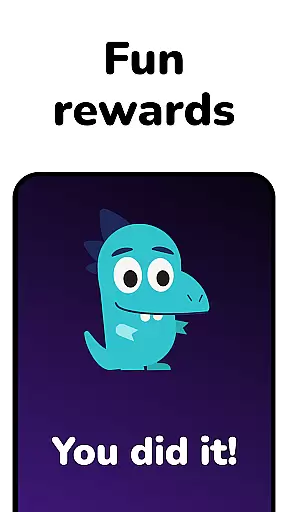
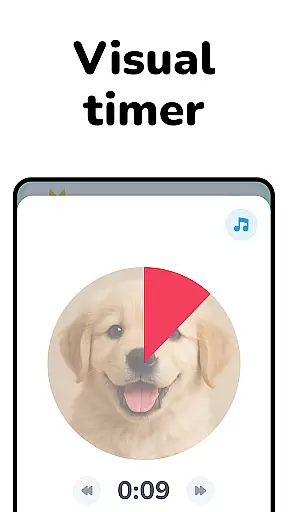
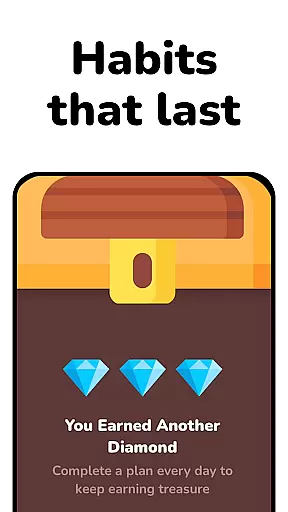
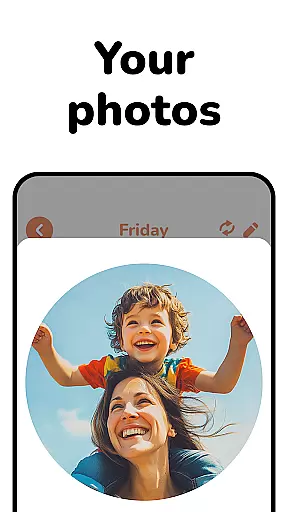
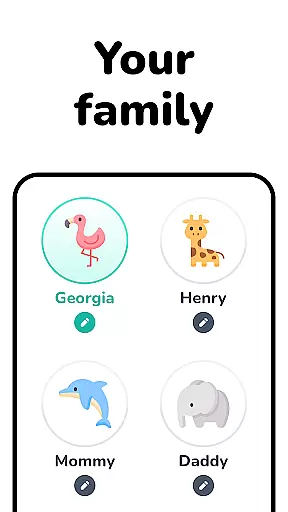
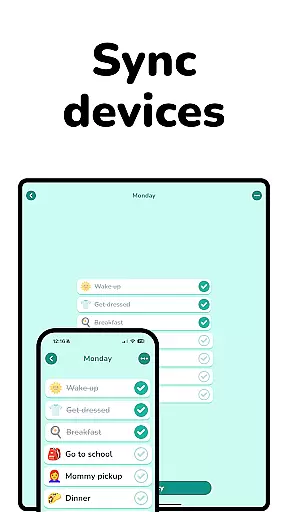
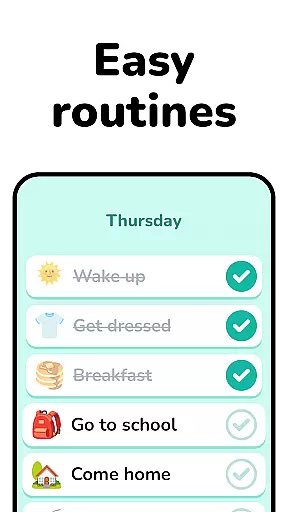
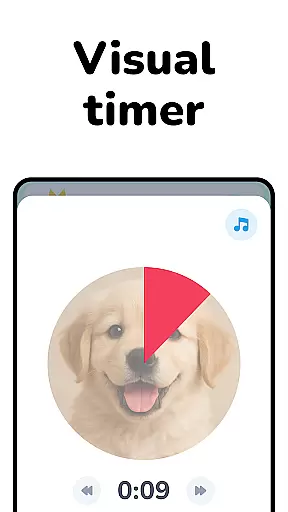
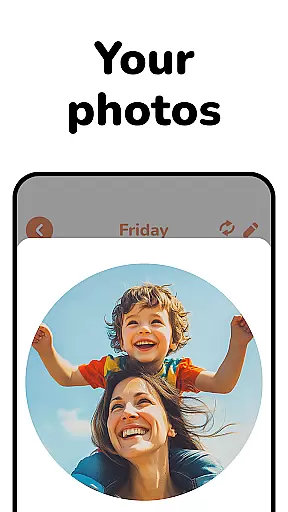
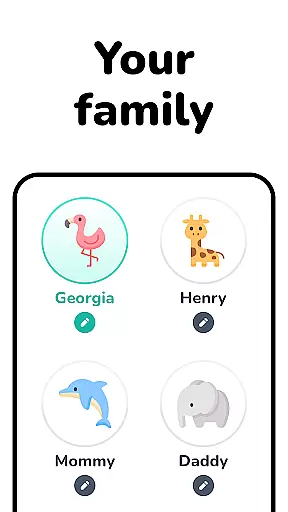
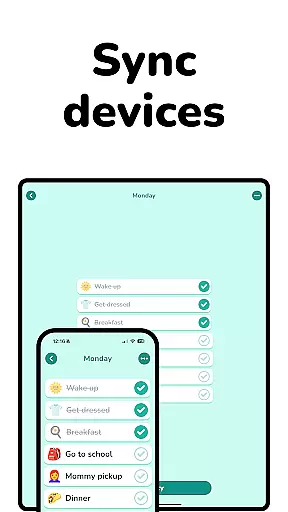
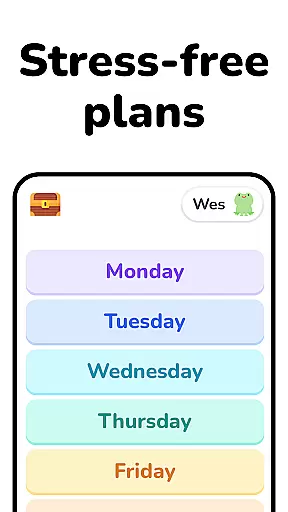
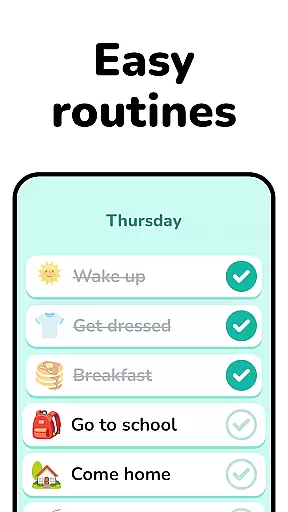
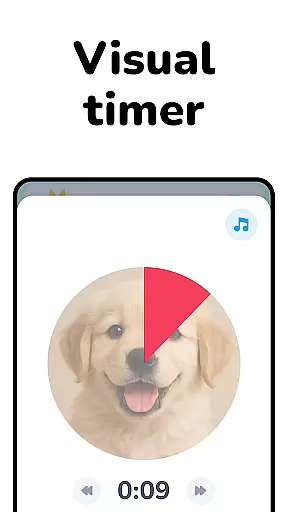
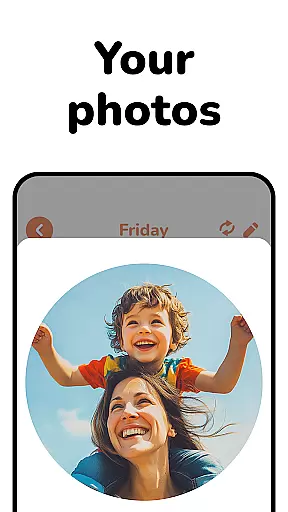
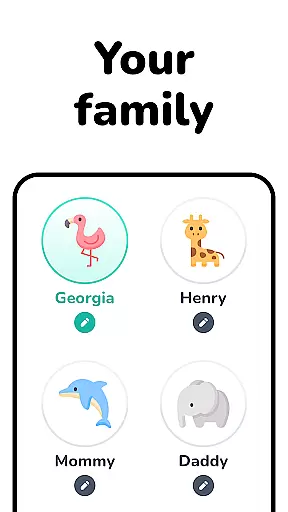
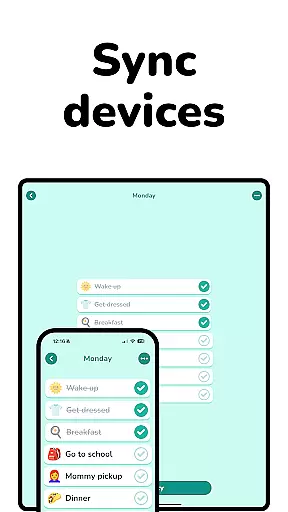
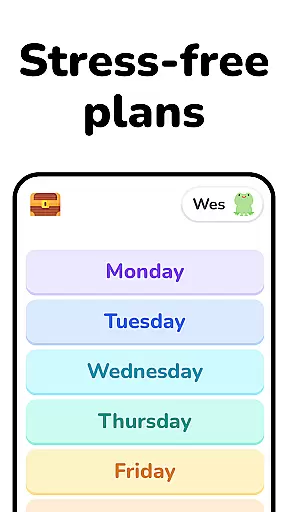
Lil Planner is a parenting app designed to help families create visual schedules for children in an engaging and fun way. The app focuses on building good habits, increasing focus, reducing anxiety, and minimizing meltdowns through easy-to-use scheduling tools.
With its big, readable interface and playful design, Lil Planner caters to toddlers, preschoolers, and neurodivergent children who benefit from visual learning. It also supports older kids and adults seeking a creative approach to organization. Originally developed for personal family use, the app has become a daily essential for structured planning.
Lil Planner stands out with its parent-and-child-friendly features. The app offers customizable visual schedules that are simple to create and manage, ensuring smooth transitions between activities for kids.
Its vibrant and interactive design makes planning enjoyable for both children and parents. Whether it's for ADHD, autism, or other needs, Lil Planner provides tools that support various learning styles while fostering independence and routine-building in a fun environment.
User-friendly interface
Engaging visuals
Customizable schedules
Supports neurodivergent kids
Encourages family bonding
Limited advanced features
No multi-device sync
Premium subscription required
Occasional bugs
Small feature set

With BabyCam you can monitor your baby using your mobile phone, tablet, PC or TV
 4.40
4.40
Pregnancy and baby formula tips for moms, plus Enfamil coupons & cash back
4.10
Keep Your Family Safe with Pollog Family Assistants
4.10
A simple way to track your baby’s breastfeeding, diaper changes, sleep patterns.
4.90
Affirmations | Stories | Bible
4.10
The 10 development leaps of your baby | newborn milestones & leap days tracker
4.10
Keep track of your stored breastmilk
4.40
All-In-One Pregnancy Tracker, Your Baby's Milestones, Growth Stages & Parenting.
4.90
Monitor screen time and build healthy habits with Family Safety
3.90
Track Pregnancy, Baby Feeding, Sleep, Diaper Changes, Postpartum Health & More!
4.80
Introduce real food to baby with First Foods® Database, baby led weaning BLW
4.80
FamilyAlbum helps you share, save, and remember your child's special moments.
4.80
Parental control App for Location, Remote Camera, Screen Mirroring, Block Apps.
4.60
GPS phone tracker: find kids on map. Location tracking and parental control.
4.50
Join over 1MM parents & professionals who've used OFW to navigate co-parenting
4.40
Find unique + popular baby names for your little peanut.
4.30
Parental Control including Screen time control, GPS tracking, App/Game blocker.
3.90
The Baby’s Bounty App is your hub to register for our diaper banks in Nevada
3.70
SemLog aims to raise awareness among families and their children
3.40


User Reviews