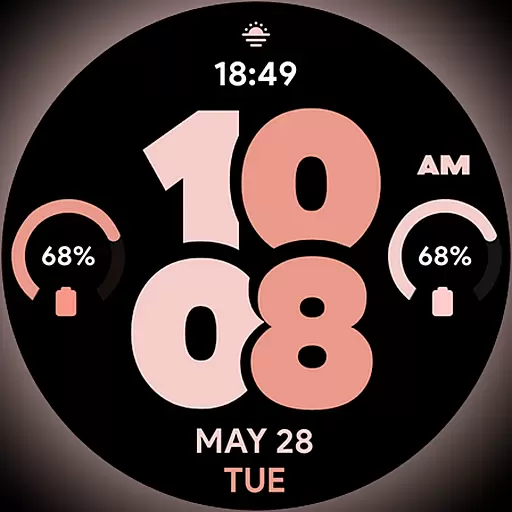
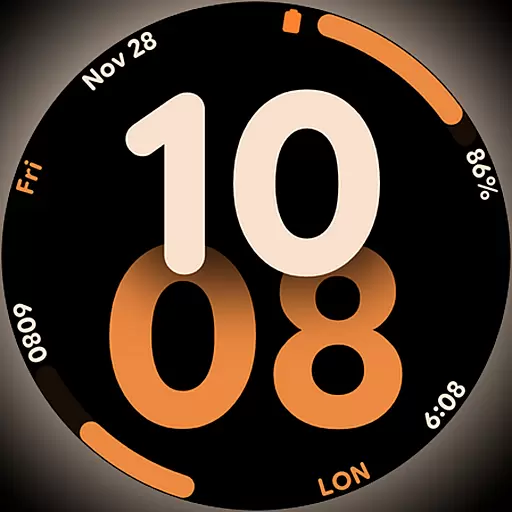
Big bold digital watch face with 30 colors, 6 complications and AOD.
 4.1
4.1
The all-new Cync app. The simple, connected app for Cync and C by GE.
4.50
Easily manage your child's playtime, spending messaging and more.
3.50
Get your life organized with My Agenda!
4.30
A daily quote for success
4.4
This is a simple and highly functional alarm clock "Smart Alarm" paid version.
4.20
Good magnifier app to see tiny things bigger and more clearly!
4.80
Creativity and savings for kids, beginners and experts in arts and crafts
3.50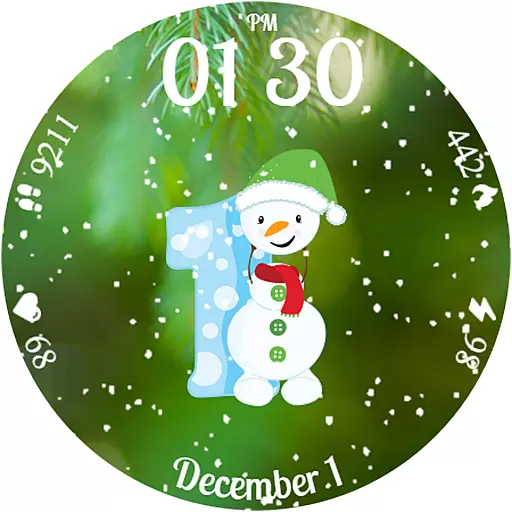
Celebrate the holidays with Advent Calendar: daily surprises and festive fun!
4.2
Discover the "To Be a Christian" App: Your Guide to Deepening Faith!
5.00
Get roadside help, discounts, travel tools & more — AAA is with you everywhere.
4.80
Have your Tehillim with you at all times
4.70
Vehicle ownership simplified. Get the myChevrolet® app today.
4.60
A smart Siddur with halachic times
4.50
Share opinions, get paid cash
4.30
Mixing Colors for Menswear
4.20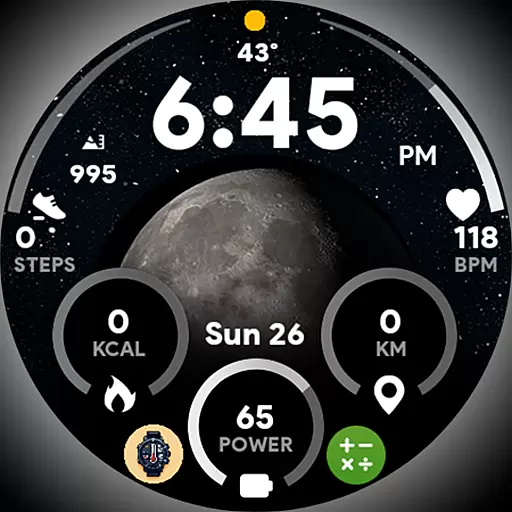
Unique informative Dial with Live Moon Phase at a glance!
3.60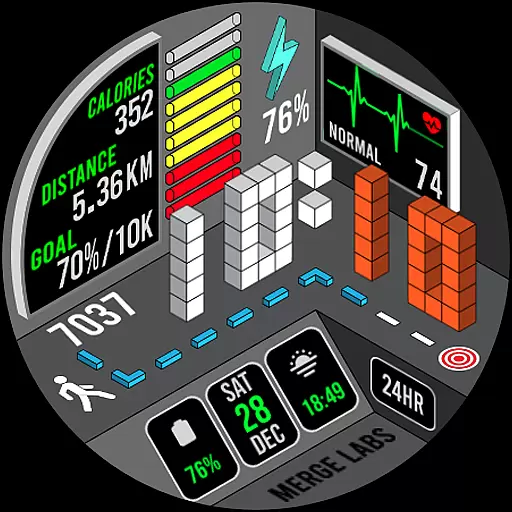
A uniquely designed isometric digital watch face made for Wear OS
4.2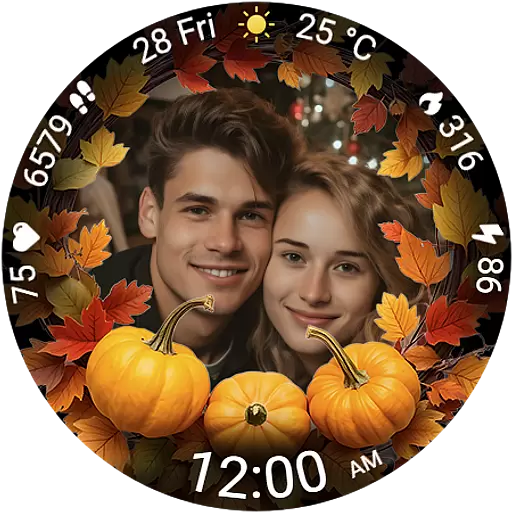
Wear your favorite memories, loved ones, pets or travel photos on your watch
4.2


