

Unofficial Game Companion App” “Guides • Builds • Tips • Progression
 4.1
4.1
Rain and lightning effects for your Philips Hue lights
4.30
Music visualizer and party effects for your Nanoleaf devices
4.5
Catalog & tracker of your DVD, Blu-ray & Digital Movie and TV Collection Library
4.80
Earn gift cards for playing games. Become a real game tester!
4.40
Come and watch short dramas, reels with diverse genres!
4.40
Experience the video editing experience brought by our intuitive interface
4.10
Raise Christmas Magic with daily missions, magical scanners, and kindness.
4.5
Bold original series & hit movies that don't hold back.
4.40
Classic dynamic pixel art from Mark Ferrari.
4.70
Series,Películas y Telenovelas
4.50
Just play games to earn gift cards. Keep playing, keep earning.
4.50
Fire effects for your Philips Hue lights
4.20
A companion app for the game Elite Dangerous
4.10
Realistic Baby Simulator App
4.00
Binge-worthy short dramas on DramaRush—engaging stories that fit your day.
3.90
Disney Stickers: Zootopia 2
4.4
Collaboration with popular VTubers
4.0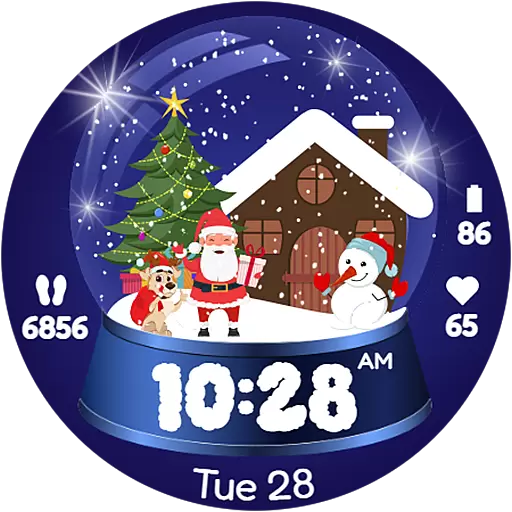
Christmas Globe: Transform your Wear OS device into a festive timekeeper!
4.3


