
A scientifically-proven method to help people with dementia or memory impairment
 4.5
4.5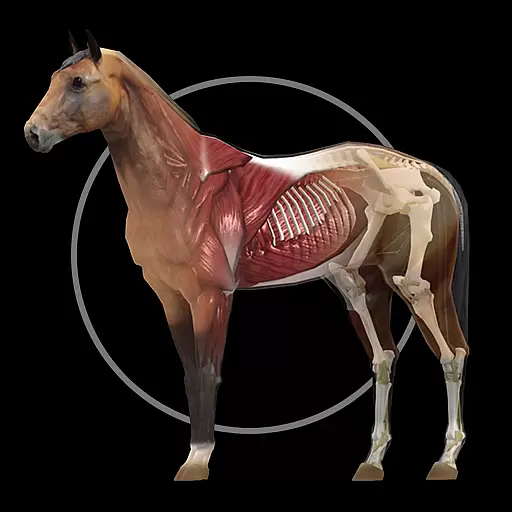
A fantastic 3d reference that includes over 300 structures and a quiz function.
3.00
World's largest contact lens store
4.60
Easy access to benefits and rewards
3.70
Use the phone microphone or headset mic as sound amplifier for louder hearing.
4.30
CPR Timer for High Performance AHA BLS / ACLS
5.00
Anthem/Wellpoint and other health insurance plans
4.60
Continuous Glucose Monitoring
3.40
Online Doctors & Condition Management
4.40
Donating blood and platelets is easier than ever with The American Red Cross.
4.80
Pelvic Floor Muscle Exercises
4.80
Manage your prescriptions and pharmacy care anytime, anywhere.
4.80
Blue Cross and Blue Shield of Texas member information
4.60
Log your symptoms in the MyZio app — the perfect companion to the Zio monitor!
4.60
ASCCP Management Guidelines- There’s an app for that!
4.60
Get your lab results on your smartphone with MyQuest.
4.40
Assess and treat left neglect more effectively in stroke and brain injury rehab.
4.30
HealtheLife lets you easily manage your health online.
3.20
ECG modules improve rhythm ID. ACLS is a simulator for cardiac arrest scenarios.
4.4


