
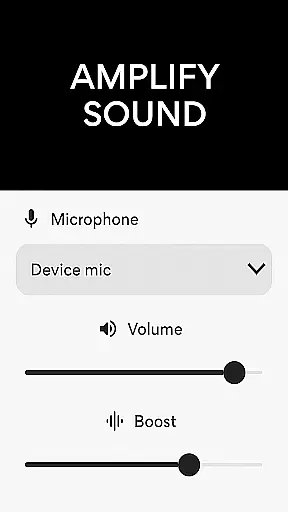
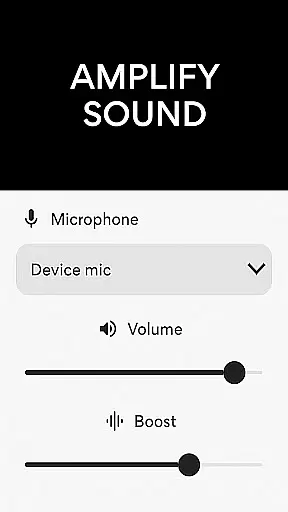
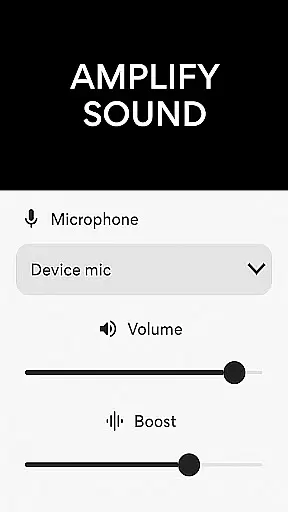
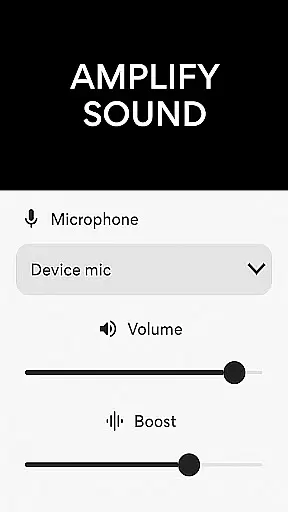
Microphone Amplifier is a specialized medical-grade audio enhancement application designed to transform your Android device into a powerful sound amplification tool. This app serves as an essential aid for individuals with hearing impairments, providing them with the ability to amplify surrounding sounds and improve auditory experiences in various environments.
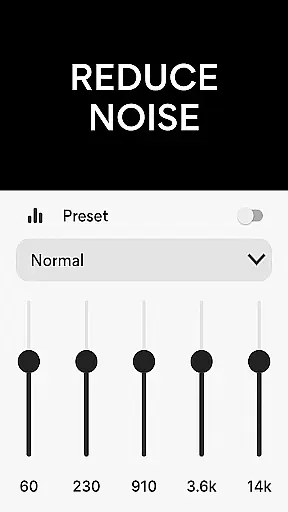
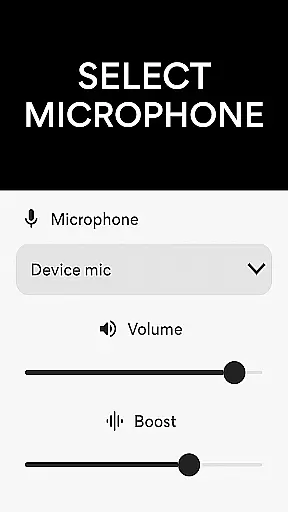
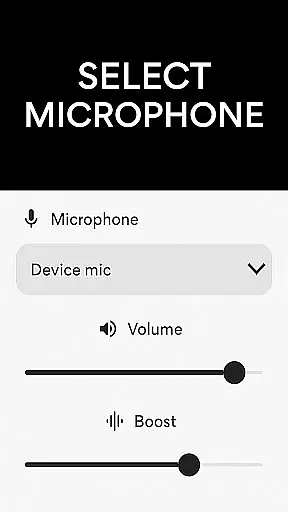
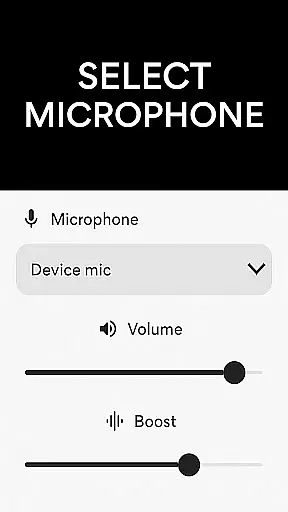
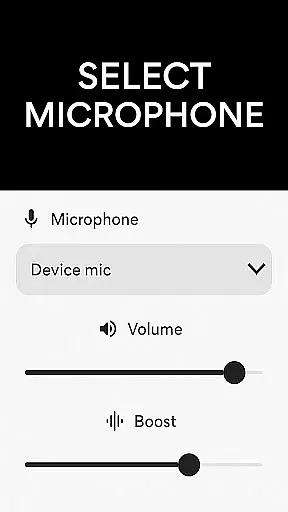
The core functionality of Microphone Amplifier lies in its sophisticated audio processing capabilities. It allows users to choose between different microphone sources such as phone mic, headset mic, or Bluetooth mic, while offering advanced features like noise reduction, echo cancellation, and customizable sound frequency adjustments. These features work together to deliver crystal-clear amplified sound, making it particularly useful in medical settings, educational institutions, and public spaces where clear audio reception is crucial.
This application proves especially valuable during medical consultations, therapy sessions, or elderly care scenarios where patients might struggle with conventional hearing aids. By converting a standard smartphone into a portable hearing assistance device, Microphone Amplifier provides an accessible and cost-effective solution for enhancing sound perception in real-time situations.
Microphone Amplifier distinguishes itself through a comprehensive suite of advanced audio features tailored for medical and personal use. The application's primary feature set includes a robust audio amplifier function that works seamlessly with various microphone sources, allowing users to select between phone mic, headset mic, or Bluetooth mic based on their specific needs and device configurations.
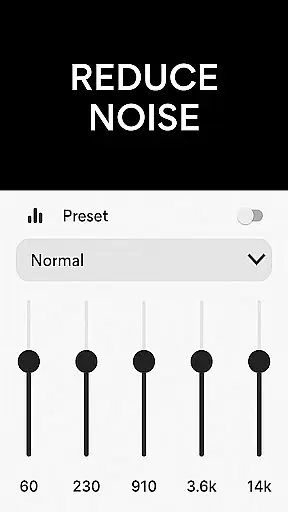
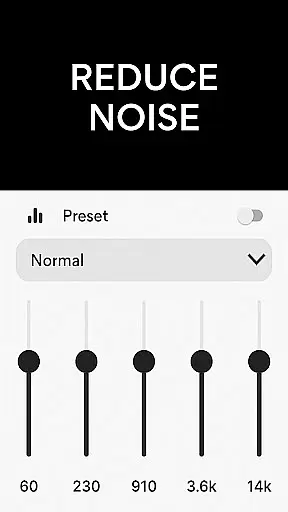
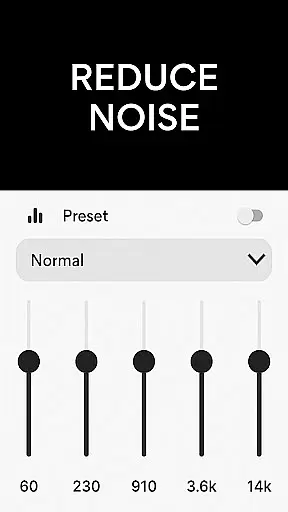
A key innovation lies in its sophisticated sound processing algorithms. The app incorporates professional-grade noise reduction technology that effectively eliminates background disturbances while maintaining the integrity of primary audio sources. Additionally, its echo cancellation system ensures clear sound transmission without reverberation artifacts, crucial for medical professionals conducting remote consultations or therapists working in acoustically challenging environments.
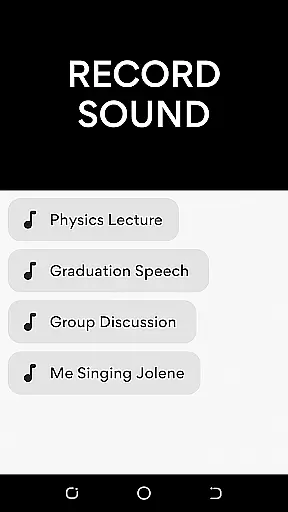
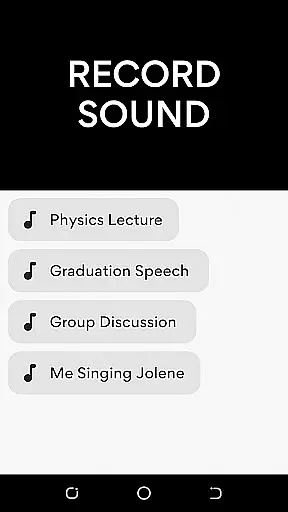
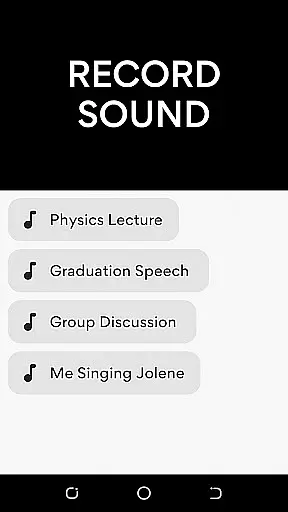
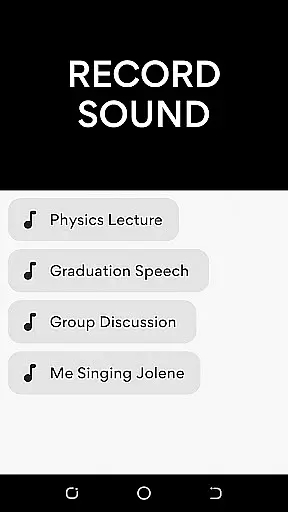
What sets Microphone Amplifier apart from other audio enhancement tools is its customizable sound frequency adjustment feature. Users can fine-tune specific audio bands to match their individual hearing requirements, creating a personalized listening experience. The integration of an MP3 recorder function further enhances its utility, enabling healthcare providers to document patient interactions or record important medical information with enhanced audio clarity.
In the realm of medical applications, content credibility is paramount for user trust and safety. Microphone Amplifier positions itself as more than just a sound-enhancing tool; it integrates features that mimic functionalities of hearing aids, which are classified as medical devices. The app offers noise reduction and echo cancellation, which can be crucial for users with sensitive hearing needs.
These features have likely undergone expert review to ensure they do not harm the user's auditory health while providing amplification. By allowing customization of sound frequencies, the application adheres to the personal nature of hearing enhancement, acknowledging that each user's auditory profile is unique.
For those relying on such an app for improved hearing in professional or personal settings, the assurance that these tools have been vetted by experts provides peace of mind. This scrutiny helps maintain high standards within the app, offering a credible alternative to traditional hearing aids.
While Microphone Amplifier is primarily designed for audio enhancement, its features indirectly support teleconsultation qualityu2014a critical aspect in today's digital medical landscape. Clear communication is essential during teleconsultations, and the app's ability to reduce background noise and cancel echoes ensures that every word is captured accurately.
The option to fine-tune volume and amplify sound means healthcare providers can hear their patients more clearly, leading to better diagnosis and advice. Patients using this app can also expect their spoken concerns to be transmitted without distortion, making virtual consultations as effective as face-to-face meetings.
Moreover, the integration of a voice recorder allows users to document consultations, providing a reference for medical instructions or diagnoses. This feature enhances the overall quality of teleconsultations, ensuring no critical information is missed due to poor audio conditions.
User-friendly interface
Multiple mic options
Noise reduction
Echo cancellation
Customizable settings
Battery intensive
Bluetooth latency
Premium features
Occasional glitches
Learning curve

Health Care at Your Fingertips
 4.60
4.60
Identify pills, search different drugs, get drug information and much more!
4.50
The NightOwl Companion app allows you to interact with the NightOwl sensor.
4.70
A fantastic 3d reference that includes over 300 structures and a quiz function.
3.00
3rd trimester? Counting Kicks is what moms should do-It’s important & easy too!
4.30
Easy telehealth appointments + urgent care
4.70
The doctor will see you now
4.70
Continuous Glucose Monitoring
3.40
Tap & save. Coupons that fit in your pocket. Find low prices on prescriptions.
4.80
Elegant, easy-to-use period tracker for fertility, PMS symptoms, and more
4.90
Amplify surrounding sounds, conversations, TV or lectures for louder hearing.
4.70
Save up to 80% on your pharmacy prescriptions & medications with free Rx coupons
4.70
Sync your blood glucose device, log values automatically and tame your diabetes!
4.60
Modivcare members can book and manage trips.
4.50
Personalized hearing experience and health data tracking
4.50
Assess and treat left neglect more effectively in stroke and brain injury rehab.
4.30
Patient Health Portal
4.20
Good for You. Great for Life.
4.00
Easy access to benefits and rewards
3.70


User Reviews