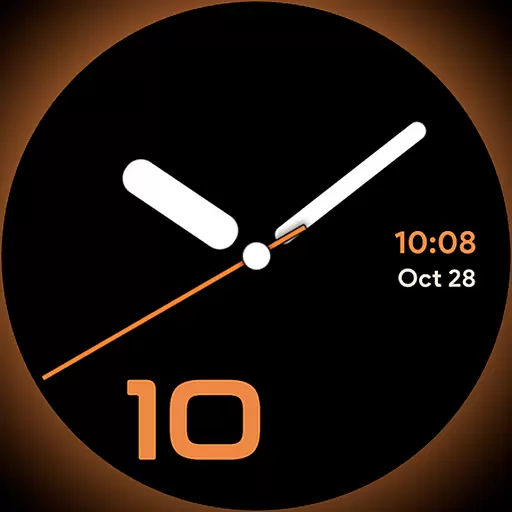
Unique Dark Analog style for Wear OS watches.
 4.5
4.5
Stay connected with your loved ones & vehicles | Share live GPS location updates
4.60
Premium floor cleaning robots
4.50
Discover the "To Be a Christian" App: Your Guide to Deepening Faith!
5.00
Good magnifier app to see tiny things bigger and more clearly!
4.80
Crochet made easy: step-by-step tutorials, beginner patterns & projects
4.60
Kasa Smart is your portal to your TP-LINK Smart Home.
4.70
PARAVOX 4 is a professional ITC paranormal research application.
4.50
AAA Mobile provides on-the-go access to the services you know and trust.
4.60
Daily lessons from A Course in Miracles with scheduled reminders
4.80
See wait times and check into a hair salon ahead of time with Online Check-In.
4.80
Make money, get paid cash rewards & gift cards for every survey. Earn today!
4.60
Mixing Colors for Menswear
4.20
Creativity and savings for kids, beginners and experts in arts and crafts
3.50
The Miracle Box includes methods used by Steve Huff of Huff Paranormal.
3.20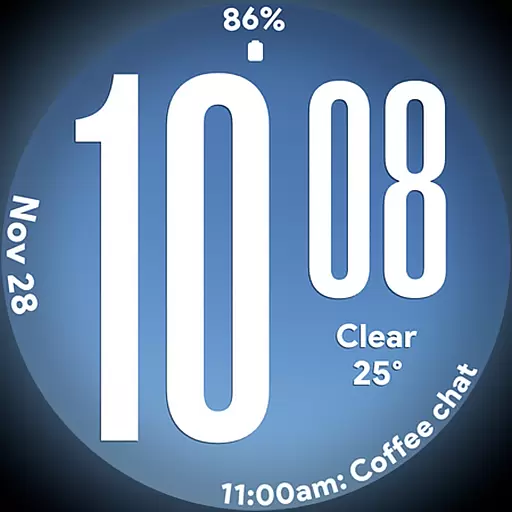
Big bold weather watch face with dynamic backgrounds and 3 complications
4.0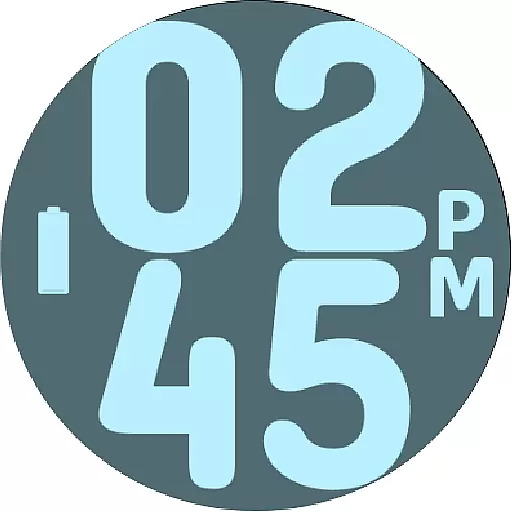
Duo Watch Face (animated)
4.0
A daily quote for success
4.0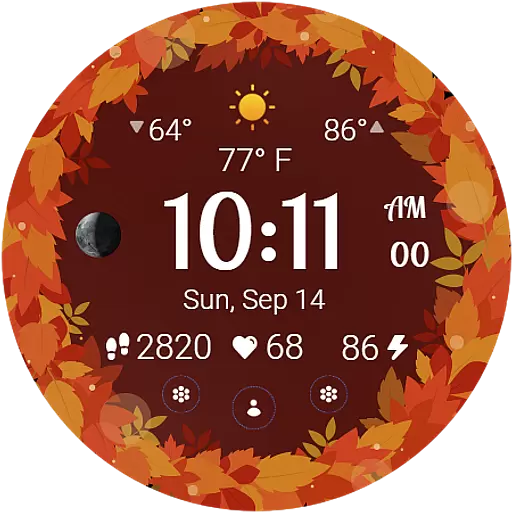
Bring the warm colors of fall directly to your wrist with Autumn Leaves!
4.5


