
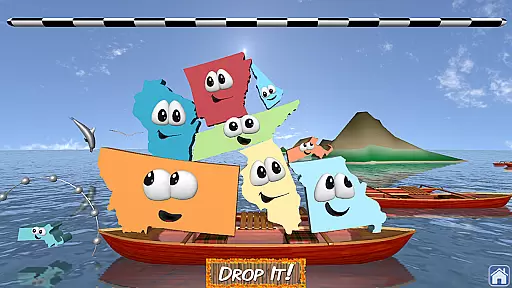
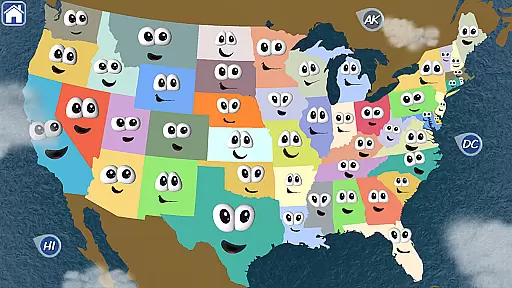
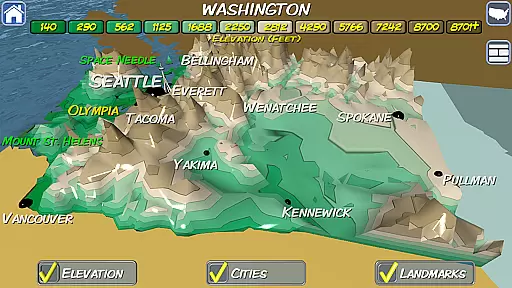
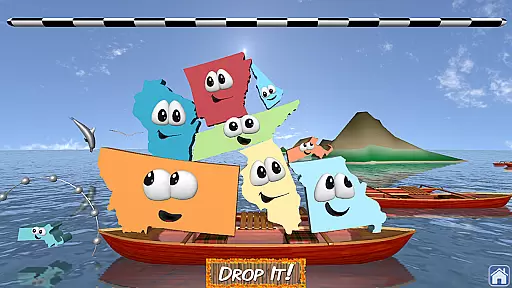
Stack the States® 2 is an engaging educational game designed to make learning US geography enjoyable. This app brings states to life through interactive 3D graphics, voice mode, and a detailed interactive map. Users can explore state capitals, cities, landmarks, and more while building a stack of animated states to reach specific goals.
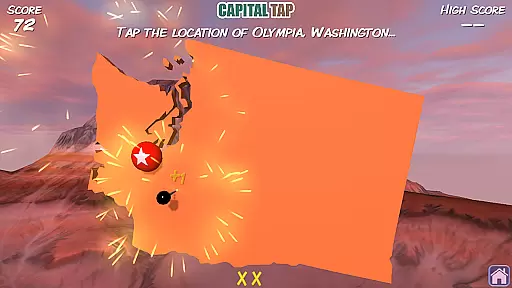
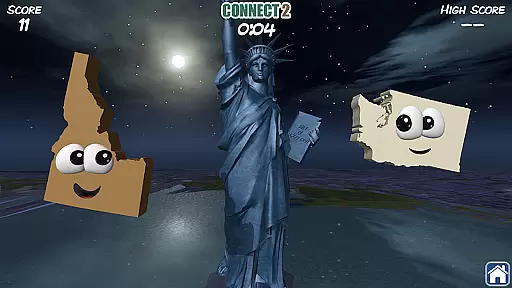
The app features new question types, bonus games like Map It, Connect 2, and Capital Tap, and a personalized map of the United States that grows as users collect states. With over 90 3D landmarks and various US scenes, Stack the States® 2 offers a visually rich experience. The inclusion of voice mode also allows non-readers to engage independently, making it suitable for learners of all ages.
Whether at home or in the classroom, Stack the States® 2 serves as an innovative tool for mastering geography. Its gamified approach motivates users to collect all 50 states while unlocking fun bonus games, ensuring both education and entertainment are seamlessly combined.
Stack the States® 2 stands out with its diverse range of features tailored for interactive learning. The app includes new question formats and three bonus games—Map It, Connect 2, and Capital Tap—that enhance user engagement. Each level challenges players to build a stack of states to meet objectives, rewarding them with new states for their personalized US maps.
One of the key highlights is the beautifully rendered 3D graphics, showcasing 10 unique US scenes and over 90 detailed landmarks. The interactive map provides a 3D elevation view of each state, enriching the learning experience. Additionally, the voice mode feature supports younger learners by enabling independent play without requiring reading skills.
With six player profiles, hundreds of unique questions, and 50 informational flash cards, Stack the States® 2 ensures individualized and comprehensive learning. Fun sound effects and music further enhance the playful yet educational atmosphere, making this app a complete package for geography enthusiasts of all ages.
In the realm of educational gaming, content authority and curriculum alignment are paramount. Stack the Statesu00ae 2 excels in this area by offering a rich tapestry of geographical knowledge that aligns with educational standards. The app provides hundreds of unique questions covering state capitals, cities, landmarks, and more, ensuring that each piece of information is both accurate and relevant to the curriculum.
The inclusion of 50 flash cards, one for each state, enhances the learning experience by providing bite-sized, authoritative chunks of information. These flashcards serve as valuable learning aids, reinforcing the material covered through gameplay. With new question types and interactive elements such as voice mode, the app caters to various learning styles, making it an invaluable tool for educators and learners alike.
Furthermore, the app's personalized map feature allows users to track their progress across the United States, adding a layer of personal investment to the educational journey. This feature not only motivates learners to collect all 50 states but also visually represents their growing geographical knowledge, aligning perfectly with educational objectives.
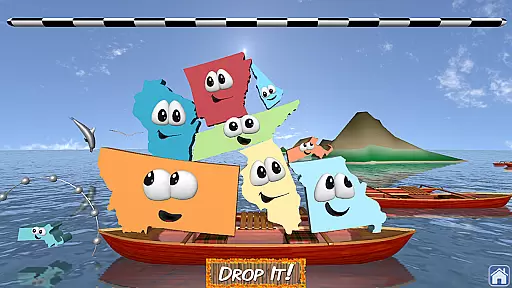
Gamification has revolutionized the way we approach learning, and Stack the Statesu00ae 2 stands at the forefront of this innovation. By integrating game mechanics with educational content, the app transforms the process of learning US geography into an engaging adventure. Players are encouraged to touch, move, and drop animated states onto a stack, fostering an interactive environment where learning feels like play.
The app goes beyond simple gamification by incorporating multiple games within the main game. Map It, Connect 2, and Capital Tap serve as bonus games that unlock as players earn more states, providing additional layers of engagement. These games challenge users to apply their knowledge in different contexts, enhancing retention and understanding of geographical concepts.
Moreover, the introduction of 3D graphics and scenes depicting various US locations adds a visual depth that enriches the learning experience. Coupled with over 90 3D models of US landmarks, these features create an immersive world that captivates learners' attention. As a result, Stack the Statesu00ae 2 successfully merges education with entertainment, proving that gamified learning can be both effective and enjoyable.
Educational and entertaining
Interactive 3D graphics
Voice mode for young learners
Personalized US map
Multiple bonus games
No social network integration
Limited to US geography
No third-party analytics
Contains external app links
Some features may feel repetitive

 2.80
2.80
Absorbing, highly visual, effective learning of multiplication, division
4.1
Woof! The very first official Hey Duggee app for CBeebies' new favourite show.
3.70
A must-have sequel to our Learn Letter Sounds with Carnival Kids app
4.30
Creating emotional connections
4.0
Fun educational games for kids that teach number tracing, counting with modes!
4.50
Fun dentist game with Cocobi friends!
4.10
Educational game for children about emergency and other service vehicles
3.80
Practice Early Literacy Skills and Build Vocabulary with Elmo & Cookie Monster!
3.90
Pro Doctor Dentist for PetsGame
4.60
Creative beauty & fashion
4.50
Enjoy coloring with wide variety of 1000+ coloring games for kids & drawing game
4.50
Play and build with Bluey & friends in this fun LEGO® game!
4.40
Where Little Healers can Make a Big Difference!
4.00
The kids phonics and reading app that's helped millions of kids learn to read
4.00
Imagine, build and ride your own Rollercoaster!
3.90
Clean the messy house & play with cute kitty in this fun cleaning game for kids!
3.70
Create, Style, Repeat!
3.70
Join Duggee and the Squirrels as they practice their counting!
4.1


User Reviews