
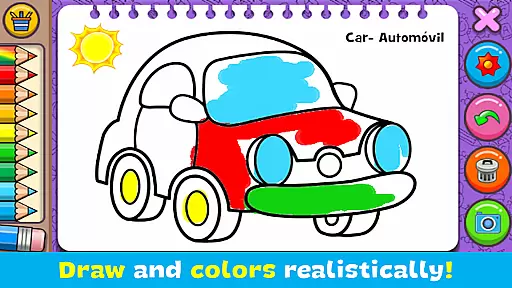
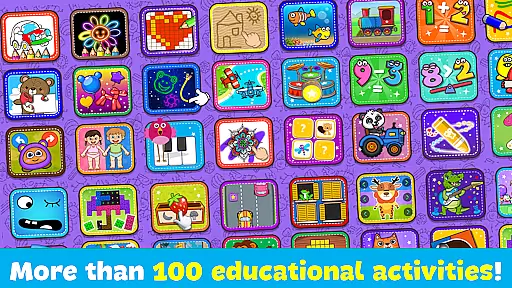
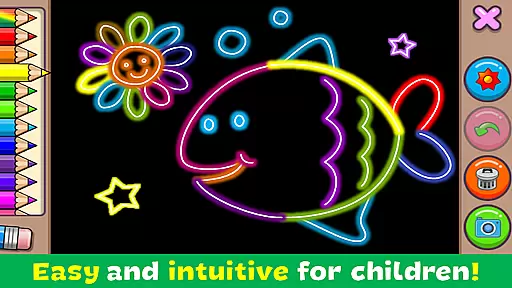
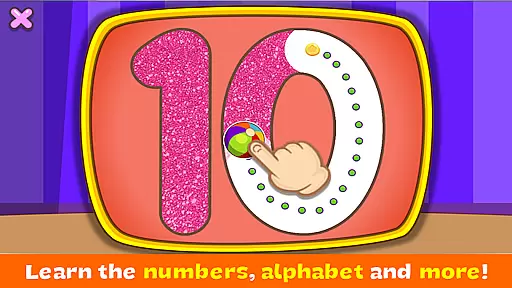
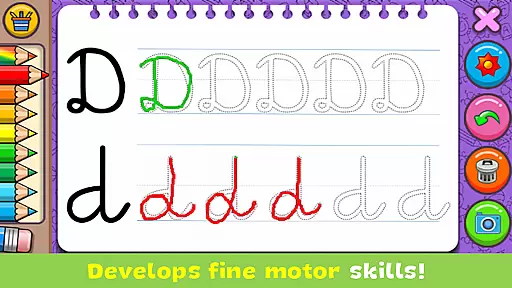
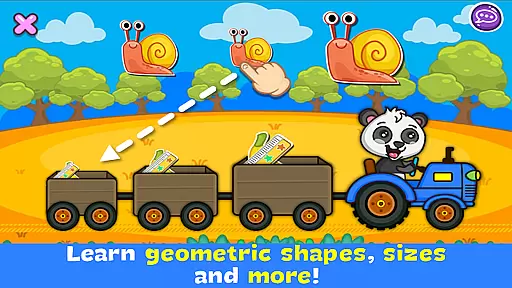
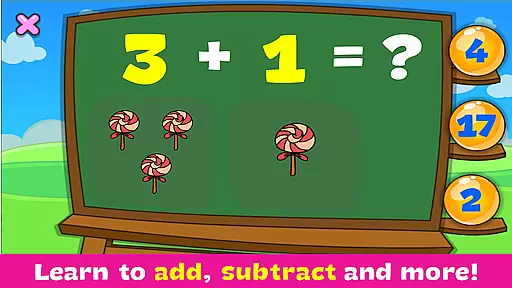
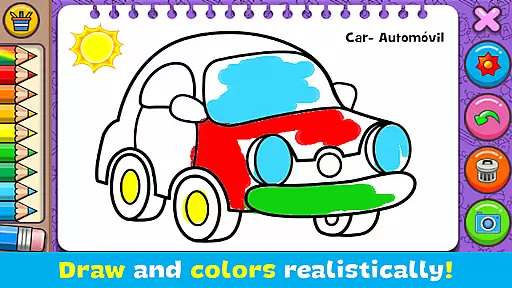
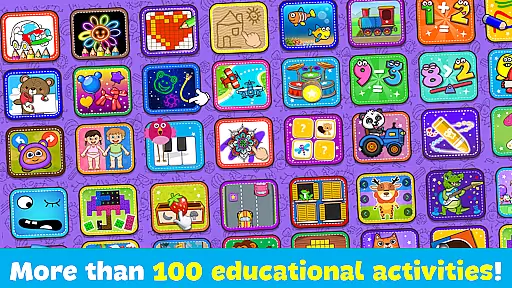
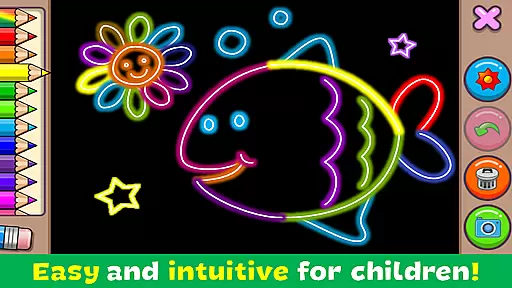
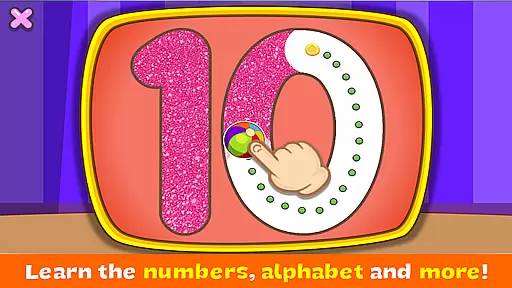
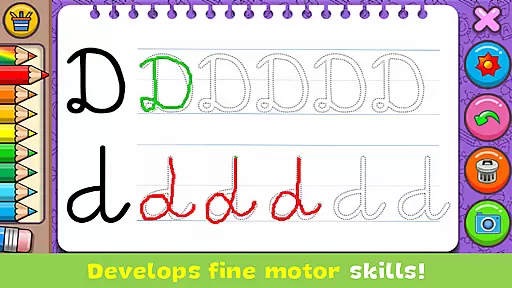
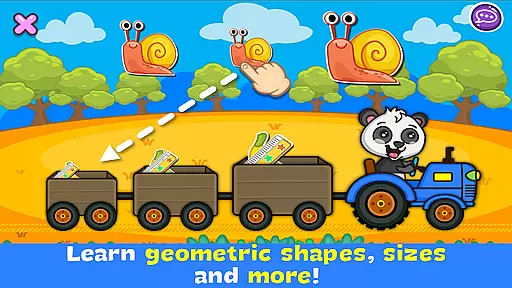
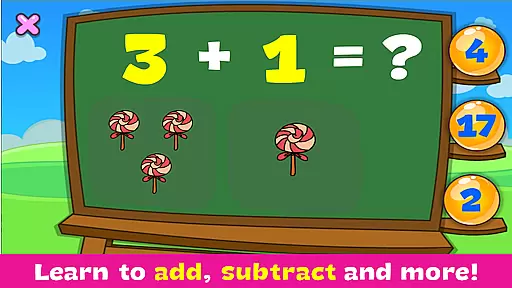
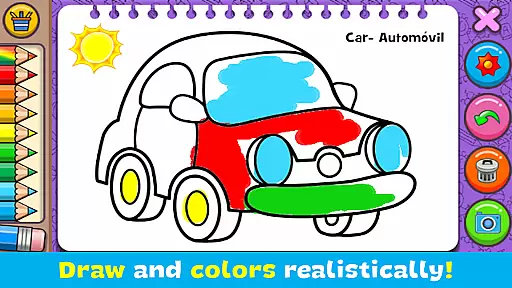
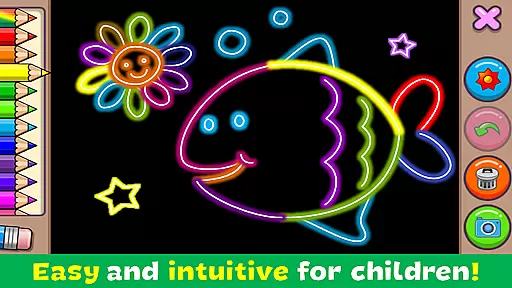
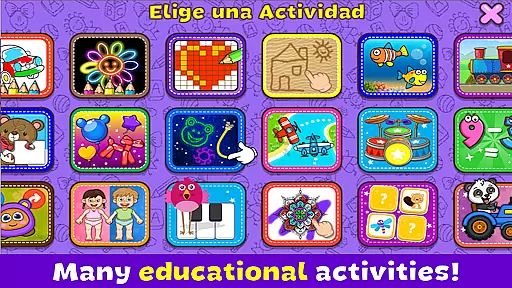
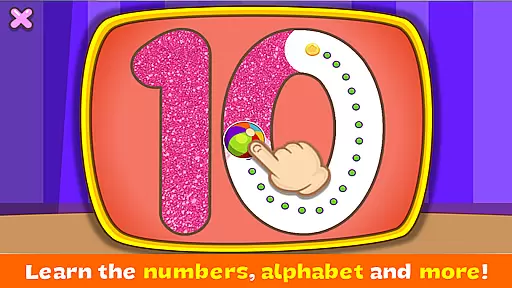
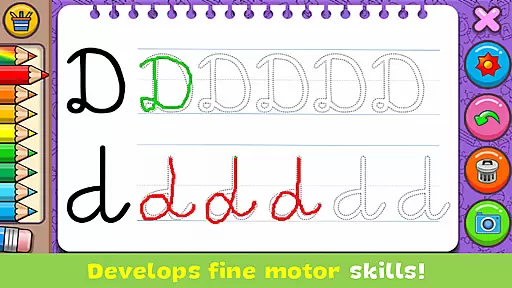
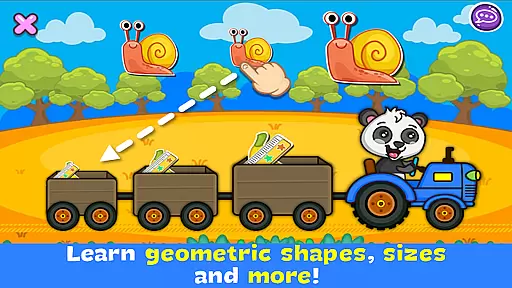
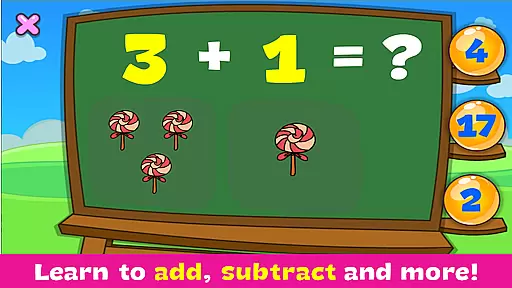
Coloring & Learn is an educational app designed to provide a realistic coloring experience with over 250 pages of content. It offers various activities suitable for all ages, making it both entertaining and instructional. The app includes free drawing modes and glow coloring options, promoting creativity and imagination.
Users can learn the alphabet, numbers, geometric figures, and more while enjoying features like drumming, pop balloons, and pixel art. With over 100 stickers, saving creations, and sharing capabilities, this app enhances artistic skills and cognitive development in children.
The app boasts a variety of features that cater to educational and recreational needs. Users can draw and color using different tools, akin to traditional paper methods, and participate in coloring contests. Unique modes like 'Glow coloring' add a magical touch to artwork.
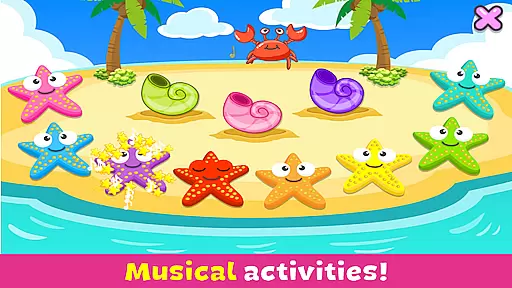
Additional activities include playing drums, learning colors, and engaging in mini-games like aviator and sea world creation. The intuitive design, eraser function, undo option, and dynamic color effects ensure an enriching experience. All content is 100% free, providing extensive value without any cost.
In the realm of educational applications, content accuracy and alignment with educational standards are paramount. Coloring & Learn offers a comprehensive suite of activities that adhere closely to early learning objectives. The app includes carefully curated collections such as ANIMALS, VEHICLES, ALPHABET, and NUMBERS, each designed to impart knowledge that aligns with foundational educational curricula.
Each coloring page within the app is not only an avenue for creativity but also a learning tool. For instance, while coloring animals or vehicles, children learn their names and basic characteristics. This dual focus on education and entertainment ensures that the content is both authoritative and engaging. Furthermore, the inclusion of activities like Connect Points and Learn Colors reinforces mathematical and cognitive skills in young learners.
The application's adherence to curriculum guidelines extends to its incorporation of essential developmental skills. Through features like the 'Undo' function and 'Clear All' function, children learn cause and effect, while the simple design promotes ease of use. These elements ensure that Coloring & Learn doesn't just entertain but also educates, making it a valuable resource for parents and educators alike.
Gamification has become a pivotal strategy in merging learning with play, and Coloring & Learn excels in this domain by integrating various game-like features that enhance the educational experience. The app offers multiple modes such as 'Free mode' and 'Glow coloring mode,' which allow users to experiment creatively while subtly incorporating educational content.
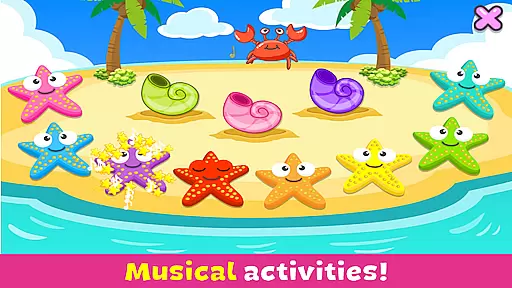
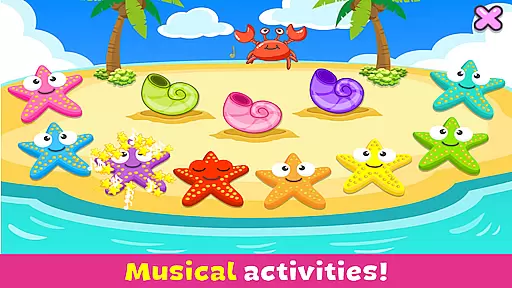
Through its diverse activities, including playing drums, popping balloons, and pixel art, the app maintains a balance between fun and learning. Each activity is designed to develop specific skills; for example, playing drums introduces children to music and rhythm, while pixel art aids in spatial recognition. This thoughtful blend of gaming elements with educational content keeps children engaged and invested in their learning journey.
Moreover, the app encourages social interaction and sharing, which are crucial aspects of gamification. Users can save their creations and share them via social media platforms, fostering a sense of achievement and community. By intertwining these gaming elements with substantive educational material, Coloring & Learn successfully creates an environment where learning becomes an enjoyable and rewarding experience.
User-friendly interface
Educational and fun
100% free content
Enhances creativity
Multiple activities
Limited advanced tools
No offline mode
Ads may appear
Basic color options
Simple graphics

Absorbing, highly visual, effective learning of multiplication, division
 4.3
4.3
Little Explorer – Garage, Kitchen and Bathroom
4.3
Creating emotional connections
4.2
Math Games For Kids To Learn Addition, Subtraction, Multiplication and Division.
4.30
Have fun learning Alef Beit
4.4
Where Little Healers can Make a Big Difference!
4.00
Find the hidden Numberblocks, add them together and see what happens.
3.50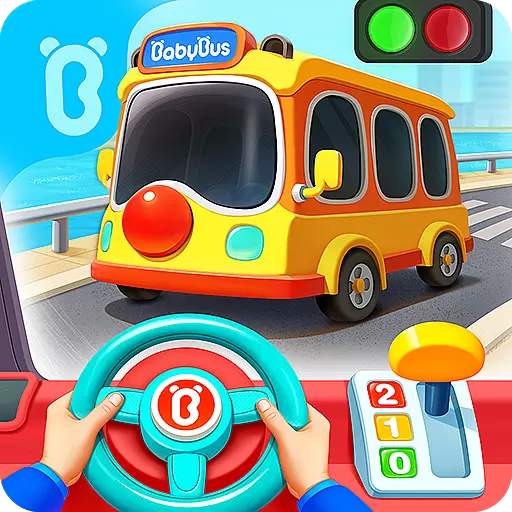
3D school bus driving game for kids!
4.50
Kids age 2-8 can create, explore, and play Toca Boca games their way!
3.50
Epic battles, interactive quests and exotic pets. Learn math with Prodigy today!
4.70
Play educational games for preschool toddlers—plus more to discover ►AdsFree◄
4.60
Kids coloring games for boys! Fun drawing, painting & learning book for kids.
4.60
Kids math games, abc games for kids 4-5 years old. Kindergarten learning games
4.50
Fun baby care game for kids with dinosaur friends. Enjoy the fun kids game.
4.00
Imagine, build and ride your own Rollercoaster!
3.90
Educational game for children about emergency and other service vehicles
3.80
Play the fun healthy habits game for kids with Cocobi the little dinosaurs.
3.40
Wind down, relax and snuggle up with your favourite Blocks characters.
3.30 2.80
2.80


User Reviews