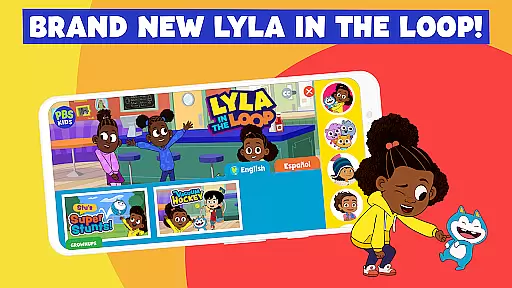
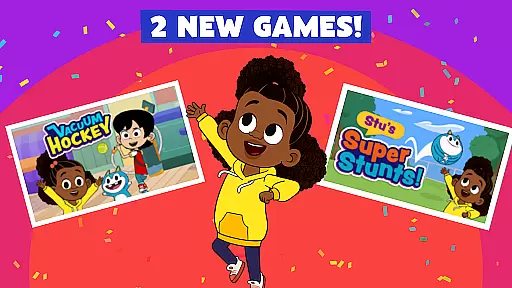
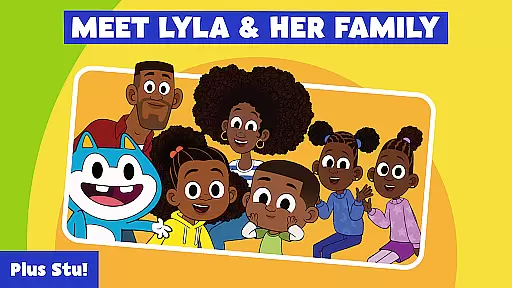
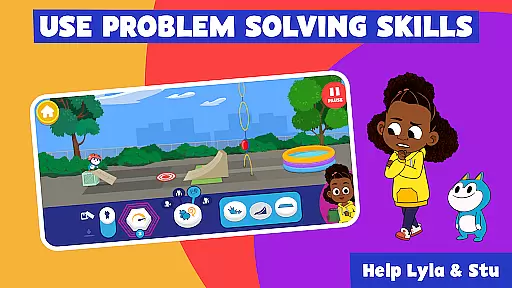
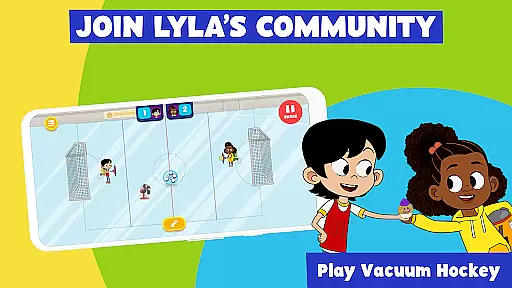
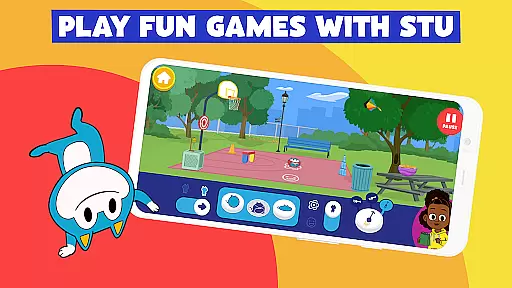
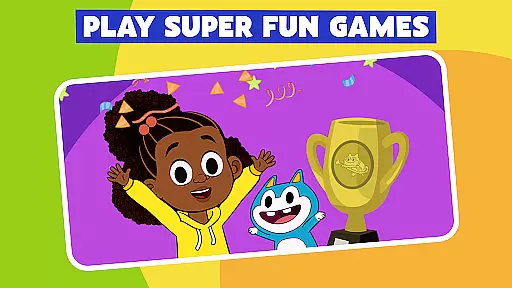
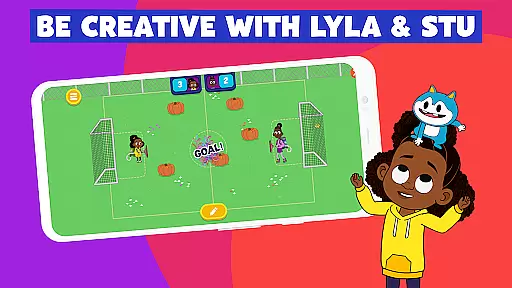
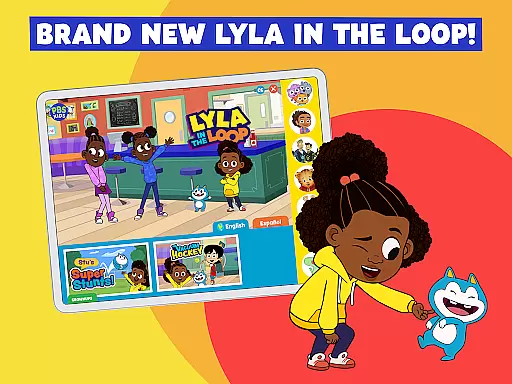
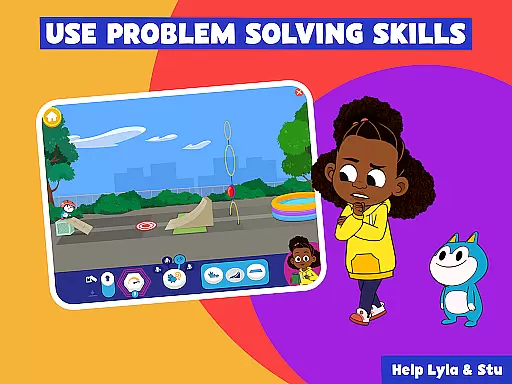
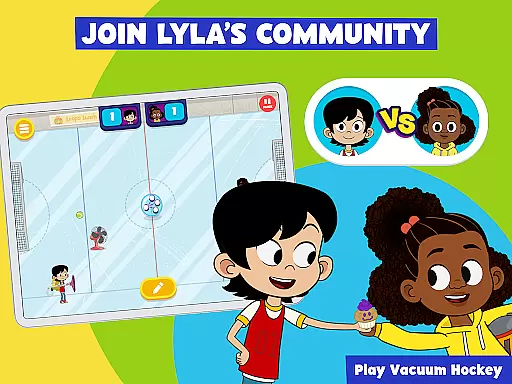
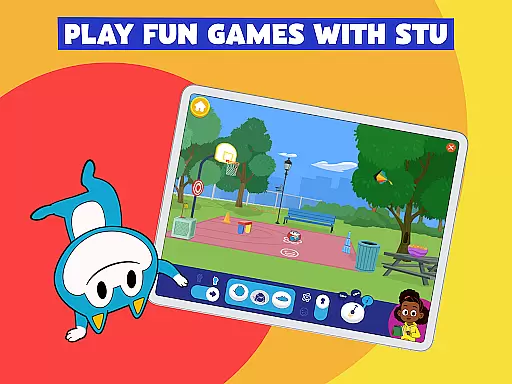
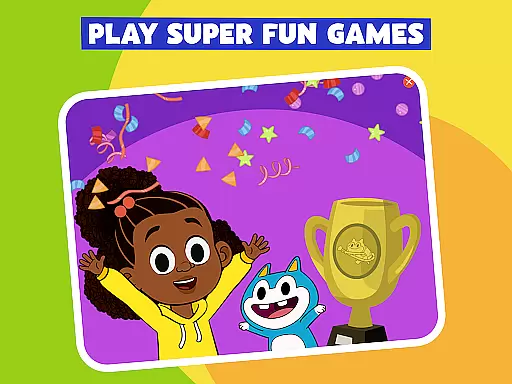
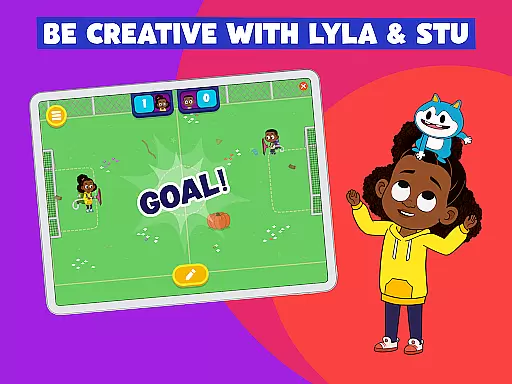
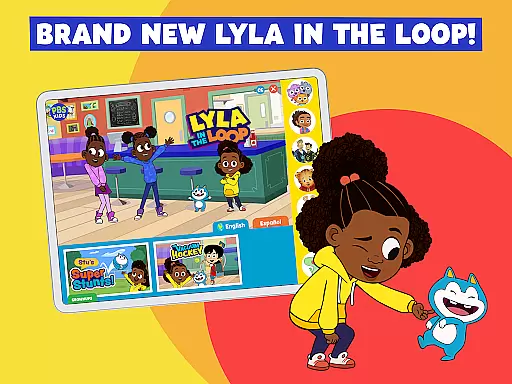
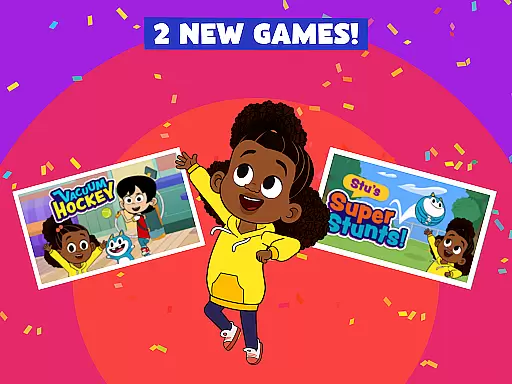
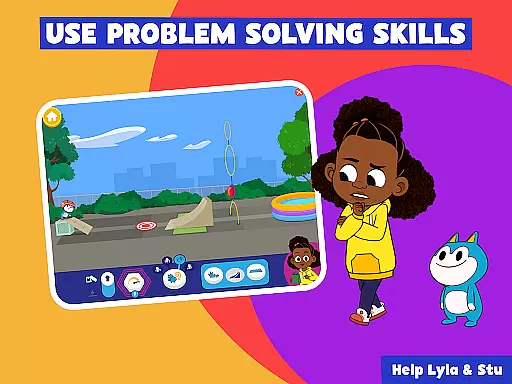
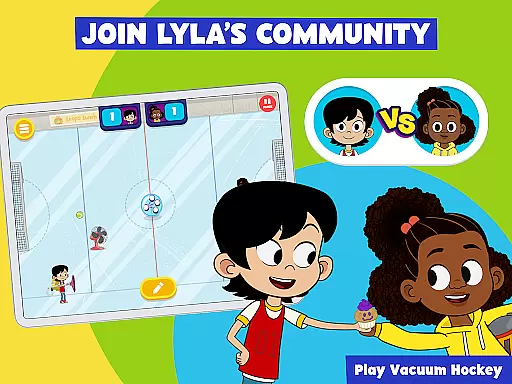
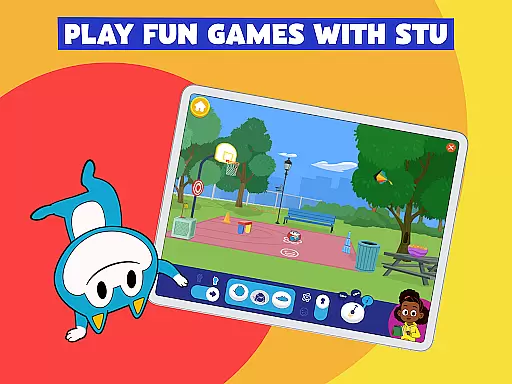
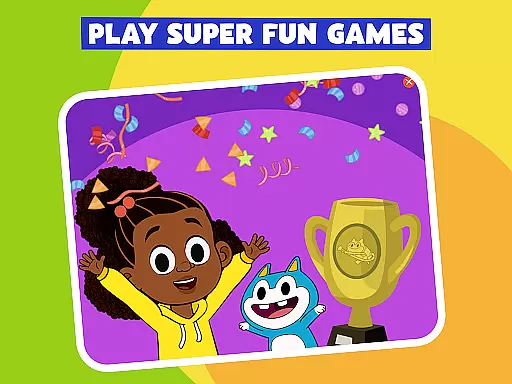
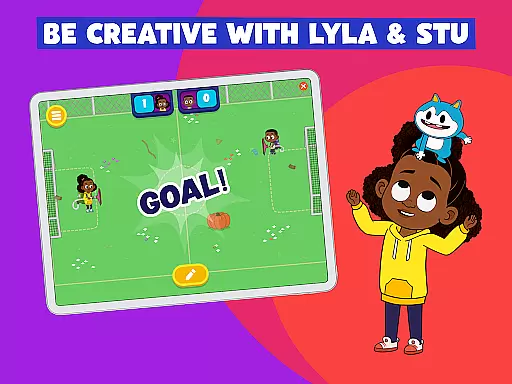
The PBS KIDS Games app stands out for its strong emphasis on content authority and curriculum alignment, ensuring that every game is not only fun but also educational.
Developed under the guidance of educational experts, the games are intricately linked to school subjects such as math, science, reading, and art. This curriculum-based approach guarantees that while children enjoy adventures with their favorite characters like Daniel Tiger and Wild Kratts, they simultaneously enhance critical skills relevant to their academic growth.
Parents can rest assured knowing that each activity is designed to match educational standards, providing a reliable extension to classroom learning. The app's bilingual support in English and Spanish further enriches this experience, catering to diverse linguistic backgrounds.
With over 250 free games updated weekly, the app continuously offers fresh, expert-approved content that aligns seamlessly with preschool through early elementary curricula, making it an invaluable tool for both educators and families seeking quality educational resources.
Gamification-learning integration within the PBS KIDS Games app transforms traditional education into an engaging journey, capturing childrenu2019s interest through interactive play.
By incorporating beloved PBS KIDS characters into various game formatsu2014such as mazes, puzzles, dress-up, and coloringu2014the app creates an immersive environment where learning feels like a natural part of play. These gamified elements encourage exploration and experimentation without the pressure often associated with formal learning settings.
Accessibility features ensure inclusivity, allowing all children, regardless of ability level, to benefit from these integrated learning experiences. Moreover, new games added weekly focus on building STEM skills alongside social concepts like kindness and mindfulness, fostering well-rounded development.
This thoughtful blend of entertainment and education keeps kids motivated and excited about learning, whether at home or on the go, ultimately promoting sustained engagement and better retention of knowledge across multiple subjects.

Get points, learn Spanish, repeat. Speedrun your way to knowledge.
 4.0
4.0
Fun educational games for kids that teach number tracing, counting with modes!
4.50
Epic battles, interactive quests and exotic pets. Learn math with Prodigy today!
4.70
A speed-learning English vocabulary game designed for user to reach proficiency
4.5
Join Rus and his friends to save Pear Island!
4.5
Endless runner fun packed with animal facts, exciting wildlife, & adventure.
4.10
Safe, fun, ad-free games for kids! For babies, toddlers, & kids age 2-6
3.60
Amazing learning and educational games for children of all ages.
4.70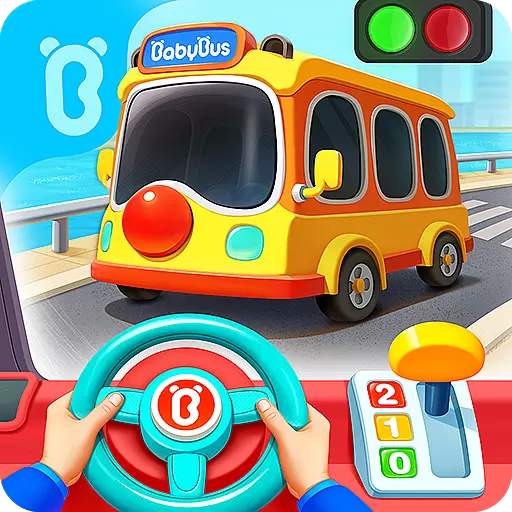
3D school bus driving game for kids!
4.50
Cute coloring games for girls! Draw, paint & decorate with endless colors.
4.70
Fun educational jigsaw puzzles for kids and preschoolers.
4.50
Creative beauty & fashion
4.50
Kids math games, abc games for kids 4-5 years old. Kindergarten learning games
4.50
This will quickly become your kids' favorite animals game!
4.40
Where Little Healers can Make a Big Difference!
4.00
CASHFLOW - The Investing Game
4.00
Master your phonics letters and sounds with the Alphablocks!
3.80
Create, Style, Repeat!
3.70
Featuring the Numberblocks
3.60


User Reviews