
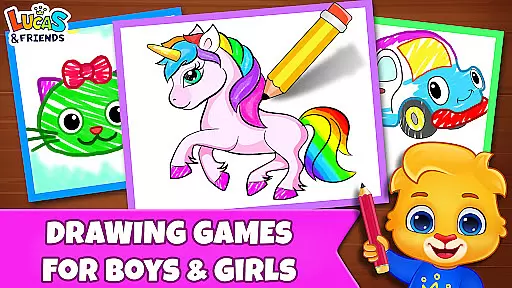
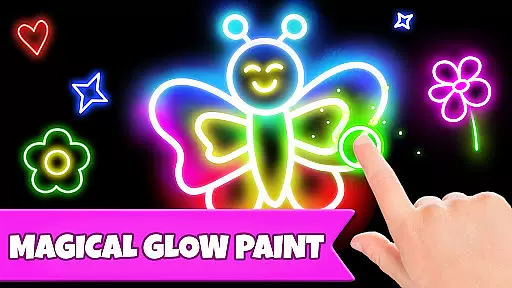
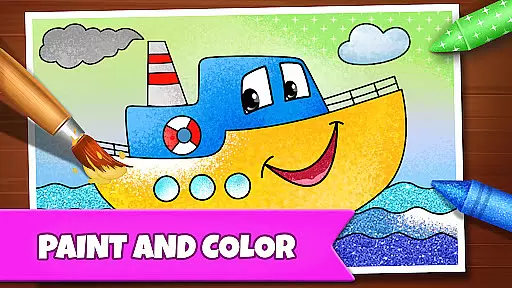
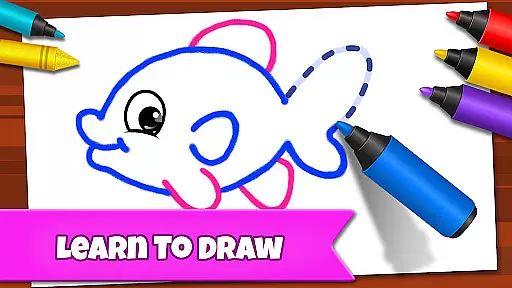
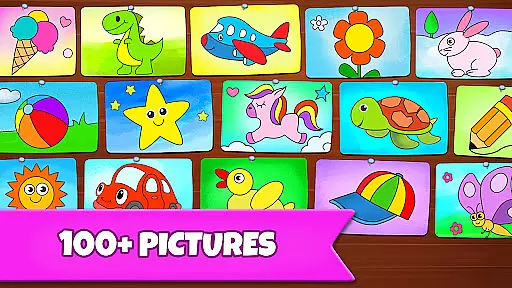
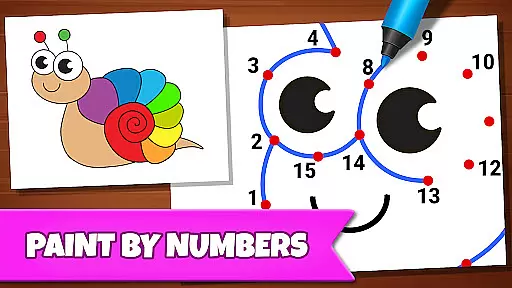
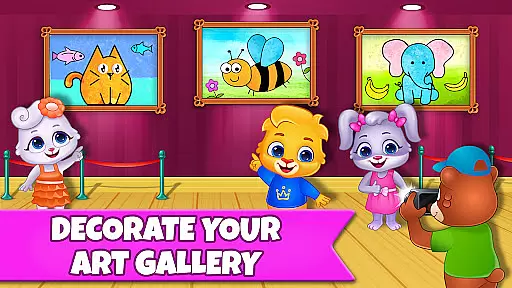
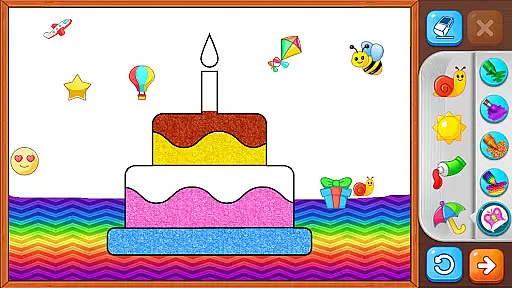
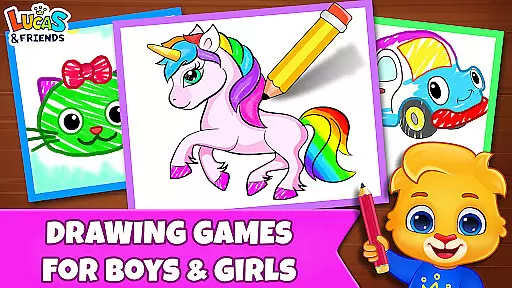
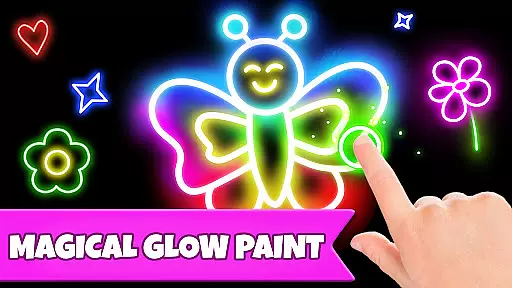
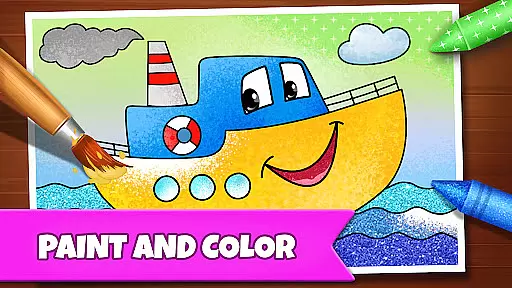
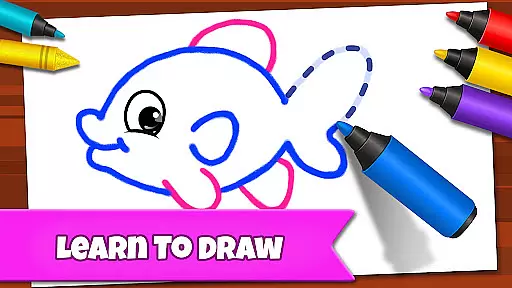
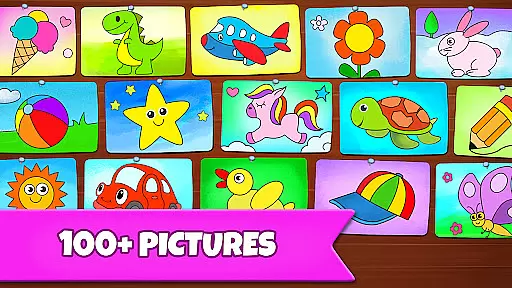
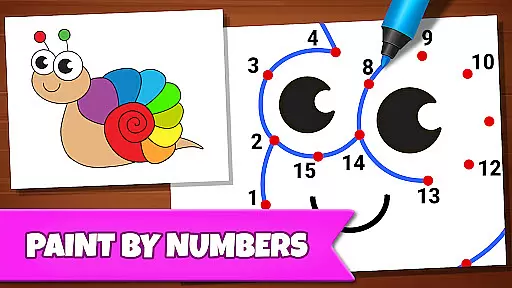
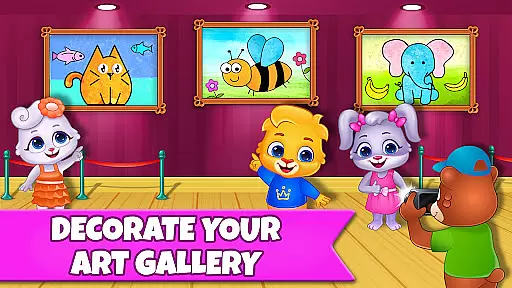
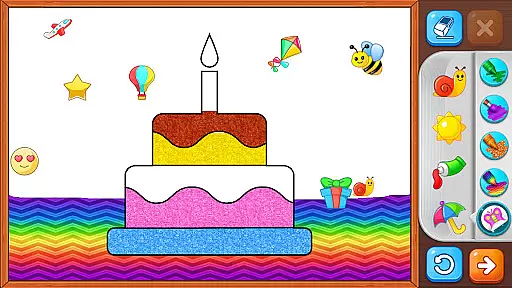
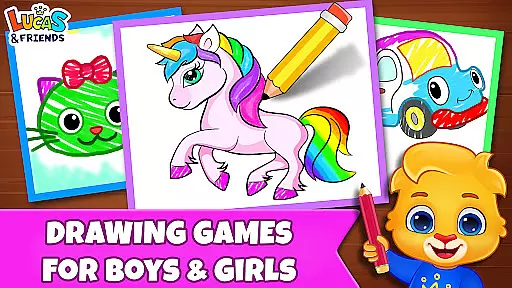
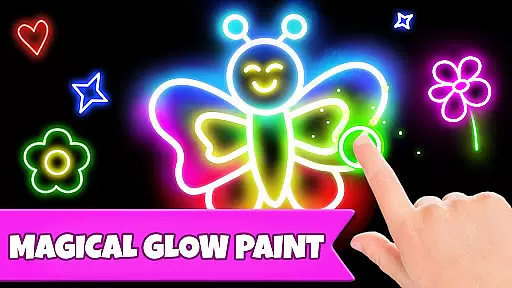
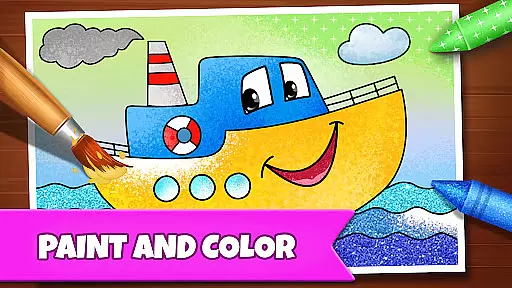
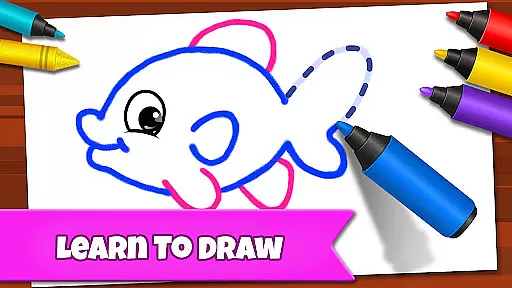
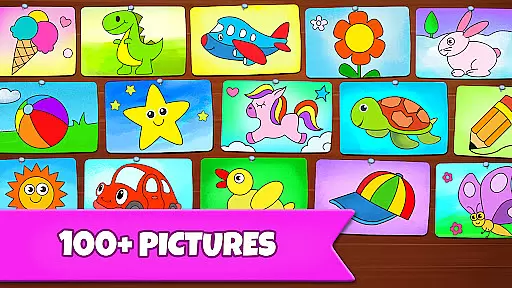
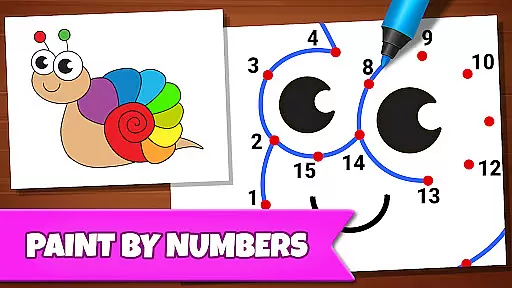
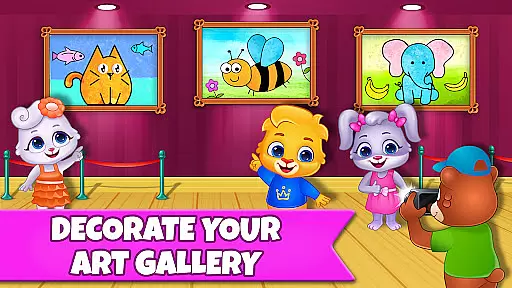
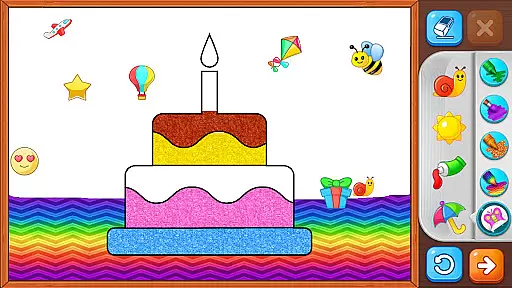
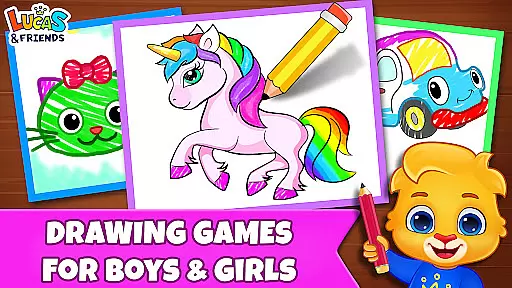
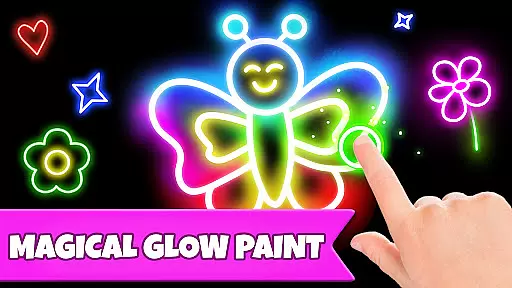
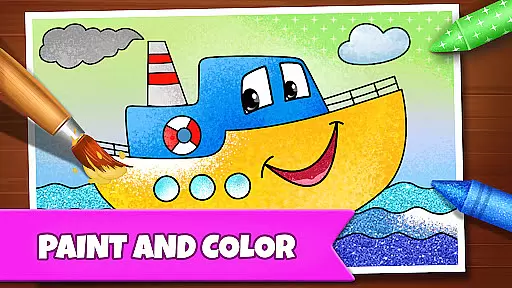
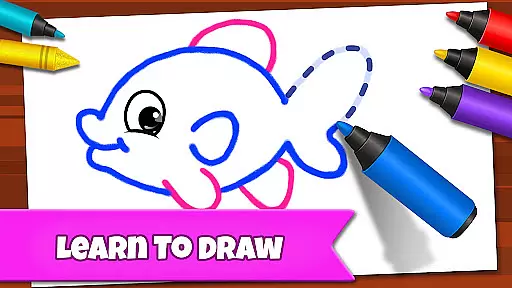
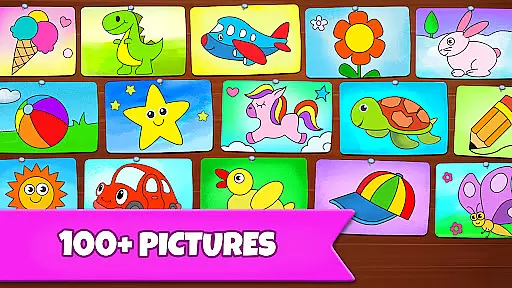
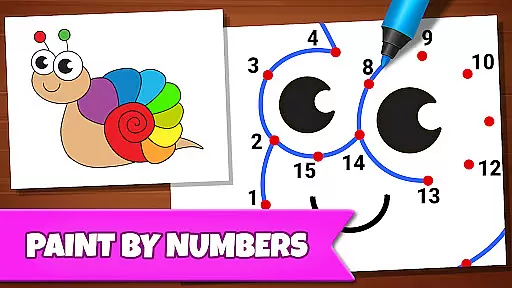
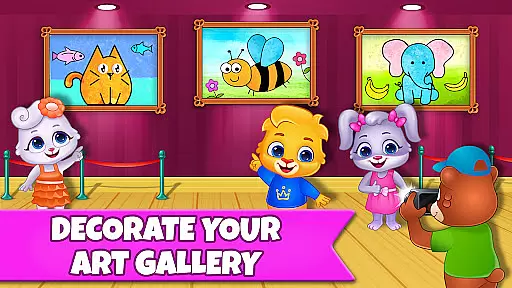
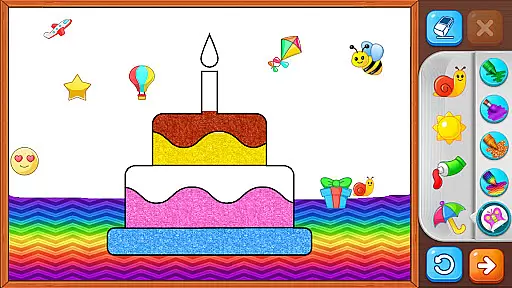
Drawing Games: Draw & Color is an educational app designed to engage children in creative learning through various drawing and coloring activities. The app offers multiple modes such as Learn to Draw, Auto Draw, Connect & Color, Connect the Dots, Memory Drawing, and Glow Paint, each crafted to teach different skills including shape recognition, number familiarity, and memory enhancement.
Children can enjoy a safe and fun environment where they can express their emotions and build confidence by engaging in painting and coloring. With no in-app purchases or ads, this app ensures that kids remain focused on their artistic and educational journey without any distractions.
The app is suitable for toddlers, preschoolers, and kindergartners, providing them with hours of entertainment while subtly teaching essential developmental skills. Parents will appreciate how seamlessly education and enjoyment are combined, making it an ideal tool for early childhood development.
This app stands out due to its diverse range of interactive drawing modes tailored specifically for young learners. In Learn to Draw mode, children receive step-by-step guidance on creating pictures, fostering both creativity and technical skill. Auto Draw caters to younger users who can watch paintings come to life automatically, sparking curiosity and interest.
Connect & Color and Connect the Dots encourage critical thinking and fine motor skills by having kids complete images through connecting points. Meanwhile, Memory Drawing challenges memory retention as children replicate fleeting lines from recall. Lastly, Glow Paint adds an element of excitement with vibrant, glowing colors that captivate young imaginations.
All these features contribute to a holistic learning experience, ensuring sustained engagement and progressive skill acquisition. By incorporating elements of play into education, Drawing Games: Draw & Color effectively bridges the gap between fun and functional learning.
In educational apps, content authority and curriculum alignment are crucial for ensuring that children receive accurate and relevant learning experiences. Drawing Games: Draw & Color provides a robust framework where each activity is designed to teach specific skills such as shapes, numbers, and picture recognition.
The app's Learn to Draw mode breaks down complex images into simple steps, allowing kids to understand the process behind creating art while subtly introducing them to fundamental drawing concepts. This method aligns with educational standards by promoting cognitive development through structured activities.
Furthermore, the Connect the Dots and Memory Drawing modes reinforce numerical order and improve memory retention, respectively. These features not only entertain but also support early childhood education goals, making Drawing Games an authoritative tool in digital learning environments.
Gamification in educational apps transforms traditional learning methods into engaging experiences. Drawing Games: Draw & Color excels in this area by incorporating various game-like elements that captivate young learners' attention and motivate them to continue exploring different artistic techniques.
For instance, the Auto Draw feature allows toddlers to watch paintings come to life automatically, providing instant gratification and encouraging repeated play. Similarly, Glow Paint offers a unique twist on conventional coloring activities, stimulating creativity and offering a sense of accomplishment when artworks glow vibrantly.
Moreover, the absence of in-app purchases and ads ensures uninterrupted focus on learning objectives. By integrating these gamified elements seamlessly within its educational framework, Drawing Games successfully merges fun with pedagogy, fostering an environment where children eagerly participate in their own development.
User-friendly interface
Educational content
No in-app purchases
Variety of drawing modes
Engaging visuals
Limited advanced features
Basic color options
Repetitive gameplay
Occasional bugs
Simple graphics

Explore the world of reading and writing with Booker!
 4.0
4.0
Spark your little ones’ imagination!
3.80
Pro Doctor Dentist for PetsGame
4.60
Play educational games for preschool toddlers—plus more to discover ►AdsFree◄
4.60
Math Games For Kids To Learn Addition, Subtraction, Multiplication and Division.
4.30
Explore Dopples World, build your avatar life & create endless stories!
4.70
A cube building game for small (and large) builders.
4.40
Join Rus and his friends to save Pear Island!
4.2
Where Little Healers can Make a Big Difference!
4.00
Amazing toddler coloring games for 2+. Enjoy painting games
4.60
Play virtual baby daycare simulator & be a babysitter, take care of cute babies!
4.60
Fun baby games for kids. Play baby piano, musical instruments & nursery rhymes.
4.50
Explore Fantasy Land, get to know the world and create stories!
4.30
Create, design & explore Mia’s avatar game world! Dress up a dreamhouse you love
3.80 2.80
2.80
Learn and practice multiplication and division
4.1
Get points, learn Spanish, repeat. Speedrun your way to knowledge.
4.1
Little Explorer – Garage, Kitchen and Bathroom
4.0
A speed-learning English vocabulary game designed for user to reach proficiency
4.1


User Reviews