
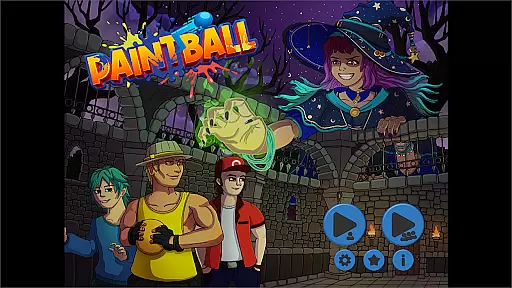
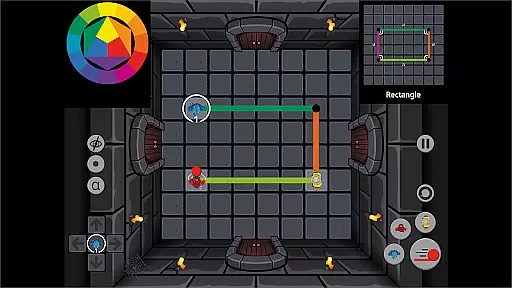
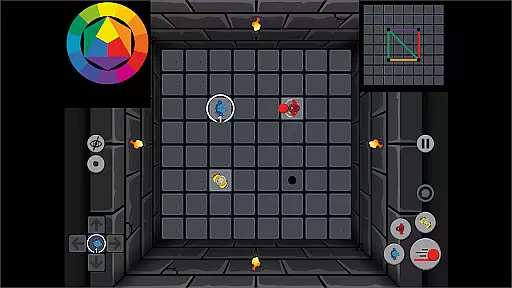
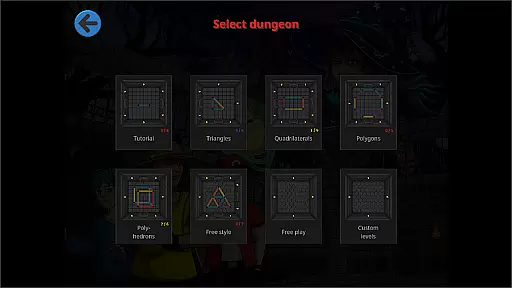
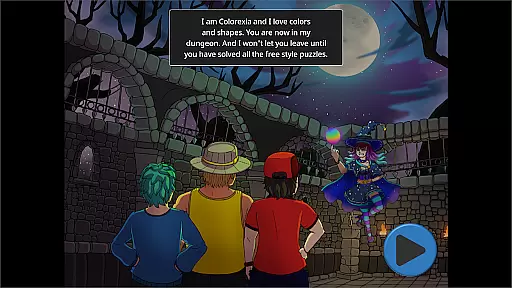
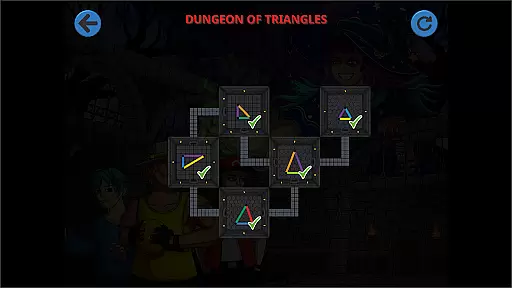
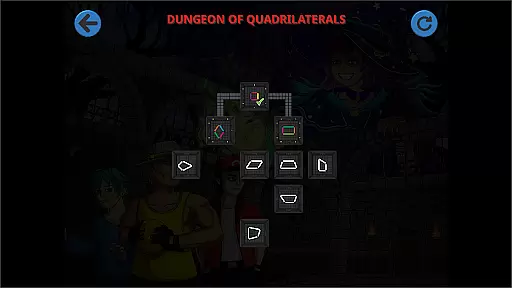
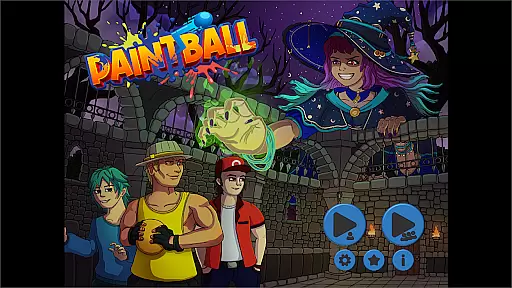
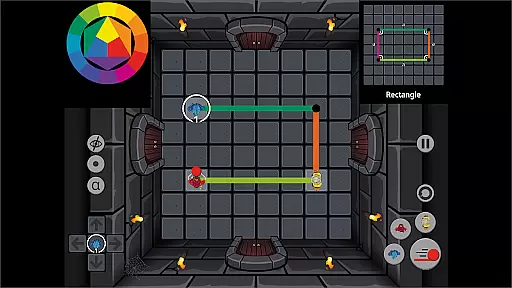
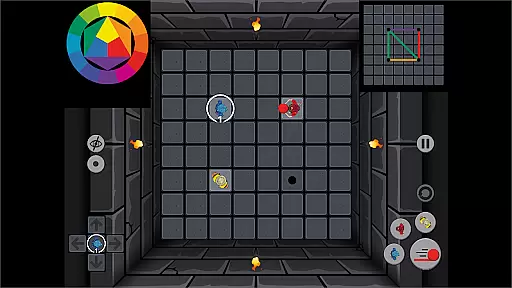
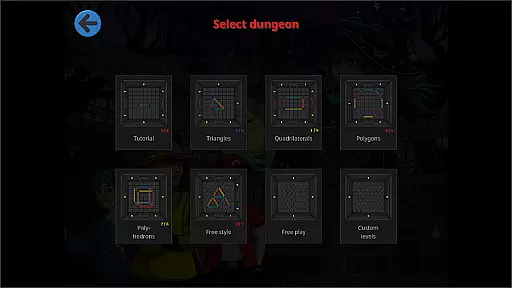
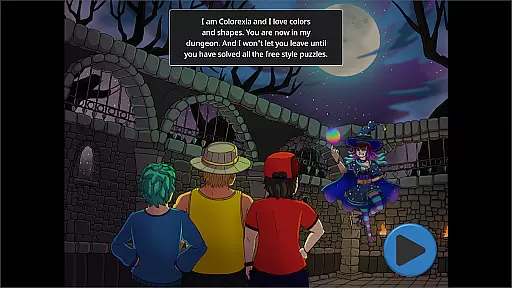
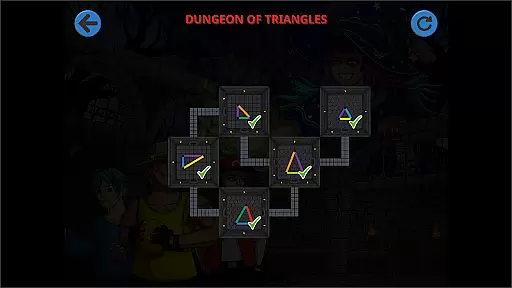
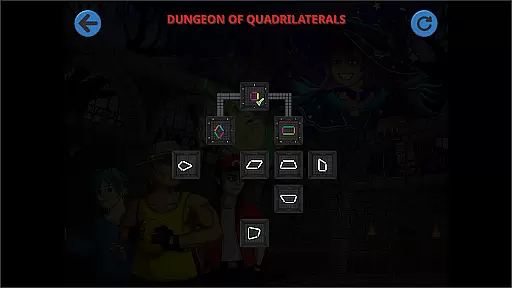
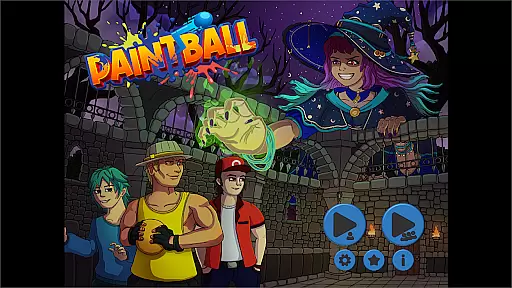
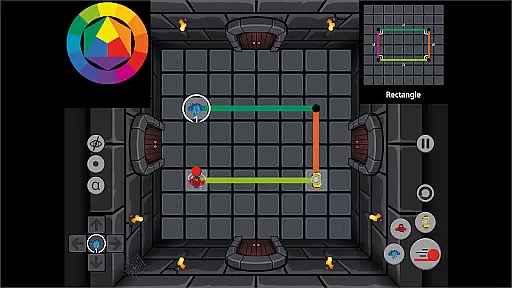
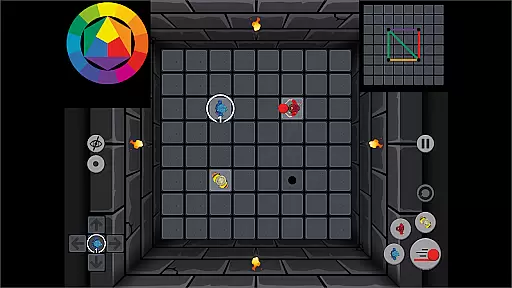
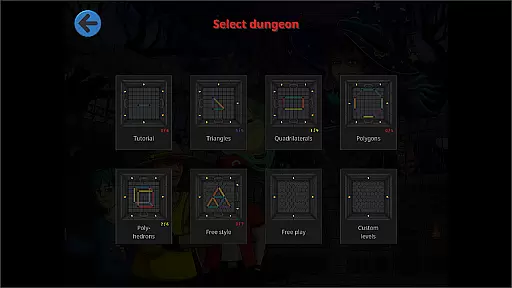
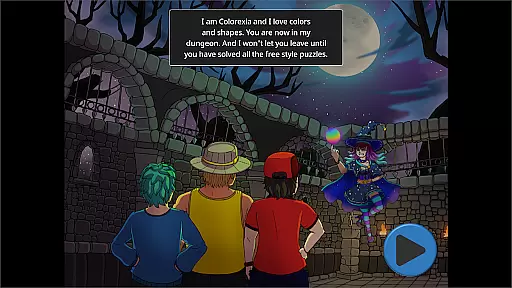
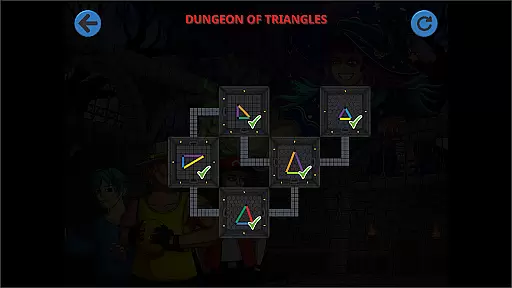
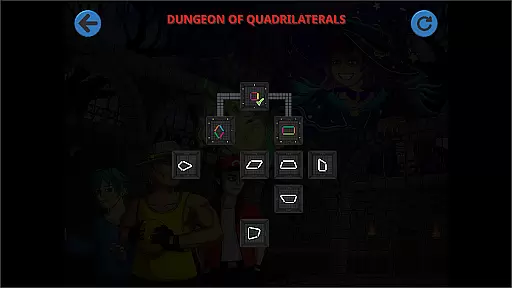
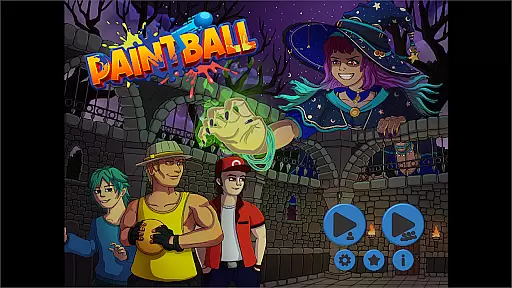
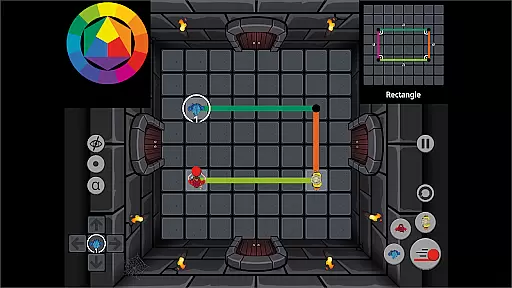
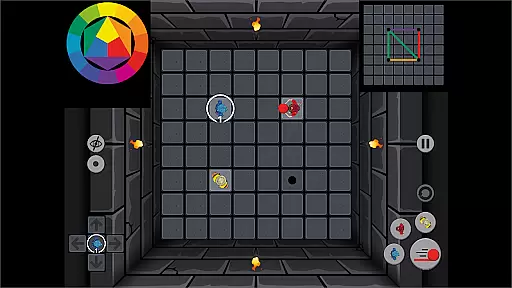
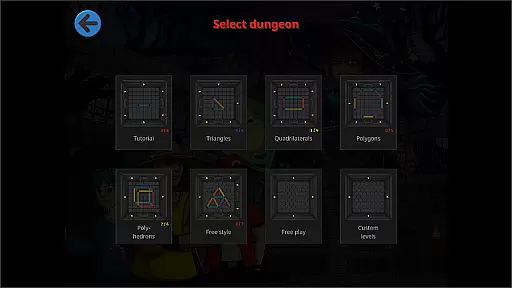
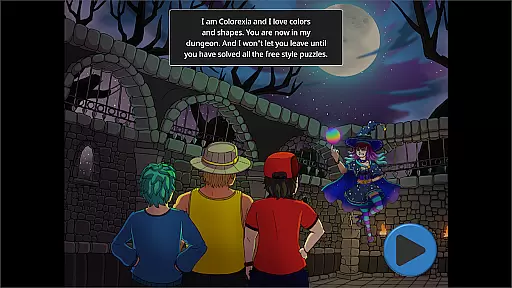
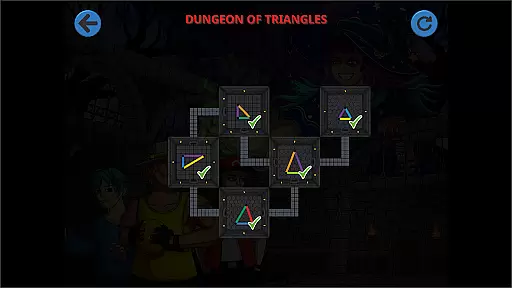
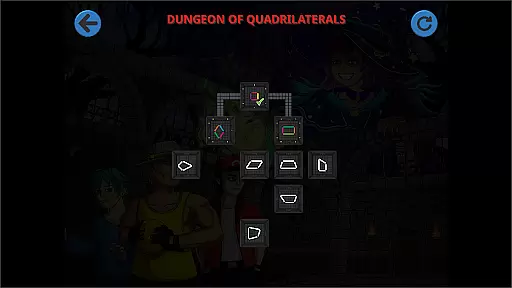
Paintball is an innovative educational puzzle game that combines geometric learning with collaborative gameplay. In this unique app, players control three characters who strategically throw paintballs to create specific geometric shapes. The game challenges users to think critically about spatial relationships and color theory while fostering teamwork skills.
This application is particularly valuable in educational settings. It features both structured level-based gameplay and a free-play mode with geo boards for creative exploration. Teachers can use Paintball as an interactive teaching tool to help students grasp geometric concepts, develop problem-solving abilities, and practice cooperative learning in a fun, engaging environment.
Paintball offers a comprehensive set of features designed to enhance learning through play. The core mechanic involves strategic planning of paintball trajectories to replicate complex geometric patterns, which helps develop spatial reasoning and visualization skills. The game supports both single-player and multiplayer modes, allowing up to three players to collaborate on solutions.
A key educational feature is the integration of color theory principles, where players must consider primary and secondary color combinations to achieve desired results. The app also includes a flexible level editor, enabling educators and students to create custom challenges. Additional features include time-limited challenges, progressive difficulty scaling, and performance tracking metrics for educational assessment.
Paintball - The Puzzle Game offers a unique approach to education by combining entertainment with learning. The game's content is carefully designed to align with educational standards, focusing on geometry, color theory, and problem-solving skills.
The puzzles are crafted to progressively challenge players' understanding of geometric shapes and spatial reasoning. Each level serves as a practical exercise in visualizing and recreating complex patterns, ensuring that the gameplay supports fundamental mathematical concepts.
Furthermore, the game incorporates elements of creativity and collaboration, encouraging players to work together to solve puzzles. This cooperative aspect not only enhances social skills but also mirrors real-world problem-solving scenarios, making it an effective teaching tool for educators.
One of Paintball's standout features is its seamless integration of gamification elements with educational objectives. By transforming abstract concepts into interactive challenges, the game makes learning engaging and accessible for players of all ages.
The flexibility of Paintball allows educators to adapt the game to various teaching styles and classroom environments. Whether used for short sessions or extended play, the game maintains its educational value while keeping students entertained and motivated.
Additionally, the free play mode empowers users to create custom levels, fostering creativity and reinforcing learned concepts through hands-on design. This innovative blend of structured learning and open-ended exploration exemplifies how gamification can enhance traditional educational methods.
Engaging gameplay
Educational value
Multiplayer support
Creative freedom
Flexible learning
Complex for young kids
Limited free levels
Requires patience
No offline mode
Steep learning curve

Explore the world of reading and writing with Booker!
 4.0
4.0
Absorbing, highly visual, effective learning of multiplication, division
4.5
Woof! The very first official Hey Duggee app for CBeebies' new favourite show.
3.70
Get points, learn Spanish, repeat. Speedrun your way to knowledge.
4.1
Join the pirate math adventure!
3.60
Creating emotional connections
4.3
Explore, create, and play with Hello Kitty and all her friends!
4.60
Featuring the Numberblocks
3.60
Find the hidden Numberblocks, add them together and see what happens.
3.50
Amazing toddler coloring games for 2+. Enjoy painting games
4.60
A world for little builders to create, imagine, and learn through play.
4.20
Animal games! Adopt virtual pet dog, cat & rabbit to create your pet world!
4.10
The kids phonics and reading app that's helped millions of kids learn to read
4.00
Practice Early Literacy Skills and Build Vocabulary with Elmo & Cookie Monster!
3.90
A world to build at the tip of your fingers!
3.80
Spark your little ones’ imagination!
3.80
Baby Phone Game for Kids & Toddlers to Learn Sounds, Numbers, ABCs, Phone Calls
3.80
Create, design & explore Mia’s avatar game world! Dress up a dreamhouse you love
3.80
Companion app for Cozmo, the educational toy robot who’s got a mind of his own.
3.30


User Reviews