
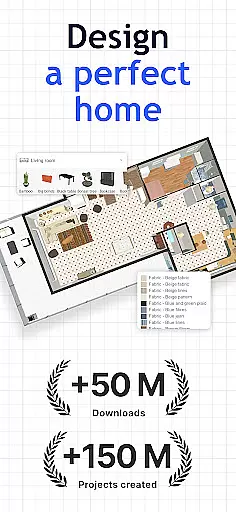
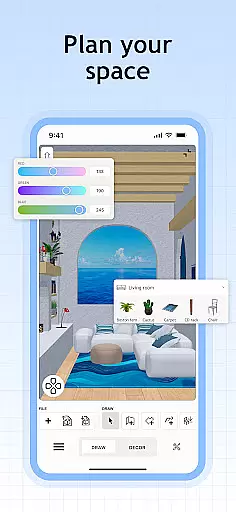
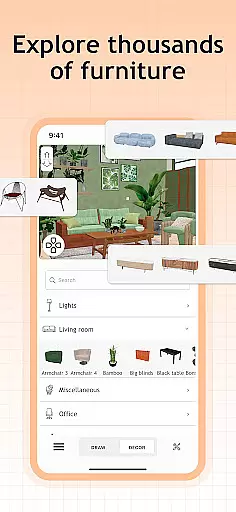
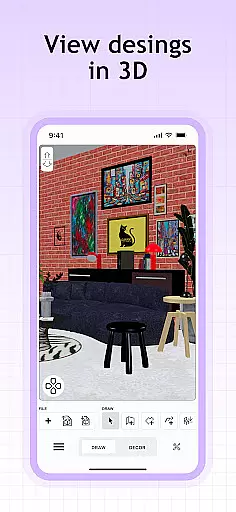
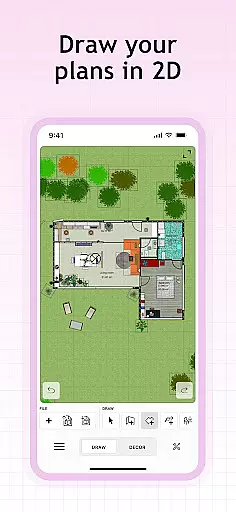
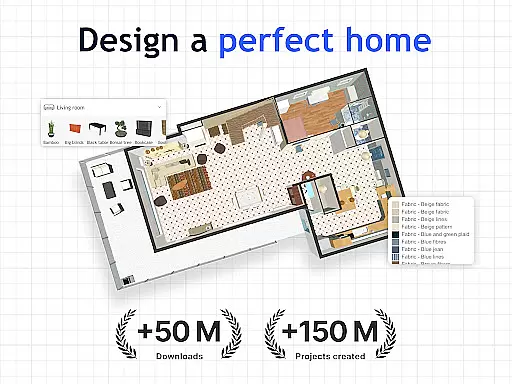
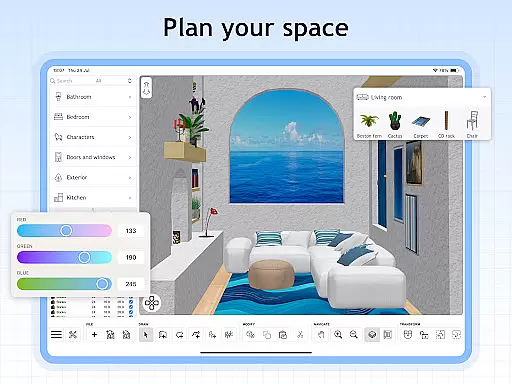
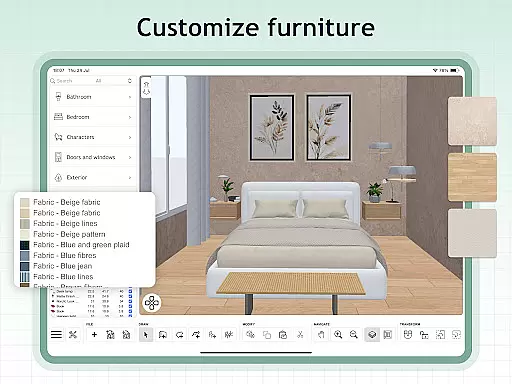
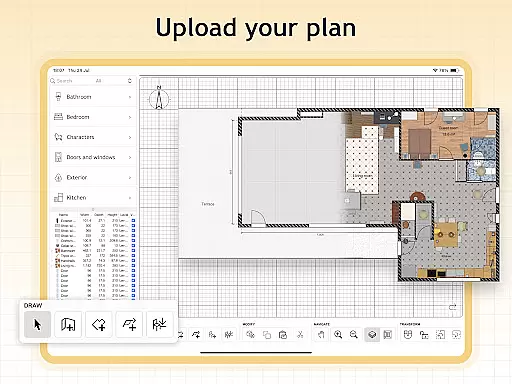
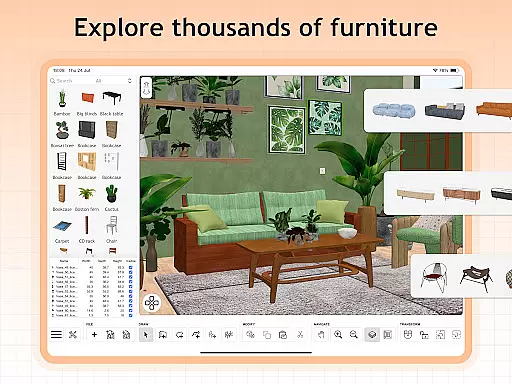
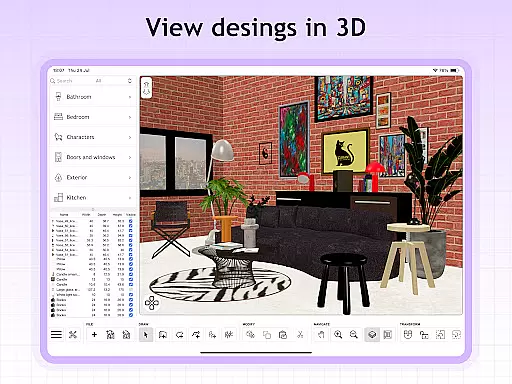
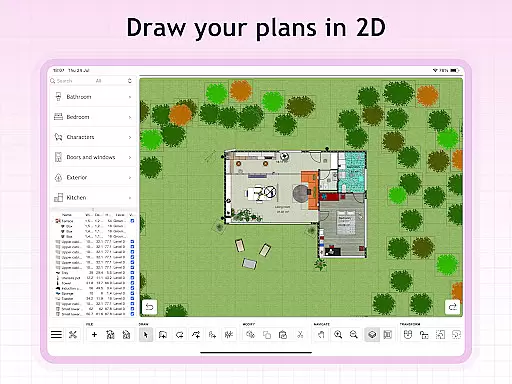
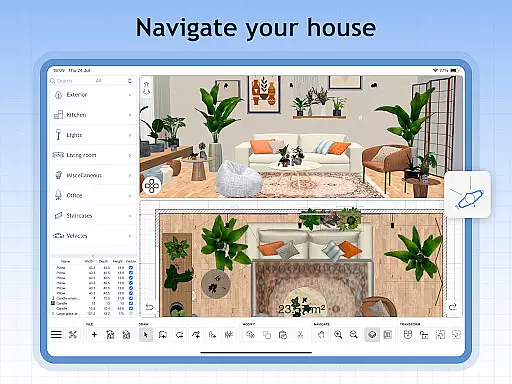
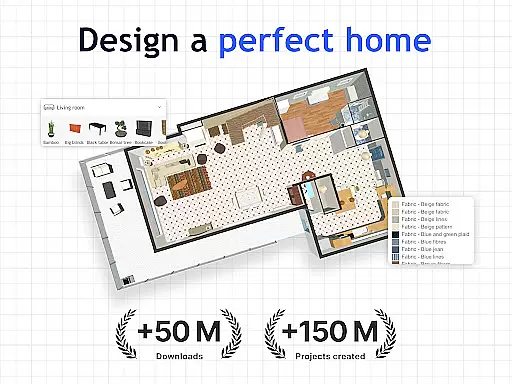
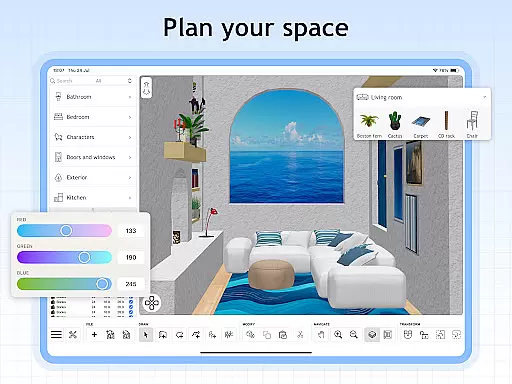
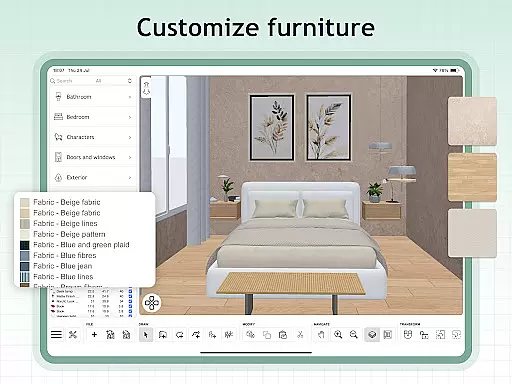
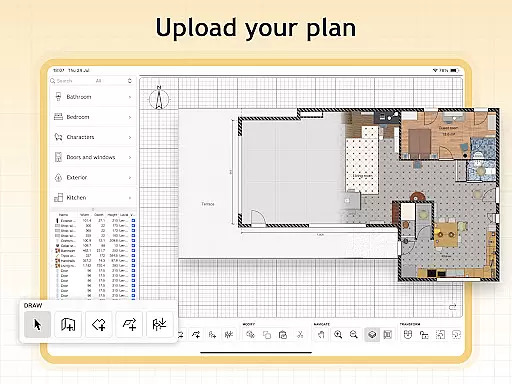
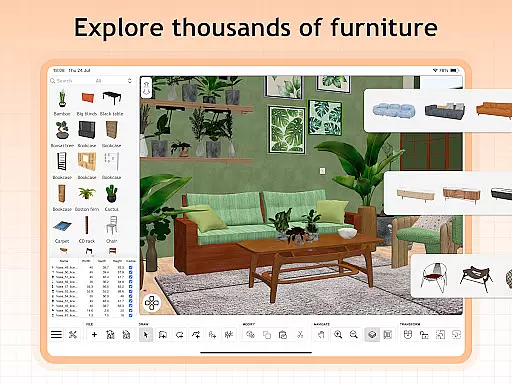
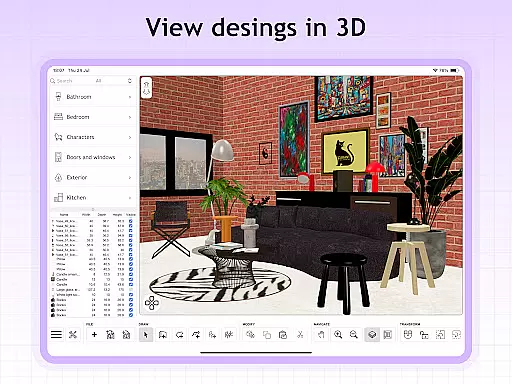
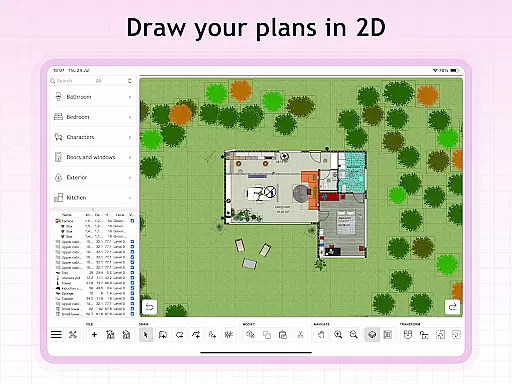
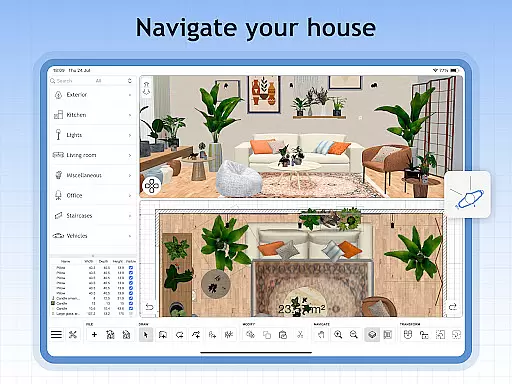
Sweet Home 3D is a comprehensive house and apartment design planner that offers users an intuitive platform to create detailed 2D floor plans with instant 3D visualization. The app provides an extensive library of over 800 furniture pieces, lighting options, and decor items, allowing for highly personalized interior designs.
With its precise measurement tools and customizable room layouts, Sweet Home 3D ensures accuracy in planning spaces that match real-world dimensions. Whether you're a homeowner redesigning your living space or a professional designer working on multiple projects, this app supports unlimited creativity while offering multi-language accessibility for global users.
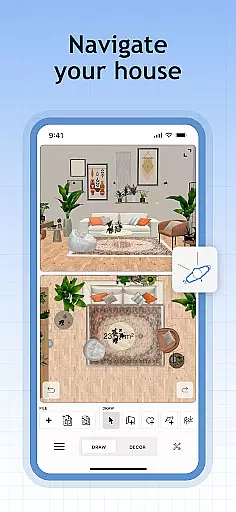
The app's standout feature is its user-friendly interface, enabling effortless drag-and-drop placement of furniture and design elements. Users can seamlessly switch between 2D and 3D views, gaining a realistic perspective of their envisioned spaces from all angles.
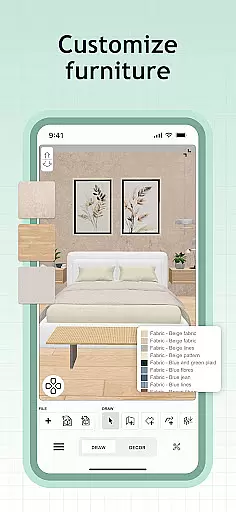
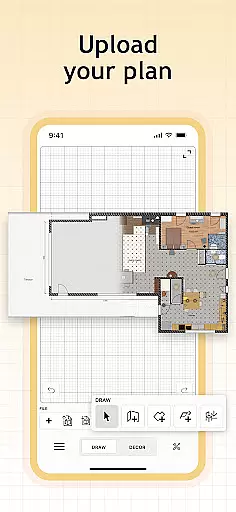
Sweet Home 3D also allows importing custom 3D models, giving designers the freedom to incorporate unique decor pieces into their projects. Additionally, advanced functionalities like saving progress, managing textures, and accessing an active online community provide further support for creating intricate designs tailored to individual styles.
When designing a home, the authenticity of property listings is crucial for ensuring that your plans align with reality. Sweet Home 3D offers an extensive library of over 800 furniture pieces and decor items, each modeled with precision to reflect real-world dimensions and textures. This vast selection allows users to create designs that are not only imaginative but also feasible in real spaces.
The app's meticulous attention to detail extends to its support for importing custom 3D models, enabling users to incorporate unique elements into their designs. With this feature, you can ensure that every piece of furniture or decor accurately represents what you intend to use in your actual home. The ability to set precise dimensions further enhances the authenticity of your design, making it easier to visualize how everything will fit together.
Sweet Home 3D's commitment to accuracy doesn't stop at furniture; it also includes architectural elements. Users can adjust room layouts with exact measurements, ensuring that their digital plans match the physical space they have available. This level of precision helps prevent costly mistakes during implementation and provides peace of mind knowing that your design is grounded in reality.
Beyond just designing spaces, Sweet Home 3D offers robust home management features that enhance the planning experience. One standout feature is its dual-view system, which allows users to simultaneously view their designs in both 2D and 3D formats. This capability provides a comprehensive understanding of how different elements interact within a space, offering insights that might be missed when viewing in only one format.
The app's user-friendly interface simplifies the process of placing furniture and adjusting layouts through intuitive drag-and-drop functionality. This ease of use makes it accessible even for beginners while still providing depth for more experienced designers. Additionally, Sweet Home 3D supports saving multiple projects, allowing users to work on various designs without losing progress or mixing up different concepts.
Another significant advantage is the multi-language support, catering to a global audience and ensuring accessibility regardless of language barriers. Furthermore, the active online community surrounding Sweet Home 3D serves as a valuable resource for tips, inspiration, and feedback, enhancing the overall user experience by connecting like-minded individuals who share a passion for interior design.
User-friendly interface
Extensive furniture library
Precise measurement tools
Real-time 2D/3D visualization
Multi-language support
Limited free trial availability
Subscription-based pricing
No offline functionality
Occasional performance lags
Steep learning curve for beginners

Control your Daikin, Amana & Goodman heating & cooling systems from anywhere
 4.40
4.40
Parcel Pending Resident App
4.50
AI floor creator to design your dream house, plan rooms & style your home
4.00
SmartRent - Opening Doors To A Smarter World
4.40
IP camera view and playback, for your WiFi cam or home security cctv system.
3.70
Plants, Beauty, Collectibles
4.60
Schlage Lock Company LLC
4.00
Find your next home, house, apartment, condo, casa, flat, rental, studio, or bed
4.70
A Smarter Home in Seconds
4.70
View houses and apartments for rent, updated daily.
4.80
Connect with reliable pros for maintenance services, plumbing, and home design!
4.80
Convert your Phone to HiSense Smart TV Remote Control
4.70
MLS-powered real estate app to find homes for sale & apartments for rent
4.70
The only mappable smart lights for custom decoration.
4.50
The Merkury Smart app makes it easy to control your smart devices.
4.50
Samsung remote app helps control all Samsung Smartthings TVs. Fast and Stable!
4.10
Find paints using a Color Muse & ColorSnap® Match
3.60
Unlock AI-based barcode scanning and support the development of Grocy Android
4.1
Universal TV Remote for TV, control all Smart TVs with your mobile phone.
4.4


User Reviews