
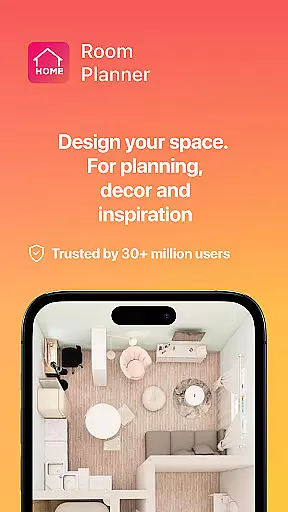


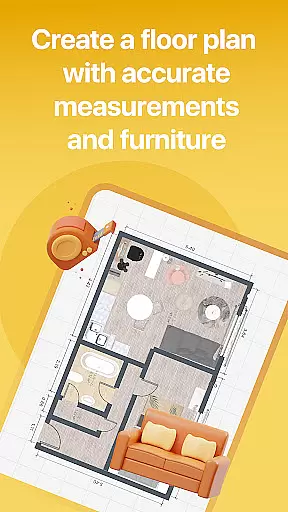

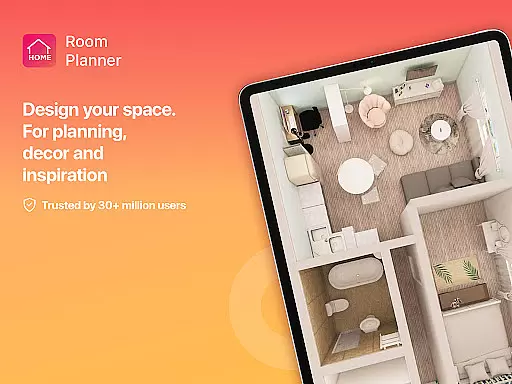


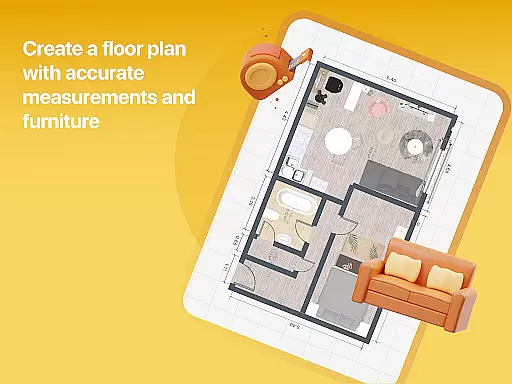

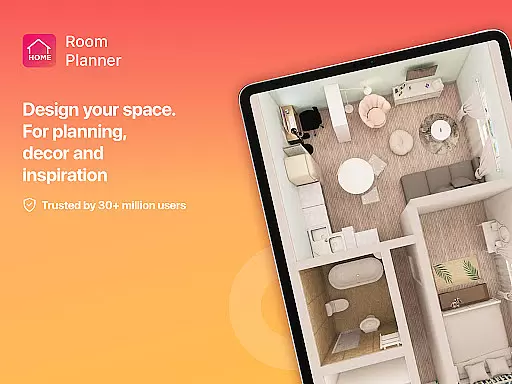
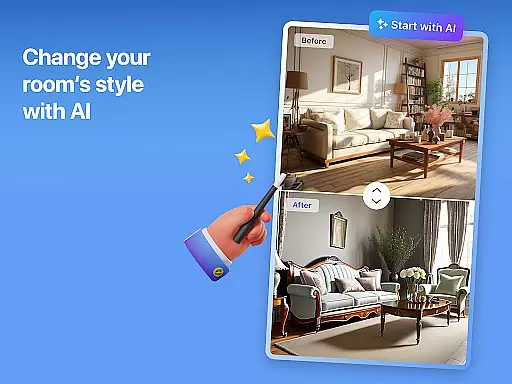


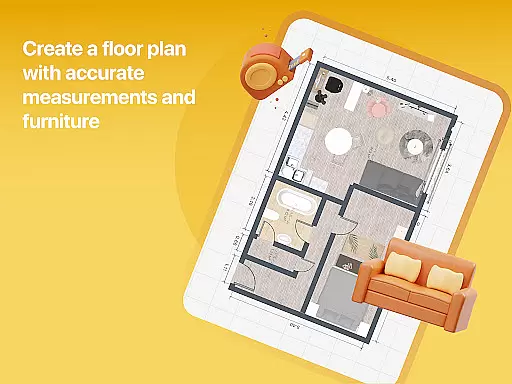

Home Planner is a comprehensive home design and 3D modeling application tailored for anyone looking to craft detailed floor plans or visualize dream spaces. The app allows users to create precise layouts by arranging walls, doors, and windows with accuracy, thanks to its built-in measuring tools. Its standout feature is the ability to transform these floor plans into immersive 3D experiences, letting users explore their designs from multiple angles before committing to real-life changes.
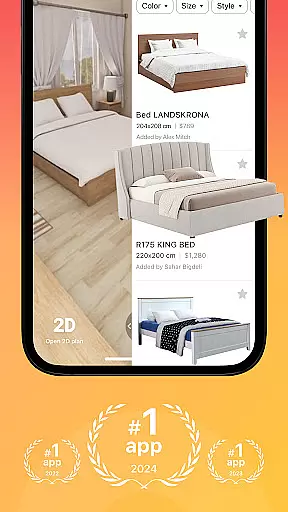
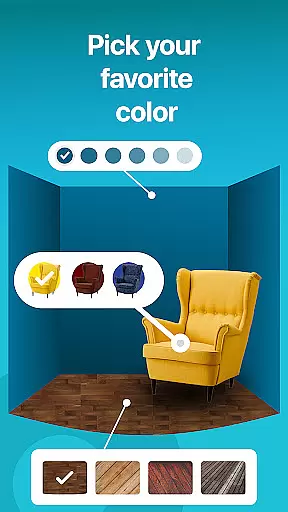
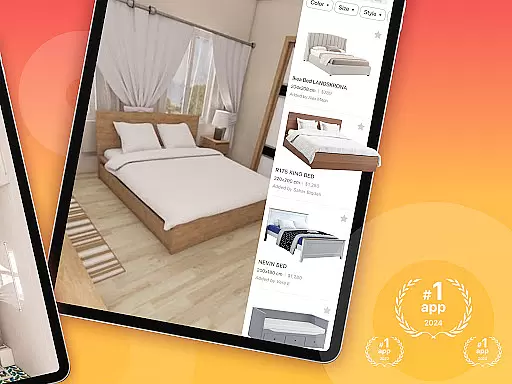
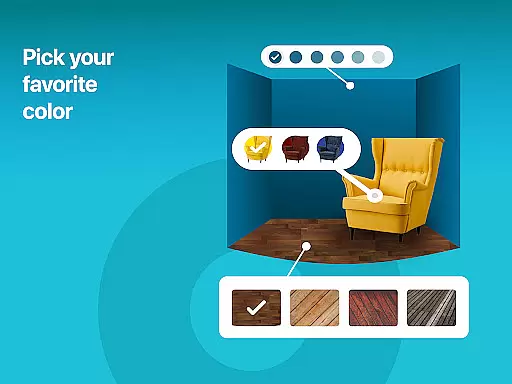
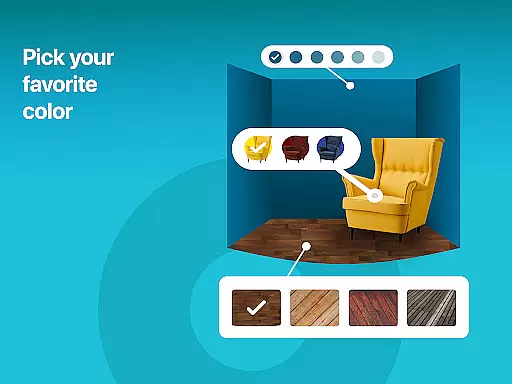
With over 200,000 furniture and décor items available in its catalog, Home Planner offers endless customization options. Users can experiment with different styles, colors, and materials to find the perfect match for their rooms. Additionally, pre-made projects and themed house designs provide inspiration for those unsure where to start. Whether designing small apartments or large estates, this app supports all levels of complexity while offering high-quality renders and seamless sharing capabilities.
One of the core strengths of Home Planner lies in its powerful visualization tools. The app provides an advanced 3D modeling experience that lets users see every detail of their home design from various perspectives. This feature is enhanced by virtual reality previews, which allow users to step inside their designs and make informed decisions about layouts and décor. Such tools ensure that renovations or new designs are well-planned before any physical work begins.
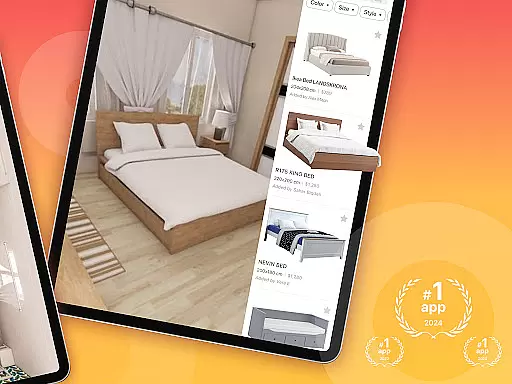
Another key feature is the extensive furniture catalog, boasting over 200,000 items from top brands. This vast selection enables users to customize every aspect of their space, experimenting with styles ranging from modern minimalism to classic elegance. Furthermore, professional pre-made projects offer curated templates that simplify the design process. With flexible subscription options unlocking premium features like exclusive furniture collections and enhanced 3D modeling, Home Planner caters to both casual designers and professionals seeking advanced tools.
Property listing authenticity is a crucial feature for users of Room Planner, ensuring that every design element and furniture piece accurately represents real-world options. This app provides verified details about over 200,000 furniture items from top brands, guaranteeing that the products you choose are available and match their digital representations. The accuracy in these listings helps users make informed decisions when planning home renovations or redesigns.
The app's meticulous attention to detail extends to its pre-made projects and themed house designs. These professionally curated templates offer authentic examples of interior styles, from cozy bedrooms to elegant living spaces. By using these expertly designed layouts, users can trust that their virtual designs will translate seamlessly into reality, enhancing both functionality and aesthetic appeal.
Room Planner also supports property listing updates with high-quality renders and realistic snapshots. These visuals provide lifelike representations of your designs, allowing you to see how colors, materials, and lighting interact before making any physical changes. This level of authenticity ensures that your final design choices are well-informed and visually accurate, saving time and resources during the actual remodeling process.
Home management features in Room Planner empower users to take full control of their home design projects with advanced tools and functionalities. The app allows for precise customization of every detail, from wall colors and flooring types to furniture placement. This flexibility ensures that users can experiment with different styles and layouts effortlessly, creating spaces that truly reflect their personal tastes and needs.
One standout feature is the built-in measuring tape and measure app functionality, which lets users ensure their layouts are accurately measured. This tool is essential for planning renovations or redesigns, as it helps avoid costly mistakes by providing exact dimensions before any physical work begins. Additionally, the seamless sharing and offline functionality enable collaboration with partners, roommates, or contractors, regardless of location or internet access.
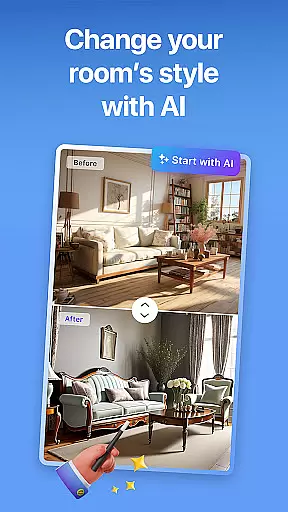
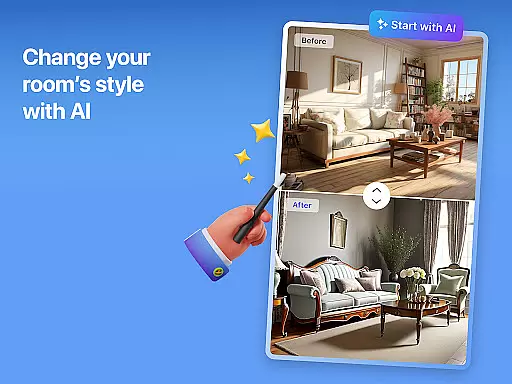
Room Planner also offers smart AI assistance through its remodel AI tools, which guide users through complex design processes. Whether tackling a single-room makeover or a full-scale home renovation, these intelligent features support all levels of design complexity. With flexible subscription options unlocking premium features like enhanced 3D modeling and exclusive furniture collections, Room Planner equips users with everything needed to manage and execute successful home improvement projects.
User-friendly interface
Extensive furniture catalog
High-quality 3D renders
Versatile design options
Offline functionality
Premium features locked
Steep learning curve
Limited free templates
Subscription costs
Occasional bugs

Universal TV remote Control for Roku TV brands via WiFi remote
 4.0
4.0
Wobble Fix Tool
4.40
Design house plans in 2D & 3D, style furniture, and preview renovation layouts
3.70
Rent on-the-go with TurboTenant’s app made just for renters
4.50
Fully control your Philips TV with this all-in-one remote control app.
4.20
Plants, Beauty, Collectibles
4.60
Find the perfect paint color with advanced tools to explore and visualize color.
3.80
Turn old phones into security cameras, baby monitors, pet cams, and more.
4.70
Connect with reliable pros for maintenance services, plumbing, and home design!
4.80
A Smarter Home in Seconds
4.70
Fire & Power Safety
4.50
Control the scent and ambiance of your home and car, right from your phone.
4.50
WiZ smart light system
4.40
Turn your phone into a wifi cam with smart features and umlimited reach.
4.20
Smart AI plant care schedules, Real plant experts, support & Thriving community!
4.20
Find contractors for all home renovation projects. Remodeling, repair, and more.
4.20
USHUD.com helps you find the best homes for sale in your area
4.00
Draw house plans, floor plans 3d & house design with house plan drawing 3d app
3.60
An easier way to make payments and maintenance requests from anywhere.
3.50


User Reviews