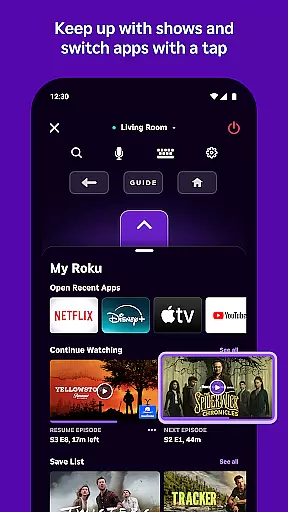
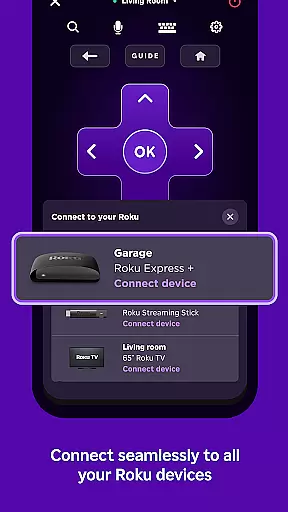
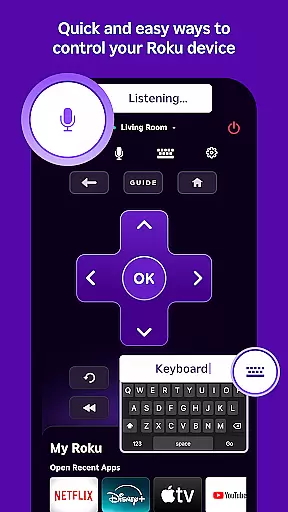
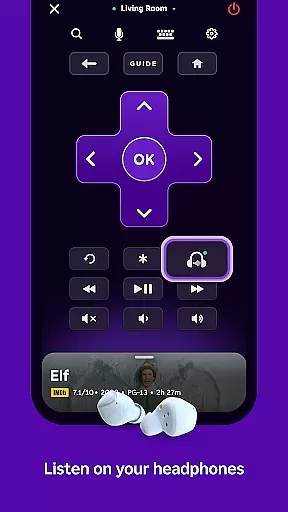
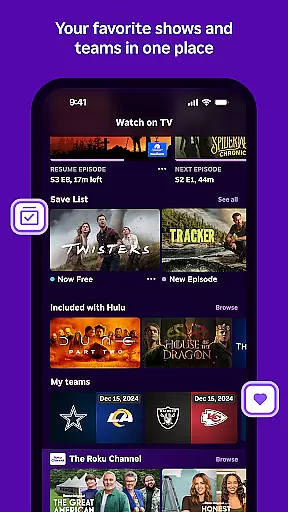
The Roku App is an essential entertainment companion that enhances your streaming experience. This versatile application allows you to control Roku devices with a convenient remote, use voice or keyboard search for quick content discovery, and enjoy private listening through headphones. With The Roku Channel, users can stream free movies and live TV on the go, while also casting personal media files to their TV. The app ensures easy text entry and channel management, making it a complete entertainment solution.
For optimal functionality, your mobile device needs to be connected to the same wireless network as your Roku device. Certain features are region-specific, with voice search available in English in the US, UK, and Canada, and in Spanish in Mexico and the US. The Roku Channel is accessible via the mobile app exclusively in the US. Some channels may require payment and availability can vary by country. For more details, visit http://support.roku.com.
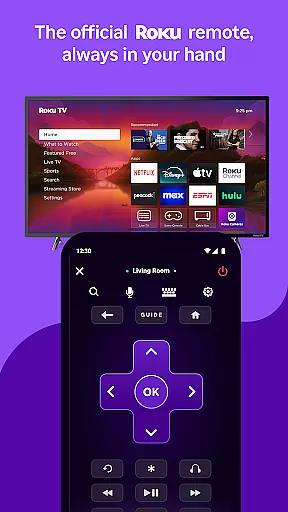
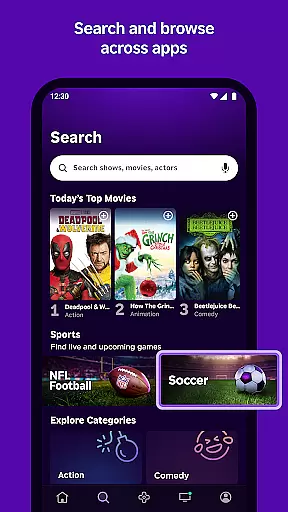
The Roku App offers a comprehensive suite of features designed to elevate your streaming experience. Control your Roku devices effortlessly with the built-in remote functionality, allowing you to navigate menus and manage playback with ease. The app's advanced search capabilities let you quickly find entertainment using either voice commands or keyboard input, ensuring you spend less time searching and more time enjoying content.
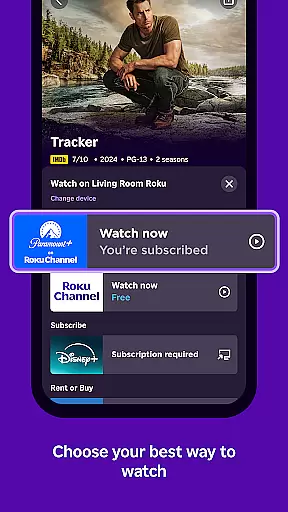
Private listening through headphones provides an immersive audio experience without disturbing others. The Roku Channel brings free movies and live TV to your fingertips, enabling on-the-go streaming. Additionally, the app supports casting media files from your phone to your TV, simplifying sharing of personal videos and photos. Enhanced text entry and seamless channel management further enrich the user experience, providing unparalleled convenience and control over your entertainment setup.
The Roku App offers a diverse range of entertainment options, ensuring users have access to varied content. With the ability to stream free movies, live TV, and more through The Roku Channel, it provides an extensive selection tailored to different preferences.
Users can enjoy updated content regularly, thanks to partnerships with numerous channels. While some channels may require payment, the availability of free content within The Roku Channel in the US adds significant value. This ensures that users always have fresh and engaging material at their fingertips.
In addition to streaming services, the app allows casting media files such as videos and photos directly from your phone to your TV. This feature enhances user engagement by enabling personal content sharing on a larger screen, thus broadening the scope of entertainment possibilities.
User engagement is a key strength of The Roku App, which facilitates prolonged interaction through its comprehensive features. By offering private listening with headphones and easy text entry using a mobile keyboard, it creates a personalized and convenient viewing experience that encourages longer usage sessions.
The app's intuitive interface allows users to control their Roku devices effortlessly, enhancing overall satisfaction and encouraging regular use. Features like voice search in multiple languagesu2014including English, Spanish, and othersu2014make navigation seamless, thereby increasing the time users spend interacting with the app.
Moreover, the ability to add and launch channels directly from the app simplifies access to favorite content. This ease of use not only boosts initial engagement but also promotes user retention over time, making The Roku App an essential tool for managing home entertainment systems.
User-friendly interface
Voice search functionality
Private listening mode
Free Roku Channel access
Media casting support
Limited voice search regions
Region-locked Roku Channel
Requires Wi-Fi connection
Some channels paid
Device compatibility needed

The OFFICIAL PeeWee Purpdrank Soundboard!
 4.80
4.80
Disney Stickers: Zootopia 2
4.3
Browser for Chromecast to stream webvideos, online movies, IPTV & HD livestreams
4.40
Direct access to the most complete Guitar Tab Archive in Spanish: LaCuerda.net
4.60
Scan sets, track your builds, and enjoy intuitive digital instructions.
4.70
Earn gift cards for playing games. Become a real game tester!
4.40
Explore the unknown!
3.00
Hand-drawn, cartoon OC creator - original character creator
4.70
With the Steam Mobile App, you can take Steam with you anywhere.
3.00
Open-source, fast, simple and powerful IPTV app
4.90
Time tracking, lap counting and much more for Carrera® Digital 132/124
4.80
Live TV, sports & holiday movies — stream on phone, tablet & TV
4.60
The Xbox app keeps you connected to your gaming community.
4.50
Fire effects for your Philips Hue lights
4.20
A companion app for the game Elite Dangerous
4.10
Realistic Baby Simulator App
4.00
Real ghost box scanner with echo, reverb, EMF, & multi-stream channels.
3.80
Watch whatever you want, whenever you want, wherever you want.
3.30
Stream live TV shows, sports, news, movies & more - all without cable.
3.00


User Reviews