
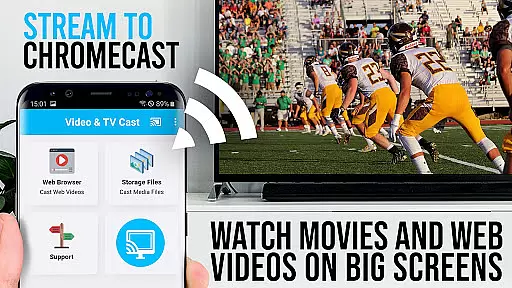
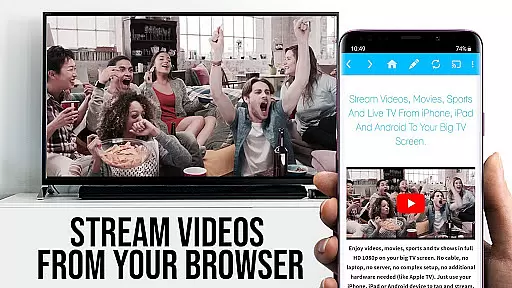
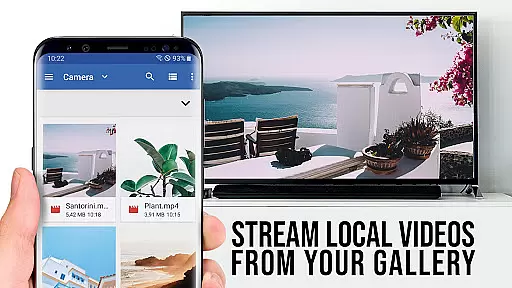
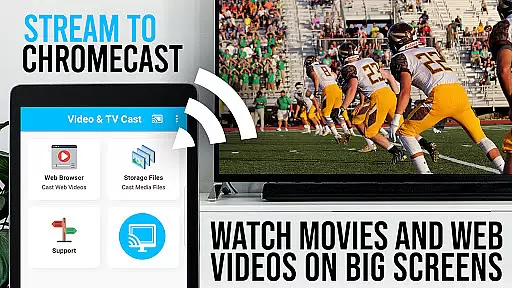
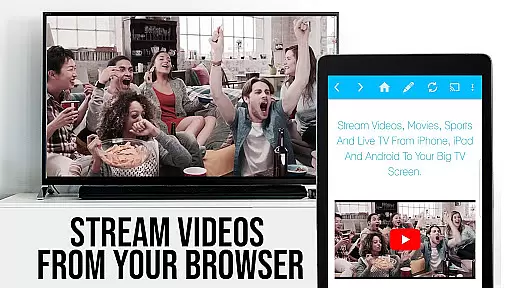
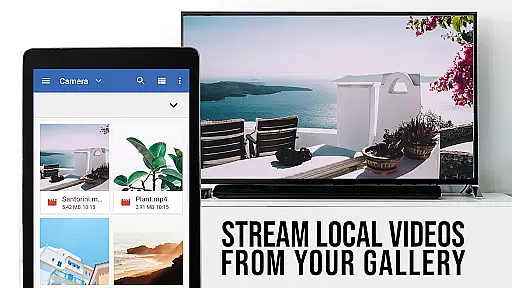
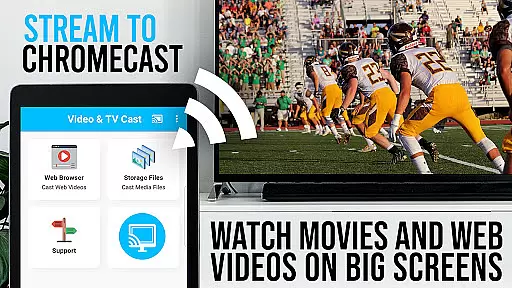
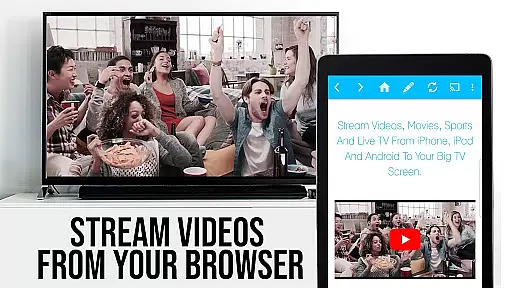
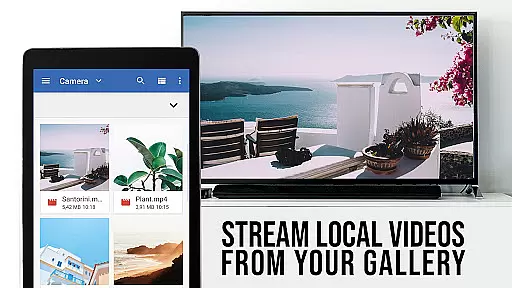
TV Cast Pro for Chromecast is the premier browser app designed specifically for streaming video content to Chromecast-enabled devices. With over 10 million users across Android and iOS platforms, this application allows you to cast web videos, online movies, IPTV, livestreams, and live TV shows directly to your television. Supporting formats like MP4, M3U8, HLS livestreams, and Full HD, it ensures broad compatibility and high-quality playback.
The PRO edition offers all premium features unlocked, providing an enhanced casting experience without limitations. It works seamlessly with all Chromecast devices from Google and Google Cast or Android TV-powered devices. By browsing the web within the app, you can effortlessly discover and cast videos to your TV screen, enjoying a streamlined viewing experience on the largest display in your home.
TV Cast Pro stands out with its comprehensive feature set tailored for seamless media streaming. The app's core functionality lies in its ability to browse the web and cast any discovered video content directly to your Chromecast device. This process is intuitive - simply navigate to your desired website, and with a single tap, send the embedded video to your TV screen. The detected video appears below the browser, ready for immediate casting.
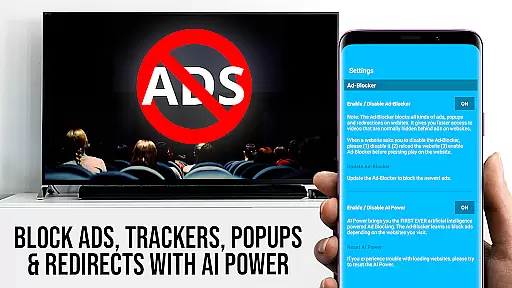
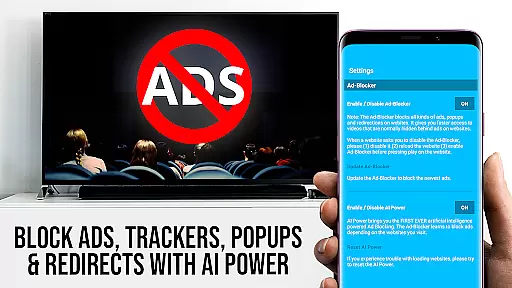
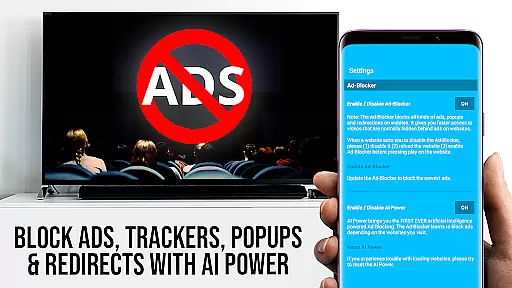
Premium features include the Remote Playbar, which provides advanced video controls such as scrubbing, forward, rewind, play, pause, and stop, all synced across Android and iOS devices. The built-in Ad-Blocker enhances your browsing experience by eliminating ads and popups on most websites. Additional functionalities like Bookmarks, Desktop Mode, and customizable Homepage settings offer users extensive personalization options, making it a versatile tool for all your entertainment needs.
TV Cast Pro for Chromecast excels in offering a diverse range of content, ensuring users have access to the latest web videos, online movies, IPTV, livestreams, and live TV shows. This application supports various formats including mp4, m3u8, hls livestreams, and Full HD, making it versatile for different user preferences.
The app's strength lies in its ability to browse the web and cast any video with a single tap directly to your Chromecast player. By navigating to your favorite websites, you can effortlessly send embedded videos to your TV screen, enhancing your viewing experience with minimal effort.
Moreover, Video & TV Cast keeps its features fresh and up-to-date, providing users with continuous improvements and new functionalities. The PRO edition unlocks all premium features, such as an Ad-Blocker, Bookmarks, Desktop Mode, and more, ensuring that users always have access to the latest tools for an optimal entertainment experience.
User engagement is at the forefront of TV Cast Pro for Chromecast's design. With over 10 million users on Android and iOS, this app has proven its ability to retain users by providing a seamless and enjoyable streaming experience. Its intuitive interface allows users to easily discover and cast videos, encouraging longer usage sessions.
The inclusion of advanced features such as the Remote Playbar enhances user interaction by allowing control over video playback, including scrubbing, forward, rewind, play, pause, and stop functions. These controls are synced across all Android and iOS devices running Video & TV Cast, creating a cohesive ecosystem that promotes prolonged engagement.
Additionally, the app's focus on user safety and satisfaction, evident through minimal permissions and regular updates, fosters trust and loyalty among its user base. By continuously addressing user feedback and adding requested features, TV Cast Pro ensures high retention rates and sustained user interest over time.
User-friendly interface
Extensive format support
Advanced remote controls
Effective ad-blocking
Customizable homepage
No DRM video support
Limited to Chromecast
Device mirroring absent
Occasional connectivity issues
Desktop mode limitations

Tarot & Oracle Card Readings
 4.50
4.50
* Multiple Matches * Intuitive UI * Scoring Made Easy!
4.40
Create, chat & bond with AI souls who truly listen.
4.50
Real ghost box scanner with echo, reverb, EMF, & multi-stream channels.
3.80
Scan sets, track your builds, and enjoy intuitive digital instructions.
4.70
Your choice of 350+ networks plus movies and full TV series on-demand.
3.70
Premium version to enjoy your favorite anime
4.60
Catch the latest episodes of The Voice or live stream NFL games with The NBC App
4.20
World's largest dedicated anime collection
4.70
Colorful flows will relax and calm you down, or get you trippy and creative!
4.90
Live TV, sports & holiday movies — stream on phone, tablet & TV
4.60
Series,Películas y Telenovelas
4.50
Create and play realistic-looking mock Emergency Alert System messages.
4.30
A companion app for the game Elite Dangerous
4.10
Realistic Baby Simulator App
4.00
With the credits you earn play more games
2.90
Unofficial Game Companion App” “Guides • Builds • Tips • Progression
4.4
Simulation of Dashboard / Touch Screen for Tesla. (Works without actual Tesla).
4.2
Disney Stickers: Zootopia 2
4.2


User Reviews