
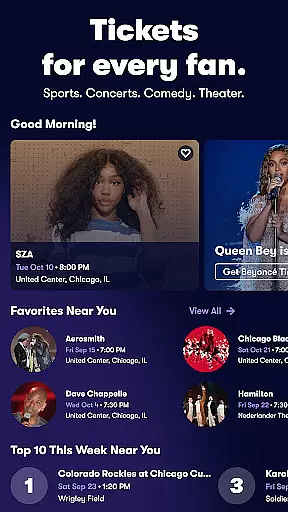
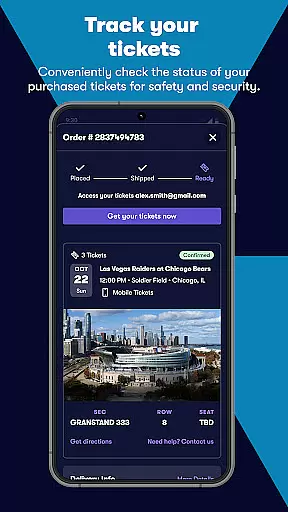
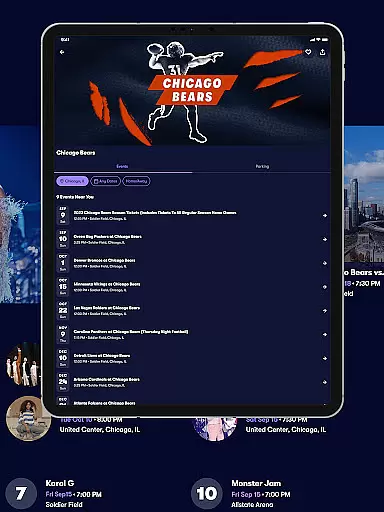
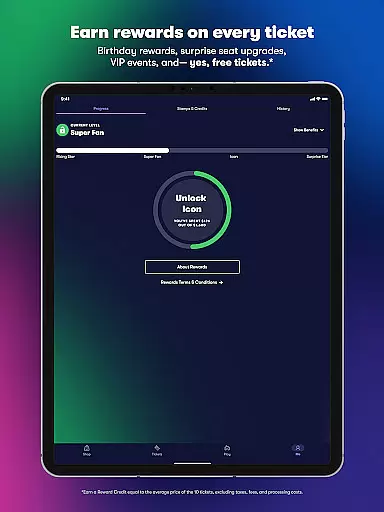
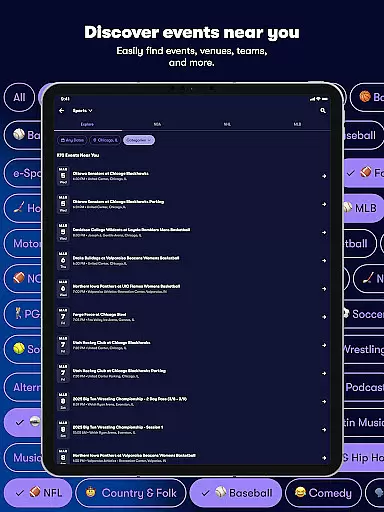
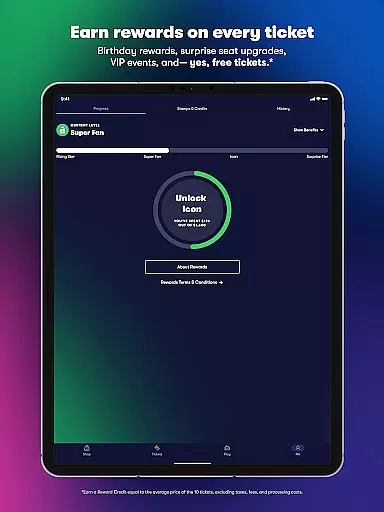
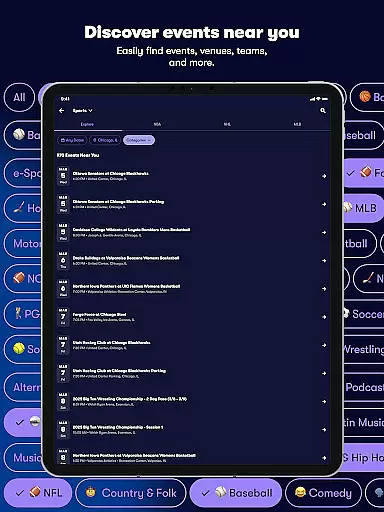
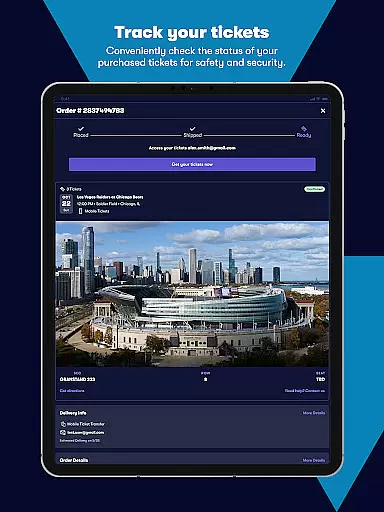
Vivid Seats is a premier mobile ticketing platform designed to empower fans with seamless access to live events. The app provides a comprehensive marketplace for purchasing and selling tickets to top-tier sports games, concerts, and theater performances across the United States. With features like Vivid Seats Rewards, users can earn credit toward future purchases simply by attending more events.
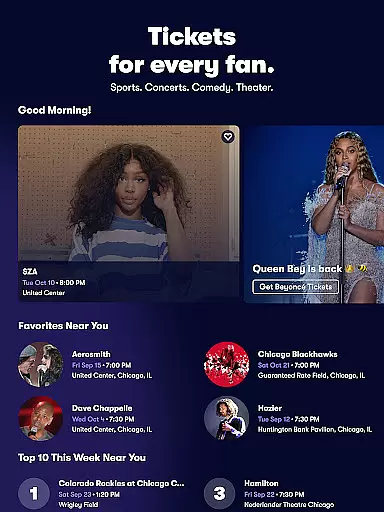
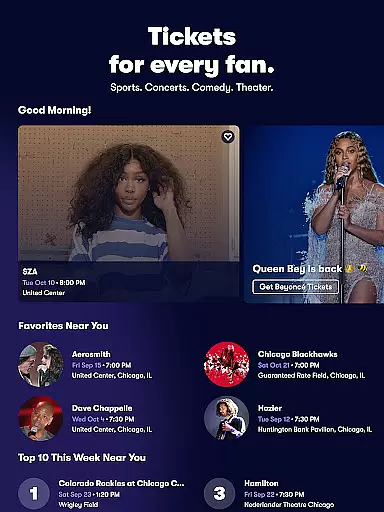
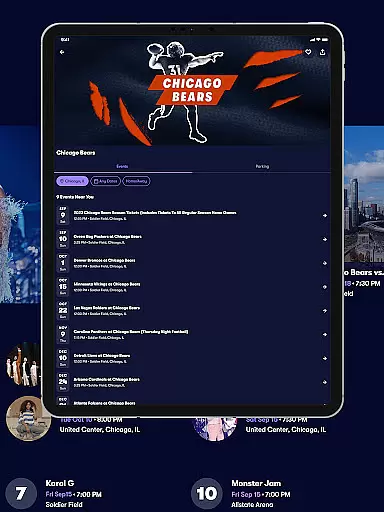
One of the standout capabilities of Vivid Seats is its support for last-minute ticket purchases, ensuring fans never miss out on must-see events. Whether you're looking for NBA, NFL, or MLB games, or hoping to catch your favorite artists like Garth Brooks or Maroon 5 live in concert, this app has you covered. Its interactive seating maps, personalized event recommendations, and secure in-app checkout make it an essential tool for any live event enthusiast.
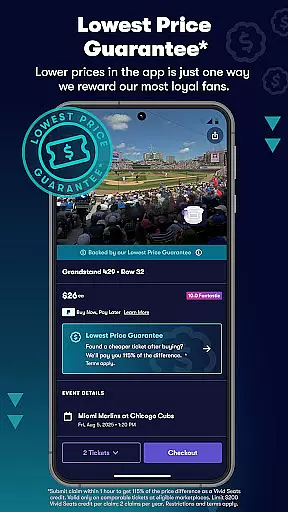
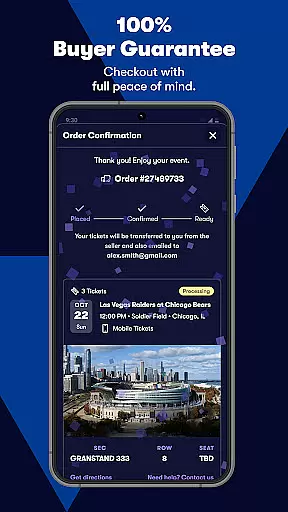
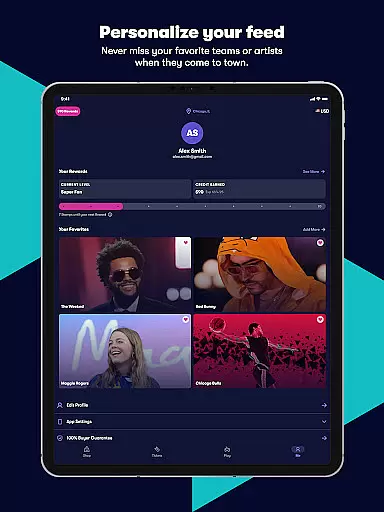
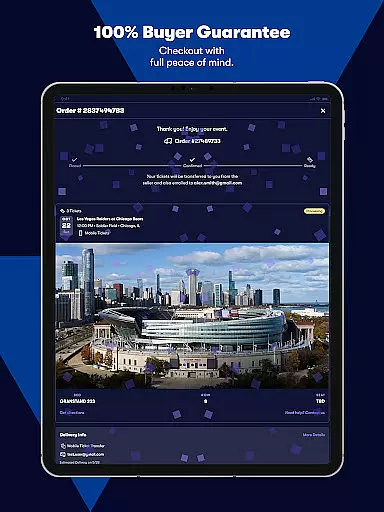
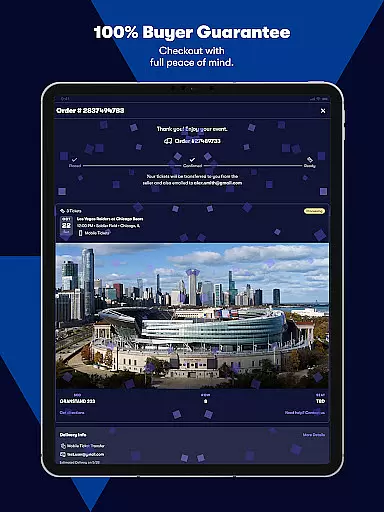
The app's value extends beyond convenience; it offers peace of mind through its 100% Buyer Guarantee and dedicated customer support. By integrating modern functionalities such as mobile e-tickets and Spotify-linked favorites, Vivid Seats ensures that every user enjoys a personalized, reliable, and hassle-free ticket-buying experience.
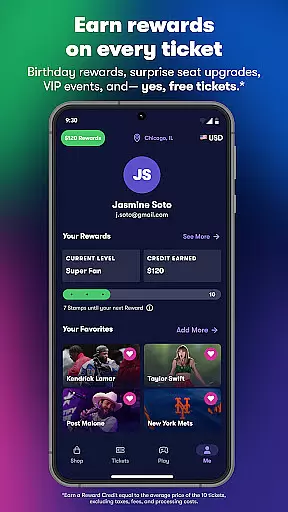
Vivid Seats distinguishes itself through a robust set of innovative features tailored to enhance the ticket-buying process. One of its core functionalities is the Vivid Seats Rewards program, which incentivizes frequent users by offering reward credits after multiple purchases. This creates a compelling reason for fans to return to the app for all their live event needs.
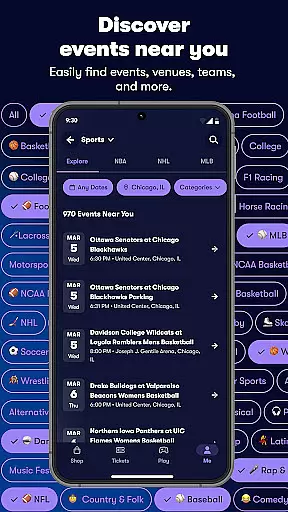
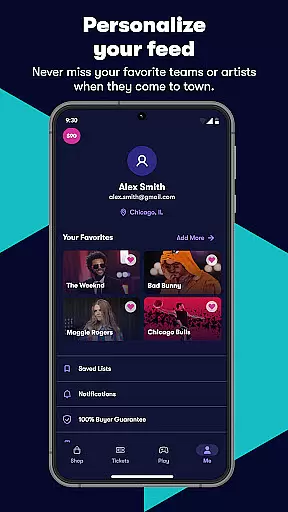
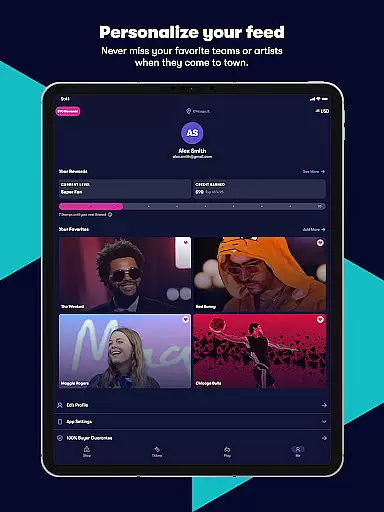
The app also excels in providing practical tools for discovering and securing tickets. Features like interactive seating maps allow users to pinpoint exact sections and rows, while Seat View gives a preview of the sightlines from different areas of the venue. Additionally, the Favorites feature simplifies tracking upcoming events, and Music Scan integrates with Spotify to automatically populate users' preferred performers. These thoughtful touches ensure a highly customized experience.
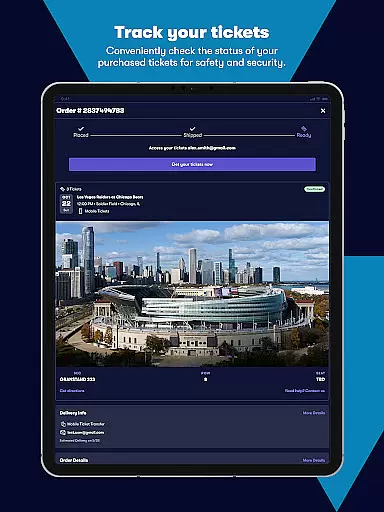
For those seeking spontaneity, the Last Minute Tickets option enables purchases right up until game time or curtain call. Mobile ticket functionality further streamlines entry into venues, eliminating the need for paper tickets. Together, these features position Vivid Seats as a leader in both convenience and user satisfaction within the ticketing industry.
Task creation and detail customization are essential features for any event management app. Vivid Seats allows users to effortlessly create tasks related to purchasing tickets for various live events, including concerts, sports games, and theater performances.
The app provides a detailed customization option where users can specify their preferences such as seating arrangements, price ranges, and event types. This ensures that every task created aligns perfectly with the user's expectations and requirements.
By offering an intuitive interface, Vivid Seats makes it easy for users to adjust details even after the initial task creation. Whether it's changing the quantity of tickets or selecting different sections within a venue, users have the flexibility to modify their plans as needed.
This level of customization not only enhances user satisfaction but also increases the likelihood of securing the best possible tickets for their desired events, making every live event experience memorable.
Reminder settings play a crucial role in ensuring that users never miss out on their favorite events. With Vivid Seats, users can set up personalized reminders for upcoming concerts, sports matches, and theatrical performances they plan to attend.
The app offers flexible reminder options, allowing users to choose when and how they receive notifications. Whether it's a day before the event or just an hour prior, users can customize reminder times to suit their schedules and preferences.
In addition to timing, Vivid Seats supports various notification methods, including push notifications and email alerts. This multi-channel approach ensures that users receive timely updates regardless of their device usage habits.
By providing robust reminder settings, Vivid Seats empowers users to stay organized and informed, enhancing their overall experience and ensuring they are always prepared for their next live event.
User-friendly interface
Wide selection of events
Interactive seating maps
Mobile ticket support
Rewards program
Limited international options
Occasional high fees
No offline mode
Dependent on third-party sellers
Requires account creation

Some connections are better kept private
 4.0
4.0
Rocket Monkey - Space rocket launch schedule for launch sites around the world
4.20
Digital Income Wallet of the Final Libertadores 2025
4.5
Microsoft Ignite is an event that showcases latest advancements in technology
4.00
TV Garden - World Live TV : Play & cast your videos seamlessly!
3.20
Connect with an ecosystem of 5M+ eventgoers and organizers.
4.50
Plan your wedding for free on the go: vendors, budget, website and checklists!
4.80
Buy tickets for any event!
3.90
Discover events & experiences in NYC, LA, Chicago, DC, Miami and more!
4.70
Find EDM shows near you! See your favorite artists live, and discover new music.
4.90
Create invitation cards for birthdays, weddings, Christmas and more.
4.80
Save money on concert, sport, and theater tickets, and discover upcoming events.
4.80
Find tickets to upcoming concerts, sports events, festivals, shows, attractions
4.70
Discover events, experiences, and things to do near you - Anytime, Anywhere!
4.70
Octrober 2025: We've updated the MyGenMobile App with a new look and feel!
4.40
Manage all your events, leads, ticketing, payments and check-ins.
4.30
ETH Mining provides secure way to mine Ethereum & earn ETH in Cloud mining app
3.50
Community for Mods, Addons, Melsaves, Melmods for Melon Playground
4.2
Thanksgiving Wishes, Thanksgiving Stickers & Animated GIF for Whatsapp Stickers
4.1


User Reviews