
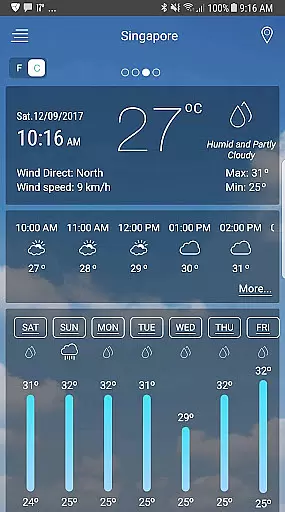
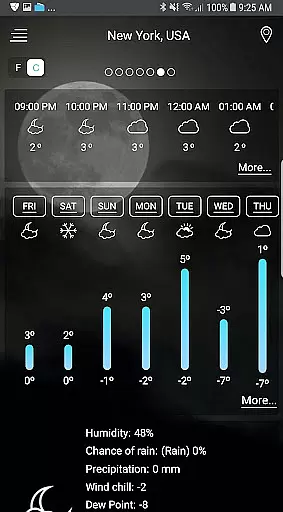
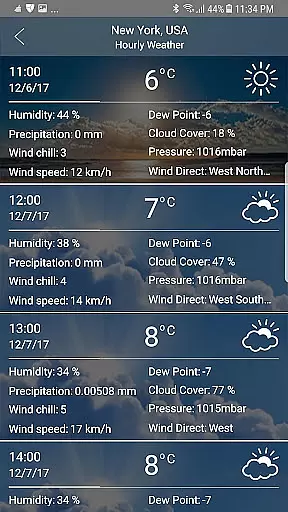
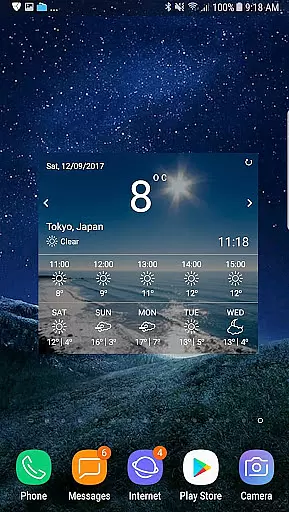
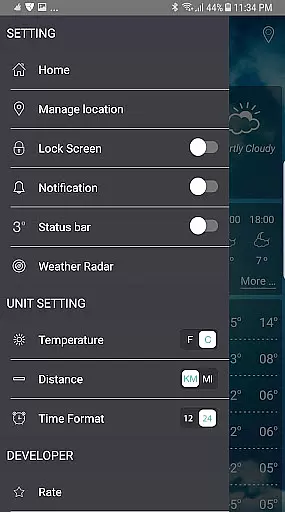
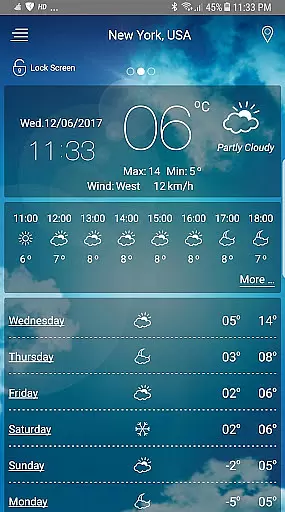
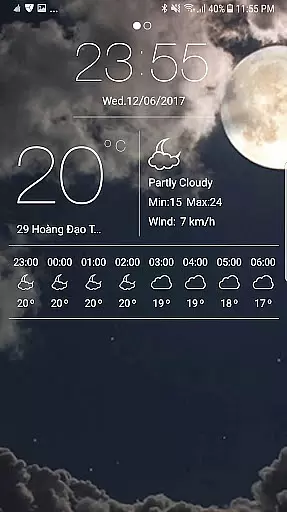
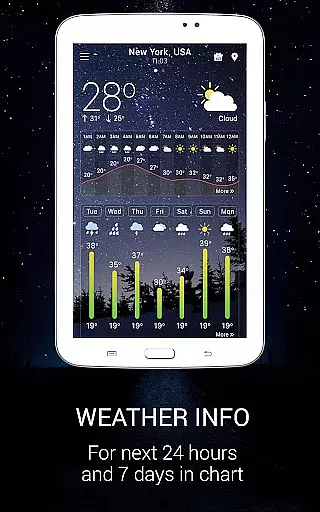
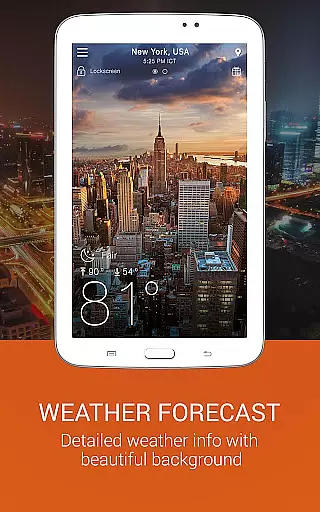
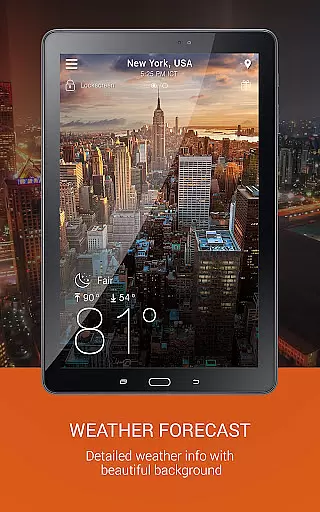
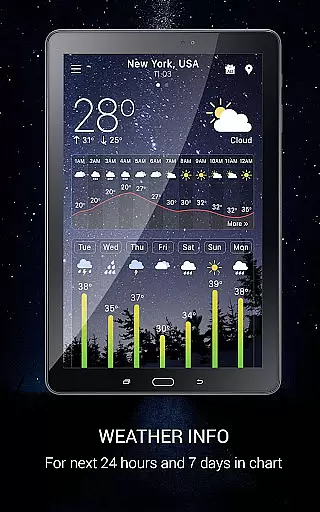
Weather app is a comprehensive weather application that provides users with detailed local and worldwide weather forecasts. The app offers current temperature readings in both Celsius and Fahrenheit, sunrise and sunset times based on city time zones, atmospheric pressure, visibility distance, relative humidity, precipitation in various units, dew point, wind speed, and direction.
In addition to the standard weather information, Weather app also includes advanced features such as animated weather conditions with live background images, hourly and weekly forecasts, storm warnings and notifications, and a temperature converter that switches between Celsius and Fahrenheit. Users can track weather in multiple locations and receive local weather alerts three times a day.
This app is particularly useful for planning trips, work, and daily life activities by providing accurate weather data and predictions. With its user-friendly interface and customizable widgets, Weather app ensures that users have access to critical weather information at their fingertips.
Weather app stands out due to its extensive range of features designed to enhance user experience. One notable feature is the weather map service, which includes radar scopes for rain/snow, temperature, pressure, wind, clouds, humidity, waves, and storm tracking. These maps provide users with a visual representation of weather patterns, making it easier to understand and prepare for changing conditions.
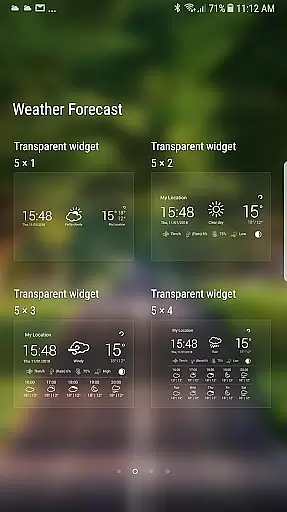
The app also offers beautifully styled weather widgets for Android, including a free weather radar widget and a clock widget. These widgets allow users to customize their home screens with real-time weather updates and stylish designs. Additionally, the app provides an ongoing notification system with a forecast bar, ensuring that users can see the temperature on their Android system bar without opening the app.
Another innovative feature is the wind guru tool, which forecasts wind speed and direction using a wind speed meter and wind finder. This tool is especially beneficial for outdoor enthusiasts and professionals who rely on precise wind data. Overall, Weather app's combination of detailed weather information, visually appealing maps, and customizable widgets makes it a top choice for weather forecasting.
Forecast accuracy and data credibility are crucial elements in any weather application. This app ensures that users receive precise weather forecasts based on reliable data sources, which is essential for planning daily activities or upcoming events.
The Weather app provides detailed local forecasts and global weather predictions. It offers current temperatures in both Celsius and Fahrenheit, along with accurate sunrise and sunset times according to the city's timezone. The inclusion of atmospheric pressure, visibility distance, relative humidity, and precipitation in various units ensures comprehensive coverage of all necessary meteorological parameters.
Users benefit from real-time updates on temperature, humidity, pressure, and wind direction. With ten days of future forecasting and hourly weather predictions, individuals can make informed decisions regarding travel, work, and personal plans. The availability of animated weather conditions with live background images further enhances user experience by providing visually engaging content.
Temporal and spatial forecast range refers to the app's ability to provide accurate weather information across different timeframes and geographical locations. This feature is particularly beneficial for users who need reliable weather data not only for their current location but also for other places they plan to visit.
This Weather app excels in delivering extensive temporal and spatial forecasts. It includes hourly and weekly forecasts, with detailed insights into weather conditions for the next seven days. Additionally, it supports worldwide weather reports, ensuring that users have access to credible weather forecasts regardless of their location.
One standout aspect is the storm warning and notification system, which alerts users about severe weather conditions such as storms, rain, and snow up to three times a day. Furthermore, features like sunrise and sunset times, temperature conversion between Celsius and Fahrenheit, and wind speed measurements in different units enhance the overall utility of the app. These capabilities allow users to track weather changes efficiently and prepare accordingly.
User-friendly interface
Accurate weather data
Customizable widgets
Advanced storm tracking
Comprehensive weather maps
Occasional GPS issues
Ads in free version
Large app size
Limited offline functionality
Complex for beginners

A powerful tool for ultimate weather awareness
 3.50
3.50
The Weather Network TV App - Your weather when it really matters
2.90
Your Personal Weather Assistant
4.00
Your local weather app with storm radar, rain tracker, weather maps & AQI.
4.4
Your ultimate app for accurate local weather information!
4.60
Powerful US and worldwide earthquake feed with earthquake alerts and maps.
4.60
Accurate Weather App: various widgets, real-time storm radar, hurricane tracker.
4.50
Download now and give your smartwatch a fresh, premium look!
4.20
NOAA forecast & radar for your exact location.
4.80
Ultimate Lunar Calendar for 2021!
4.80
Weather - Local weather forecast, weather daily & hourly, weather radar
4.80
Live local weather updates: various widgets & radar maps & hourly forecast.
4.70
Industry leading whitetail movement predictor & hunting app.
4.60
72-hour weather & daily forecasts with extreme weather alerts
4.60
Accurate, beautiful weather with landscapes depicting weather, sky, season.
4.50
Weather forecast & live radar map
4.20
Your Reliable Weather Companion
4.10
Storm Radar, Alerts & Live Weather Forecasts Right on Your Home Screen
3.70
Most precise & accurate compass app give true North South East West directions.
3.00


User Reviews