Get instant weather & temperature predictions right on your Wear OS smartwatch!
 4.3
4.3
An unofficial app version of the National Weather Service (Weather.gov)
3.90
Weather - Local weather forecast, weather daily & hourly, weather radar
4.80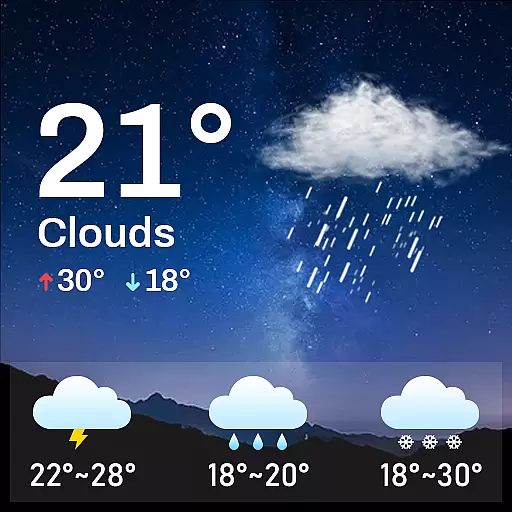
Know the weather earlier.
3.90
Instant weather updates, easy to check anytime on your home screen.
3.50
No ads, No data collected. Beautiful and powerfully customizable weather app
4.90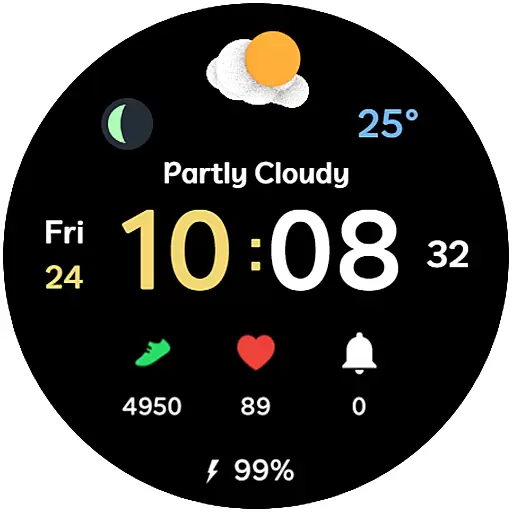
3D Animation Weather Icon
4.00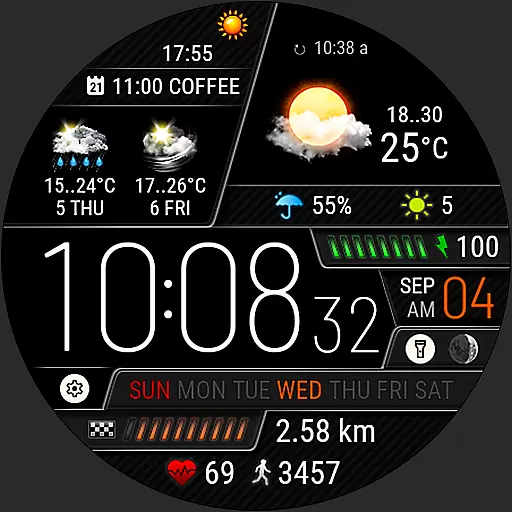
Weather watch face for Wear OS 5+
4.40
Powerful US and worldwide earthquake feed with earthquake alerts and maps.
4.70
Hurricane Tracker, Rain Map
4.80
Weather radar, hyperlocal tracker and weather maps: follow your weather station
4.80
The reliable and trusted global air quality, wildfire, pollen, PM2.5 forecast
4.70
View weather widget and map. Wind direction and speed. Tides times and waves
4.70
Super-res, real-time weather radar. Be prepared for extreme weather.
4.50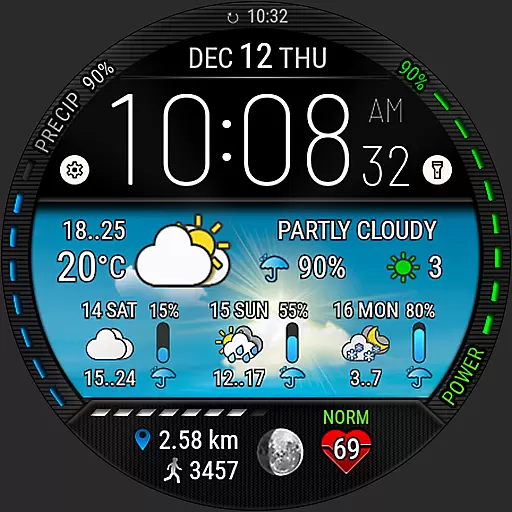
Weather watch face for Wear OS 5
4.40
14-day & 24-hour Forecast | Real-time Alert | Accurate & Fast
4.40
Your Reliable Weather Companion
4.10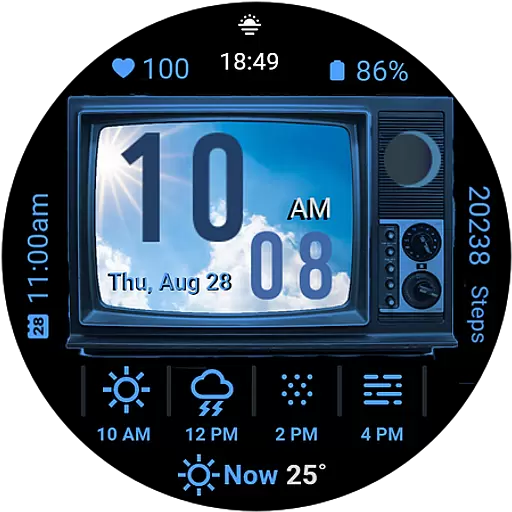
Retro TV-style digital watch face with weather, heart rate, steps & events!
4.1
Quickly check the Hanalei river gauge height during heavy rains on Kaua'i.
4.0


