
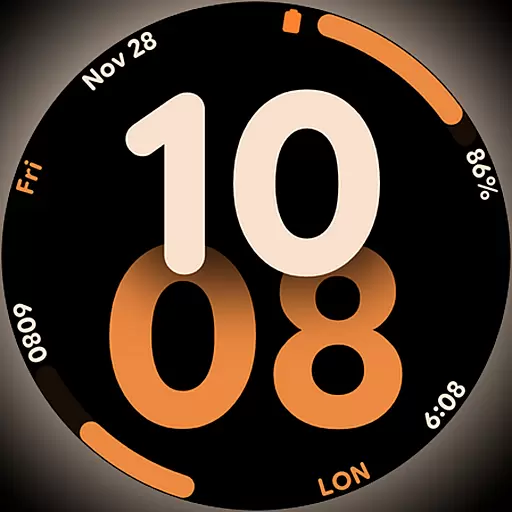
Big bold digital watch face with 30 colors, 6 complications and AOD.
 4.0
4.0
Countdown to Christmas 2025 with festive games & activities in a virtual village
4.80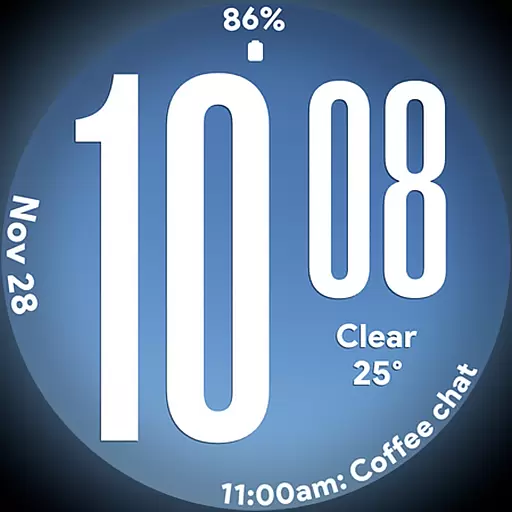
Big bold weather watch face with dynamic backgrounds and 3 complications
4.4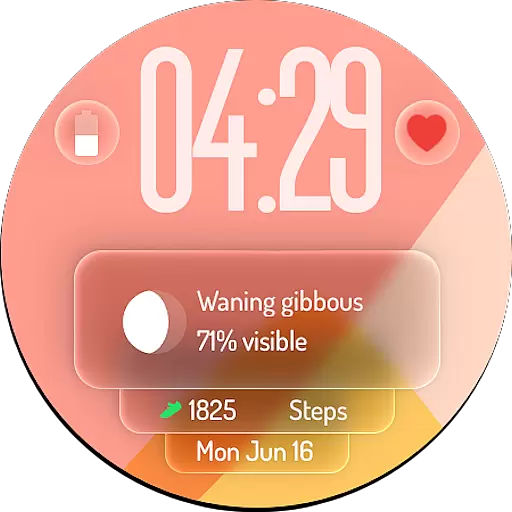
A watch face with transparency and fluid visuals inspired by liquid glass design
4.3
Good magnifier app to see tiny things bigger and more clearly!
4.80
Crochet made easy: step-by-step tutorials, beginner patterns & projects
4.60
My Diary - Daily Journal with lock: Diary journal app and secret diary with lock
4.80
The Miracle Box includes methods used by Steve Huff of Huff Paranormal.
3.20
Control your Tapo smart devices from anywhere.
4.60
Get roadside help, discounts, travel tools & more — AAA is with you everywhere.
4.80
Get the news, events and savings that matter to you with AARP Now.
4.80
A smart Siddur with halachic times
4.60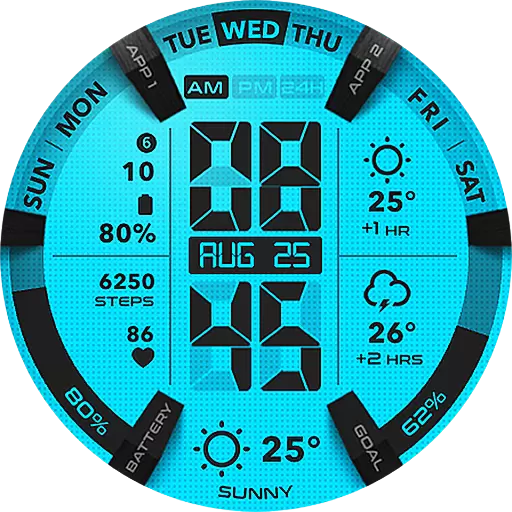
Retro animated weather with hourly forecast Watch Face for Wear OS
4.60
The App can control Roborock vacuum cleaners from anywhere with rich features.
4.60
Earn money & gift cards when you take surveys, play games, scan receipts & more.
4.50
Share opinions, get paid cash
4.30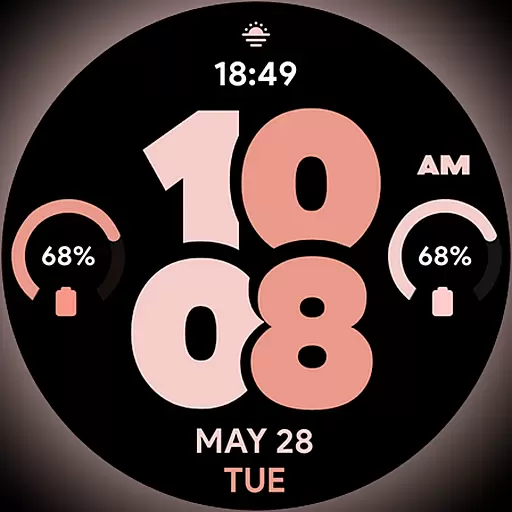
Material You inspired colors with BIG and Bold looks for Wear OS watches.
4.20
View over 160,000 line dance stepsheets from the CopperKnob website.
3.30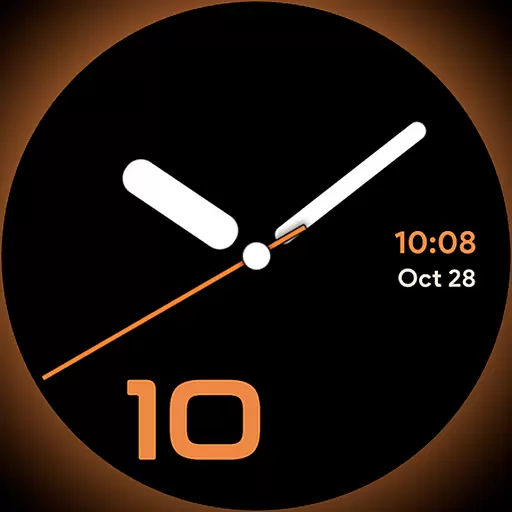
Unique Dark Analog style for Wear OS watches.
4.0


