
Monitor specific TOYOTA parameters by adding this plugin to Torque Pro.
 2.00
2.00
Wonder how much horsepower and torque your car/truck makes? Look no further.
3.40
Launcher for use in the car
4.40
Simplify your drive
3.90
AI Powered - Automotive Mechanic Assistant
4.30
Lexus app currently supports 2010 or newer vehicles (2018 or newer for Hawaii).
4.80
Mobile Phone Parking - So easy to park
3.70
1M+ high-quality auto parts at your fingertips. Fitment guaranteed.
4.70
Available in select states.
4.00
Oil change service & coupons for car maintenance at Valvoline Instant Oil Change
4.70
The ExtraMile App allows you to pay for fuel from the comfort of your car!
4.70
Find Your Local Store or Shop Online for the Car, Truck, or SUV Parts You Need
4.70
Digital Car Key/Launcher, Screen Mirror, Android Dashboard, Remote Wireless Link
4.40
Your Path to Driving Licensing Success Begins Here! Develop your driving skills.
4.40
Secure mobile payments & fuel savings at Phillips 66®, Conoco® and 76® stations
4.40
A smarter way to park and reserve your spot ahead of time.
4.40
Ultimate OBD2 Car Scanner: Diagnostics, Service and Modification Tool
4.30
Monitor your behind-the-wheel behavior to become a safer driver and save.
4.10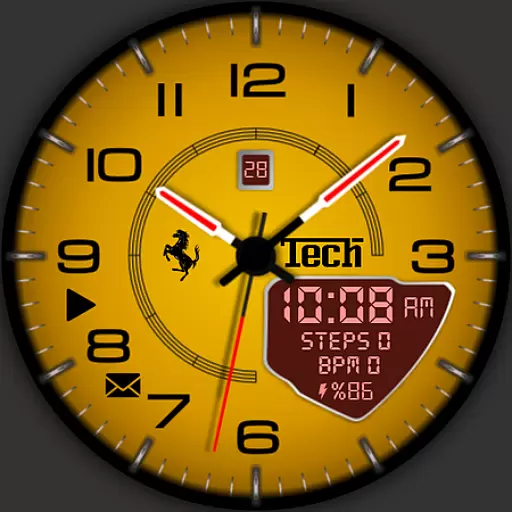
Ferrari inspired analog & digital watch face with quick access and premium style
4.3


