
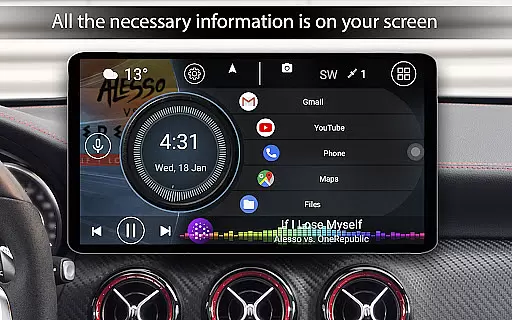
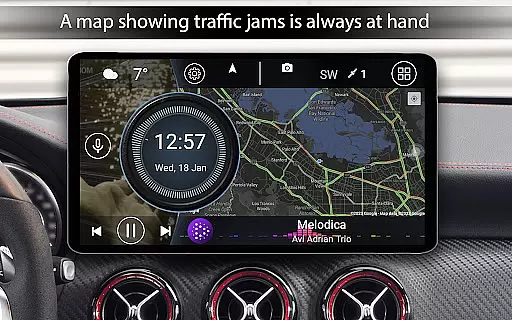
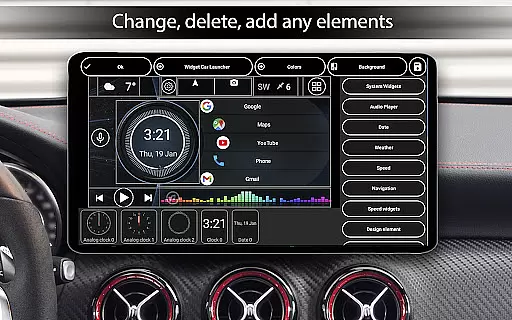
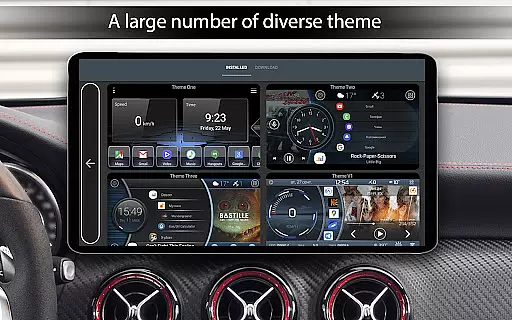
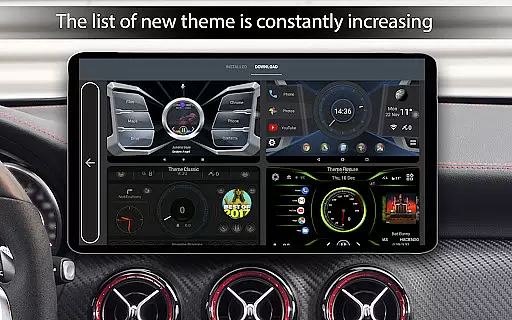
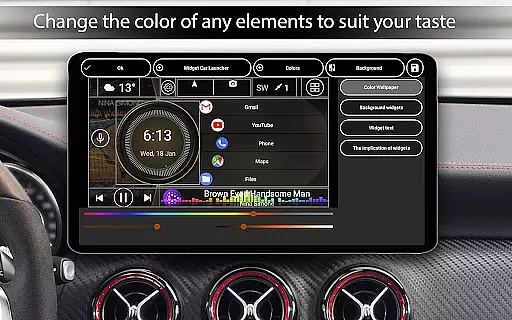
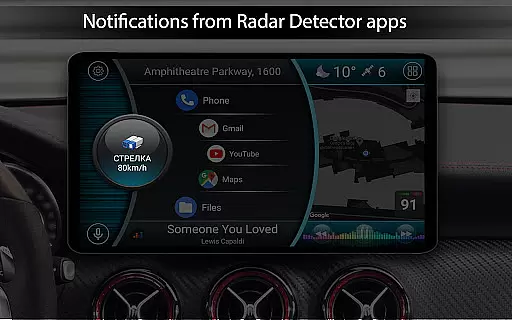
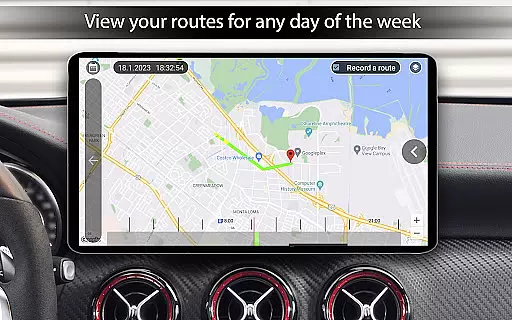
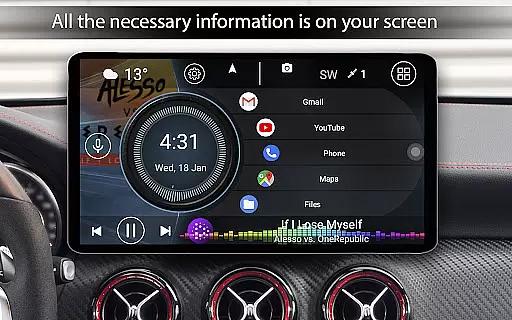

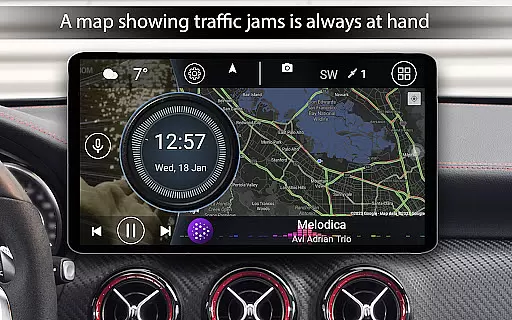
Car Launcher Pro is a specialized application designed for automotive use, enabling users to transform their Android-based car systems into an efficient and customizable interface. The app offers a unique combination of features including GPS-based speed display, trip tracking, and an intuitive app launcher system that works seamlessly on both smartphones and in-car entertainment systems.
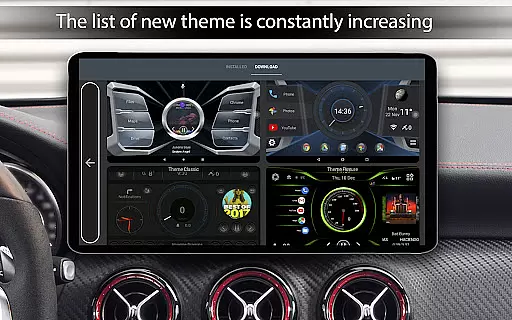
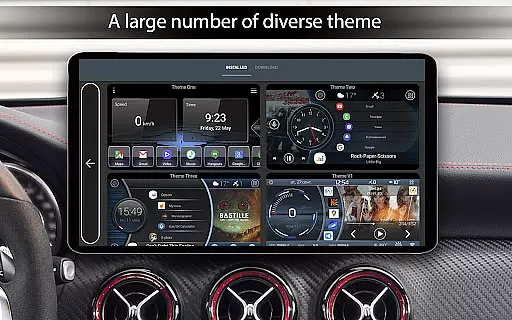
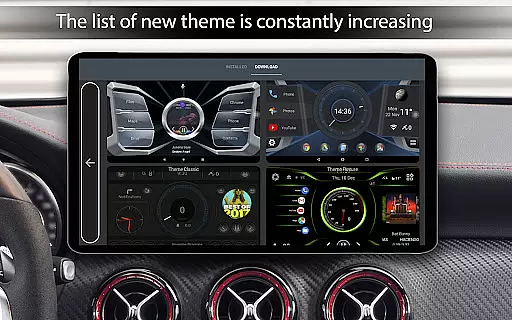
The onboard computer functionality provides detailed driving statistics such as average speed, total mileage, and acceleration times, while the highly customizable interface allows users to tailor the experience to their specific needs. With support for third-party themes, widgets, and players, Car Launcher Pro delivers a personalized and versatile solution for modern vehicles.
This application is particularly useful for drivers who want to optimize their in-car Android devices for safer and more convenient usage while driving. By providing essential driving information and quick access to frequently used apps, Car Launcher Pro enhances the overall driving experience without compromising safety.
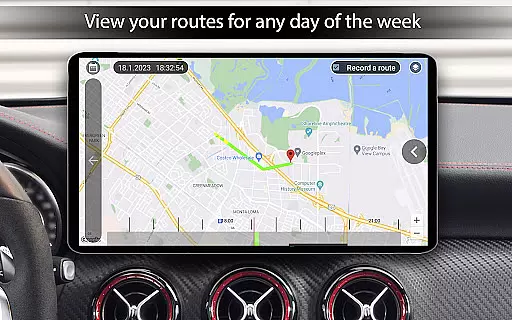
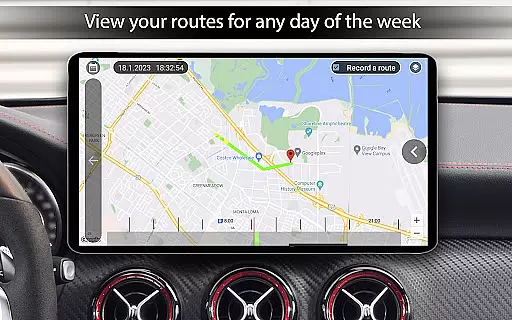
Car Launcher Pro stands out with its comprehensive feature set tailored specifically for automotive environments. One of its key innovations is the integration of an advanced onboard computer that utilizes GPS data to provide real-time speed monitoring and detailed trip statistics. Users can track various metrics including maximum speed, acceleration times, and distance traveled across different time periods.
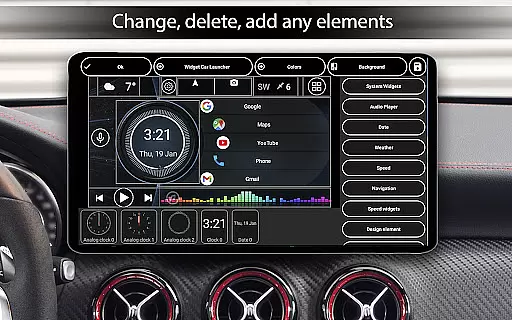
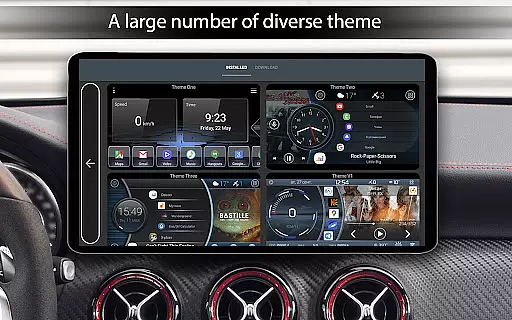
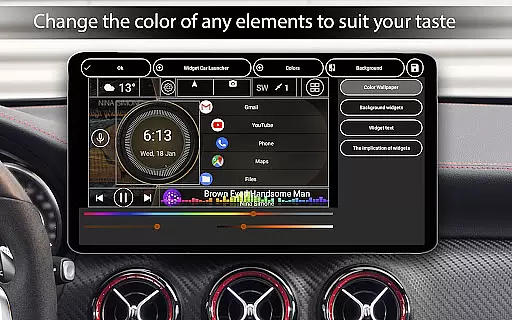
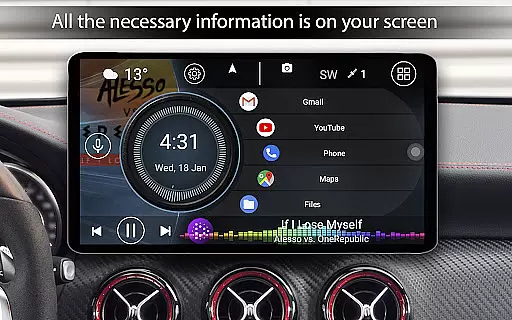
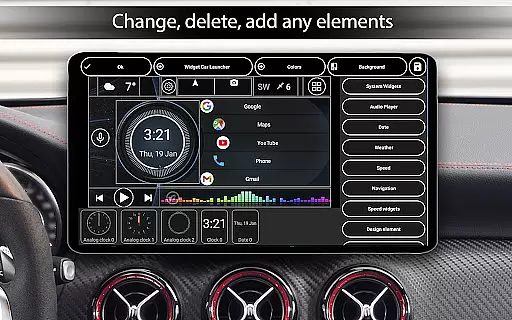
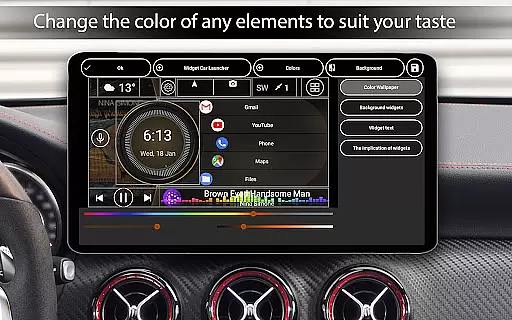
The app's customizable interface allows for complete personalization of the home screen, including theme selection, color schemes, and widget management. The unique slide menu provides quick access to essential functions and driving statistics, while the app drawer offers multiple sorting options and easy deletion functionality. Advanced display settings enable users to adjust brightness automatically based on time of day and customize their screensaver with various fonts and formats.
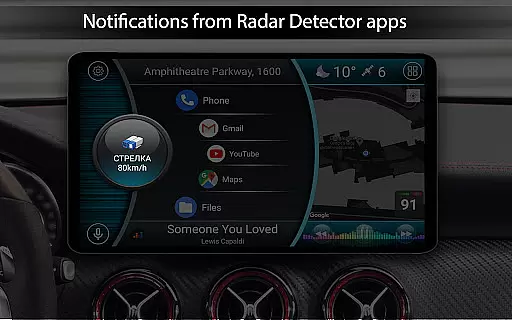
Additional notable features include weather integration, location services, and extensive widget support. The application supports third-party icon packs, custom wallpapers, and system widgets, making it one of the most versatile car launchers available. These features collectively create a powerful tool for enhancing the functionality of Android-based car systems while maintaining user-friendly operation.
Car Launcher Pro provides comprehensive vehicle data tracking, making it an essential tool for drivers who want to stay informed about their car's performance. The application uses GPS data to display real-time speed, distance traveled, and acceleration metrics.
The onboard computer feature offers detailed statistics such as average speed, total operating time, and maximum velocity reached. Users can also access performance benchmarks including 0-60 km/h, 0-100 km/h, and 0-150 km/h acceleration times.
What sets this application apart is its customizable timeframes for data display. Drivers can view statistics for specific trips, daily commutes, or analyze long-term trends across weeks and months.
This level of detailed vehicle information empowers users to make informed decisions about maintenance schedules and driving habits while providing valuable insights for potential vehicle resale.
Unlike many automotive applications, Car Launcher Pro maintains complete price transparency with its clear premium features marked as PRO. The free version offers substantial functionality including basic launcher capabilities and essential vehicle data tracking.
Users can access advanced features through the PRO version, which includes unlimited folder creation for application management and enhanced customization options. The pricing structure is straightforward, with a one-time purchase required for PRO features.
The application's approach to pricing ensures that users understand exactly what they're paying for, with no hidden costs or subscription models. This transparency extends to feature availability, where each PRO feature is clearly marked throughout the application.
This honest pricing policy builds trust with users, knowing they can access valuable automotive data and customization without unexpected charges or complicated subscription terms.
User-friendly interface
Highly customizable
Comprehensive driving stats
Third-party support
Real-time GPS data
Premium features locked
Background GPS drain
Complex setup required
Limited free options
Device compatibility

Easily notify car owners in urgent situations, safe, fast, multilingual.
 4.4
4.4
Taximeter; the professional's choice
4.30
Better fuel to help keep you on the road
3.20
Autolist - The Largest Selection of Local Used Cars and Trucks
4.50
Discover new and used cars in Syria easily! Browse ads and connect with sellers.
3.70
Automotive Electrical Wiring Diagrams
4.40
Take state-specific DMV permit tests and ace the exam.
3.90
Find Fast EV Chargers | Charge Your Vehicle at 1,100+ Fast Car Charging Stations
4.60
Earn and save with Fuel Rewards®
3.20
Take Control of Your Car
4.80
The Texaco App allows you to pay for fuel from the comfort of your car!
4.80
Get more out of your AAWireless adapter with this companion app | aawireless.io
4.80
Instantly redesign your car with AI. From sporty to futuristic, try it all.
4.50
Instant diesel savings. No credit checks or fees. Nationwide growing network.
4.40
myAudi offers users services and Audi connect services for Audi drivers
4.10
ODB2 based monitoring application for the Chevy Bolt (2017-2021)
4.00
OBD diagnostics, Live Data, DPF regeneration for BMW
4.00
BlueDriver® is a Premium Diagnostic OBD2 Scan Tool. www.BlueDriver.com
3.90
PayByPhone: A quick and easy way to pay for parking.
3.80


User Reviews