
Check and Track your Blood Pressure & Heart Rate.
 4.50
4.50
Patient Health Portal
4.20
The Omada app enhances your program experience and helps you stay engaged.
4.50
OKN Strips, OptoDrum, OKN
4.3
Manage your prescriptions and pharmacy care anytime, anywhere.
4.80
Enjoy 200%+ volume booster with bass booster, equalizer and headphone supported.
4.60
Save up to 80% on your pharmacy prescriptions & medications with free Rx coupons
4.70
Over 1,200 review questions and 5 exams—pass the NREMT with EMT Review Plus!
4.10
Secure video appointments
4.50
Spruce is the leading platform for HIPAA-compliant communication and care.
4.90
Be more confident prescribing homeopathy at home for your family.
4.80
Amplify surrounding sounds, conversations, TV or lectures for louder hearing.
4.70
Take your aphasia therapy to the next level with 4 evidence-based advanced apps
4.70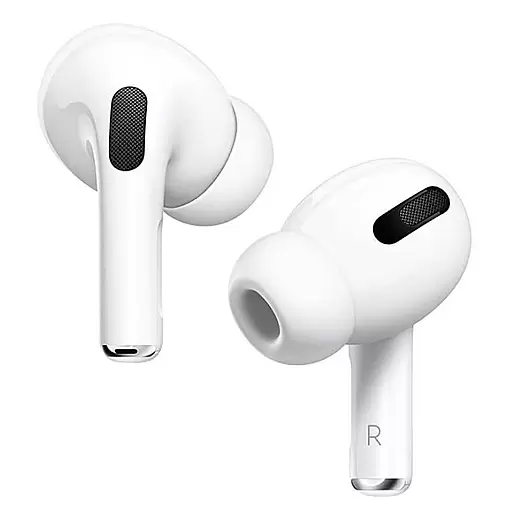
Hear far away sounds, conversations, TV and surrounding sounds more clearly.
4.70
Take on apraxia and aphasia with a powerful video-driven speech therapy app.
4.60
Radiographic Positioning Guide for Medical Imaging Professionals and Students
4.50
Control your hearing aids discreetly with the touch of a finger
4.30
Update medical records, view upcoming appointments, message your provider & more
3.80
Easy access to benefits and rewards
3.70


