
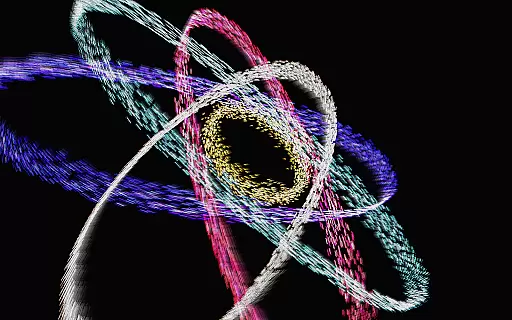
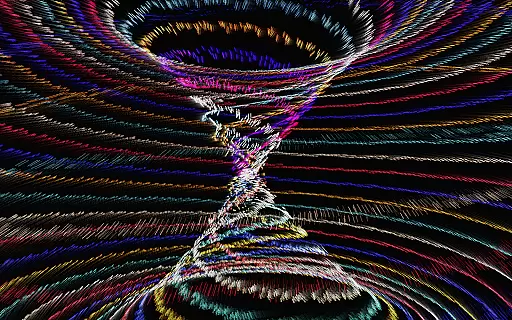
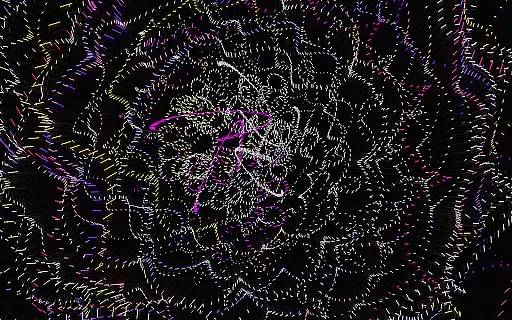
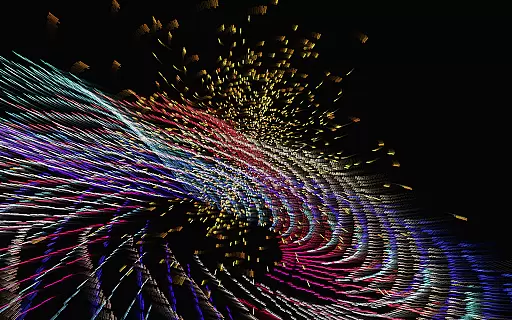
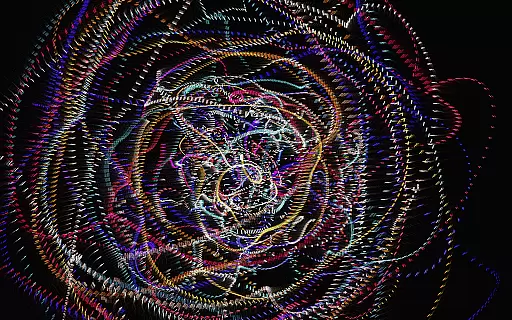
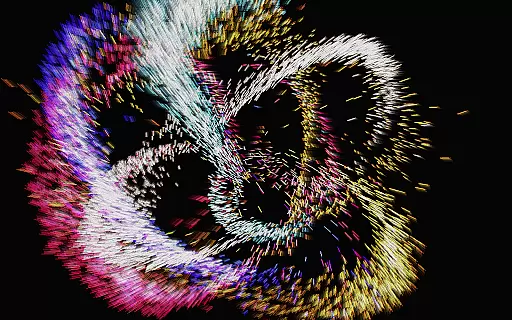
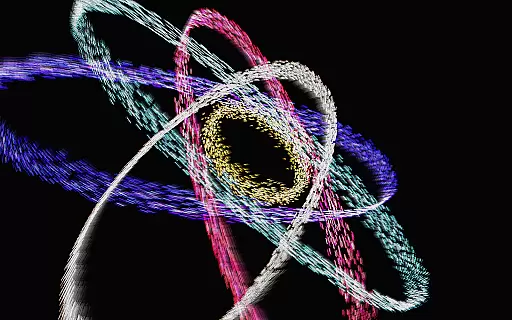
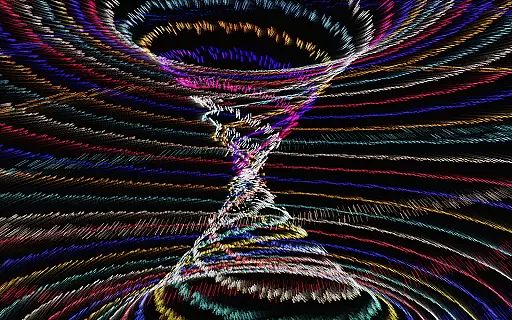
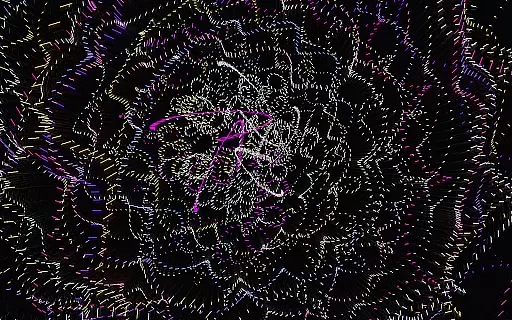
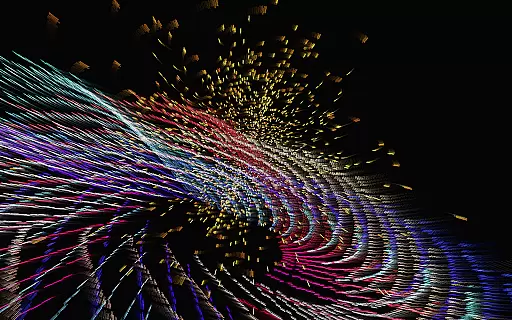
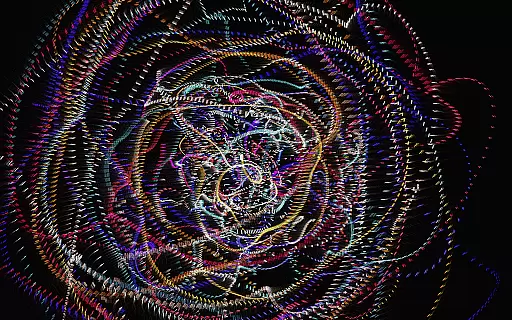
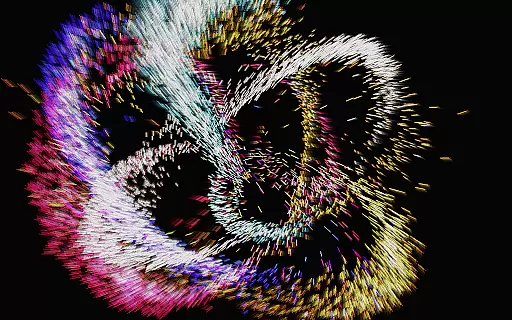
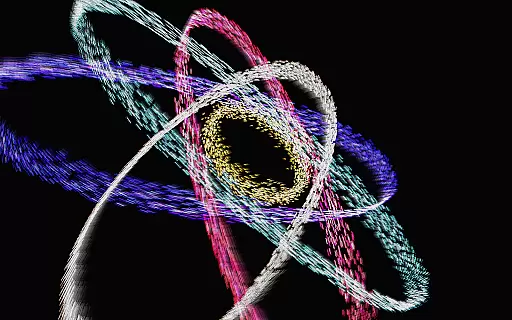
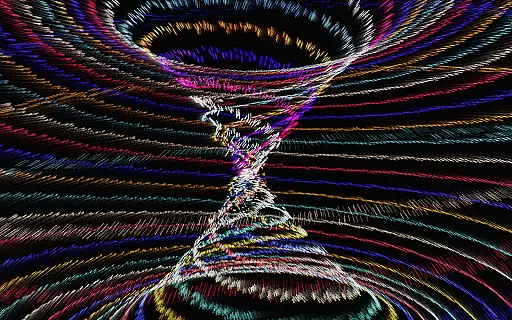
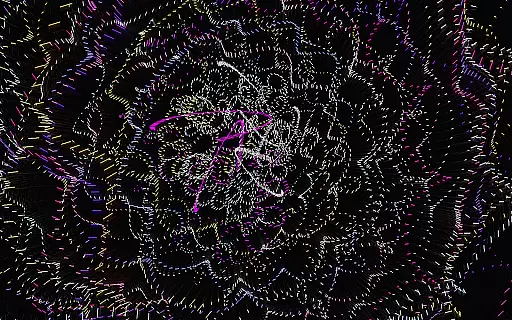
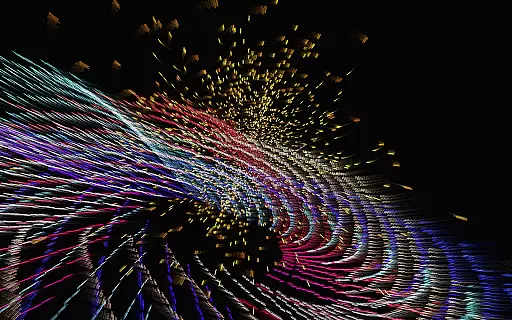
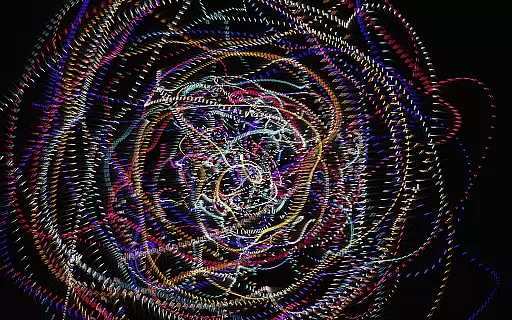
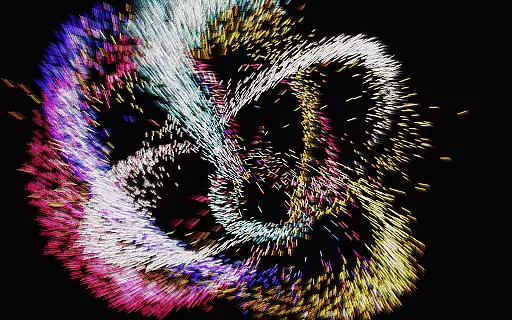
Atomus 3D is a visually stunning interactive application that combines art, science, and entertainment into one dynamic experience. Designed for users who appreciate creativity and innovation, this app offers an immersive journey through mesmerizing visual effects such as fireworks, auroras, and cosmic phenomena. Its foundation in mathematics, physics, and advanced 3D graphics ensures smooth performance at an impressive 60 FPS across all platforms.
With customizable features like particle size, color modes, and live wallpapers, Atomus 3D caters to both casual users and design enthusiasts alike. Whether you're looking for a unique party centerpiece or simply want to unwind with calming visuals, Atomus 3D delivers endless possibilities for personalization and exploration.
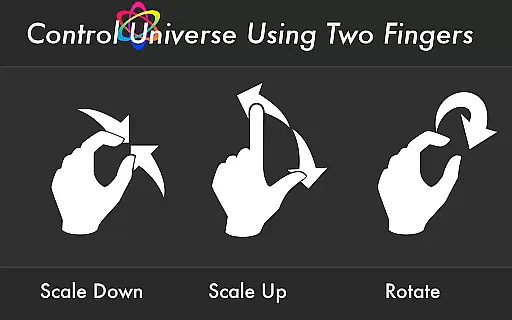
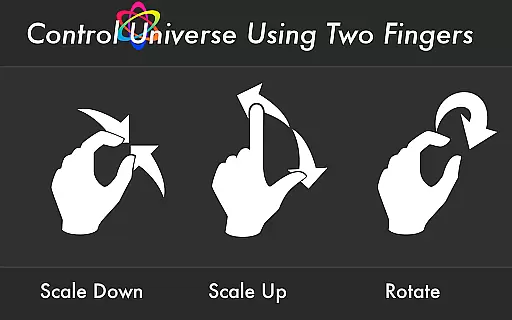
Atomus 3D stands out with its rich feature set designed to enhance user interaction and satisfaction. The app supports 10-finger multi-touch functionality, allowing seamless control over intricate designs. Users can enjoy five selectable music tracks by Ross Bugden, which can be toggled on or off based on preference.
Performance-wise, Atomus 3D excels with the ability to emit up to 10,000 particles while maintaining ultra-smooth rendering at 60 FPS. Customization options include adjustable particle length, number, size, and three distinct color modes—Neon, Crystal, and Nature. Additionally, the app provides live wallpaper capabilities, making it versatile for various use cases ranging from artistic expression to home screen aesthetics.
Atomus 3D offers an impressive array of content that ensures users have a dynamic and ever-changing experience. The app features a wide range of visual elements, from fireworks and auroras to planets and cosmic phenomena, all rendered with advanced 3D graphics techniques.
The application leverages mathematical models and physics simulations to create realistic and engaging visuals. With its neon assembly-optimized rendering system, Atomus guarantees a smooth performance at 60 FPS across all platforms, providing users with a seamless interactive experience.
Users can customize their experience by adjusting particle length, number, and size, as well as choosing from different color modes such as Neon, Crystal, and Nature. This level of personalization allows for endless creativity and exploration within the app's environment.
One of Atomus 3D's strengths is its ability to captivate users' attention and encourage prolonged use through its intricate design and interactive features. The app includes five music tracks by Ross Bugden that can be toggled on or off, adding another layer of engagement to the visual spectacle.
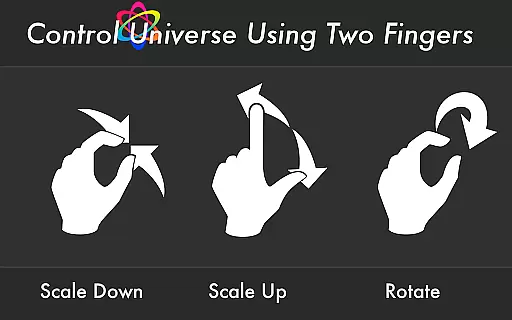
With support for 10-finger multi-touch display, Atomus provides an intuitive interface that makes interaction natural and enjoyable. Users are likely to spend more time exploring the various customizable options available, which in turn enhances retention rates.
Furthermore, Atomus serves not only as entertainment but also as a tool for creative thinking and relaxation. Its versatility means it can be used in multiple contextsu2014whether as a game, toy, party entertainment, or even an interior design elementu2014ensuring that users find lasting value in their investment.
Visually Stunning
Highly Customizable
Smooth Performance
Versatile Use Cases
Innovative Design
Complex Interface
Resource Intensive
Limited Free Features
No Offline Support
Steep Learning Curve

Play games. Earn real rewards. Cash out in 3hours via PayPal or gift cards.
 4.40
4.40
Disney Stickers: Zootopia 2
4.0
Stream Online TV - Watch Live IPTV Playlist & Channel with Built-In Player
4.50
Open-source, fast, simple and powerful IPTV app
4.90
Catalog & tracker of your DVD, Blu-ray & Digital Movie and TV Collection Library
4.80
Stream videos to VIDAA & VEWD TVs from Hisense, Sharp, Skyworth, Vestel & TiVo
3.00
Experience the video editing experience brought by our intuitive interface
4.10
Binaural Brainwave Doses for Every Imaginable Mood
3.60
World's largest dedicated anime collection
4.70
The OFFICIAL PeeWee Purpdrank Soundboard!
4.80
Time tracking, lap counting and much more for Carrera® Digital 132/124
4.80
Wodfix Air aggregates popular online content for you.
4.80
Scan sets, track your builds, and enjoy intuitive digital instructions.
4.70
Triple A is a highly complex, kinetic, and interactive visualizer.
4.50
Chat with AI characters! Anime, games, roleplay & more.
4.50
Earn gift cards for playing games. Become a real game tester!
4.40
Binge-worthy short dramas on DramaRush—engaging stories that fit your day.
3.90
Fool your friends & Family with Fake ultrasound test report
3.60
EVP Recorder / Voice Recorder for ghost hunting, to communicate with ghosts.
4.5


User Reviews