
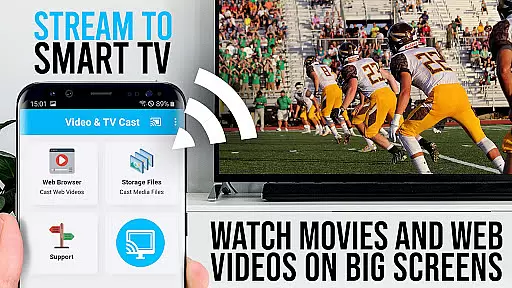
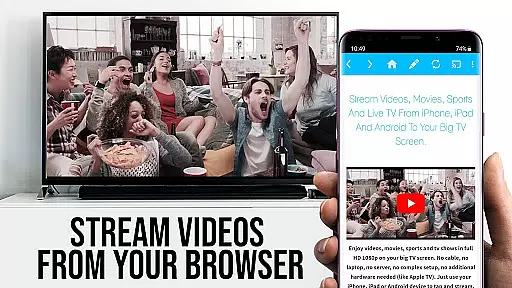
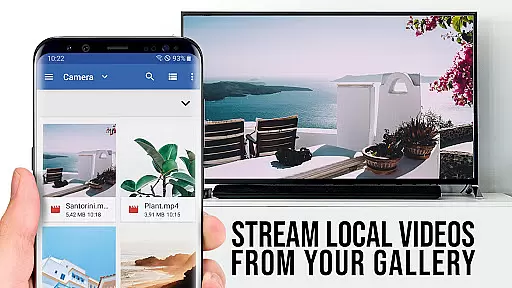
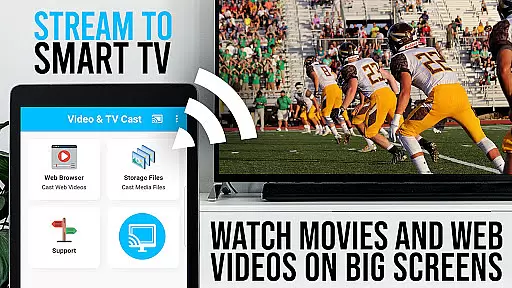
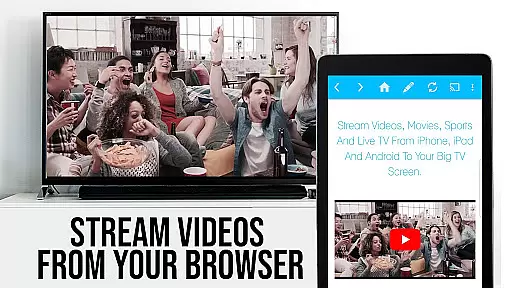
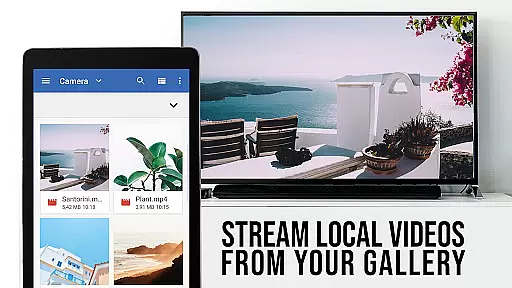
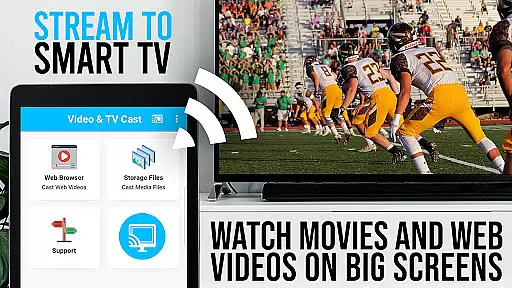
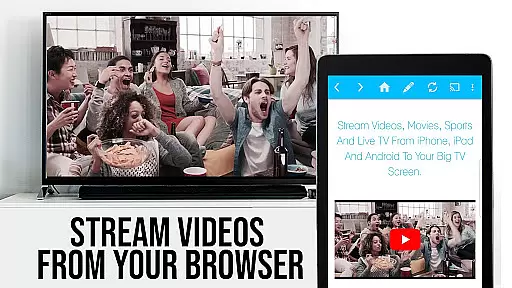
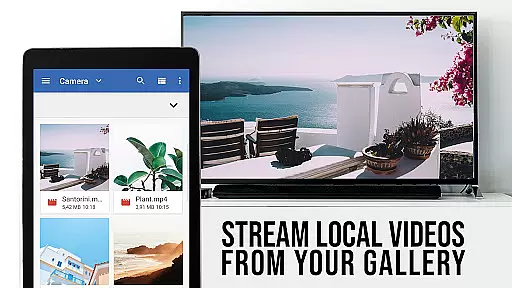
TV Cast Pro for VIDAA & VEWD is the ultimate entertainment solution that transforms your Hisense Smart TV into a versatile streaming hub. This premium application allows users to stream web videos, online movies, live streams, and TV shows directly to their compatible TVs without requiring additional streaming devices. Supporting formats like MP4, M3U8, IPTV, and HLS, it delivers content in stunning Full HD and 4K quality.
The app's standout feature is its seamless integration with VIDAA and VEWD (formerly Opera TV) platforms, making it compatible with smart TVs from top brands such as Hisense, Toshiba, Philips, and more. With an intuitive interface and AI-powered 24/7 support, users can easily navigate websites and cast embedded videos to their TV with just one tap. The PRO edition unlocks advanced features including ad-blocking, desktop mode, customizable homepages, and enhanced video controls through the Playbar.
Ideal for cord-cutters and streaming enthusiasts, this application provides unlimited access to online content while offering superior user control. Whether you want to watch your favorite YouTube channels or stream live sports events, TV Cast Pro delivers a smooth and immersive viewing experience across all supported devices.
TV Cast Pro distinguishes itself through its comprehensive feature set designed for maximum user convenience. The app's core functionality lies in its ability to browse the web and cast any discoverable video content directly to compatible Hisense VIDAA and VEWD Smart TVs. This includes popular streaming formats such as MP4, M3U8, IPTV, and HLS, ensuring broad compatibility with various video sources.
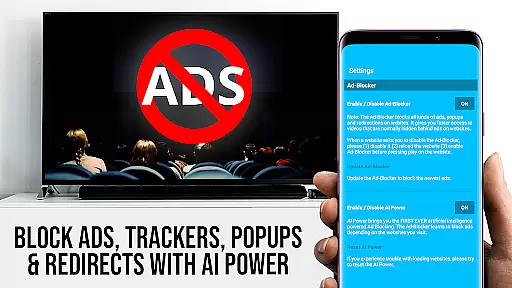
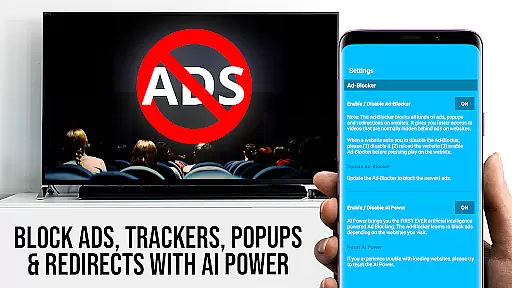
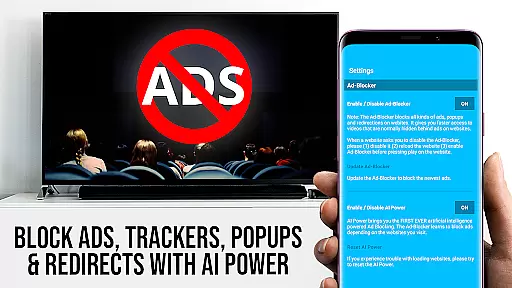
The PRO version offers several premium enhancements that elevate the user experience. The integrated Ad-Blocker effectively removes advertisements and pop-ups from most websites, creating a cleaner browsing environment. Advanced users will appreciate the Desktop Mode feature, which allows loading full desktop versions of websites, though Flash video limitations still apply. The Playbar provides sophisticated video control options including scrubbing, forward, rewind, play, pause, and stop functions.
Additional professional-grade features include unlimited bookmark management, customizable homepage settings, and support for major cable providers across North America. The application maintains an active development cycle, regularly adding support for new video sources and maintaining compatibility with existing ones. These features collectively create a robust entertainment platform that caters to both casual viewers and power users seeking complete control over their streaming experience.
TV Cast Pro for VIDAA & VEWD offers an extensive range of content, ensuring users have access to a diverse selection of web videos, online movies, livestreams, and live TV shows. The app supports various video formats including MP4, M3U8, IPTV, and HLS, making it compatible with numerous smart TVs.
With the capability to browse the web directly from the app, users can discover and cast videos from their favorite websites instantly. This feature not only enhances content variety but also ensures that users are always up-to-date with the latest media available online.
The app's compatibility extends to Hisense TVs and other brands integrated with VIDAA and VEWD (formerly Opera TV), providing a seamless experience across different devices. By supporting Full HD and 4K streaming, TV Cast Pro guarantees high-quality playback without the need for additional streaming hardware.
User engagement is at the core of TV Cast Pro for VIDAA & VEWD, designed to keep viewers hooked with its intuitive interface and powerful features. The app allows users to easily navigate through websites and stream videos with a single tap, significantly reducing the time between discovery and playback.
Advanced functionalities such as the Playbar offer enhanced video control, enabling users to scrub, forward, rewind, play, pause, and stop videos effortlessly. These controls contribute to longer viewing sessions by giving users complete command over their playback experience.
Additionally, the Ad-Blocker feature ensures uninterrupted viewing by blocking ads and popups on most visited sites. Coupled with the ability to manage bookmarks and set a personal homepage, these tools collectively enhance user retention by creating a personalized and ad-free environment tailored to individual preferences.
User-friendly interface
Wide format support
Ad-free experience
Advanced video controls
Regular updates
Limited device compatibility
No DRM support
Separate receiver app needed
Short refund window
Brand-specific functionality

Exclusive creator communities
 4.70
4.70
Exclusive Short Drama Video! All in HD. Bringe trending reels & enjoy drama time
3.80
A wonderful collection of the most beautiful sounds of animals and birds
4.4
Fetch money rewards all just for playing games. Cash out for gift cards in app.
4.50
The Xbox app keeps you connected to your gaming community.
4.50
5 funny and lovely ponies waiting for you to style them!
4.80
Geooh GO is the most feature rich geocaching app available today.
4.50
Connect. Discover. Control.
3.60
Play casual games to get gift cards and money. More playing, more earning.
4.70
Pathfinder 2e initiative tracker with bestiary, HP, reaction, conditions, etc
4.80
Create, chat & bond with AI souls who truly listen.
4.50
Just play games to earn gift cards. Keep playing, keep earning.
4.50
Fire effects for your Philips Hue lights
4.20
Official KennysGifs Stickers
4.20
Binge-worthy short dramas on DramaRush—engaging stories that fit your day.
3.90
NFL, NBA, NHL, MLB, local sports coverage, shows, movies & news!
3.20
Watch everything you want.
2.90
Simulation of Dashboard / Touch Screen for Tesla. (Works without actual Tesla).
4.4
The classic game of rock, paper, scissors
4.0


User Reviews