
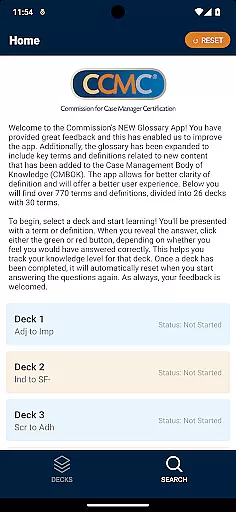
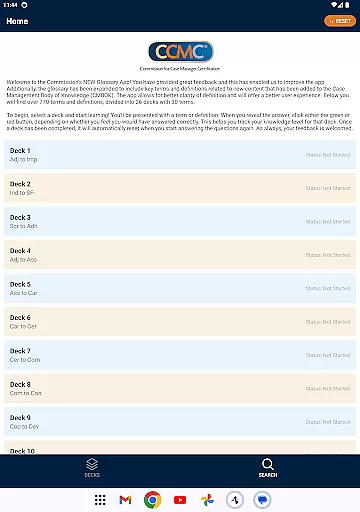
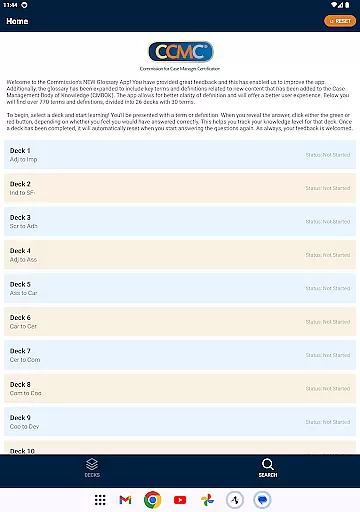
The CCM Glossary App is an educational tool designed to help users master key terms and definitions in case management. With over 770 terms divided into 26 decks, this app provides a structured learning experience for professionals and students alike.
Each deck contains 30 terms, allowing users to focus on specific areas of the Case Management Body of Knowledge (CMBOK). The app tracks user progress through a simple feedback system, helping learners identify areas that need improvement.
This app is particularly useful for those preparing for certification exams or seeking to deepen their understanding of case management terminology. By offering expanded content and improved user experience, it serves as a valuable resource for continuous professional development.
The CCM Glossary App offers several notable features that enhance the learning experience. First, its comprehensive glossary includes new content aligned with the latest updates to the CMBOK, ensuring users have access to current terminology.
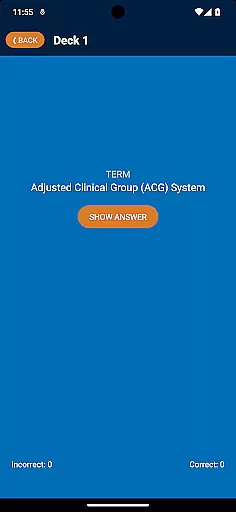
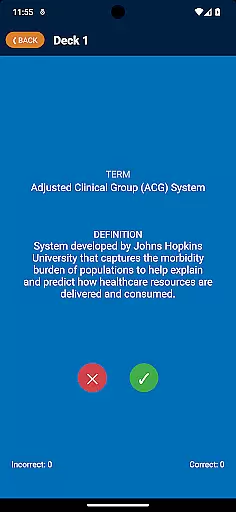
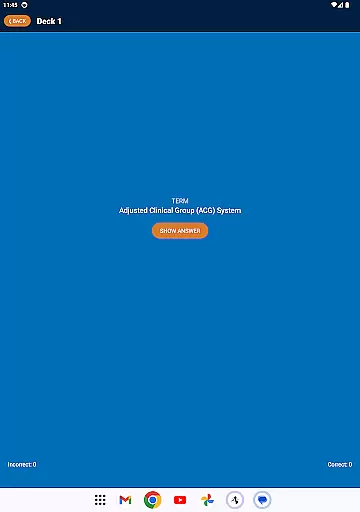
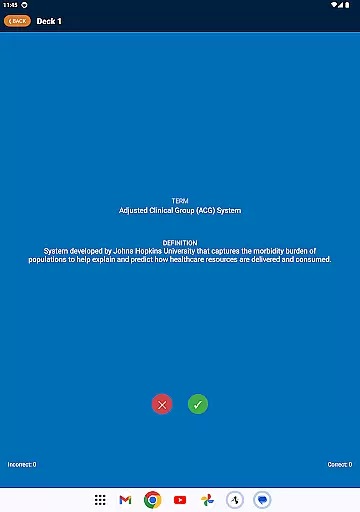
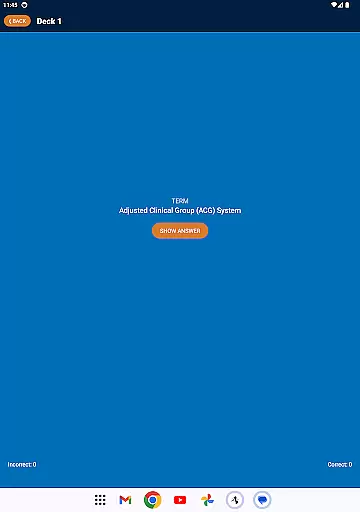
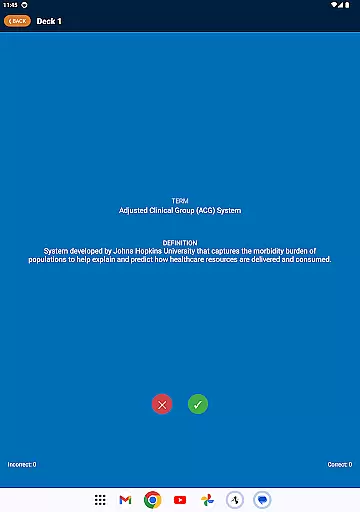
A unique feature is the interactive learning system. Users can test their knowledge by revealing answers and rating their understanding through color-coded buttons. This self-assessment tool helps track progress and identify knowledge gaps.
Additional features include automatic deck reset functionality and organized term categorization. These elements create a seamless learning experience that adapts to different study styles and professional needs.
In the realm of education, content accuracy is paramount. The CCM Glossary App ensures precision by sourcing terms and definitions directly from the Case Management Body of Knowledge (CMBOK). This guarantees that users are learning from the most authoritative and up-to-date information available.
Expert review is an integral part of maintaining content credibility. With feedback from users and constant updates from experts in case management, the app refines its glossary to reflect the latest industry standards. This collaborative approach ensures that all 770-plus terms remain relevant and accurate.
For learners, this means access to verified knowledge that can enhance their understanding and proficiency in case management. The app's dedication to accuracy not only aids in better comprehension but also builds trust among its users who rely on it for professional development.
The CCM Glossary App offers personalized learning paths tailored to individual needs. By dividing over 770 terms into 26 decks, each with 30 terms, users can focus on specific areas they wish to improve or learn about, allowing for targeted educational growth.
An innovative feature within the app is the self-assessment tool. As users engage with a term or definition, they indicate their level of understanding through green or red buttons. This interactive process helps track progress and adapt the learning path according to personal performance and knowledge gaps.
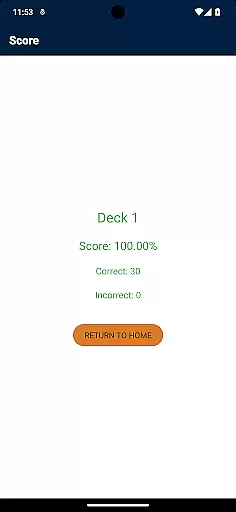
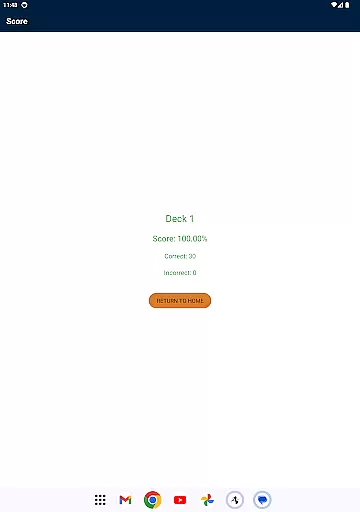
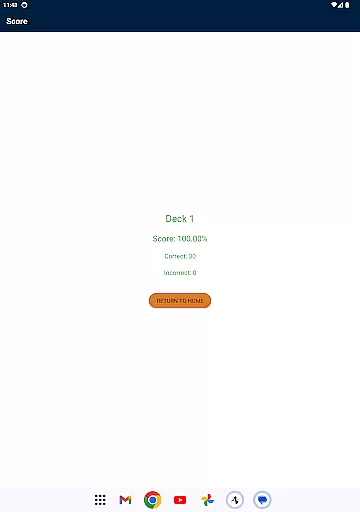
Upon completing a deck, the application resets it, enabling continuous learning and improvement. This adaptive method ensures that every useru2019s journey through the educational content is unique and specifically designed to optimize their mastery of case management terminology.
User-friendly interface
Comprehensive term database
Progress tracking system
Aligned with CMBOK standards
Regular content updates
Limited to case management
No offline functionality
Requires Google account
Interface could be outdated
Occasional bugs reported

Grazing Risk Monitoring Service
 4.0
4.0
Universe simulator: Find & explore planets system, outer space, astronomy events
4.60
Turns you phone or tablet into TI graphing calculator (ROM required).
4.20
Hasbro's Classic Board Game - Make Cavity Sam better or get the buzzer!
3.50
Flashnote Derby is the fun way for kids to learn music notes and memorize them.
3.40
Discover Your Place in the Universe
4.70
An aviator’s preparation, study and test tool for FAA Knowledge Exams.
4.00
Learn to pass DMV permit tests. Driver license practice test 2025.
4.60
Fun, personalized math learning games that adapt to your child’s needs.
4.40
Learning the ancient Viking language made simple
4.70
Gain new skills in 10 minutes
4.70
2026 DVSA Driving Theory Test revision with Hazard Perception + Highway Code
4.60
The Fighter Verses Bible memory system helps you memorize God's Word.
4.50
SkyView®, an augmented reality space app, brings stargazing to everyone!
4.40
For medical training - Visualize complex vein maps and structures in real-time.
4.10
Master note reading with StaffWars….
4.00
FAR/AIM, FAR for Flight Crew and FAR for Aviation Maintenance Technicians
3.80
Make your own game and world. Draw and animate characters
3.70
THE MOST COMPREHENSIVE JUMPMASTER STUDY RESOURCE AVAILABLE.
3.40


User Reviews