
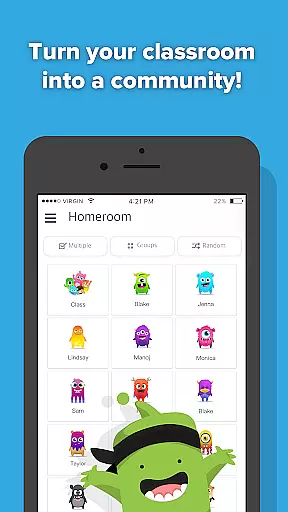
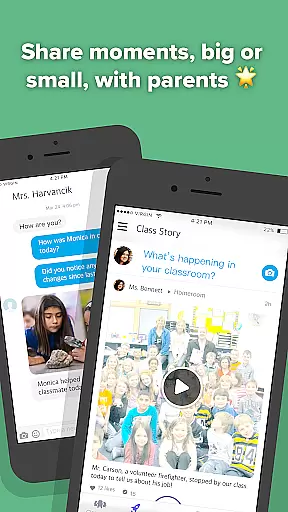
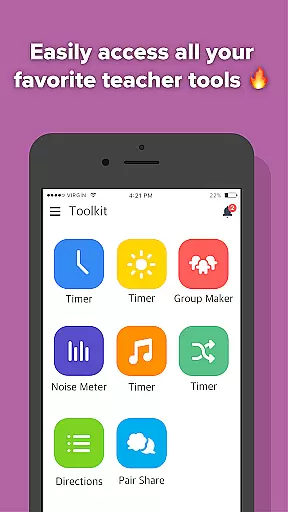
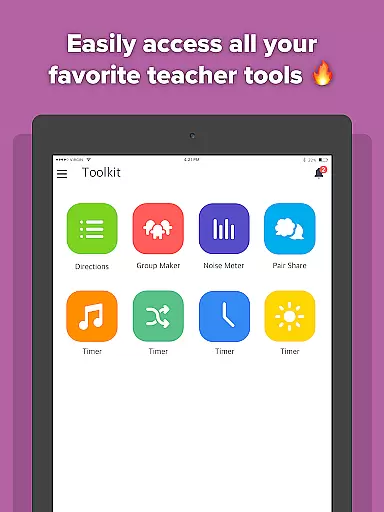
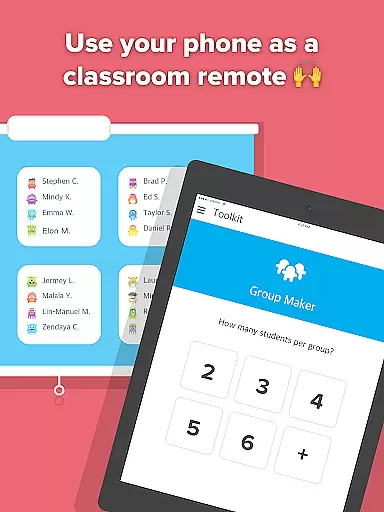
ClassDojo is an innovative educational app designed to foster a collaborative classroom environment. This platform enables teachers to effectively communicate with both students and parents, creating a cohesive educational community. Teachers can recognize student achievements in real-time, share classroom moments via photos and videos, and maintain direct contact with parents.
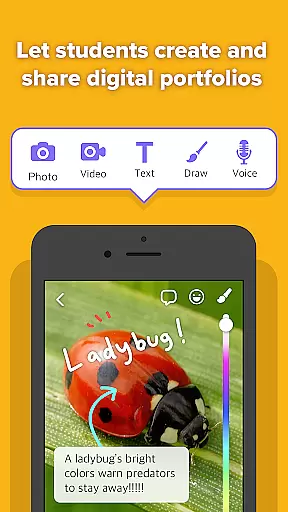
The app also allows students to contribute by uploading their work to personal digital portfolios, accessible to their parents. With additional resources like the Group Maker and Noise Meter, ClassDojo consolidates essential classroom tools into one convenient location. Available across all devices, it ensures seamless integration into any educational setting.
By promoting positive classroom culture and simplifying communication, ClassDojo serves as an invaluable resource for modern education, connecting teachers, students, and parents in over 180 countries worldwide.
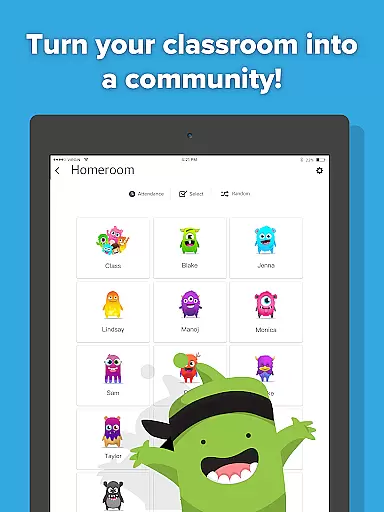
ClassDojo stands out with its comprehensive feature set tailored for educational environments. One of its core functionalities is the ability for teachers to provide instant feedback on student behaviors such as 'Teamwork' and 'Working hard,' fostering a supportive learning atmosphere. The app facilitates parental involvement by allowing teachers to share classroom experiences through multimedia posts and announcements.
Another significant feature is the student portfolio system, where learners can document and showcase their academic progress directly to their parents. Additionally, the secure messaging system enables private and efficient communication between teachers and parents. All these features are accessible on various devices, ensuring flexibility and convenience for users regardless of their preferred technology.
With tools like the Group Maker and Noise Meter, ClassDojo enhances classroom management while promoting engagement and collaboration among students. These capabilities collectively contribute to a more dynamic and interactive educational experience.
In the realm of education, the precision and reliability of content are paramount. ClassDojo stands out by offering tools that teachers can trust to encourage students accurately for various skills such as 'Working hard' and 'Teamwork'. These features are designed based on educational expertise, ensuring that the encouragement and feedback provided align with pedagogical best practices.
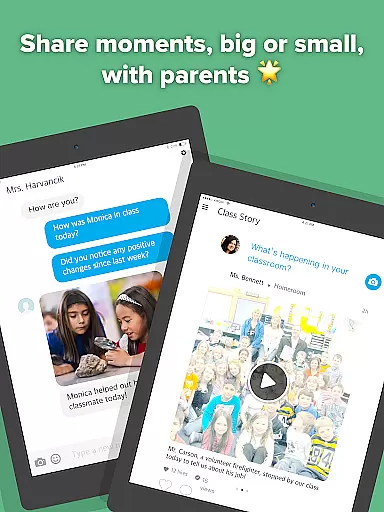
ClassDojo facilitates a collaborative environment where educators can share classroom moments including photos and videos with parents. This direct line of communication is not just about sharing information; it's about sharing verified and meaningful content that enhances the learning experience outside the classroom. The app ensures that all shared materials are appropriate and contribute positively to student development.
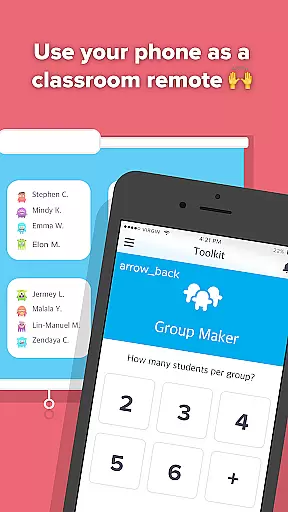
Furthermore, the app consolidates favorite teacher tools like Group Maker and Noise Meter into one platform. Each tool within ClassDojo is vetted for educational value, supporting accurate classroom management and interaction. Teachers can feel confident using these integrated tools knowing they're backed by authoritative educational research and standards.
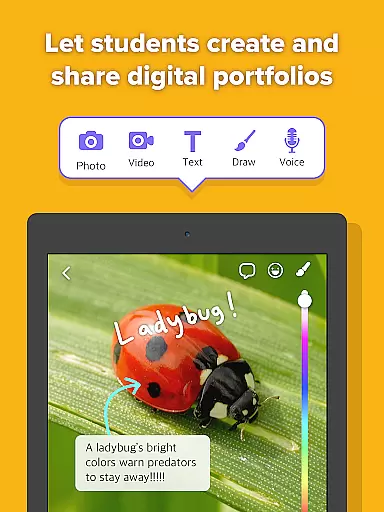
Every student's learning journey is unique, and ClassDojo embraces this by enabling personalized learning paths. Through digital portfolios, students can easily add their classwork, allowing for individualized tracking of progress over time. This feature empowers learners to take ownership of their education while providing parents with clear insights into their childu2019s educational growth.
The ability for teachers to instantly message parents also supports personalization in learning. By maintaining open lines of communication, educators can discuss each student's specific needs and tailor educational strategies accordingly. This ongoing dialogue ensures that learning experiences are adjusted to suit individual paces and styles.
Moreover, ClassDojou2019s support across multiple devices means that personalized learning doesnu2019t have to pause when moving between home and school environments. Whether accessed via tablets, phones, computers, or smartboards, continuity in personalized education is maintained, making sure every learner receives consistent support tailored just for them.
User-friendly interface
Real-time communication
Encourages positive behavior
Supports parental involvement
Accessible on multiple devices
Limited advanced analytics
No offline functionality
Dependent on user engagement
Privacy concerns for some
Basic free version limitations

Learn and joke with the Silly Turkey!
 4.4
4.4
Dinosaurs coloring book game. Drawing and painting dinos.
4.50
Designed for Calculator 84 users
4.20
Welcome to the Speak Navajo Language Application - Volume 1
4.50
An interactive enhancement of the Sesame Street classic.
4.50
MONOPOLY JUNIOR brings Hasbro's classic the board game to life.
3.00
Astronomy Guide To Night Sky
4.30
The FE Clock is a way to track sun & moon around the circle of the earth.
4.30
Adventures await with Spider-Man and other Marvel characters!
4.10
AI Language tutor: Speak fluently with Lucy’s personalized coaching
4.70
Stack the States makes learning about the 50 states fun!
4.70
Learn & Speak New Languages
4.70
Universe simulator: Find & explore planets system, outer space, astronomy events
4.60
Professional Award-Winning Astronomy Star Map App With Telescope Control
4.40
FAR/AIM, FAR for Flight Crew and FAR for Aviation Maintenance Technicians
3.80
Explore the City of the Sun in Augmented Reality
3.70
Hasbro's Classic Board Game - Make Cavity Sam better or get the buzzer!
3.50
Study the questions most likely to be asked during the Oral & Practical Exams.
2.80
Pickleball guide complete with illustrated Pickleball drills and helpful info
4.0


User Reviews