
Journey to the world’s oldest rainforest and meet its Indigenous Custodians.
 4.0
4.0
Fun brain twisting challenge with trending Whirlpool Filter.
4.70
Create melty bead designs by numbers, photos or your imagination
4.40
Colorful flows will relax and calm you down, or get you trippy and creative!
4.90
Earn gift cards for playing games. Become a real game tester!
4.40
Your choice of 350+ networks plus movies and full TV series on-demand.
3.70
Stream live TV shows, sports, news, movies & more - all without cable.
3.00
Catch the latest episodes of The Voice or live stream NFL games with The NBC App
4.20
Watch TV shows, movies, and stream Live TV channels without a subscription!
3.80
The OFFICIAL PeeWee Purpdrank Soundboard!
4.80
Stream Live TV, News & Documentaries. Watch Full Seasons with PBS Passport.
4.80
Hand-drawn, cartoon OC creator - original character creator
4.70
Underrated short-drama gems that hit hard and keep your heart hooked.
4.50
Practice and master your ESP and intuition with five mode trainer.
4.20
Fire effects for your Philips Hue lights
4.20
Binge-worthy short dramas on DramaRush—engaging stories that fit your day.
3.90
Music visualizer and party effects for Hue
3.90
Music visualizer and party effects for your Nanoleaf devices
4.2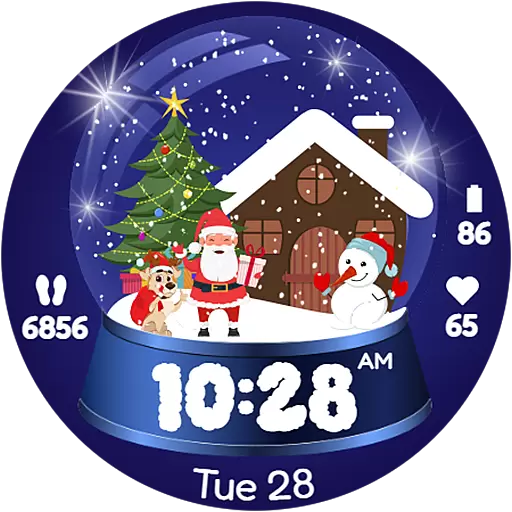
Christmas Globe: Transform your Wear OS device into a festive timekeeper!
4.4


